
1. Introduction
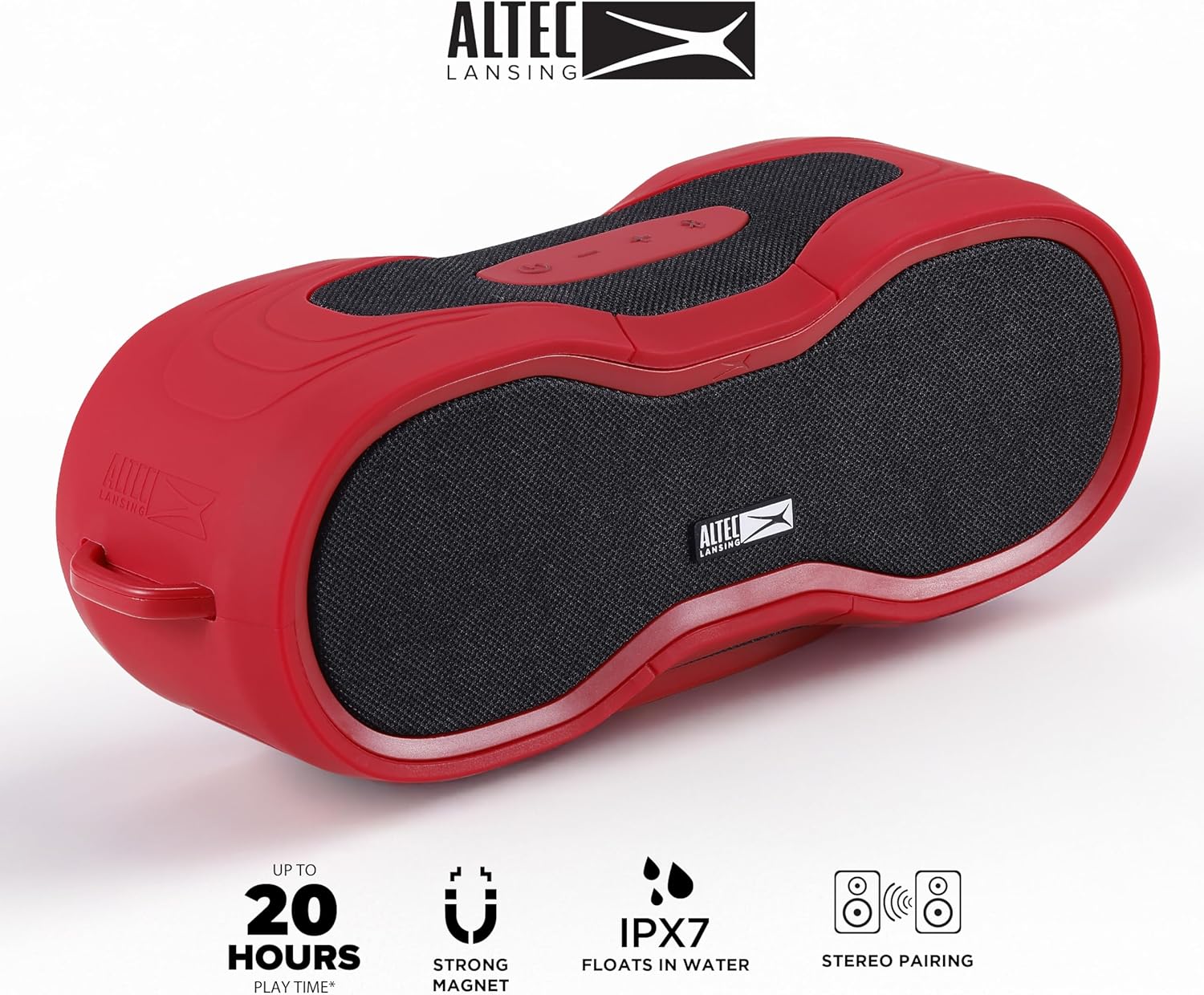
This manual provides essential instructions for the safe and efficient operation of your Altec Lansing BoomJacket XL Wireless Bluetooth Speaker. Please read this manual thoroughly before using the product and retain it for future reference. The BoomJacket XL is a rugged, waterproof, and portable speaker designed for various indoor and outdoor activities, offering extended playtime and versatile mounting options.
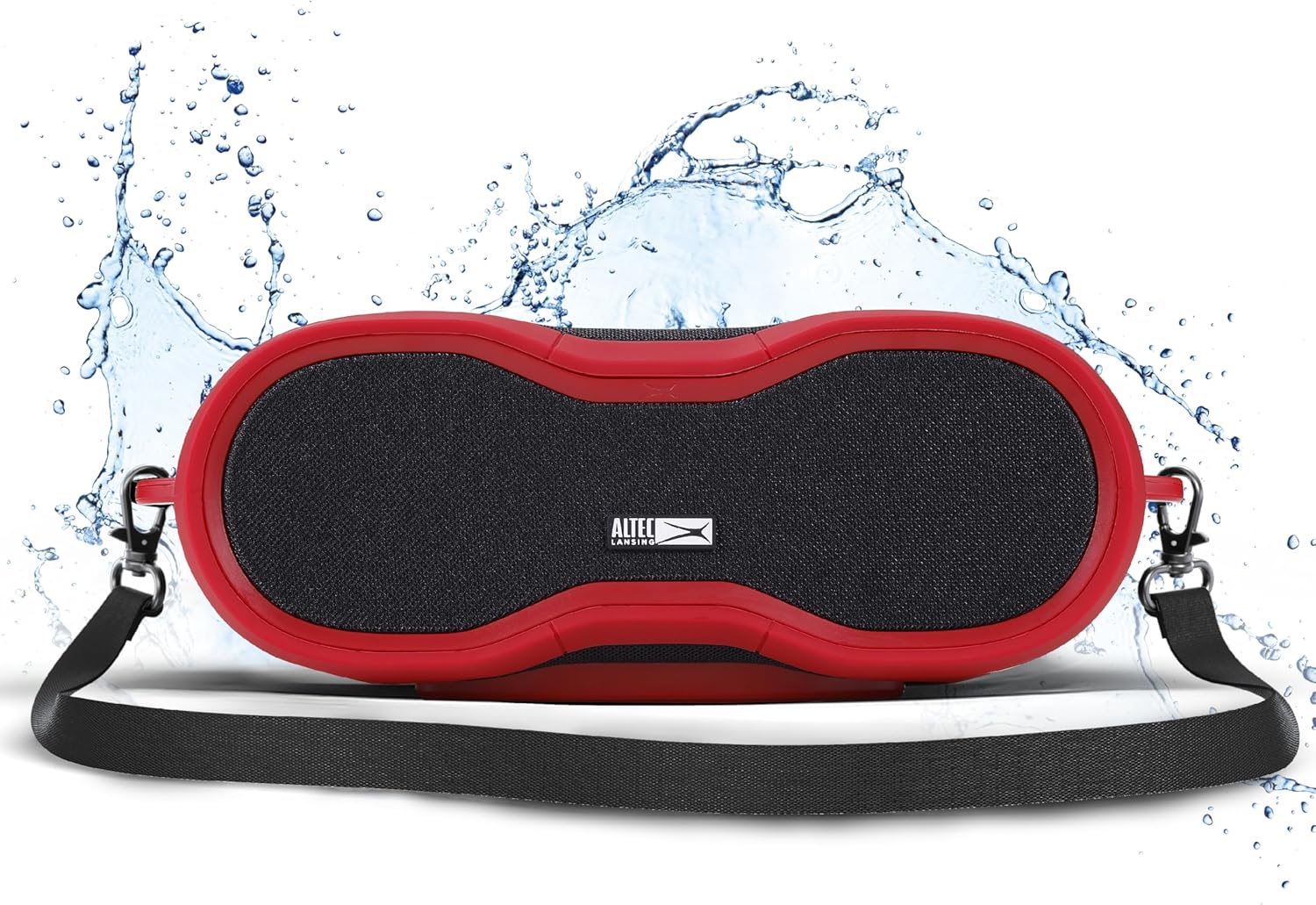
The Altec Lansing BoomJacket XL Wireless Bluetooth Speaker, showcasing its rugged design and included carrying strap, with water splashes indicating its waterproof capabilities.
2. Package Contents
- Altec Lansing BoomJacket XL Wireless Bluetooth Speaker
- Power Cable
- Carabiner Clip
- Instruction Manual
3. Product Overview
Familiarize yourself with the speaker's controls and features.

Top view of the Altec Lansing BoomJacket XL speaker, highlighting the control buttons for power, volume up, and volume down.
Control Buttons:
- Power Button: Press and hold to turn the speaker on or off.
- Volume Up Button: Press to increase volume.
- Volume Down Button: Press to decrease volume.
- Play/Pause Button: Press to play or pause audio.
4. Setup
4.1 Charging the Speaker
- Connect the provided power cable to the charging port on the speaker.
- Plug the other end of the cable into a compatible USB power adapter (not included) or a powered USB port.
- The charging indicator light will illuminate. Allow approximately 3-4 hours for a full charge.
- A full charge provides up to 24 hours of playtime.
4.2 Power On/Off
- To Power On: Press and hold the Power button until you hear an audible tone and the indicator light turns on.
- To Power Off: Press and hold the Power button until you hear an audible tone and the indicator light turns off.
4.3 Bluetooth Pairing
- Ensure the speaker is powered on and in pairing mode (the Bluetooth indicator light will flash).
- On your mobile device (smartphone, tablet, laptop), navigate to the Bluetooth settings.
- Search for available devices and select "BoomJacket XL" from the list.
- Once connected, the Bluetooth indicator light on the speaker will become solid, and you will hear a confirmation tone.
- The speaker has a Bluetooth range of up to 100 feet.
4.4 True Wireless Stereo (TWS) Pairing
To connect two BoomJacket XL speakers for a stereo sound experience:
- Ensure both BoomJacket XL speakers are powered on and not connected to any other Bluetooth device.
- On one speaker (this will be your primary speaker), press and hold the Bluetooth button (if available, otherwise refer to specific model instructions for TWS pairing).
- The primary speaker will search for the secondary speaker. Once connected, you will hear a confirmation tone, and the indicator lights on both speakers will change to indicate TWS connection.
- Now, connect your mobile device to the primary speaker via Bluetooth as described in section 4.3.
5. Operating Instructions
5.1 Basic Audio Playback
- Play/Pause: Press the Play/Pause button once.
- Volume Adjustment: Use the Volume Up (+) and Volume Down (-) buttons on the speaker or your connected device.
5.2 Mounting Options
The BoomJacket XL offers versatile mounting capabilities:
- Magnetic Mount: The speaker features an integrated magnet, allowing it to securely attach to most metal surfaces.

The Altec Lansing BoomJacket XL speaker magnetically attached to a metal pole, demonstrating its magnetic mountability feature.
- Carabiner Clip: Use the included carabiner clip to attach the speaker to backpacks, belts, or other loops for easy transport.
- Built-in Speaker Mount: The speaker includes a built-in mount point for compatibility with various accessories, such as bicycle mounts or tripods.

The Altec Lansing BoomJacket XL speaker mounted on a bicycle handlebar, illustrating its versatile mounting options for outdoor activities.
6. Maintenance
6.1 Cleaning
As an IPX7 rated waterproof speaker, the BoomJacket XL can be rinsed with fresh water if it gets dirty. Do not use harsh chemicals or abrasive cleaners. Ensure all ports are securely closed before cleaning or exposing to water.
The Altec Lansing BoomJacket XL speaker resting on a sandy beach, emphasizing its waterproof and rugged design suitable for various environments.
6.2 Storage
Store the speaker in a cool, dry place away from direct sunlight and extreme temperatures. For prolonged storage, ensure the battery is partially charged (around 50%) to maintain battery health.
7. Troubleshooting
- No Power: Ensure the speaker is fully charged. Connect to a power source and try again.
- Cannot Pair Bluetooth: Make sure the speaker is in pairing mode and within 100 feet of your device. Forget the device from your phone's Bluetooth list and try pairing again.
- No Sound: Check the volume levels on both the speaker and your connected device. Ensure the speaker is properly paired.
- Poor Sound Quality: Move the speaker closer to your device to reduce interference. Ensure there are no obstructions between the speaker and your device.
- TWS Pairing Issues: Ensure both speakers are powered on and not connected to any other device before attempting TWS pairing.
8. Specifications
| Feature | Specification |
|---|---|
| Model Name | BoomJacket XL |
| Item Model Number | IMW5200 |
| Speaker Type | Portable Bluetooth Speaker |
| Connectivity Technology | Bluetooth |
| Wireless Communication Technology | Bluetooth |
| Bluetooth Range | 100 Feet |
| Waterproof Rating | IPX7 |
| Playtime | Up to 24 Hours |
| Speaker Maximum Output Power | 50 Watts |
| Audio Output Mode | Stereo |
| Product Dimensions | 5"D x 11"W x 5.25"H |
| Item Weight | 4.5 pounds |
| Included Components | Power Cable |
| UPC | 021331131645 |
9. Warranty and Support
The Altec Lansing BoomJacket XL Wireless Bluetooth Speaker comes with an extended warranty. For detailed warranty information, product support, or service inquiries, please visit the official Altec Lansing website or contact their customer service department. Keep your purchase receipt as proof of purchase for warranty claims.
Online Support: www.alteclansing.com/support
