
1. Introduction
Thank you for choosing the RCA Wave-54 Wireless Over-Ear Bluetooth Headphones. This manual provides detailed instructions to help you set up, operate, and maintain your headphones for optimal performance. Please read this manual thoroughly before use and retain it for future reference.
2. What's in the Box
- RCA Wave-54 Wireless Over-Ear Bluetooth Headphones
- USB Charging Cable
- User Manual
3. Product Overview
The RCA Wave-54 headphones are designed for a comfortable and immersive audio experience, featuring Hi-Res Audio, deep bass, and noise-cancelling capabilities. They connect wirelessly via Bluetooth 5.3 and offer a foldable design for portability.

Image: RCA Wave-54 Wireless Over-Ear Bluetooth Headphones, showing the overall design and earcups.
3.1 Headphone Components
- Adjustable Headband: For a secure and comfortable fit.
- Padded Earcups: Soft cushioning for extended wear.
- Control Buttons: Located on the earcup for power, volume, track control, and mode switching.
- Microphone: Integrated for hands-free calls.
- USB Charging Port: For recharging the internal battery.
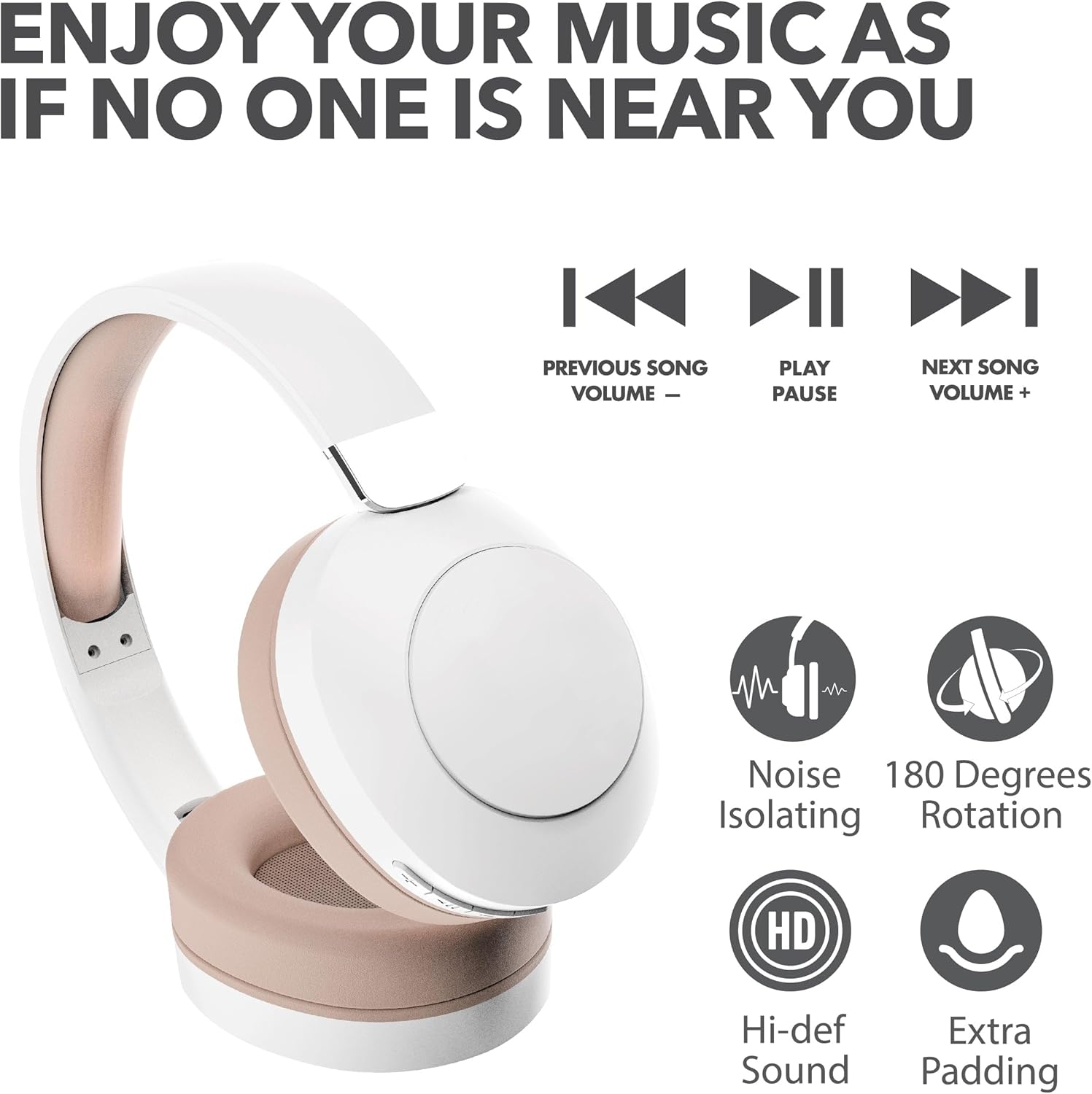
Image: Close-up view of the control buttons located on the earcup, including power, volume, and playback controls.
4. Setup
4.1 Charging the Headphones
- Connect the small end of the USB charging cable to the charging port on your headphones.
- Connect the larger end of the USB charging cable to a USB power adapter (not included) or a computer's USB port.
- The LED indicator on the headphones will illuminate to show charging status. It will change color or turn off when fully charged.
A full charge provides approximately 12 hours of playtime.
4.2 Bluetooth Pairing
- Ensure your headphones are fully charged.
- Press and hold the Power button on the headphones until the LED indicator flashes, indicating pairing mode.
- On your device (smartphone, tablet, laptop), enable Bluetooth and search for available devices.
- Select "RCA Wave-54" from the list of found devices.
- Once connected, the LED indicator will stop flashing and remain solid, or turn off, depending on the model.

Image: The RCA Wave-54 headphones positioned near a smartphone, demonstrating the process of Bluetooth pairing.
5. Operating Instructions
5.1 Power On/Off
- Power On: Press and hold the Power button for approximately 3 seconds.
- Power Off: Press and hold the Power button for approximately 5 seconds.
5.2 Music Playback

Image: A visual representation of the music control buttons on the headphones, indicating functions for previous song/volume down, play/pause, and next song/volume up.
- Play/Pause: Press the Play/Pause button once.
- Next Track: Press the 'Next Song' button once.
- Previous Track: Press the 'Previous Song' button once.
- Volume Up: Press and hold the 'Next Song' button.
- Volume Down: Press and hold the 'Previous Song' button.
5.3 Call Management
- Answer/End Call: Press the Play/Pause button once.
- Reject Call: Press and hold the Play/Pause button for 2 seconds.
5.4 Noise Cancelling / Transparency Mode
The RCA Wave-54 headphones feature both Noise Cancelling and Transparency modes. Refer to the specific button on your headphones (often labeled 'ANC' or a dedicated mode button) to switch between these modes.
- Noise Cancelling: Reduces ambient noise for an immersive listening experience.
- Transparency Mode: Allows you to hear your surroundings while still enjoying your audio, useful for awareness.
6. Maintenance
- Clean the headphones regularly with a soft, dry cloth. Do not use harsh chemicals or abrasive materials.
- Avoid exposing the headphones to extreme temperatures, humidity, or direct sunlight.
- Store the headphones in a cool, dry place when not in use. The foldable design allows for compact storage.
- Do not attempt to disassemble or repair the headphones yourself, as this will void the warranty.
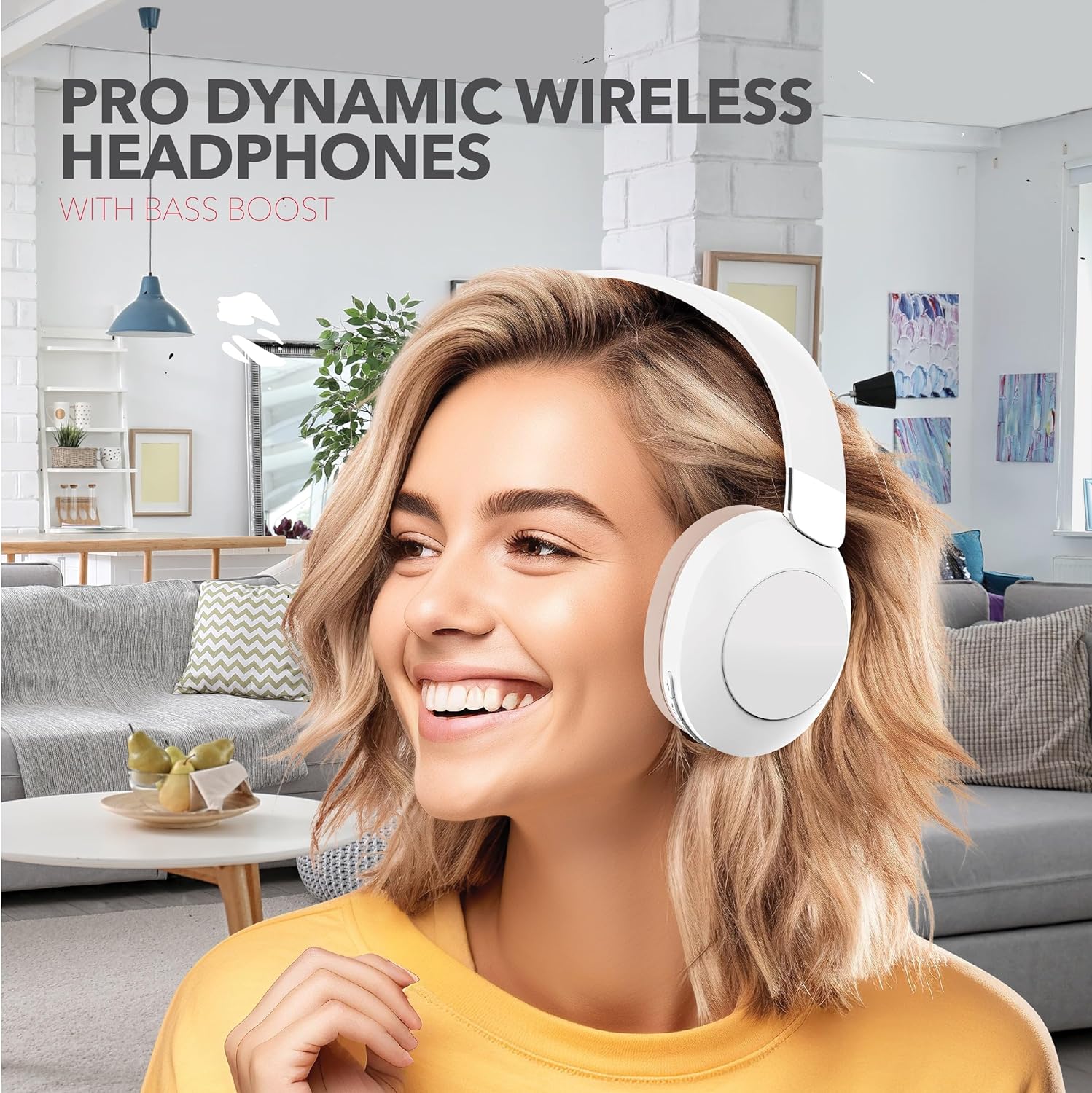
Image: The RCA Wave-54 headphones shown in their folded configuration, highlighting their portable design.
7. Troubleshooting
| Problem | Possible Cause | Solution |
|---|---|---|
| Headphones do not power on | Low battery | Charge the headphones fully. |
| Cannot pair with device | Bluetooth not enabled on device; headphones not in pairing mode; device too far | Ensure Bluetooth is on, headphones are in pairing mode, and within range (approx. 10 meters). Try restarting both devices. |
| No sound | Volume too low; headphones not connected; incorrect audio output selected | Increase volume on both headphones and device. Verify Bluetooth connection. Check device's audio output settings. |
| Poor sound quality | Interference; low battery; device too far | Move closer to the connected device. Charge headphones. Avoid environments with strong Wi-Fi or other Bluetooth signals. |
8. Specifications
| Feature | Specification |
|---|---|
| Model Name | Wave-54 |
| Connectivity Technology | Wireless (Bluetooth) |
| Bluetooth Version | 5.3 |
| Audio Driver Type | Dynamic Driver (40mm) |
| Frequency Range | 20 Hz - 40,000 Hz |
| Battery Life | Up to 12 Hours (Playtime) |
| Noise Control | Sound Isolation (Noise Cancelling + Transparency Mode) |
| Special Features | 180 Degree Rotation, Extra Padding, Faster Charge |
| Dimensions | 7.32 x 2.17 x 7.68 inches |
| UPC | 850068964307 |
9. Warranty and Support
RCA products are manufactured to high-quality standards. For warranty information and customer support, please refer to the warranty card included with your product or visit the official RCA website. Keep your proof of purchase for warranty claims.


