
Introduction
This manual provides detailed instructions for the safe and effective use of your PANOX 8K 360 Action Camera, Model PIP225. Please read this manual thoroughly before operating the device and retain it for future reference.

Image: PANOX 8K 360 Action Camera with included accessories: 128GB Micro SD card, selfie stick, protective case, and remote control.
Setup
1. What's in the Box
- 360 Camera
- Selfie Stick
- Removable Lens Guards
- Micro SD Card (128GB)
- Protect Case
2. Component Identification
Familiarize yourself with the camera's physical components:
- Side Buttons: For quick menu access.
- Power Button: To turn the camera on/off.
- Charging Port: USB-C port for charging.
- Battery Compartment: Houses the removable battery.
- Built-in Speakers: For audio playback.
Video: PANOX V3 basic functions introduction. This video demonstrates the location of side buttons, power button, charging port, battery compartment, and built-in speakers.
3. Battery and SD Card Installation
- Open the battery compartment.
- Insert the battery.
- Insert the Micro SD card into its slot.
- Close the battery compartment securely.
Note: It is recommended to remove the battery before installing the SD card for easier access.
4. Initial Setup and Wi-Fi Connection
- Press and hold the power button to turn on the camera.
- Select your preferred language on the touchscreen.
- Swipe down from the top of the screen to access the Control Center.
- Navigate to "Settings" from the Control Center.
- Connect to a Wi-Fi network by selecting it and entering the password.
Operating Instructions
1. Basic Shooting
The camera features a 3.0" touchscreen for intuitive control.
- Swipe left or right on the screen to adjust the viewing angle.
- Adjust shooting modes from the bottom of the camera interface.
- Adjust shooting parameters (e.g., shutter speed, exposure) on the right side of the camera interface.
- Use the menu at the bottom right corner to set countdown timers, resolution, frame rate, GPS recording, or interval shooting.
Video: PANOX V3 basic functions introduction. This video demonstrates basic camera operation, including adjusting viewing angles, shooting modes, and parameters.
2. Shooting Modes and Features
Split-Screen Dual-Lens Recording
Capture front and rear views simultaneously with two synchronized 48MP lenses. The camera automatically generates split-screen videos, ideal for capturing both first-person and third-person perspectives without post-editing.

Image: PANOX 360 Action Camera displaying split-screen video mode, showing both front and rear views simultaneously on a motorcycle.
8K Ultra-Clear 360° Video & 12K Photo Capture
Record immersive 8K 360° video and highly detailed 12K panoramic photos using dual 48MP CMOS sensors. This mode is designed for cinematic clarity and flexible reframing.
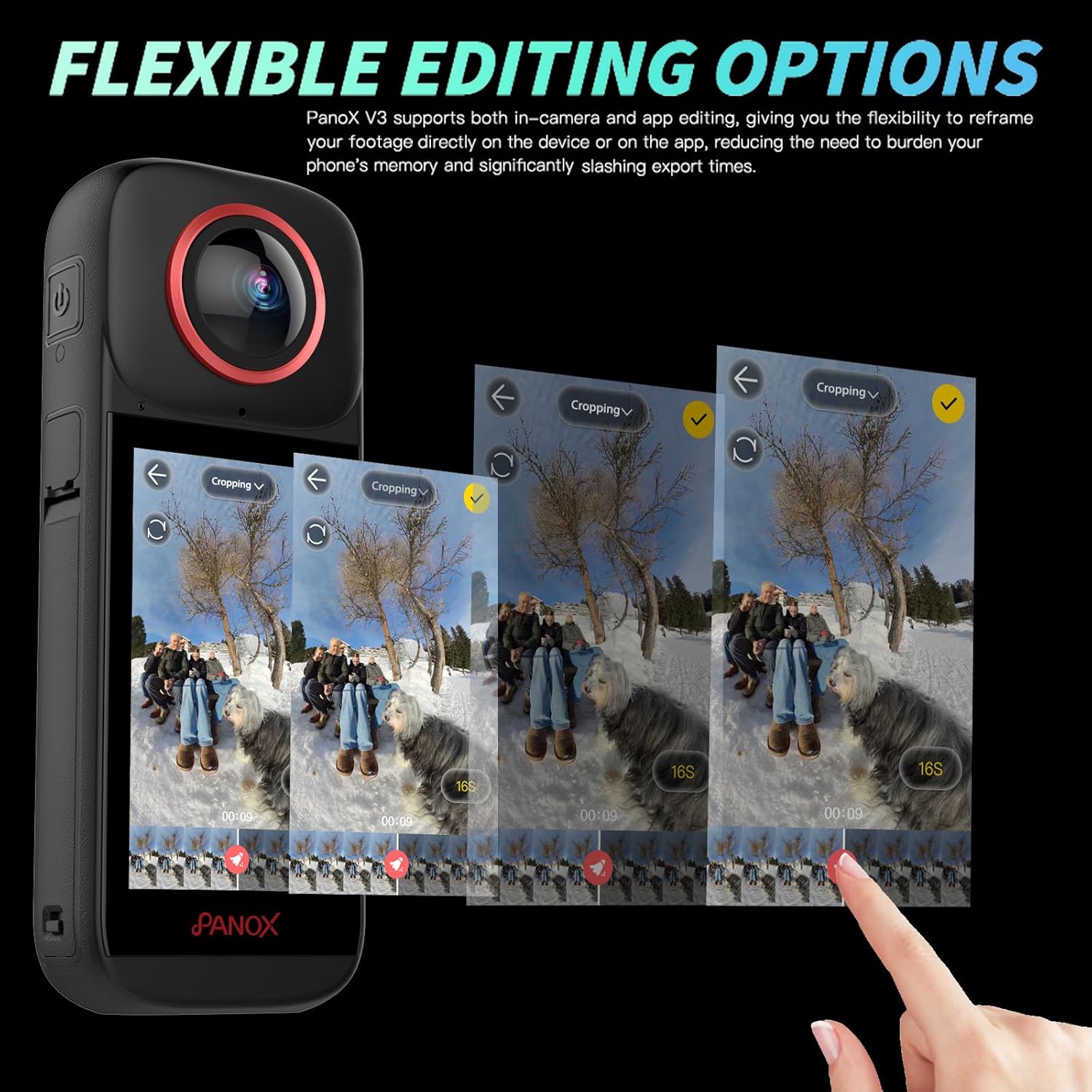
Image: PANOX 360 Action Camera capturing an 8K 360-degree video of a paraglider over a green landscape.
AI Tracking
The advanced face and subject tracking feature keeps your subject centered in the frame, ensuring focus during dynamic movements. This is ideal for action shots and vlogs.
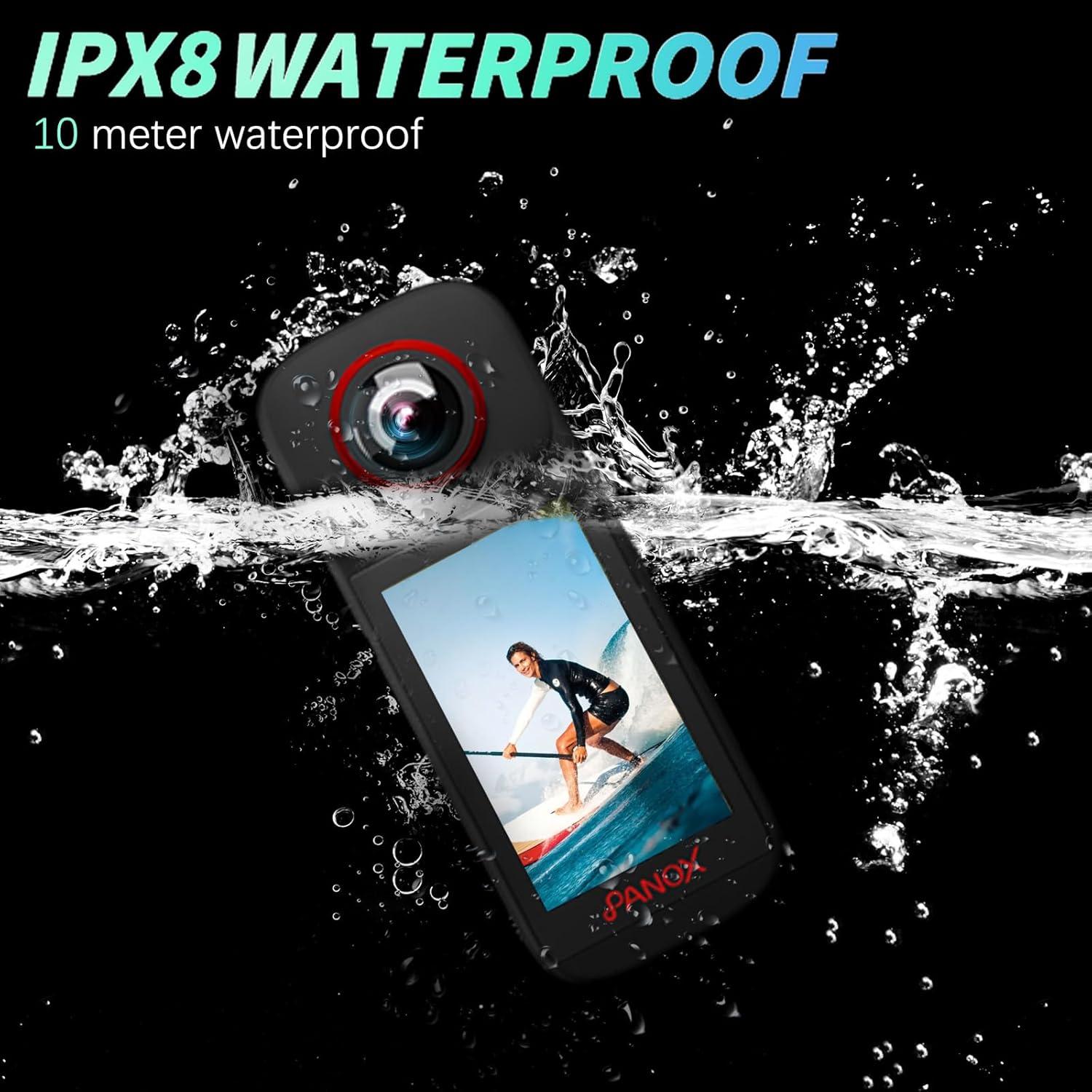
Image: PANOX 360 Action Camera demonstrating AI tracking, keeping a snowboarder in focus while they perform a trick.
Loop Recording
Enable continuous video capture where the camera automatically overwrites the oldest footage when storage is full. This is suitable for riding, driving, and continuous monitoring.
Video: How to use loop shooting. This video demonstrates how to enable and configure the loop recording function on the camera.

Image: PANOX 360 Action Camera illustrating loop recording, showing older footage being overwritten as new footage is captured during a bike ride.
GPS Functionality
The built-in GPS adds route and speed data to your footage, enhancing your video content with geographical information.
Video: How to use GPS function to generate track and speed display. This video explains how to activate and utilize the GPS feature for tracking and speed data.
Waterproof Design
The camera is dustproof, splashproof, and waterproof up to 10 meters without requiring an additional case. This allows for confident shooting in various outdoor conditions, including rain, snow, and underwater.
Video: Safety and waterproof. This video demonstrates the camera's waterproof capabilities by submerging it in water while operating.
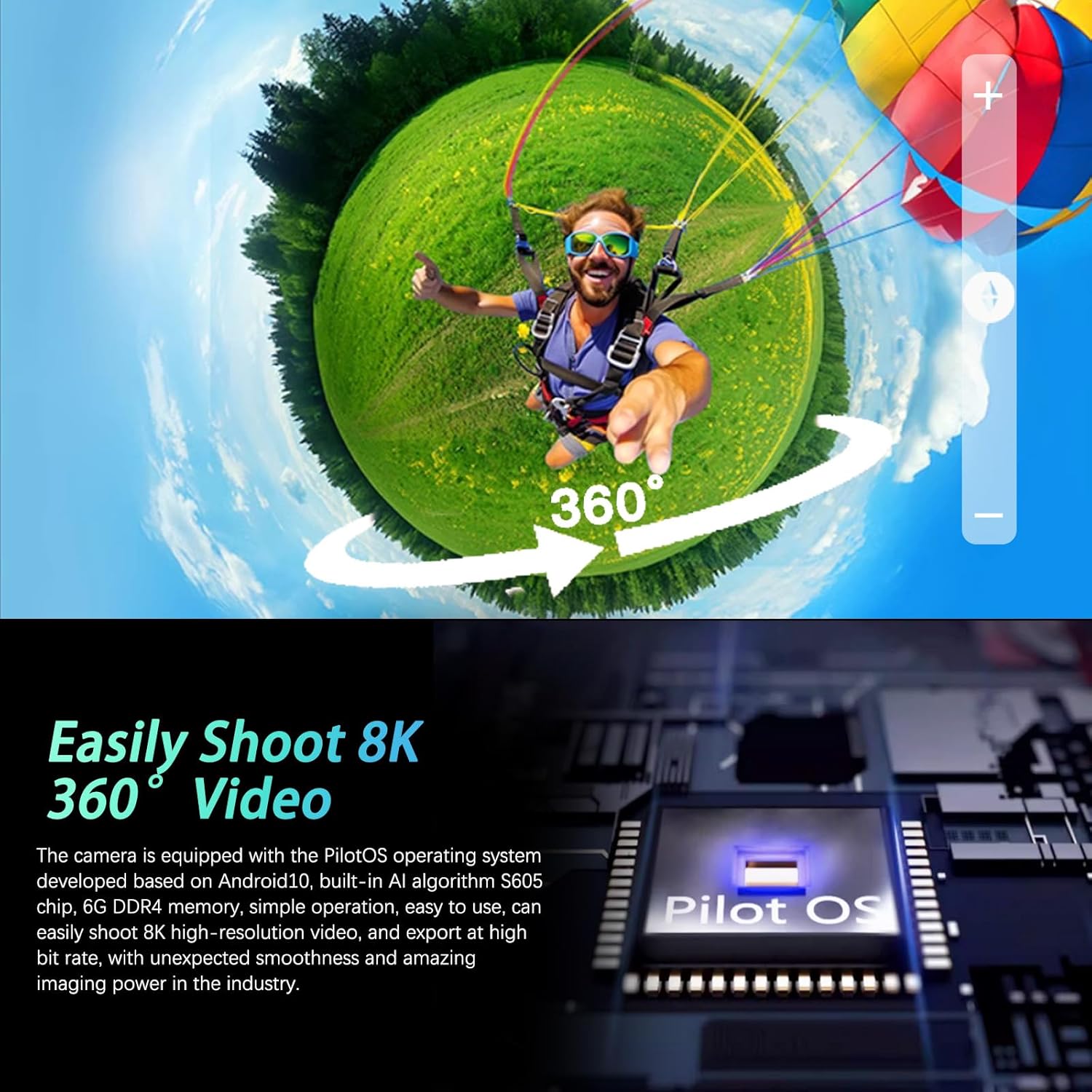
Image: PANOX 360 Action Camera submerged in water, demonstrating its IPX8 waterproof rating.
Image Stabilization
Equipped with digital image stabilization, the camera helps to reduce blur and shake, providing smoother footage even in dynamic environments.

Image: Comparison image showing video footage with and without image stabilization, highlighting the effectiveness of PilotSteady™ technology.
Seamless Bluetooth Connection
Connect to Bluetooth-enabled devices for hands-free control, particularly useful for motorcyclists or other action sports where direct camera interaction is limited.
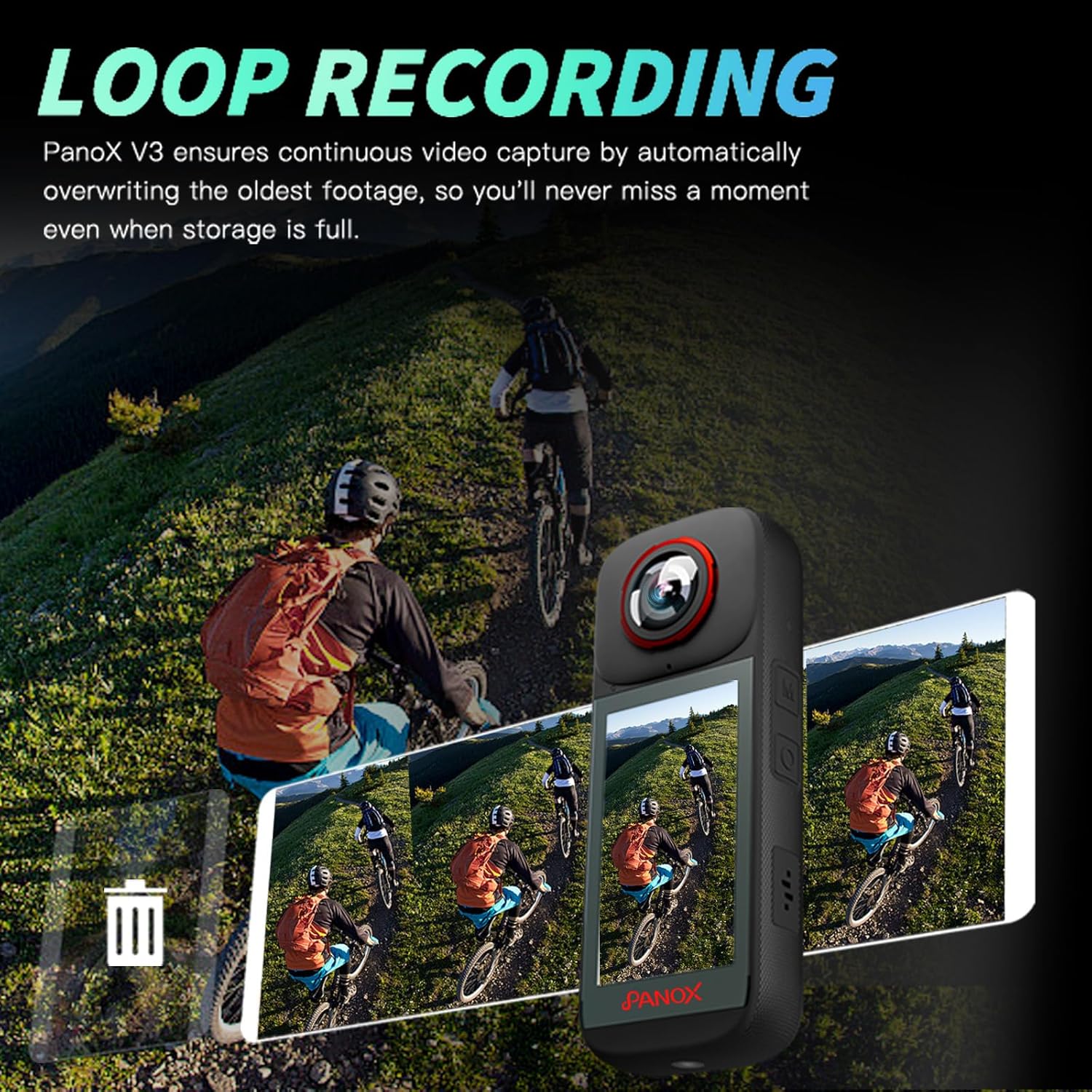
Image: PANOX 360 Action Camera connected via Bluetooth to a rider's helmet, enabling remote control during a night bike ride.
Editing and Sharing
1. In-Camera AI Auto Editing
The camera features built-in AI for automatic editing of your 360° footage. You can select music, transitions, and styles directly on the 3.0" touchscreen, reducing the need for phone storage and speeding up your workflow.
Video: How to use AI Editing to generate your video in one click. This video demonstrates the process of using the camera's AI editing features.

Image: PANOX 360 Action Camera screen showing AI editing options for one-click video creation with various templates.
2. Flexible Editing Options
The PANOX V3 supports both in-camera and app editing, allowing you to reframe your footage directly on the device or via a connected app. This flexibility helps to save phone memory and reduce export times.
Video: How to use the video editing function in the camera. This video guides users through the in-camera video editing features.

Image: PANOX 360 Action Camera displaying flexible editing options on its screen, showing a timeline for cropping and reframing 360-degree footage.
3. Sharing Your Content
After editing, you can easily share your videos and photos. Connect the camera to a mobile hotspot and scan the generated QR code with your phone to quickly download and share your content.
Video: How to use AI Editing to generate your video in one click. This video also demonstrates the sharing process via QR code after editing.
Maintenance
1. Lens Care
The camera features quick-release lens protectors. Regularly inspect and clean the lenses and protectors to ensure optimal image quality. Use a soft, lint-free cloth specifically designed for optical surfaces. Avoid abrasive materials or harsh chemicals.
Video: PANOX V3 Waterproof 8K 360 Action Camera. This video briefly shows the quick-release lens protector design.
2. Waterproof Care
Although the camera is waterproof up to 10 meters, always ensure all ports and covers are securely closed before exposing it to water. After use in saltwater, rinse the camera with fresh water and dry thoroughly to prevent corrosion.
Troubleshooting
- Camera Not Turning On: Ensure the battery is fully charged and correctly inserted.
- Wi-Fi Connection Issues: Verify that the camera and your phone are connected to the same network. Restart both devices if necessary.
- Video Playback/Export Problems: Check available storage space on the SD card and your phone. Ensure the video format is compatible with your playback device.
- GPS Data Not Recording: Ensure GPS recording is enabled in the camera settings and that the camera has a clear view of the sky for satellite acquisition.
- Touchscreen Unresponsive: Restart the camera. If the issue persists, contact customer support.
Specifications
| Feature | Detail |
|---|---|
| Brand | PANOX |
| Model Number | PIP225 |
| Photo Sensor Technology | CMOS |
| Video Capture Resolution | 8K |
| Effective Still Resolution | 48 MP |
| Maximum Aperture | 2 f |
| Flash Memory Type | Micro SD |
| Video Capture Format | MP4 |
| Supported Audio Format | AAC, PCM |
| Screen Size | 3 Inches |
| Connectivity Technology | Wi-Fi |
| Special Features | 8K Video Recording, Split-Screen Video Mode, In-Camera Editing, Waterproof Design, AI Tracking Shooting, High-Definition Large Screen |
| Sensor Type | CMOS |
| Photo Sensor Size | 1/2-inch |
| Water Resistance Level | Waterproof (up to 10m) |
| Image Stabilization | Digital |
| Form Factor | Compact |
| Item Weight | 0.82 Kilograms |
| Operating System | Android |
| Number of Batteries | 1 Lithium Ion (included) |
| Minimum Focal Length | 500 Millimeters |
| Lens Type | Fisheye |
| Focus Type | Auto Focus |
| Display Resolution Maximum | 8K |
| Flash Memory Speed Class | C10 |
| Flash Memory Video Speed Class | V60 |
| Zoom | Digital |
| Camcorder Type | Action Camera |
| Shooting Modes | Automatic, Sports, Landscape, Portrait, Burst, Night, Macro, Panorama, Underwater, Movie, Scene, Custom, Manual, Bulb |
| Image Aspect Ratio | 16:9 |
| Supported Image Format | JPEG |
| File Format | MP4 |
| Exposure Control Type | Automatic, Manual |
| Effective Video Resolution | 7680 Pixels |
| Compatible Devices | Smartphone, Tablet |
Warranty and Support
Warranty Information
The PANOX 8K 360 Action Camera (Model PIP225) comes with a 1 Year Manufacturer Warranty. Please retain your proof of purchase for warranty claims.
Customer Support
For technical assistance, troubleshooting, or warranty inquiries, please contact PANOX customer support. Refer to the official PANOX website or your purchase documentation for contact details.
