
DeerRun AS02
DeerRun AS02 Treadmill User Manual
Model: AS02
1. Introduction
Thank you for choosing the DeerRun AS02 Treadmill. This manual provides essential information for the safe and effective use, assembly, maintenance, and troubleshooting of your new fitness equipment. Please read this manual thoroughly before operation and retain it for future reference.
2. Important Safety Information
Before using the treadmill, please ensure you have read and understood all safety instructions. Failure to follow these instructions may result in injury or damage to the product.
- Consult your physician before starting any exercise program.
- Keep children and pets away from the treadmill during operation.
- Place the treadmill on a solid, level surface with adequate clearance around it.
- Always attach the safety key clip to your clothing before beginning your workout.
- Do not operate the treadmill if it is damaged or malfunctioning.
- Wear appropriate athletic footwear and clothing.
- Do not use the treadmill outdoors or in damp environments.
3. Package Contents
Carefully unpack all components and verify that you have received the following items:
- DeerRun AS02 Treadmill Unit
- User Manual
- Safety Key
- Power Cord
- Lubricant
- Tool Kit
4. Setup and Assembly
The DeerRun AS02 Treadmill is designed for easy assembly, typically taking around 10 minutes. Follow these steps to set up your treadmill:
- Unpacking: Remove all packaging materials and place the treadmill on a flat, stable surface.
- Unfolding the Treadmill: Gently lift the console and handlebars until they lock into the upright position. Ensure all locking mechanisms are securely engaged.
- Securing Components: Use the provided tool kit to tighten any pre-installed screws or attach any remaining components as indicated in the quick start guide.
- Connecting Power: Plug the power cord into the treadmill's power port and then into a grounded electrical outlet.
- Attaching Safety Key: Place the safety key into its designated slot on the console. The treadmill will not operate without the safety key in place.
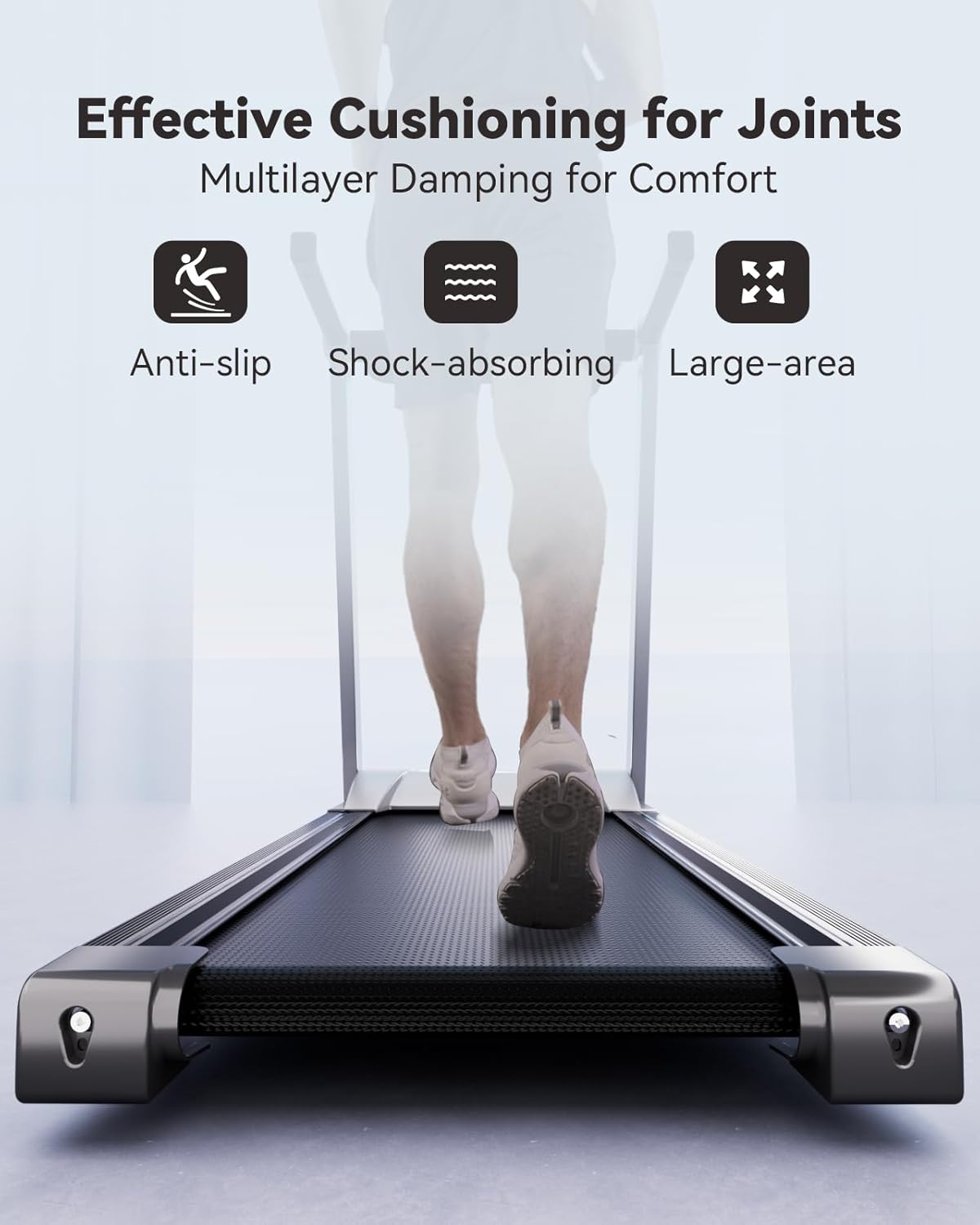
Image: Woman using tools to assemble the base of the DeerRun AS02 treadmill.

Image: Woman demonstrating how to fold the DeerRun AS02 treadmill for storage.

Image: Folded DeerRun AS02 treadmill stored compactly under a sofa, highlighting its space-saving design.
Video: This video demonstrates the folding and unfolding process of the DeerRun AS02 treadmill, showcasing its compact storage capabilities.
5. Operating Instructions
Familiarize yourself with the control panel and basic operations before starting your workout.
5.1 Control Panel Overview
The console features an LCD display and intuitive buttons for controlling speed, programs, and tracking your workout data.

Image: Close-up view of the DeerRun AS02 treadmill control panel with display and buttons.
5.2 Starting a Workout
- Ensure the safety key is properly attached to your clothing and inserted into the console.
- Press the 'Start/Pause' button to begin the treadmill belt movement. The belt will start at a low speed.
- Use the 'Speed +' and 'Speed -' buttons to adjust your desired speed (0.6-10 MPH). Quick speed buttons (e.g., 3 mph, 6 mph) are also available.
- To adjust the incline, manually set the incline option (up to 6%) at the rear of the treadmill.

Image: Man running on the DeerRun AS02 treadmill, showcasing its full size and design.

Image: Woman running on the DeerRun AS02 treadmill, highlighting the adjustable incline feature.
5.3 Using the PitPat APP
The DeerRun AS02 Treadmill connects with the PitPat APP for enhanced fitness tracking and interactive workouts. Download the app from your device's app store.
- Data Tracking: Monitor your distance, speed, calories burned, and other metrics.
- Workout Programs: Access a variety of free warm-up, stretching courses, and running preset modes.
- Interactive Experience: Engage in virtual runs and community challenges.
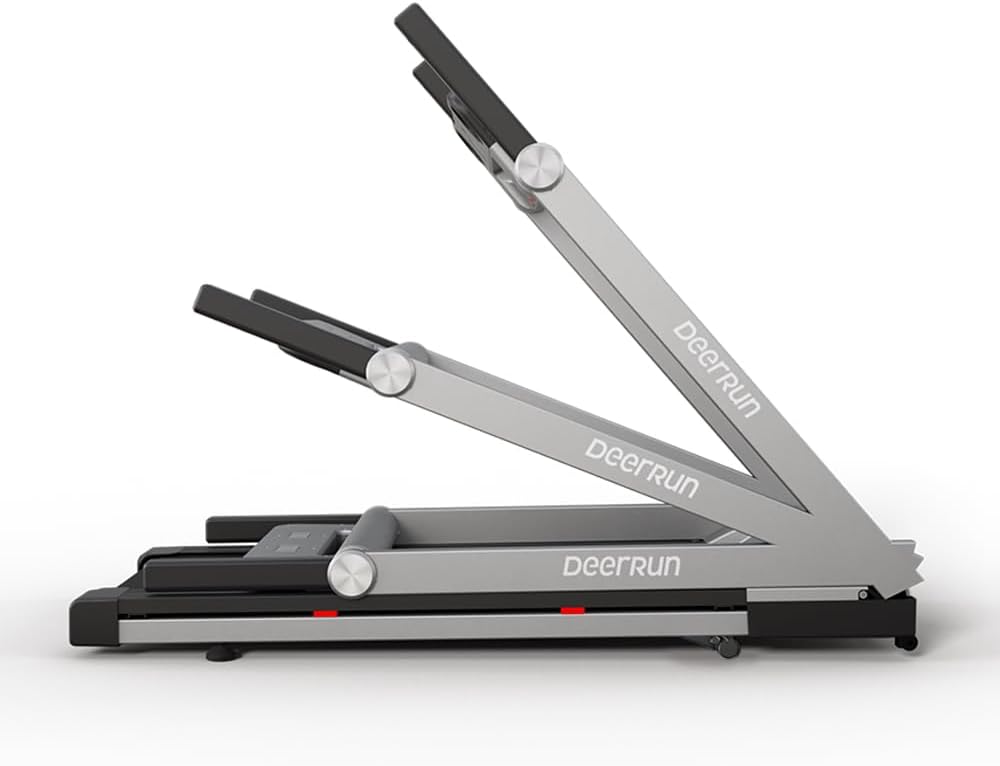
Image: Screenshot of the PitPat fitness tracking application interface.
Video: This video demonstrates the use of the DeerRun AS02 treadmill with its smart features and connectivity to the PitPat APP for interactive workouts.
5.4 Stopping a Workout
- Press the 'Stop' button on the console. The treadmill belt will gradually slow down and stop.
- Alternatively, pull the safety key from its slot for an immediate emergency stop.
6. Key Features
- Powerful & Comfortable: 3.5HP motor provides speeds of 0.6-10MPH with a 350lbs weight capacity. Anti-slip belt offers safe cushioning.
- Adjustable Incline: Manual incline option (6%) to enhance workout intensity and calorie burning.
- Fitness Tracking Display: LCD display and APP connectivity for tracking distance, speed, calories, and access to various workout courses.
- Space-Saving Design: Portable and foldable, suitable for small and medium-sized spaces. Transportation wheels for easy movement.
- Easy Assembly: Quick setup in approximately 10 minutes with included tools.

Image: Close-up view of the DeerRun AS02 treadmill's 3.5HP motor, highlighting its power and quiet operation.
7. Maintenance
Regular maintenance ensures the longevity and optimal performance of your treadmill.
- Cleaning: Wipe down the treadmill after each use with a damp cloth to remove sweat and dust. Avoid abrasive cleaners.
- Belt Lubrication: Apply the provided lubricant under the running belt periodically as instructed in the quick start guide or when the belt feels dry. This reduces friction and extends belt life.
- Belt Tension and Alignment: Check the running belt tension and alignment regularly. Adjust if necessary according to the instructions in the quick start guide to prevent slipping or excessive wear.
- Power Cord Inspection: Periodically inspect the power cord for any damage.
8. Troubleshooting
If you encounter any issues with your DeerRun AS02 Treadmill, refer to the common problems and solutions below. For persistent issues, please contact customer support.
| Problem | Possible Cause | Solution |
|---|---|---|
| Treadmill does not start | Power cord not plugged in; Safety key not inserted; Power switch off. | Ensure power cord is securely plugged in; Insert safety key fully; Turn on the power switch. |
| Belt slips or hesitates | Belt too loose; Insufficient lubrication. | Adjust belt tension; Lubricate the running belt. |
| Unusual noise during operation | Loose parts; Belt friction; Motor issue. | Check for and tighten any loose parts; Lubricate belt; Contact customer support if noise persists. |
9. Specifications
| Feature | Detail |
|---|---|
| Brand | DeerRun |
| Model Name | AS02-PR01 |
| Product Dimensions | 54"D x 24"W x 42"H |
| Folded Size | 58 x 27 x 8 inches |
| Item Weight | 86 Pounds |
| Material | Alloy Steel |
| Maximum Speed | 10 Miles per Hour |
| Minimum Speed | 0.6 Miles per Hour |
| Maximum Horsepower | 3.5 Horsepower |
| Maximum Incline Percentage | 6% (Manual) |
| Maximum Weight Recommendation | 350 Pounds |
| Display Type | LCD |
| Number of Programs | 12 |
| Assembly Required | Yes |
| UPC | 764046819810 |
10. Warranty
The DeerRun AS02 Treadmill comes with a 1-year warranty. Please retain your proof of purchase for warranty claims. For detailed warranty terms and conditions, refer to the warranty card included with your product or contact DeerRun customer support.
11. Customer Support
For any questions, technical assistance, or service requests, please contact DeerRun customer support. Have your model number and purchase information ready when contacting support.
Contact information can typically be found on the product packaging, the official DeerRun website, or your purchase receipt.
Related documentsAS02


Ask a question about this manual
Ask about setup, troubleshooting, compatibility, parts, safety, or missing instructions. Manuals+ will review the question and use this page’s manual context to help answer it.