
MSI MPG 491CQPX QD-OLED
MSI MPG 491CQPX QD-OLED Monitor User Manual
Model: MPG 491CQPX QD-OLED
Introduction
The MSI MPG 491CQPX QD-OLED is a high-performance 49-inch curved gaming monitor designed to deliver an immersive visual experience. It features a next-generation QD-OLED panel with a DQHD (5120x1440) resolution, a rapid 240Hz refresh rate, and an ultra-fast 0.03ms (GtG) response time. This monitor is equipped with VESA ClearMR 13000 and DisplayHDR True Black 400 certifications, ensuring vivid images and reduced motion blur. Advanced features like OLED Care 2.0 are integrated to minimize the risk of OLED burn-in. For console users, it offers HDMI 2.1 ports with 48Gbps bandwidth, 120Hz support, Variable Refresh Rate (VRR), and Auto Low Latency Mode (ALLM).
Key features include:
- Next-Gen QD-OLED Panel for stunning image quality and fast response time.
- Fastest 0.03ms GtG response time and 240Hz refresh rate.
- Incredible HDR visual with VESA DisplayHDR True Black 400.
- QD Premium Color ensuring market standard color accuracy.
- MSI OLED Care 2.0 to reduce the risk of OLED image sticking / burn-in.
Setup
This section provides instructions for setting up your MSI MPG 491CQPX QD-OLED monitor.
Physical Installation
The monitor is VESA mountable, allowing for flexible installation options. The included stand supports tilt and height adjustments for optimal viewing comfort.

Image: The MSI MPG 491CQPX QD-OLED monitor integrated into a typical desk setup, showcasing its curved design and wide aspect ratio.
Connectivity
Connect your devices to the monitor using the appropriate ports. The monitor offers a variety of input and output options:
- HDMI 2.1 Ports (x2): Supports DQHD @ 240Hz, 48Gbps bandwidth, 120Hz support, VRR, and ALLM for console gaming.
- DisplayPort 1.4a (x1): For high-resolution and high-refresh-rate PC connections.
- USB Type-C (DP Alt Mode): Supports display signal and up to 98W power delivery for compatible devices.
- USB Type-A (x2): For connecting peripherals.
- USB Type-B (x1): Upstream port for enabling USB Type-A ports.
- Earphone Out (x1): For audio output.
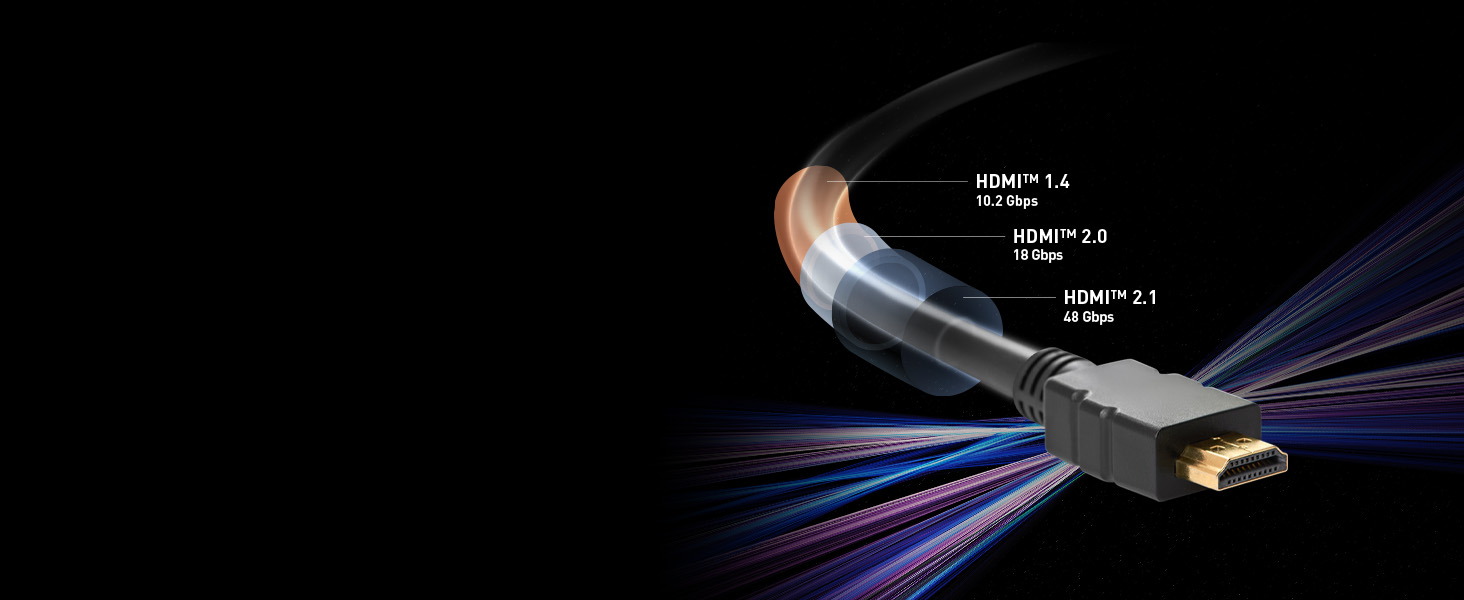
Image: A detailed diagram illustrating the various input and output ports located on the rear of the monitor, including HDMI, DisplayPort, USB Type-C, USB Type-A, USB Type-B, and Earphone out.
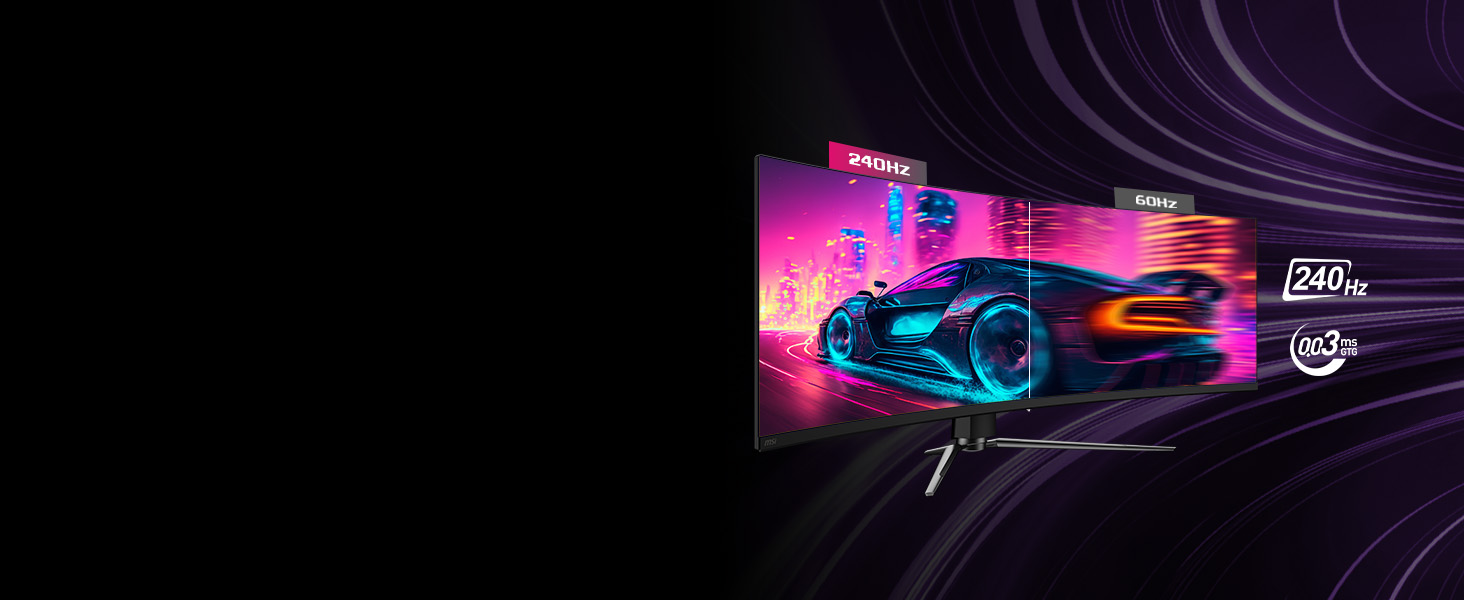
Image: Illustration of the USB Type-C port, highlighting its capability to power devices up to 98W and provide seamless display via DisplayPort Alt mode.
Operating
This section covers the operational aspects and key features of your monitor.
Display Performance
The MPG 491CQPX QD-OLED monitor delivers exceptional visual performance with its 5120x1440 (DQHD) resolution and 1800R curved QD-OLED panel. Experience incredibly smooth motion with a 240Hz refresh rate and virtually no ghosting with a 0.03ms Gray-to-Gray (GtG) response time.

Image: A visual comparison demonstrating the difference between a 240Hz refresh rate and a 60Hz refresh rate, highlighting the superior smoothness and clarity of the higher refresh rate.
HDR and Color Accuracy
With VESA DisplayHDR True Black 400 certification, the monitor provides deep blacks and vibrant colors, enhancing the overall visual experience. The QD Premium Color ensures that the display meets high market standards for color reproduction.
Adaptive Sync Technology
The monitor supports Adaptive Sync, which synchronizes the display's refresh rate with your GPU's frame rate to eliminate screen tearing and stuttering, providing a fluid gaming experience.
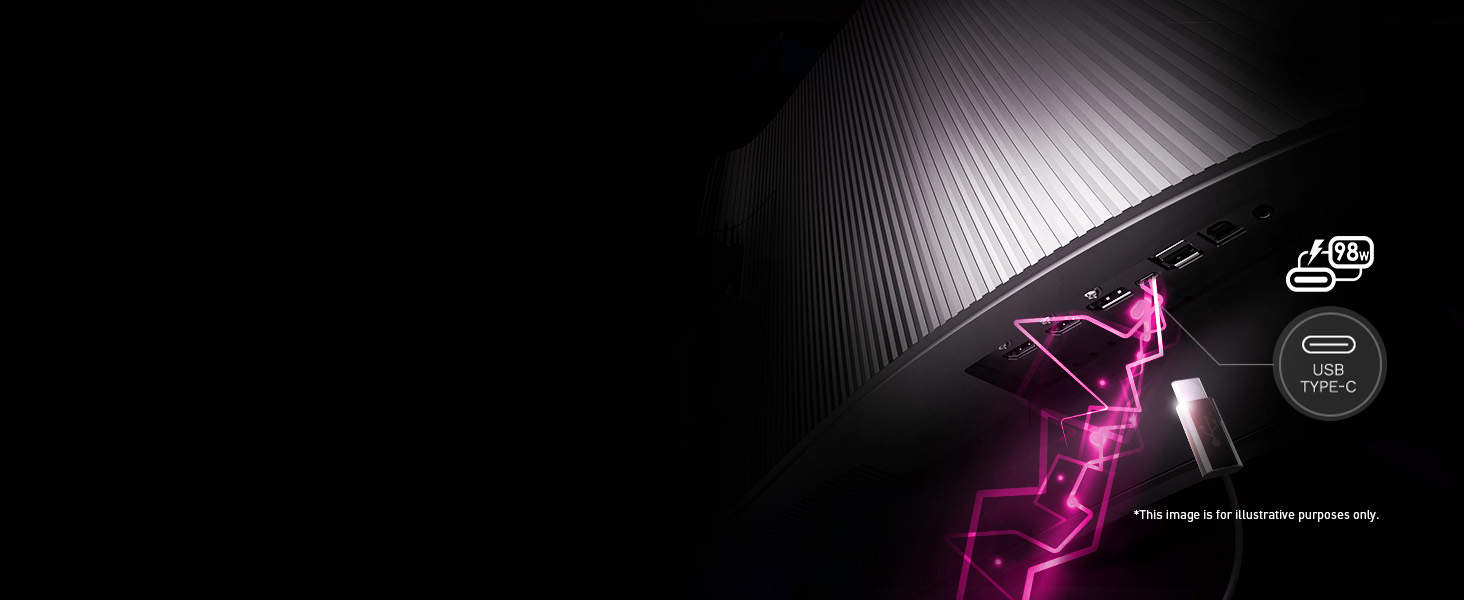
Image: An illustration demonstrating how Adaptive Sync technology prevents screen tearing by synchronizing the monitor's refresh rate with the graphics card's output.
Maintenance
Proper maintenance ensures the longevity and optimal performance of your monitor.
OLED Care 2.0
The MSI MPG 491CQPX QD-OLED monitor incorporates OLED Care 2.0, a suite of features designed to significantly reduce the risk of OLED image sticking or burn-in. These care services operate automatically to protect the panel. It is recommended to allow the monitor to perform its pixel refresh cycles, which typically run after approximately 16 hours of usage or when the monitor enters standby mode.

Image: The OLED Care 2.0 logo, representing the monitor's advanced features for preventing OLED burn-in and ensuring panel longevity.
Cleaning the Monitor
To clean the monitor screen, gently wipe it with a soft, lint-free cloth. For stubborn marks, slightly dampen the cloth with water or a non-abrasive, monitor-safe cleaning solution. Avoid spraying liquid directly onto the screen. For the monitor casing, use a dry, soft cloth.
Troubleshooting
This section addresses common issues you might encounter with your monitor.
No Display / Black Screen
- Ensure all power cables are securely connected to the monitor and the power outlet.
- Verify that the video cable (HDMI, DisplayPort, or USB-C) is firmly connected to both the monitor and your computer/device.
- Check if the correct input source is selected on the monitor's OSD (On-Screen Display) menu.
- Test with a different video cable or a different input port on the monitor if available.
- Ensure your computer's graphics drivers are up to date.
Screen Flickering
- Check the video cable connections for looseness or damage.
- Ensure the refresh rate setting in your operating system matches the monitor's capabilities (e.g., 240Hz).
- Disable any overclocking settings on your graphics card or monitor.
- Update your graphics card drivers.
- If flickering persists, it may indicate a hardware issue.
Image Sticking / Burn-in Concerns
- Ensure OLED Care 2.0 features are enabled in the monitor's settings.
- Allow the monitor to run its automatic pixel refresh cycles (e.g., after 16 hours of use or during standby).
- Avoid displaying static images for extended periods. Utilize screen savers or dynamic wallpapers.
- Hide desktop icons and the taskbar when not in use.
For issues not covered here, please refer to the official MSI support resources.
Specifications
| Feature | Detail |
|---|---|
| Brand | MSI |
| Model Number | MPG 491CQPX QD-OLED |
| Screen Size | 49 Inches |
| Panel Type | QD-OLED |
| Resolution | 5120 x 1440 (DQHD) |
| Aspect Ratio | 32:9 |
| Refresh Rate | 240Hz |
| Response Time | 0.03ms (GtG) |
| Curvature | 1800R |
| HDR Certification | VESA DisplayHDR True Black 400 |
| Clear Motion Rate | VESA ClearMR 13000 |
| Connectivity | 2x HDMI 2.1, 1x DisplayPort 1.4a, 1x USB Type-C (DP Alt/98W PD), 2x USB Type-A, 1x USB Type-B, 1x Earphone Out |
| Item Weight | 22.2 pounds |
| Product Dimensions | 12.92 x 47.05 x 16.15 inches |
Warranty and Support
The MSI MPG 491CQPX QD-OLED monitor typically comes with a 3-year warranty, which includes coverage for OLED burn-in. For specific warranty terms and conditions, please refer to the documentation included with your product or visit the official MSI support website.
For technical assistance, driver downloads, or further support, please visit the official MSI website:
You can also find more information and support resources on the MSI Amazon store page:
Related documentsMPG 491CQPX QD-OLED


Ask a question about this manual
Ask about setup, troubleshooting, compatibility, parts, safety, or missing instructions. Manuals+ will review the question and use this page’s manual context to help answer it.