
Introduction
This manual provides essential information for the safe and effective use of your Haomuren Mini Karaoke Machine K1-Pink. Please read these instructions carefully before operating the device and retain for future reference. This portable karaoke machine is designed to deliver a fun and engaging audio experience with its compact design, wireless microphones, and dynamic LED lighting.

Image: The Haomuren Mini Karaoke Machine K1-Pink, featuring the main speaker unit and two wireless microphones, ready for use.
What's in the Box
Upon unpacking, please ensure all items listed below are present and in good condition:
- 1 x Karaoke Machine (Speaker)
- 2 x Wireless Microphones
- 1 x Type-C Charging Cable
- 1 x User Manual

Image: A visual representation of the product contents, showing the pink speaker, two pink wireless microphones, and a white Type-C charging cable.
Product Features
Superior Sound Quality
The portable karaoke machine and its two wireless microphones are equipped with a high-performance audio driver and an advanced digital signal processor (DSP). This technology ensures clearer sound, delivering a louder, clearer, and lower-latency singing experience.

Image: An exploded view diagram of the speaker, highlighting its internal components such as the DSP chip, HiFi sound technology, 3D surround sound, and metallic subwoofer for enhanced audio output.
Wide Compatibility
This device functions as a karaoke machine, Bluetooth speaker, and music player. It features Bluetooth 5.3 technology for instant device pairing, ensuring compatibility with smartphones, iPads, and PCs. It also supports TF cards and includes a headphone output port.

Image: A graphic illustrating the various connection methods available for the karaoke machine, such as Bluetooth 5.3, TF card slot, and headphone jack, with children in the background enjoying the music.
Long Battery Life
The mini karaoke machine is equipped with an 1800mAh high-efficiency lithium-ion battery, providing up to 5 hours of uninterrupted music playback at 50% volume. Each kids' microphone has a built-in 600mAh high-efficiency lithium-ion battery.
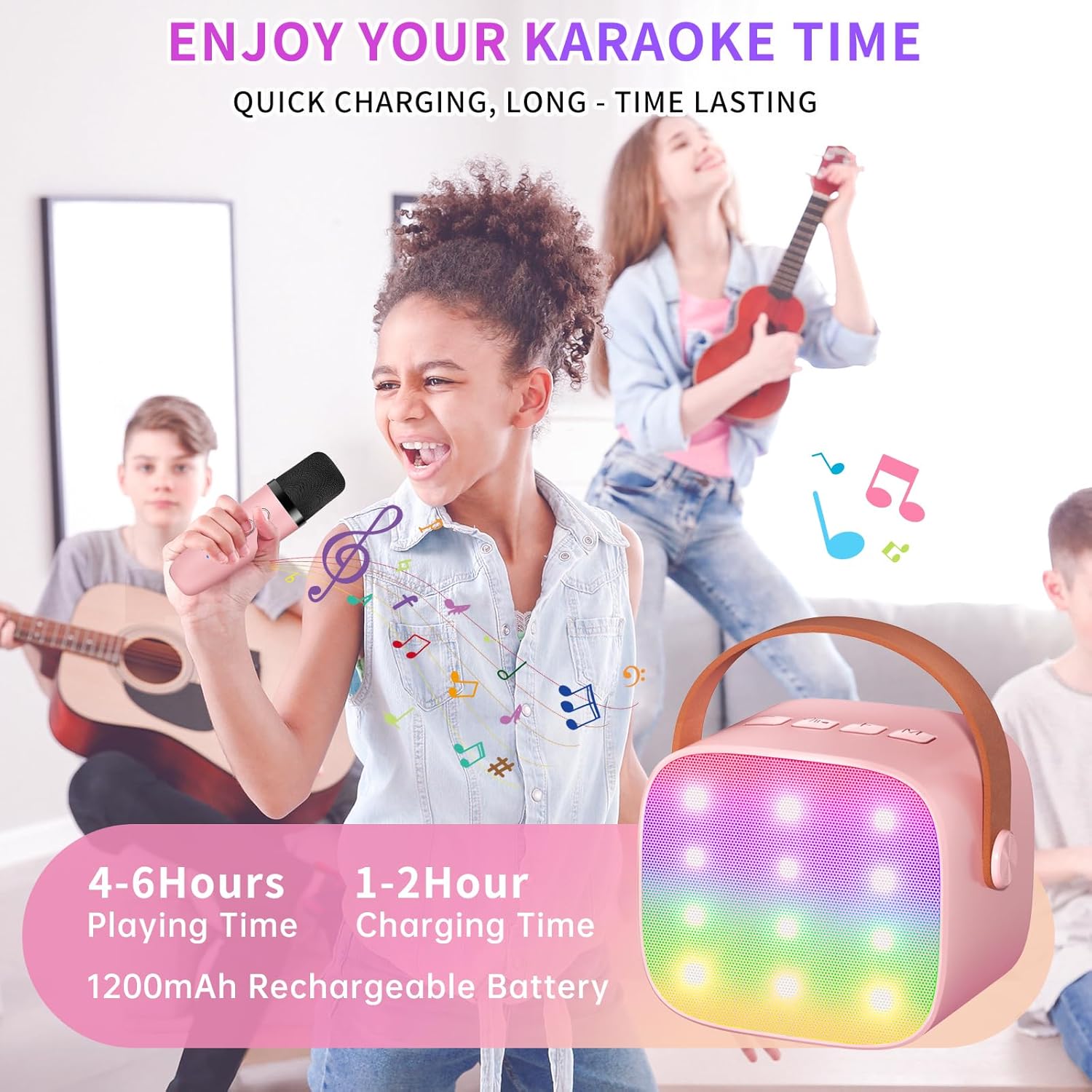
Image: A young girl enthusiastically singing into a microphone, with the karaoke speaker in the foreground, illustrating the product's long battery life and quick charging capabilities.
Multi-function Microphones with Voice Change
The karaoke system includes two wireless microphones with 5 funny magic voice effects (Female Voice, Male Voice, Baby Voice, Monster Voice, Original Accompaniment). Each microphone allows for separate adjustment of mic/echo/music volume.

Image: A close-up of the two pink multi-function wireless microphones, showing their control buttons and highlighting features like volume adjustment, magic voice effects, and rechargeability.

Image: A visual guide to the five voice-changing modes available on the microphones, including options for female, male, baby, and monster voices, along with the original accompaniment mode.
Colorful LED Lights
The compact karaoke machine features built-in LED lighting effects with 6 lighting modes, creating an immersive and dynamic karaoke experience.
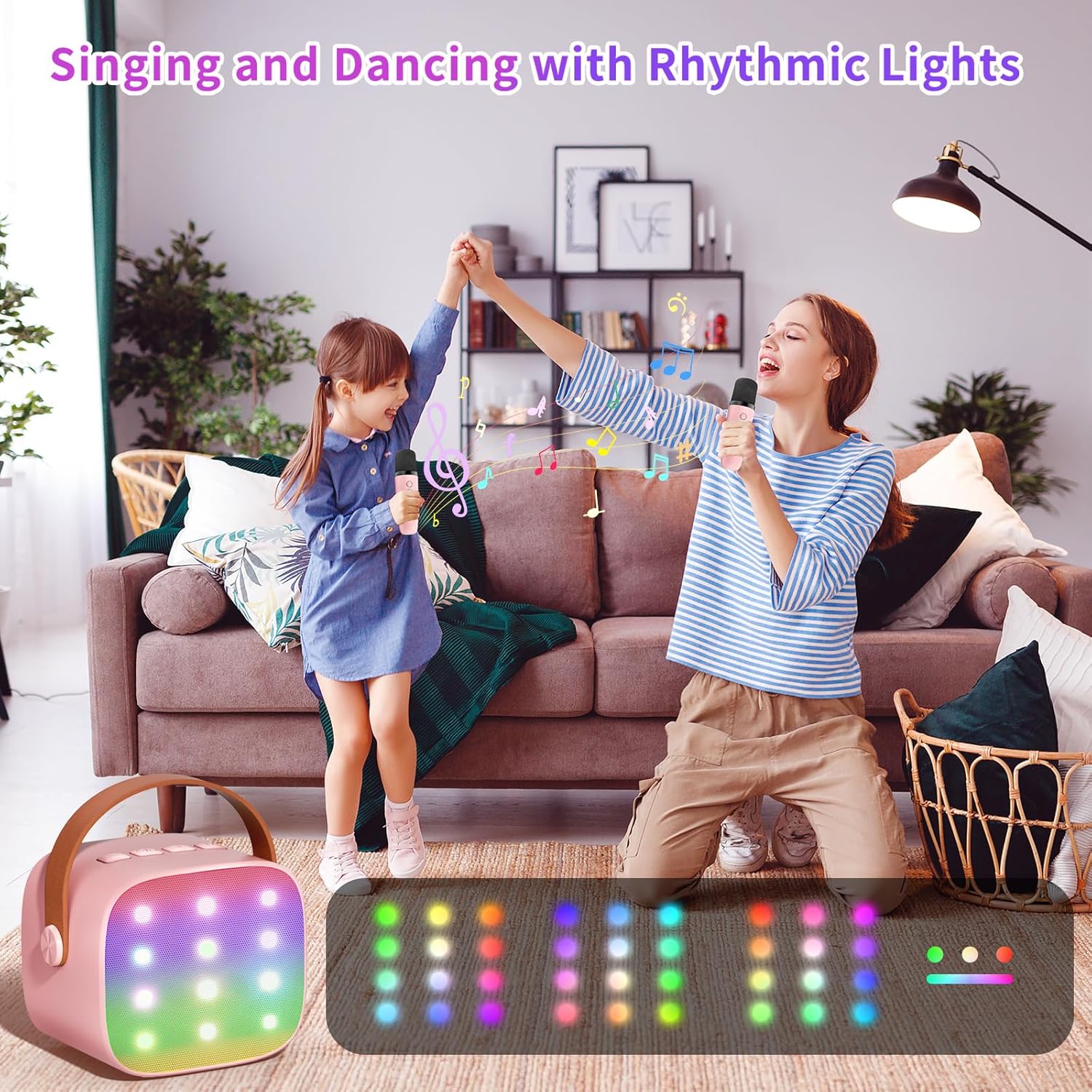
Image: A mother and child enjoying a karaoke session, with the speaker's rhythmic LED lights illuminating the scene, enhancing the party atmosphere.
Setup Guide
1. Powering On
- Speaker: Long press the power button on the top of the speaker for 2 seconds until the LED lights illuminate and you hear an audible prompt.
- Microphones: Long press the power button on each microphone for 2 seconds until the blue indicator light turns on.
2. Microphone Pairing
The wireless microphones will automatically pair with the speaker upon powering up. No manual pairing is required for the microphones.
3. Bluetooth Connection
- Ensure the speaker is powered on.
- On your smartphone, tablet, or PC, navigate to the Bluetooth settings.
- Search for available devices and select "Haomuren K1" (or similar name) to connect.
- A confirmation sound will indicate successful pairing.
Operating Instructions
1. Playing Music
- Via Bluetooth: Once connected via Bluetooth, play music from your device. The audio will stream through the karaoke machine speaker.
- Via TF Card: Insert a TF (Micro SD) card with music files into the designated slot on the back of the speaker. The speaker will automatically detect and play music from the card.
- Via Headphone Output: Connect headphones to the 3.5mm headphone jack on the back of the speaker for private listening.
2. Volume Control
- Speaker Volume: Use the '+' and '-' buttons on the top of the speaker to adjust the overall music volume.
- Microphone Volume: Use the '+' and '-' buttons on each microphone to adjust its individual volume and echo effect.
3. Voice Changing Effects
Each microphone features a dedicated button to cycle through 5 different voice effects. Short press the button to switch between Female Voice, Male Voice, Baby Voice, Monster Voice, and Original Accompaniment.
4. LED Light Modes
The speaker has a button to change the LED lighting modes. Short press this button to cycle through the 6 available lighting patterns.
Maintenance
- Cleaning: Use a soft, dry cloth to clean the surface of the speaker and microphones. Do not use liquid cleaners or abrasive materials.
- Storage: Store the device in a cool, dry place away from direct sunlight and extreme temperatures.
- Battery Care: To prolong battery life, charge the device regularly, even if not in use for extended periods. Avoid fully discharging the battery frequently.
Troubleshooting
| Issue | Possible Solution |
|---|---|
| Device does not power on. | Ensure the device is fully charged. Connect to a power source using the provided Type-C cable. |
| Microphones do not connect. | Ensure both the speaker and microphones are powered on. They should pair automatically. If not, power cycle both devices. |
| No sound from speaker. | Check volume levels on both the speaker and the connected Bluetooth device. Ensure Bluetooth is properly connected. |
| Voice changing effects not working. | Ensure the microphone is powered on and connected. Short press the voice change button on the microphone to cycle through effects. |
| Poor sound quality. | Ensure the microphone is held at an appropriate distance. Check for interference from other electronic devices. |
Specifications
| Feature | Detail |
|---|---|
| Brand | Haomuren |
| Model Number | K1 |
| Color | K1-Pink |
| Item Dimensions (L x W x H) | 3.2 x 2.5 x 2.81 inches |
| Item Weight | 0.93 Pounds |
| Connectivity Technology | Bluetooth, USB, Wireless |
| Bluetooth Version | 5.3 |
| Power Source | Battery Powered |
| Speaker Output Wattage | 6 Watts |
| Speaker Battery Capacity | 1800mAh |
| Microphone Battery Capacity | 600mAh |
| Frequency Response | 10 KHz |
| Enclosure Material | Acrylonitrile Butadiene Styrene (ABS) |
Warranty and Support
The Haomuren Mini Karaoke Machine K1-Pink is accompanied by a 5-year warranty. For any product-related inquiries, technical support, or warranty claims, please refer to the contact information provided in your product packaging or visit the official Haomuren website.