
Introduction
The PROHEAR Electronic Ear Protection Earmuffs and RH08 Walkie Talkie system provides advanced hearing protection and clear communication for various activities, including shooting. This manual outlines the setup, operation, and maintenance of your device to ensure optimal performance and safety.

This image displays the two PROHEAR electronic ear protection earmuffs included in the pack, highlighting their design and color options.
Setup
Earmuff Battery Installation
The electronic earmuffs require 2 AAA batteries (not included) for operation. Locate the battery compartment on each earcup, open it, and insert the batteries according to the polarity indicators. Close the compartment securely.
RH08 Walkie Talkie Installation
- Buckle the top of the RH08 walkie-talkie unit to the top of the earmuff's headband.
- Attach the spring clip on the walkie-talkie to the bottom of the earmuff's earcup.
- Insert the 3.5mm audio cable from the walkie-talkie into the 3.5mm jack located on the earmuff.

A step-by-step visual guide for attaching the RH08 walkie-talkie to the earmuffs, showing how to secure it and connect the audio cable.
Operating Instructions
Powering On/Off
Locate the power button or rotary knob on the earmuffs and the RH08 walkie-talkie. Press and hold (or rotate) to power on or off each device. Adjust the volume to a comfortable level.
Electronic Ear Protection Functionality
The earmuffs utilize SMART technology for both sound amplification and noise suppression. Low-level sounds are amplified up to 4 times their natural volume, enhancing situational awareness and facilitating communication in quiet environments. Harmful noises, such as gunshots, are suppressed within 0.01 seconds to protect your hearing from sudden loud impacts.

This image illustrates the use of the electronic earmuffs during shooting activities, emphasizing their function in protecting hearing from loud gunshots.
Walkie Talkie Communication
The RH08 walkie-talkie supports voice-operated exchange (VOX) for hands-free communication. It offers a signal reception range of up to 2 miles. Ensure both walkie-talkie units are powered on and connected to compatible earmuffs for clear communication between users.
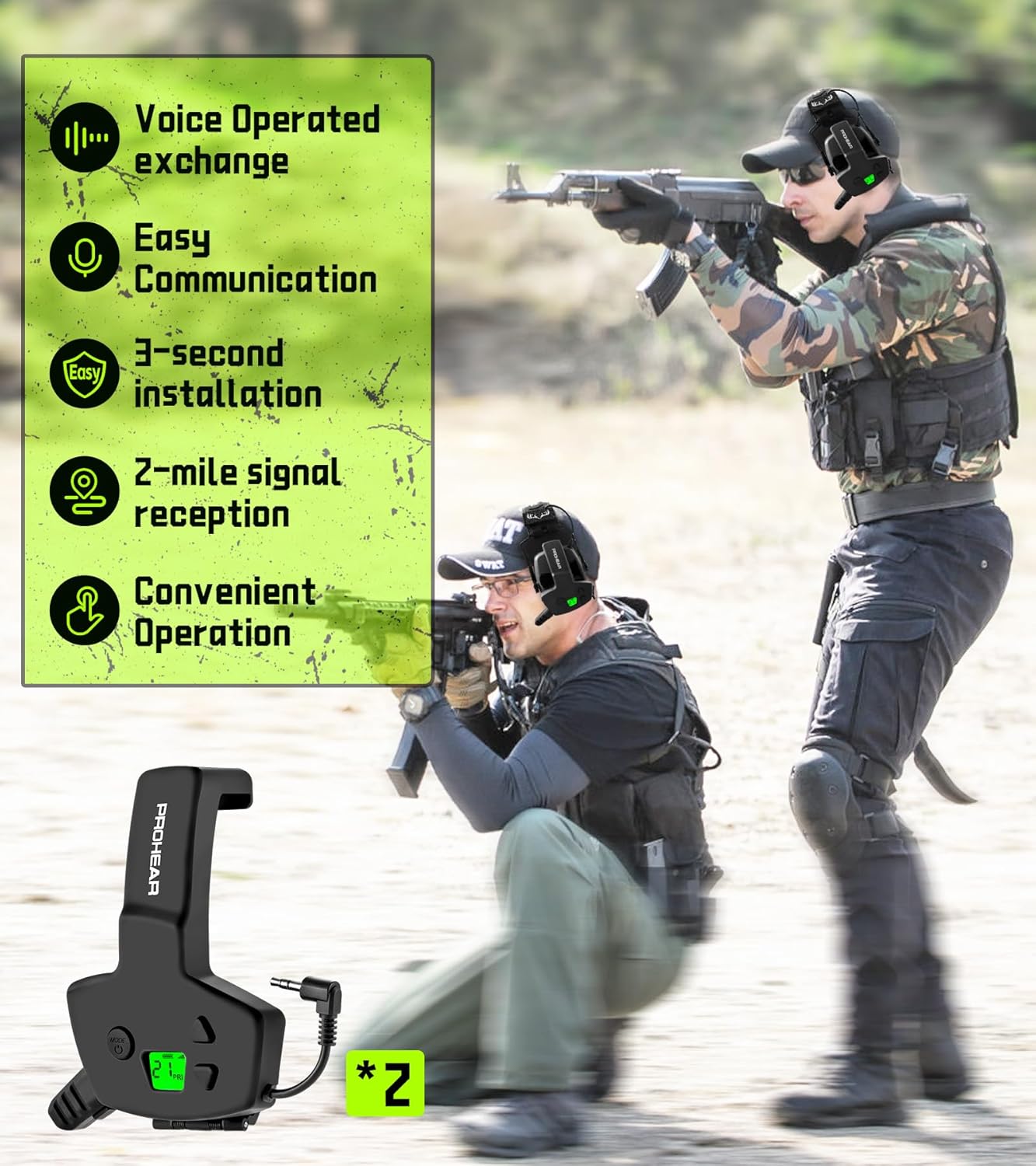
This image shows users actively communicating with the RH08 walkie-talkie attached to their earmuffs, highlighting its ease of use and voice-operated exchange feature.
Maintenance
Cleaning
Wipe the earmuffs and walkie-talkie with a soft, damp cloth to remove dust and debris. Do not use abrasive cleaners, solvents, or immerse the devices in water.
Battery Care
The electronic earmuffs provide approximately 300 hours of battery life with 2 AAA batteries. The RH08 walkie-talkie has a built-in 1100mAh rechargeable battery, offering up to 28 hours of playing time. Recharge the walkie-talkie using the provided Type-C port as needed. For optimal battery life, store devices in a cool, dry place when not in use.

Information regarding the RH08 walkie-talkie's built-in 1100mAh rechargeable battery, providing up to 28 hours of operation without frequent battery replacement.
Troubleshooting
No Sound or Poor Audio Quality
- Ensure both the earmuffs and walkie-talkie are powered on.
- Check the battery levels for both devices and replace/recharge if necessary.
- Verify that the 3.5mm audio cable is securely connected between the walkie-talkie and the earmuffs.
- Adjust the volume controls on both devices.
Walkie Talkie Not Communicating
- Confirm that both walkie-talkies are within the specified 2-mile signal range.
- Check for any physical obstructions (e.g., thick walls, dense foliage) that might interfere with the signal.
- Ensure both walkie-talkie units are set to the same channel or frequency, if applicable.
Specifications
| Brand | PROHEAR |
| Model (Earmuffs) | 066 |
| Model (Walkie Talkie) | RH08 |
| Noise Control | Active Noise Cancellation |
| Sound Amplification | 4X |
| Noise Suppression Reaction Time | Under 0.01 seconds |
| Earmuff Battery Type | 2 x AAA (not included) |
| Earmuff Battery Life | Approx. 300 hours |
| Walkie Talkie Battery Type | Built-in 1100mAh Rechargeable |
| Walkie Talkie Playing Time | Up to 28 hours |
| Walkie Talkie Signal Range | Up to 2 miles |
| Fit Type | Over the Head |
| Walkie Talkie Weight | 79.8g / 2.82 Oz |
| Color | Green |
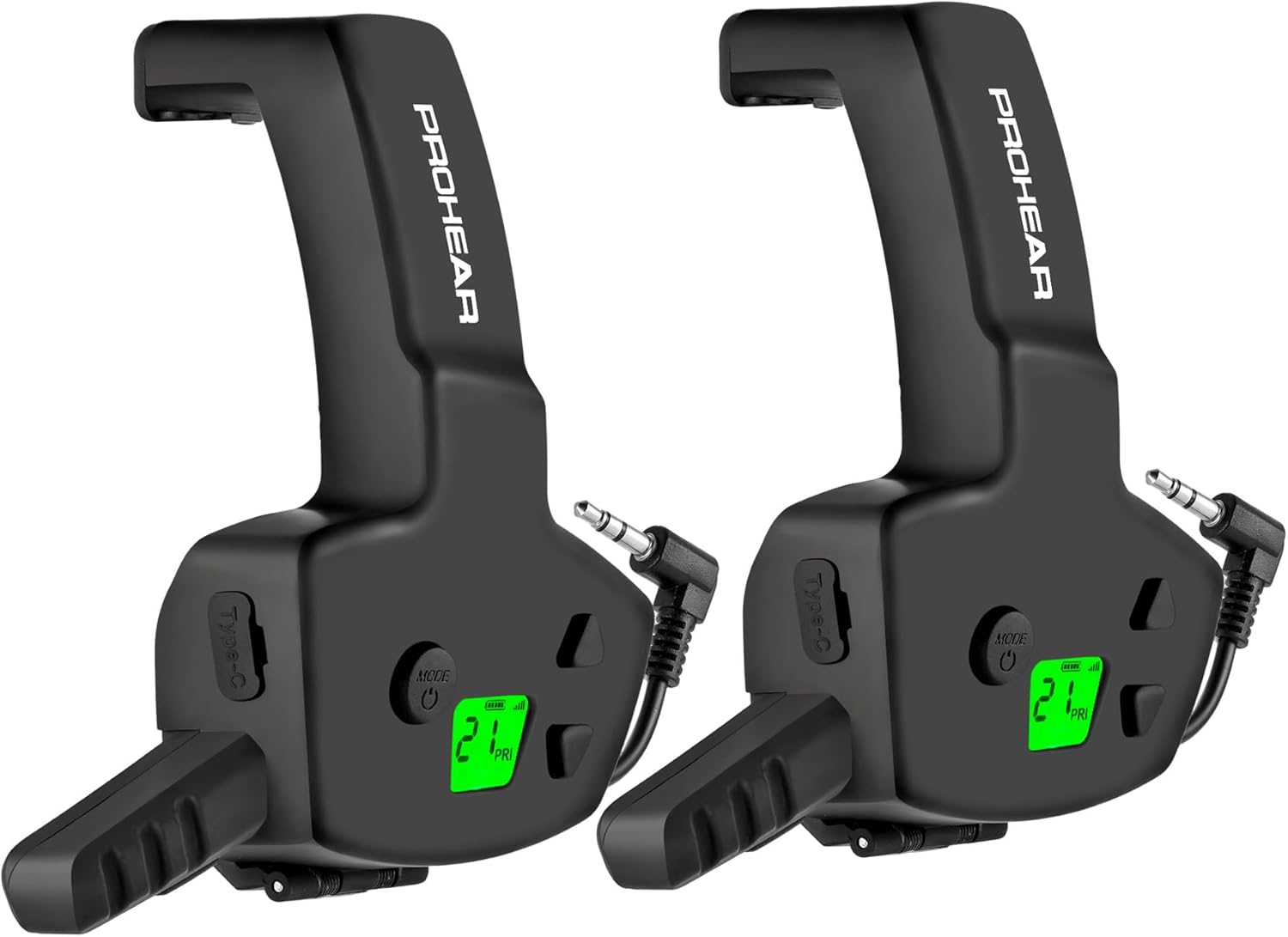
The RH08 walkie-talkie attachments are designed to integrate with compatible electronic earmuffs, providing communication capabilities.
Compatibility
The PROHEAR RH08 Walkie Talkie is designed for use with a range of electronic earmuff models. Ensure your earmuffs are listed below for proper functionality:
- Howard Leight by Honeywell Earmuffs: Most Impact Sport models (Note: Not compatible with Impact Sport Bluetooth & Pro versions)
- PROHEAR Machete Serious Electronic Earmuffs: Models 066, 030, 036
- ZOHAN Earmuffs: Models EM054, EM035

This chart details the specific electronic earmuff models that are compatible with the PROHEAR RH08 walkie-talkie attachment, ensuring proper fit and function.
Warranty and Support
Return Policy
This product is covered by a 30-day return policy, allowing for refunds or replacements if you encounter any issues within this period.
Product Warranty
A 1-year warranty is provided for this product, covering manufacturing defects and ensuring reliable performance.
Customer Support
For any questions, concerns, or technical assistance, please contact PROHEAR customer support. You can reach us via Amazon's messaging system or directly by email at support@proheartac.com. Our support team is available 24/7 to provide prompt assistance.


