
1. Introduction
The CoasTeering Nebula Pool Vacuum Robot 48µm Fine Filter (Model: Filter X1) is designed to enhance the filtration performance of your CoasTeering Nebula robotic pool vacuum. This ultra-fine mesh filter acts as an additional layer, capturing smaller particles that might otherwise pass through the standard filter, thereby improving water clarity and cleanliness.

Image: The CoasTeering Nebula Pool Vacuum Robot positioned next to a clean swimming pool, illustrating the environment in which the filter operates.
2. Compatibility
This 48µm Fine Filter is specifically designed for use with the CoasTeering Nebula Pool Vacuum Robot. Ensure your robot model is compatible before installation.
3. Installation Instructions
Follow these steps to properly install the 48µm Fine Filter onto your CoasTeering Nebula Pool Vacuum Robot's existing filter basket:
- Access the Filter Basket: Open the filter compartment of your CoasTeering Nebula robot. Refer to your robot's main user manual for specific instructions on how to access and remove the internal filter basket.
- Prepare the Fine Filter: Unpack the 48µm Fine Filter. Ensure it is clean and free from any packaging debris.
- Install the Fine Filter: Carefully wrap or place the 48µm Fine Filter around the outside of your robot's existing filter basket. The fine filter is designed to fit snugly over the primary filter, acting as an additional layer. Ensure it covers the entire surface of the basket where water passes through.
- Secure the Filter: Verify that the fine filter is securely positioned and does not obstruct the basket's ability to fit back into the robot. The design includes features to help it stay in place, but a proper fit is crucial.
- Reinstall the Filter Basket: Place the assembled filter basket (with the fine filter installed) back into the robot's filter compartment. Close the compartment securely.
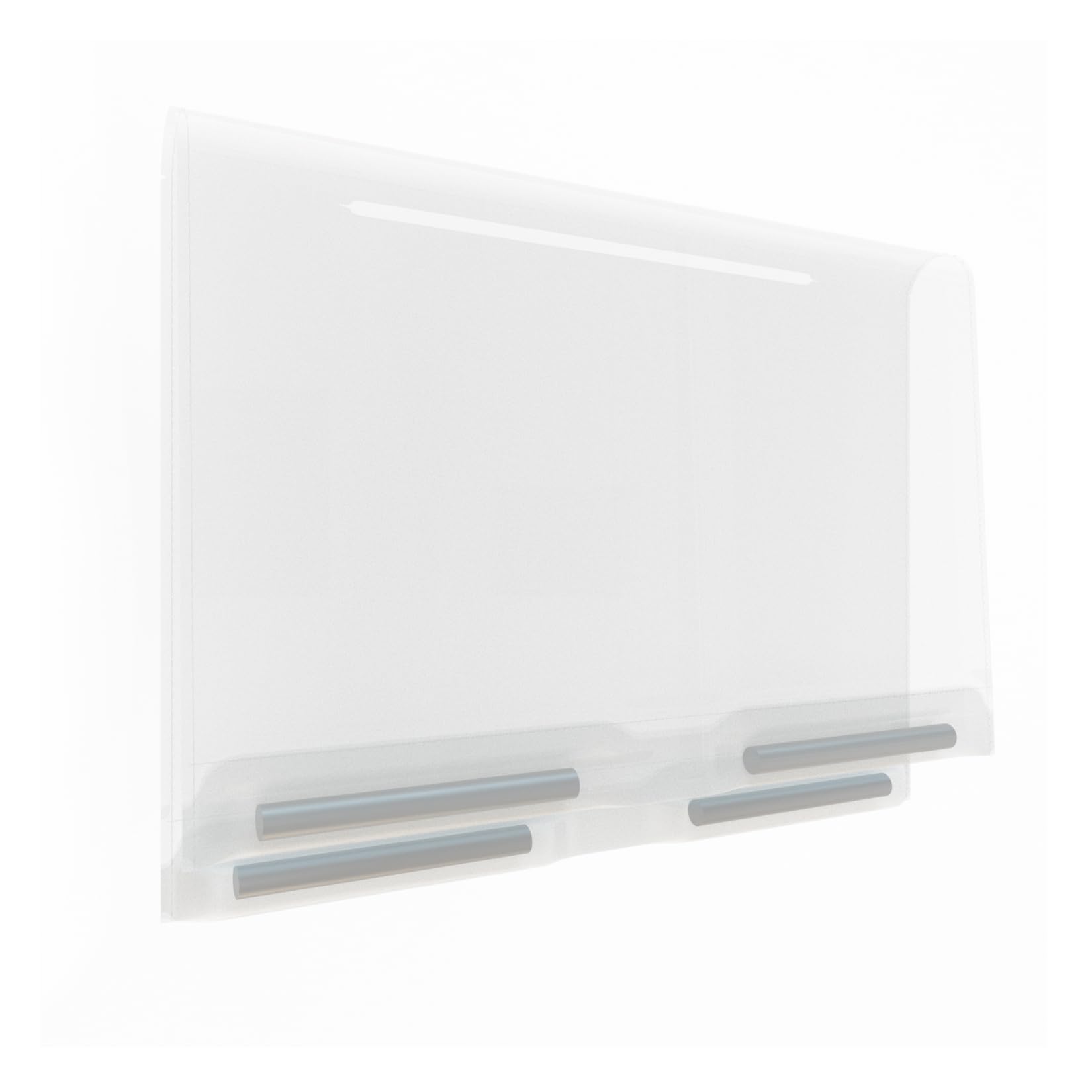
Image: A close-up view of the CoasTeering Nebula 48µm Fine Filter, showing its mesh material and structure.
4. Operation
Once installed, the 48µm Fine Filter works in conjunction with your Nebula robot's primary filter system. It provides superior filtration performance by effectively capturing a wider range of debris, including:
- Fine sand
- Leaves and larger debris
- Dirt and silt
- Green algae particles
The filter operates passively as the robot cleans, ensuring cleaner water return to your pool.
5. Maintenance and Cleaning
Regular cleaning of the 48µm Fine Filter is essential for maintaining optimal filtration performance and extending its lifespan. This filter is designed to be durable and easy to clean.
- Remove the Filter Basket: After each cleaning cycle, or as needed, remove the filter basket from your Nebula robot as described in the installation steps.
- Remove the Fine Filter: Carefully detach the 48µm Fine Filter from the primary filter basket.
- Rinse Thoroughly: Rinse the fine filter under a strong stream of water (e.g., a garden hose) to remove trapped debris. Ensure all mesh areas are clear. You may gently scrub with a soft brush if necessary, but avoid abrasive materials that could damage the mesh.
- Inspect for Damage: Check the filter for any tears, holes, or excessive wear. Replace the filter if significant damage is observed.
- Reinstall: Once clean and dry, reattach the fine filter to the primary filter basket and reinstall it into the robot.
6. Troubleshooting
Issue: Filter does not stay in place or does not cover the entire basket.
Possible Cause: Incorrect installation or incompatibility with the specific filter basket design.
Solution:
- Ensure the 48µm Fine Filter is correctly positioned and stretched evenly over the existing filter basket.
- Verify that the fine filter's edges are tucked or secured as intended by its design to prevent displacement during operation.
- Confirm that your Nebula robot's filter basket is the standard type for which this fine filter is designed. If the basket has an unusual shape or size, the fine filter may not fit optimally.
- If the issue persists, double-check the compatibility information or contact customer support for guidance.
7. Specifications
| Brand | CoasTeering |
| Model Name | Filter X1 |
| Material | Plastic for filter |
| Color | White |
| Product Dimensions (L x W x H) | 4" x 6" x 0.2" |
| Item Weight | 2.88 ounces |
| Installation Type | Robotic (add-on to existing robot filter) |
| Special Features | High Density Filter, 48µm Ultra Fine Mesh |
8. Customer Support
For further assistance, questions, or to report issues, please contact CoasTeering customer support. You can typically find contact information on the product packaging or through the official CoasTeering website or retailer where the product was purchased.
Visit the CoasTeering Store for more information on CoasTeering products.