
TOMLOV P30
TOMLOV P30 Digital Microscope
User Manual
Introduction
Thank you for purchasing the TOMLOV P30 Portable Digital Microscope. This device is designed to provide an engaging and educational experience for exploring the microscopic world, suitable for both children and hobbyists. With its 1-100X standard and 500-1000X high magnification, 16MP camera, and 1080P video capabilities, the P30 allows for detailed observation and capture of discoveries. This manual provides essential information for the proper setup, operation, and maintenance of your microscope.
Safety Information
- Do not disassemble or attempt to repair the device yourself. Refer to qualified service personnel.
- Keep the device away from water and other liquids to prevent electric shock or damage.
- Avoid exposing the device to extreme temperatures, direct sunlight, or high humidity.
- Use only the specified charging cable and power adapter to prevent damage to the battery or device.
- Clean the lens and screen with a soft, lint-free cloth. Avoid using abrasive cleaners or solvents.
- This product contains small parts and is not suitable for children under 3 years old without adult supervision.
Package Contents
Please check the package contents upon unboxing to ensure all items are present:
- TOMLOV P30 Digital Microscope
- USB Charging Cable
- 16GB Micro SD Card (pre-installed or included separately)
- Lanyard
- User Manual

Image: The TOMLOV P30 Digital Microscope with its included accessories, such as the charging cable and lanyard.
Product Overview
Familiarize yourself with the main components of your TOMLOV P30 microscope:
- 2-inch LCD Screen: Displays live view, captured images, and videos.
- Power Button: Turns the device on/off.
- Mode Button: Switches between photo, video, and playback modes.
- Zoom/Navigation Buttons: Adjust magnification and navigate menus.
- Capture/OK Button: Takes photos, starts/stops video recording, confirms selections.
- Focus Wheel: Adjusts the focus for clear images.
- LED Illumination: Provides light for observation.
- Micro SD Card Slot: For storage of captured media.
- USB-C Port: For charging and data transfer.

Image: Detailed view of the TOMLOV P30 microscope, highlighting its 2-inch LCD screen and control buttons.
Setup
- Charging the Battery:
Before first use, fully charge the microscope. Connect the USB charging cable to the microscope's USB-C port and the other end to a USB power adapter (not included) or a computer's USB port. The charging indicator will show the charging status. A full charge provides up to 3 hours of use.

Image: The TOMLOV P30 microscope offers up to 3 hours of battery life, ideal for outdoor exploration.
- Inserting the Micro SD Card:
The microscope comes with a 16GB Micro SD card. Locate the Micro SD card slot on the side of the device. Gently insert the card with the gold contacts facing down until it clicks into place. To remove, push the card in again until it springs out.
- Powering On:
Press and hold the Power button for a few seconds until the screen illuminates. The microscope will boot up and display the live view.
- Adjusting Magnification and Focus:
Place the object you wish to observe directly under the microscope's lens. Rotate the focus wheel to bring the image into sharp focus on the screen. The TOMLOV P30 offers two magnification levels: 1-100X for standard observation and 500-1000X for high magnification, suitable for detailed slides.
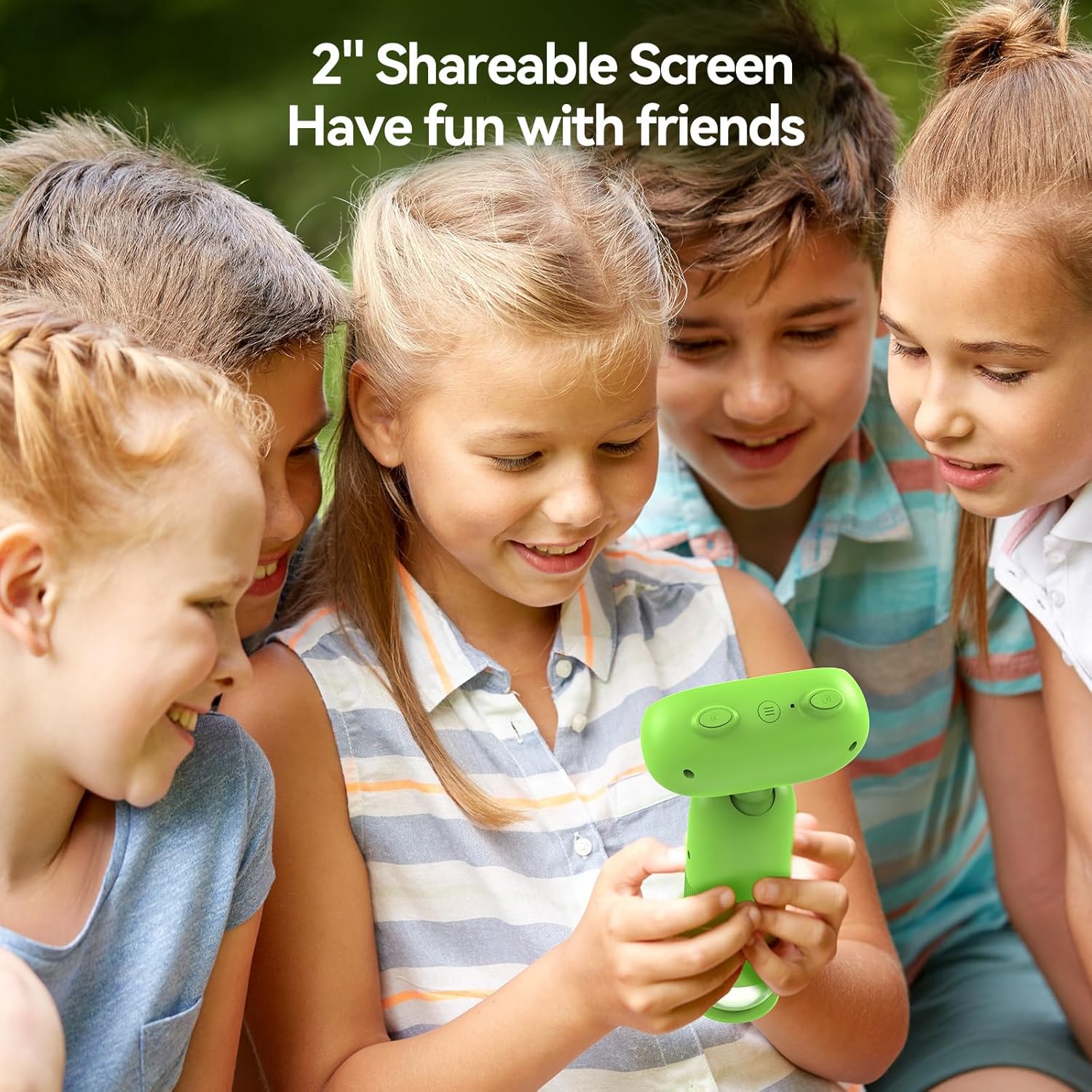
Image: The TOMLOV P30 microscope can unlock tiny details at 1000X magnification, as shown with a magnified bee on its screen.
Operating Instructions
- Switching Modes:
Press the Mode button to cycle between Photo Mode, Video Mode, and Playback Mode. The current mode icon will be displayed on the screen.
- Taking Photos:
In Photo Mode, frame your subject on the screen. Press the Capture/OK button once to take a photo. The image will be saved to the Micro SD card.
- Recording Videos:
In Video Mode, press the Capture/OK button once to start recording. Press it again to stop recording. Videos are saved in 1080P resolution to the Micro SD card.

Image: The TOMLOV P30 allows users to capture 1080P videos and 16MP photos, and revisit their discoveries through playback.
- Playback Mode:
In Playback Mode, use the navigation buttons to browse through your captured photos and videos. Press the Capture/OK button to view a selected item or play a video.
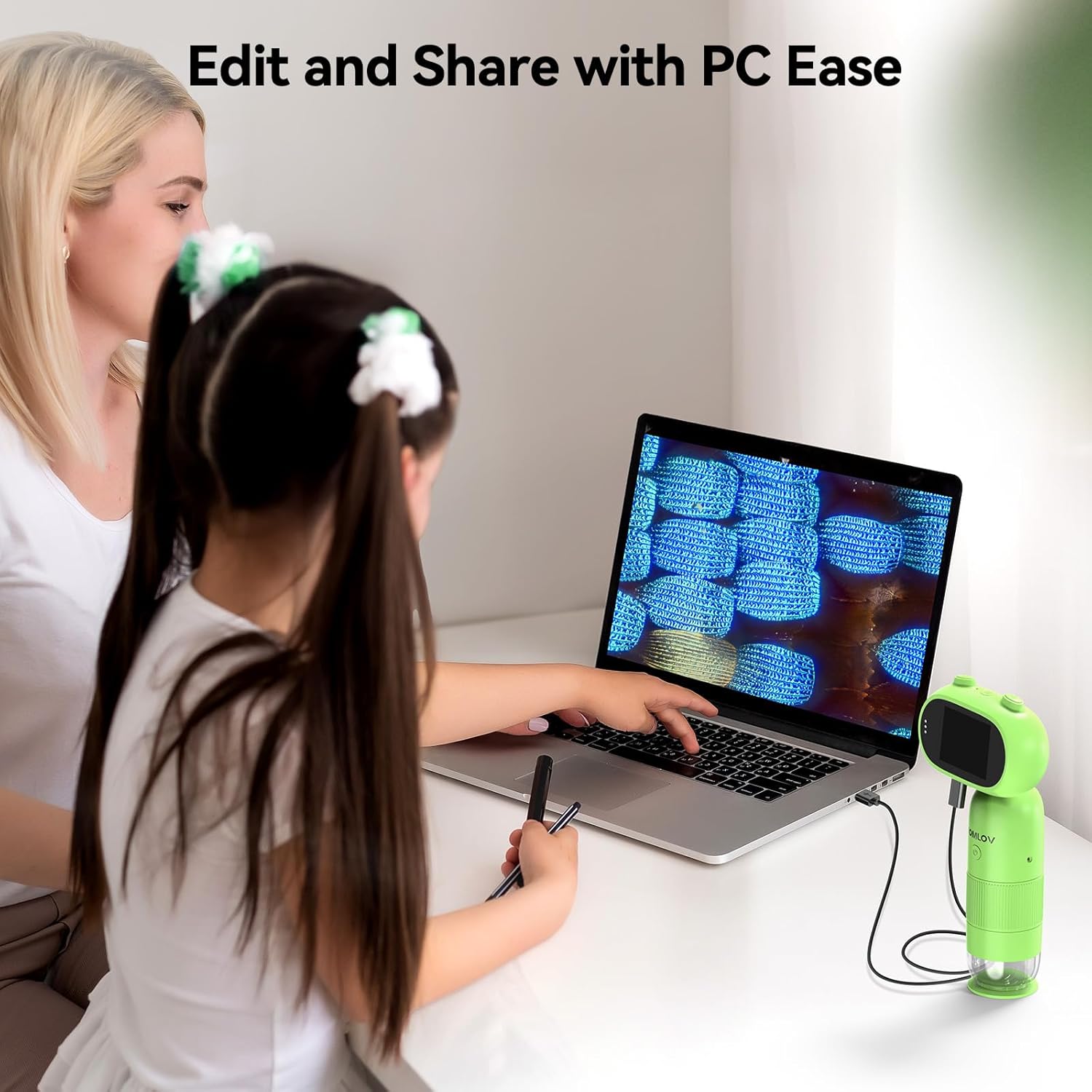
Image: The 2-inch shareable screen of the TOMLOV P30 makes it easy for children to view and share discoveries with friends.
- Connecting to a Computer:
To transfer files, connect the microscope to your computer using the USB cable. The microscope will appear as a removable disk drive. You can then copy photos and videos to your computer for editing and sharing.

Image: The TOMLOV P30 microscope can be connected to a PC for easy editing and sharing of captured media.
- Digital Zoom:
The microscope features 4X digital zoom. While in live view, use the designated zoom buttons to digitally magnify the image on the screen. Note that digital zoom may reduce image quality compared to optical magnification.
Maintenance
- Cleaning the Lens and Screen: Use a soft, dry, lint-free cloth to gently wipe the lens and screen. For stubborn smudges, a slightly dampened cloth with water can be used, followed by a dry cloth. Do not use alcohol or chemical cleaners.
- Storage: When not in use, store the microscope in a cool, dry place, away from direct sunlight and dust. Use the included lanyard for secure carrying.
- Battery Care: To prolong battery life, avoid fully discharging the battery frequently. If storing for an extended period, charge the battery to about 50% every few months.
Troubleshooting
| Problem | Possible Cause | Solution |
|---|---|---|
| Microscope does not turn on. | Battery is low or depleted. | Charge the microscope fully using the USB cable. |
| Image is blurry. | Focus is not adjusted correctly; object is too far/close. | Rotate the focus wheel until the image is clear. Ensure the object is within the working distance. |
| Cannot save photos/videos. | Micro SD card is full, not inserted correctly, or corrupted. | Check if the SD card is inserted correctly. Delete unnecessary files or format the card (this will erase all data). Replace the card if corrupted. |
| Screen is blank or frozen. | System error. | Press and hold the Power button for 10 seconds to force a shutdown, then restart the device. |
Specifications
| Feature | Detail |
|---|---|
| Model | P30 |
| Magnification | 1-100X (Standard), 500-1000X (High) |
| Camera Resolution | 16 Megapixels |
| Video Resolution | 1080P |
| Display Screen | 2-inch LCD |
| Digital Zoom | 4X |
| Storage | Micro SD Card (up to 16GB included) |
| Battery Capacity | 800mAh (Rechargeable) |
| Battery Life | Up to 3 hours |
| Light Source | LED |
| Material | Plastic |
| Weight | Approx. 6 oz |
Warranty and Support
The TOMLOV P30 Digital Microscope comes with a standard manufacturer's warranty. Please refer to the warranty card included in your package for specific terms and conditions. For technical support, troubleshooting assistance, or warranty claims, please contact TOMLOV customer service through their official website or the contact information provided with your purchase. Ensure you have your product model number (P30) and purchase details ready when contacting support.
For more information and updates, visit the official TOMLOV store: TOMLOV Store on Amazon
Related documentsP30


Ask a question about this manual
Ask about setup, troubleshooting, compatibility, parts, safety, or missing instructions. Manuals+ will review the question and use this page’s manual context to help answer it.