Introduction
The OLUNCLE OL-905 is a 2-in-1 smoke and carbon monoxide (CO) alarm designed to provide comprehensive protection for your home or office. This device utilizes advanced sensor technology for efficient and precise detection of both smoke and carbon monoxide, ensuring real-time alerts when danger arises. Its compact and stylish design allows for seamless integration into any environment. This manual provides essential information for the proper setup, operation, maintenance, and troubleshooting of your alarm.


Setup and Installation
Follow these steps for proper installation of your OLUNCLE OL-905 alarm:
- Unpack the Device: Carefully remove the alarm, mounting bracket, and included batteries from the packaging.
- Install Batteries: The alarm requires 3 AA batteries (included). Open the battery compartment on the back of the alarm and insert the batteries, ensuring correct polarity (+/-). The device will automatically activate upon battery installation.
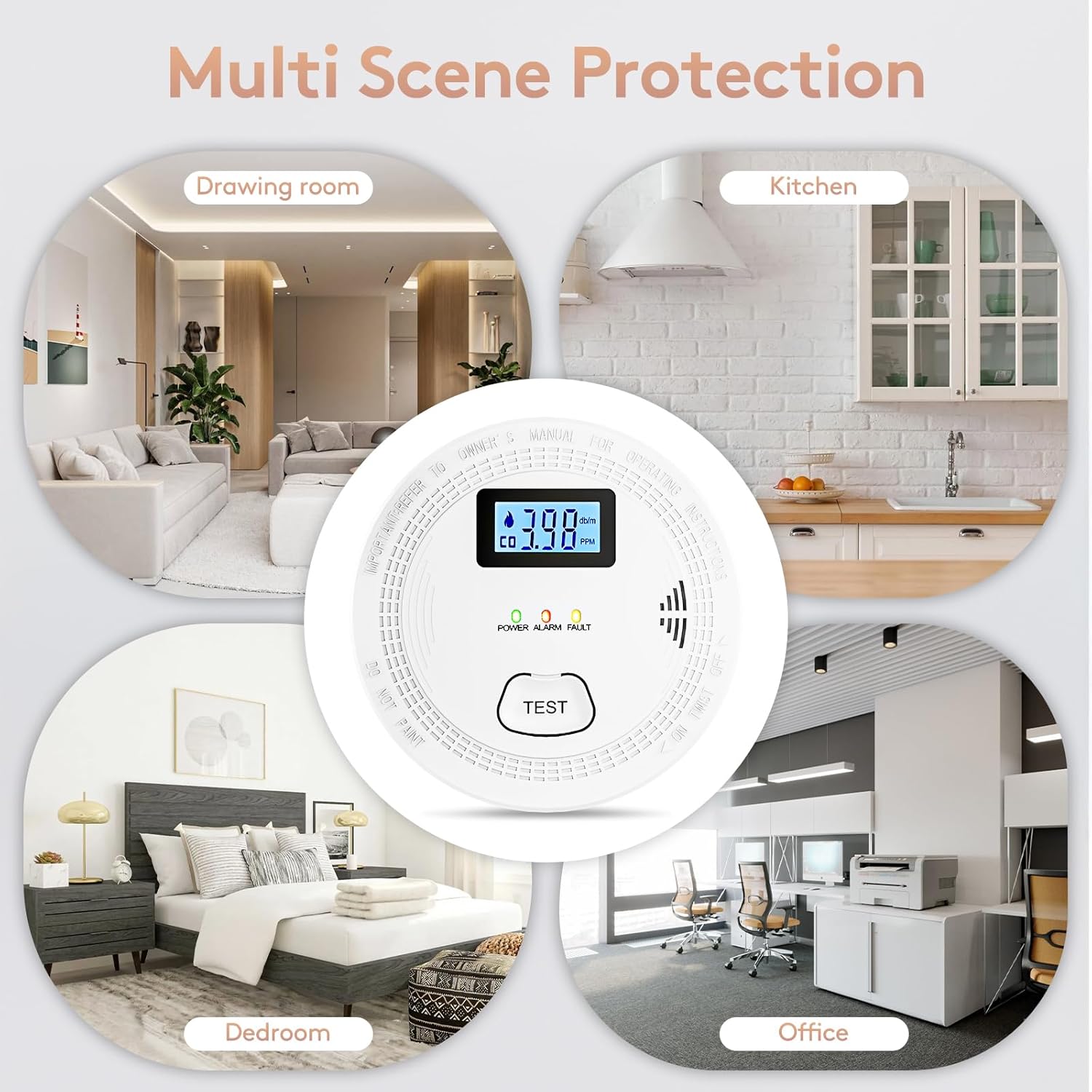
- Choose a Location: Install the alarm on a ceiling or wall in areas where smoke and CO detection are critical, such as bedrooms, hallways, and living areas. Avoid placing it near windows, doors, or vents that could interfere with sensor readings.
- Mount the Bracket: Use the provided screws and anchors to securely attach the mounting plate to your chosen location. Ensure the bracket is firmly fixed.
- Attach the Alarm: Align the alarm with the mounted bracket and twist clockwise until it locks securely into place.
- Test the Alarm: Press the 'TEST' button on the front of the alarm. The screen will light up, and the device will sound an alarm for a few seconds, indicating it is functioning correctly.

Video 1: Official seller video demonstrating the installation process of the Carbon Monoxide Detector/Smoke Alarm, showing how to mount it to the ceiling.
Operating Instructions
The OLUNCLE OL-905 alarm is designed for simple and effective operation:
- Digital Display: The LCD screen displays real-time carbon monoxide levels (in PPM). When no data is detected, the screen will be dark, and the green light will flash. Upon CO detection, numerical values will be displayed.
- LED Indicators:
- Green Light: Indicates normal operation (blinks once every 60 seconds).
- Yellow Light: Indicates a fault or low battery warning.
- Red Light: Indicates an alarm (smoke or CO detected).
- Test Button: Press the 'TEST' button to verify the alarm's functionality. The alarm will sound, and the display will activate.
- Alarm Sound: The alarm emits an 85 dB sound when smoke or CO is detected, providing a clear and immediate warning.

Video 2: Official seller video guiding users through the light indicators of the 2-in-1 Smoke and Carbon Monoxide Detector, explaining green, yellow, and red light meanings.
Maintenance
Regular maintenance ensures the longevity and reliability of your alarm:
- Battery Replacement: Replace the 3 AA batteries annually or immediately when the low battery warning (yellow light) is indicated.
- Regular Testing: Test the alarm monthly by pressing the 'TEST' button to ensure all functions are operational.
- Cleaning: Gently clean the exterior of the alarm with a soft, damp cloth. Do not use harsh chemicals or abrasive cleaners. Avoid painting the alarm, as this can interfere with sensor performance.
Troubleshooting
| Problem | Possible Cause | Solution |
|---|---|---|
| Alarm sounds intermittently or chirps | Low battery | Replace all 3 AA batteries. |
| Red light flashes and alarm sounds continuously | Smoke or CO detected | Evacuate the premises immediately and call emergency services (911). Ventilate the area. |
| Yellow light is on | Faulty sensor or device malfunction | Press the 'TEST' button. If the fault persists, replace the unit. |
| No display or lights | No power or dead batteries | Ensure batteries are correctly installed and charged. Replace if necessary. |
Specifications
- Brand: OLUNCLE
- Model: OL-905
- Style: Smoke Combination CO Alarm
- Power Source: Battery Powered (3 AA batteries included)
- Product Dimensions: 1.37"D x 4.21"W x 4.21"H
- Item Weight: 1.15 pounds
- Alarm Sound Level: 85dB
- Detection Type: Photoelectric (Smoke) and Electrochemical (CO)
- Digital Display: Yes
- Test Button: Yes
- Low Battery Warning: Yes
Warranty Information
Specific warranty details for the OLUNCLE OL-905 2-in-1 Smoke and Carbon Monoxide Alarm are typically provided within the product packaging or on the official OLUNCLE website. Please refer to these sources for the most accurate and up-to-date warranty terms and conditions.
Customer Support
For technical assistance, troubleshooting, or any questions regarding your OLUNCLE OL-905 alarm, please visit the official OLUNCLE website or contact their customer service department. Contact information can usually be found in the product packaging or on the manufacturer's website.


