
1. Introduction
Thank you for choosing the Canopy Bedside Humidifier 2.0. This device is designed to optimize your living space by maintaining ideal humidity levels, contributing to healthier skin and alleviating symptoms associated with dry air. This manual provides essential information for safe and effective use, setup, operation, and maintenance.

Image 1: Canopy Bedside Humidifier 2.0 with filter.
2. What's Included
Your Canopy Bedside Humidifier 2.0 package includes the following components:
- Canopy Bedside Humidifier 2.0 Unit
- Proprietary Filter
- Power Cord & Adapter
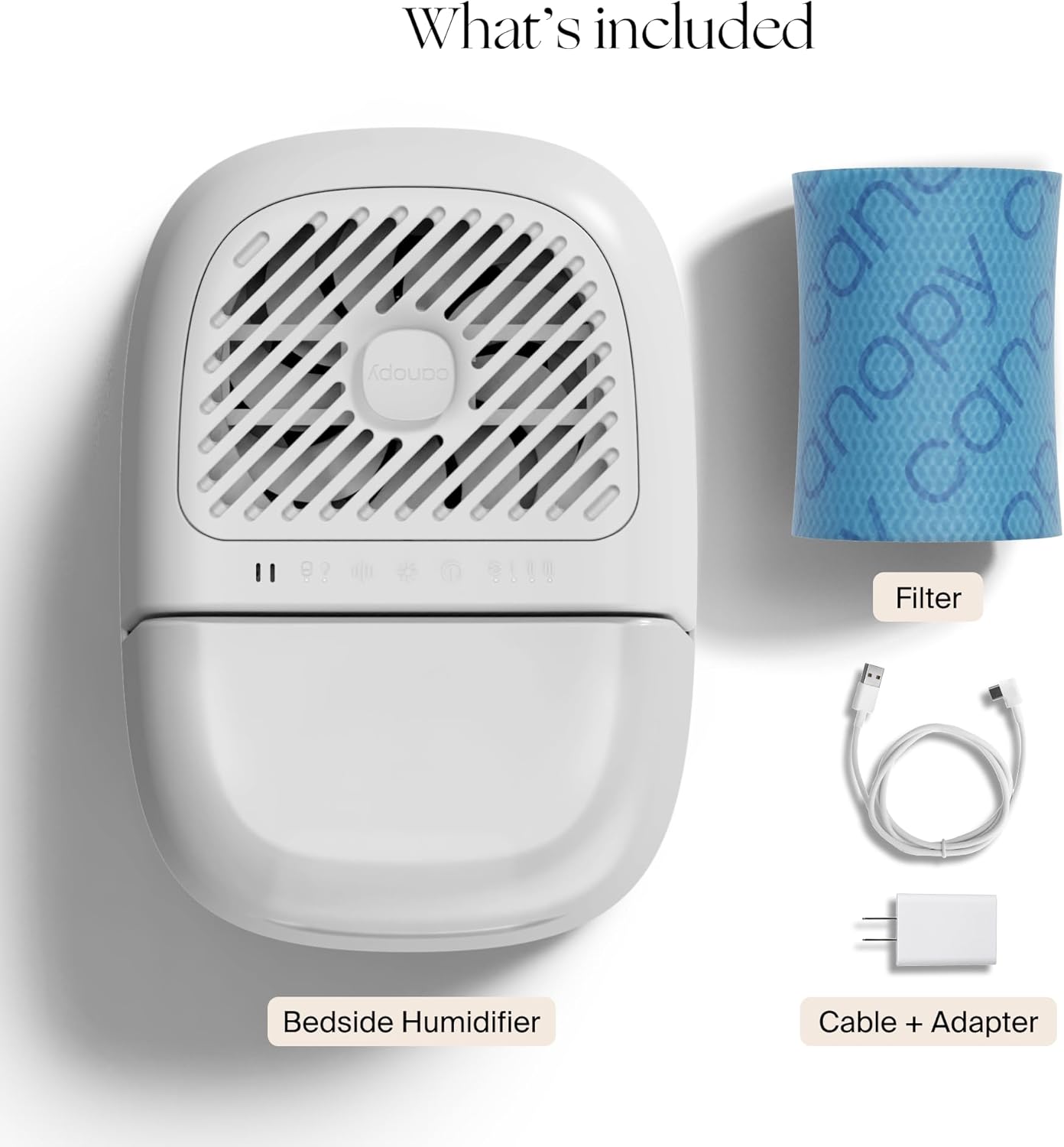
Image 2: Components included with the humidifier.
3. Setup
- Unpack: Carefully remove all components from the packaging.
- Placement: Place the humidifier on a flat, stable surface in your desired room (e.g., bedroom, living room, office). Ensure it is not directly against a wall or furniture to allow for proper airflow.
- Assemble: Insert the proprietary filter into its designated slot within the humidifier base. Place the water tank onto the base, ensuring it is seated correctly.
- Fill Water Tank: Remove the top lid of the water tank. Fill the tank with clean tap water. Distilled water is not required. Replace the lid securely.
- Connect Power: Plug the power cord into the humidifier and then into a standard electrical outlet.

Image 3: Refilling the water tank with tap water.
4. Operating Instructions
The Canopy Bedside Humidifier 2.0 features an intuitive control panel for easy operation.
- Power On/Off: Press the power button to turn the unit on or off.
- Fan Speed/Humidity Control: The humidifier offers multiple fan speed settings to control the humidity output. Adjust as needed for your comfort.
- Auto Mode: Select Auto Mode for the humidifier to intelligently maintain optimal humidity levels based on ambient conditions.
- Night Mode: Activate Night Mode to dim indicator lights and reduce fan speed for undisturbed sleep.
- Reading Light: The unit includes a built-in reading light feature.
- White Noise: A white noise setting is available to promote a calming environment.
- Aroma Diffusion: For aroma diffusion, place an aroma puck (sold separately) on top of the unit and add your preferred fragrance oil.

Image 4: Humidifier in use during sleep.
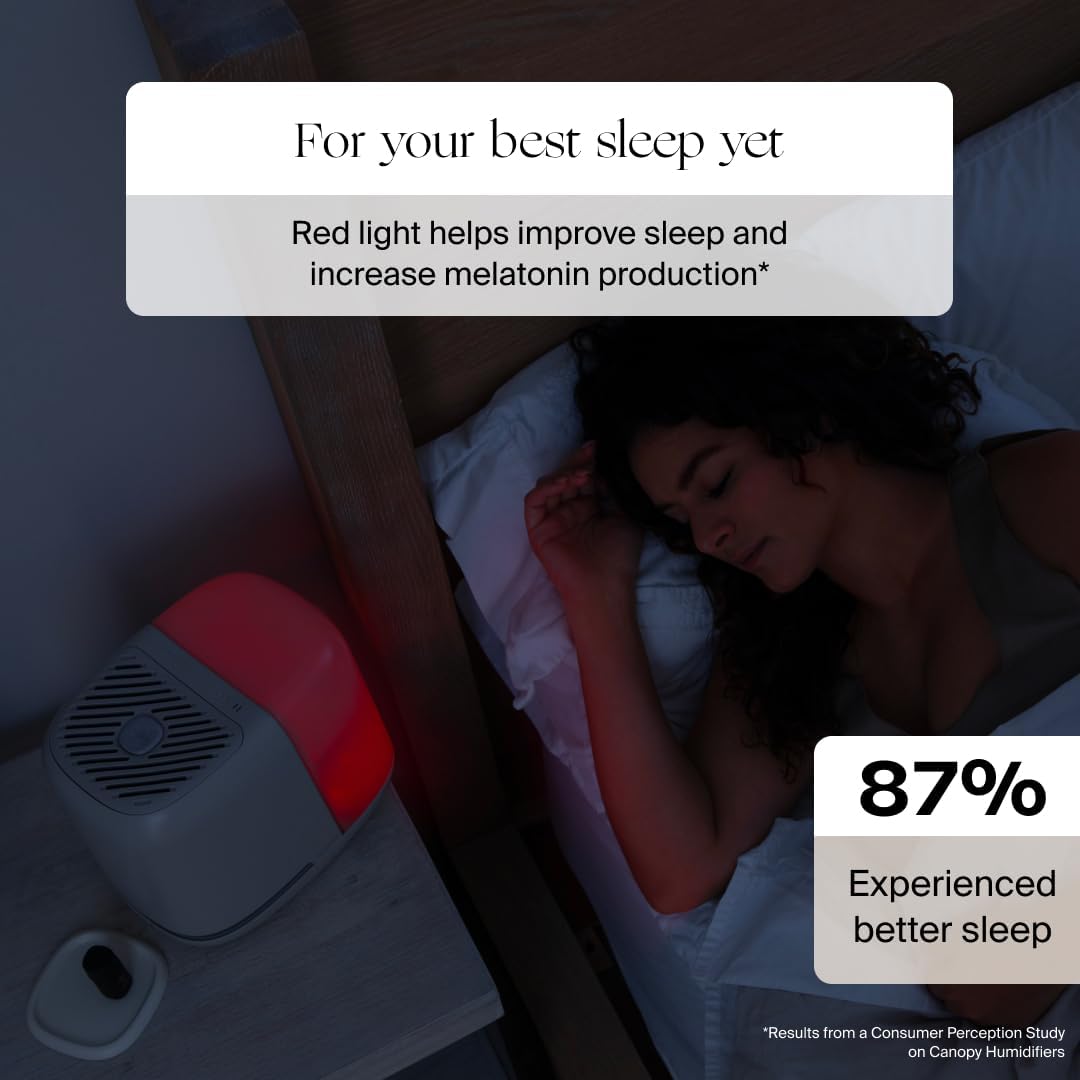
Image 5: Humidifier with red light for sleep.
5. Maintenance
Regular maintenance ensures optimal performance and longevity of your humidifier.
- Cleaning: The tank, tray, grill, spacer, and cap are dishwasher safe. For manual cleaning, the large tank opening allows for easy access.
- Mold-Inhibiting Technology: The humidifier features Smart Persistent Airflow technology and a built-in UV light to inhibit mold growth and ensure the unit runs until completely dry, preventing unwanted buildup.
- Filter Replacement: The proprietary filter is designed to catch contaminants. Replace the filter every 6-8 weeks, or when indicated by the unit's filter light.

Image 6: Internal components and unique technology.

Image 7: Filter before and after use.
6. Health Benefits of Optimal Humidity
Maintaining proper humidity levels with your Canopy Humidifier can provide several health benefits:
- Hydrates skin, combating dryness, dullness, fine lines, and wrinkles.
- Increases skin barrier function, offering protection from environmental pollution.
- Alleviates cough, nasal congestion, and other symptoms of cold, flu, and allergies.
- Provides clean and safe aroma diffusion for a calming environment.
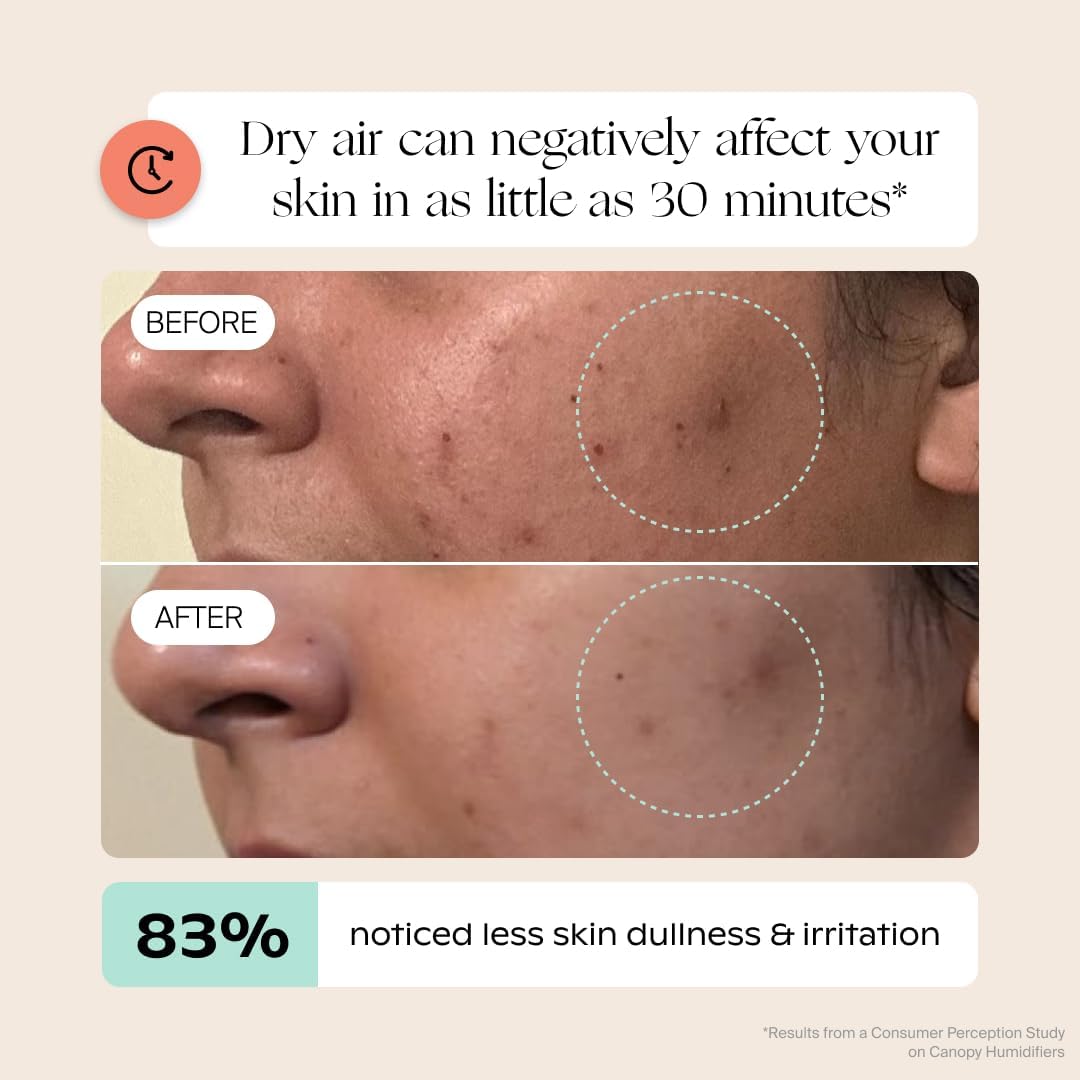
Image 8: Skin hydration benefits.
7. Troubleshooting
If you encounter any issues with your Canopy Bedside Humidifier 2.0, please refer to the following common solutions:
- No Mist/Low Output: Ensure the water tank is filled and properly seated. Check if the filter needs replacement (indicated by the filter light).
- Unusual Odor: Clean all dishwasher-safe parts thoroughly. Replace the filter if it's old or discolored.
- Unit Not Turning On: Verify the power cord is securely plugged into both the unit and the electrical outlet.
- Excessive Noise: Check if the unit is placed on a flat, stable surface. Ensure no foreign objects are obstructing the fan.
8. Specifications
| Feature | Detail |
|---|---|
| Brand | Canopy |
| Model Name | Bedside Humidifier 2.0 |
| Special Feature | Auto Shut Off |
| Color | White |
| Floor Area Coverage | 500 Square Feet |
| Operation Mode | Evaporative |
| Product Dimensions | 11.6"D x 8.9"W x 10.5"H |
| Item Weight | 4.44 pounds (2.02 Kilograms) |
| Run Time | Up to 36 Hours |
9. Warranty and Support
Canopy offers a 60-day guarantee on this product. For any questions or assistance, please refer to the contact information provided with your product packaging or visit the official Canopy website.


