
1. Getting Started
1.1. What's in the Box
Please check the package contents upon unboxing:
- 1 x artfone G6 Mobile Phone
- 1 x 1300 mAh Battery
- 1 x USB Charging Cable
- 1 x Charging Dock
- 1 x User Manual
1.2. Battery Installation
To install the battery:
- Remove the back cover of the phone.
- Align the battery contacts with the phone's terminals.
- Gently press the battery into place.
- Replace the back cover, ensuring it clicks securely.
1.3. SIM Card Installation
The artfone G6 supports Nano SIM cards (2G, 3G, or 4G). To install your SIM card:
- Ensure the phone is powered off.
- Remove the back cover and battery.
- Locate the SIM card slot(s). The phone supports dual SIM.
- Insert the Nano SIM card(s) into the slot(s) with the gold contacts facing down, following the diagram near the slot.
- Reinstall the battery and back cover.
1.4. Charging the Phone
Before first use, fully charge the phone battery.
- Using the Charging Dock: Place the phone into the charging dock. Connect the USB charging cable to the dock and then to a power adapter.
- Direct USB-C Charging: Connect the USB-C cable directly to the phone's USB-C port and then to a power adapter.
The charging indicator will show the charging status. A full charge typically takes a few hours.
1.5. Powering On/Off
- To Power On: Press and hold the red 'End Call' button until the screen lights up.
- To Power Off: Press and hold the red 'End Call' button until the power off options appear, then select 'Power Off'.
2. Basic Operations
2.1. Keypad Overview
The artfone G6 features a large, backlit keypad for easy dialing and navigation, especially in low-light conditions.

Image: The artfone G6 phone open, displaying its large, easy-to-read keypad.
2.2. Dual Display Functionality
The phone features a 2.4-inch main HD screen and a 1.8-inch external display. The external screen allows you to quickly check the time, date, battery status, and incoming call notifications without opening the phone.

Image: The artfone G6 demonstrating its dual display feature, showing the external screen and the internal screen.
2.3. Making and Receiving Calls
- To Make a Call: Open the phone, dial the number using the keypad, and press the green 'Call' button.
- To Receive a Call: When the phone rings, open the phone and press the green 'Call' button. You can also answer by opening the flip.
- To End a Call: Press the red 'End Call' button or close the flip.
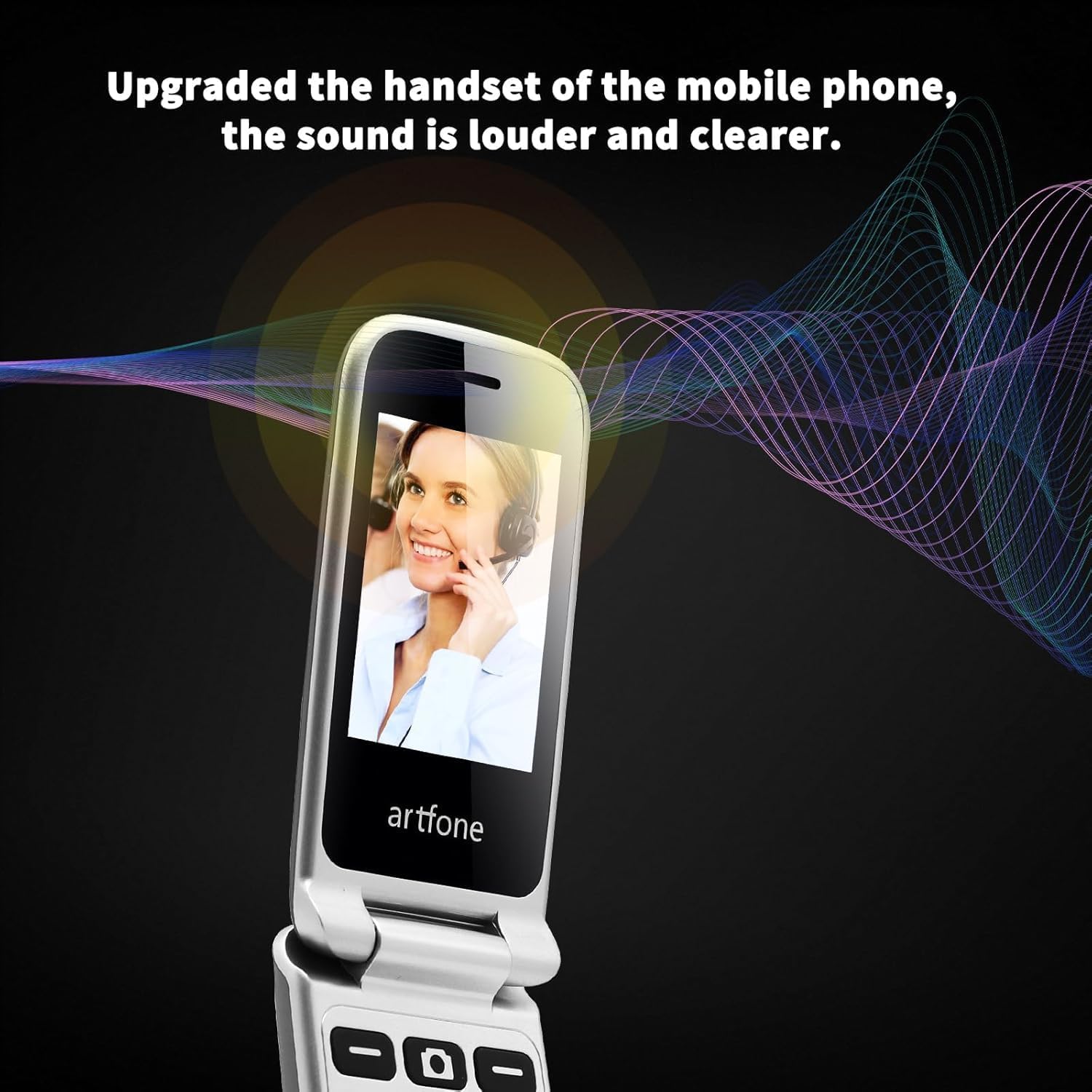
Image: The artfone G6 in use during a call, highlighting its clear audio quality.
2.4. Sending and Receiving Messages
Navigate to the 'Messages' menu to compose new messages or read incoming ones. Use the keypad to type your message.
2.5. Using Speed Dial
The artfone G6 allows you to set up speed dial contacts for quick access to important numbers.
- Go to 'Settings' or 'Contacts' to assign numbers to speed dial keys (e.g., keys 2-9, A, B).
- To use, simply press and hold the assigned speed dial key.
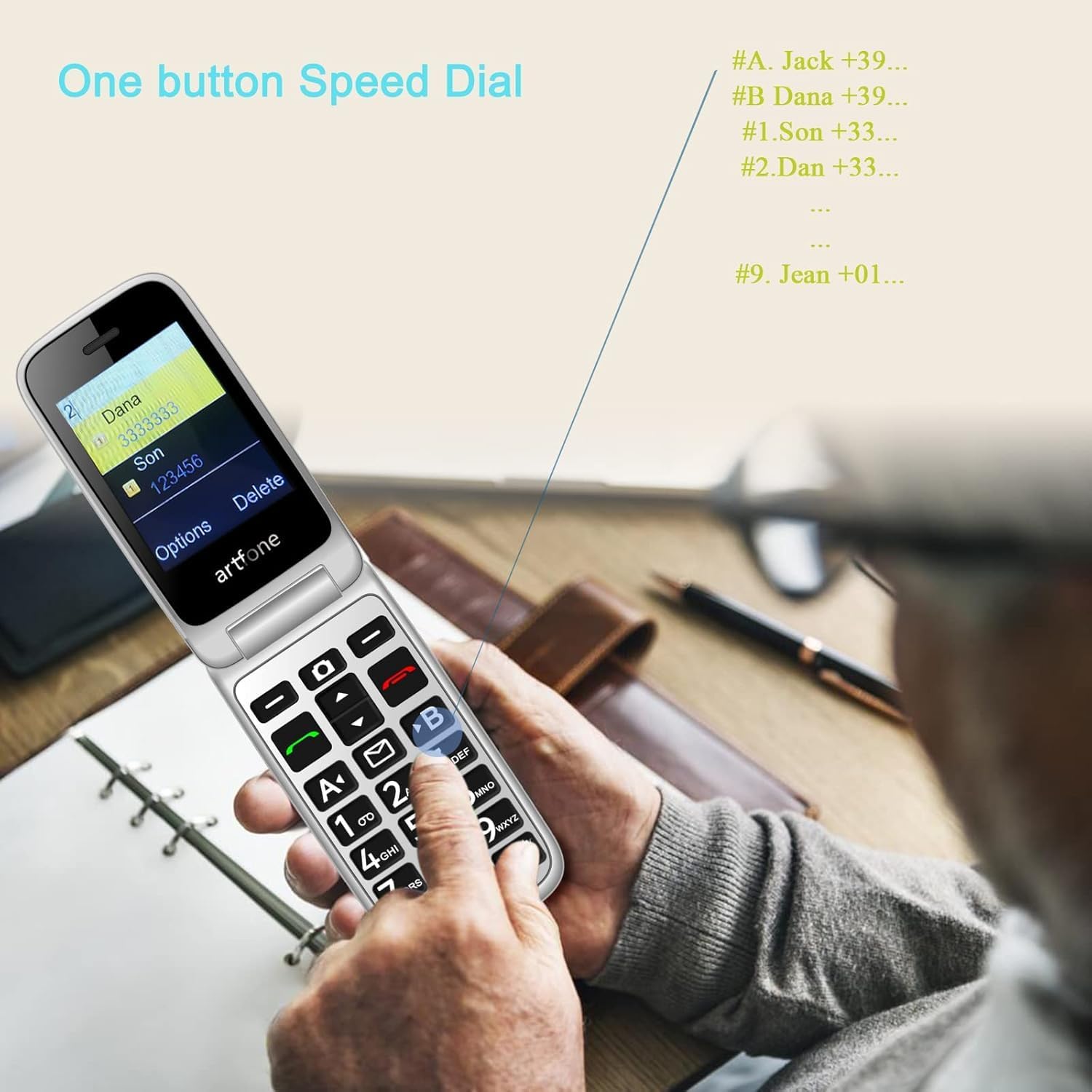
Image: A user activating the speed dial feature on the artfone G6.
2.6. SOS Emergency Button
For enhanced safety, the artfone G6 includes a dedicated SOS button.
- Setup: In the 'SOS Settings' menu, you can configure up to five emergency contacts.
- Usage: In an emergency, press and hold the SOS button on the back of the phone. The phone will automatically call these numbers in sequence until one answers. It will also send an emergency SMS to these contacts.

Image: The rear view of the artfone G6, showing the SOS emergency button and side controls.
2.7. Time Reporting Feature
The phone offers a multilingual voice time announcement feature, beneficial for users with visual impairments.
- Press the dedicated time reporting button (often located on the side or keypad) to hear the current time announced aloud.

Image: Activating the time reporting feature on the artfone G6.
2.8. Adjusting Volume
Use the dedicated volume buttons located on the side of the phone to adjust call volume, ringtone volume, and media volume.
2.9. Blacklist Feature
To block unwanted calls, the artfone G6 includes a blacklist feature. You can add up to 50 numbers to this list, preventing them from contacting you.
- Navigate to 'Call Settings' or 'Security Settings' to access and manage the blacklist.
3. Maintenance
3.1. General Care
- Keep the phone dry. Moisture can damage electronic circuits.
- Avoid extreme temperatures. High temperatures can shorten the life of electronic devices and damage batteries.
- Do not drop, knock, or shake the phone. Rough handling can break internal circuit boards.
- Do not use harsh chemicals, cleaning solvents, or strong detergents to clean the phone.
3.2. Cleaning
Use a soft, dry cloth to wipe the phone's surface. For stubborn dirt, a slightly damp cloth can be used, ensuring no liquid enters openings.
3.3. Battery Care
The 1300 mAh battery provides extended talk and standby times. To maximize battery life:
- Avoid overcharging; disconnect the charger once the battery is full.
- If not using the phone for an extended period, store it with a partial charge (around 50%).
4. Troubleshooting
If you encounter issues with your artfone G6, please refer to the following common problems and solutions:
| Problem | Possible Solution |
|---|---|
| Phone does not power on | Ensure the battery is correctly installed and charged. Try charging the phone for at least 30 minutes. |
| Cannot make or receive calls | Check if the SIM card is properly inserted and activated. Ensure you have network coverage. Verify that the number is not on the blacklist. |
| Poor call quality | Move to an area with better network reception. Check the volume settings. |
| Battery not charging | Check the charging cable and adapter for damage. Ensure the phone is correctly placed in the charging dock or the USB-C cable is fully inserted. |
| SOS button not working | Verify that emergency contacts are correctly set up in the SOS settings. |
If the problem persists, please contact customer support.
5. Specifications
Detailed technical specifications for the artfone G6:
| Feature | Detail |
|---|---|
| Brand | artfone |
| Model Name | G6 |
| Operating System | artfone Mocor RTOS |
| Main Screen Size | 2.4 Inches |
| External Screen Size | 1.8 Inches |
| Screen Resolution | 480 x 320 |
| RAM | 48 MB |
| Storage Capacity | 128 MB |
| CPU Model | MTK 8121 |
| CPU Speed | 1000 MHz |
| Battery Capacity | 1300 mAh |
| Connectivity | Bluetooth, USB Type C, 3.5 mm Jack |
| Special Features | Dual SIM, Dual Display, SOS Button, Speed Dial, Blacklist |
6. Warranty Information
The artfone G6 comes with a manufacturer's warranty of 2 years. Please retain your proof of purchase for warranty claims. The warranty covers defects in materials and workmanship under normal use.
For specific terms and conditions, please refer to the warranty card included in your product packaging or contact artfone customer service.
7. Support
For further assistance, technical support, or inquiries regarding your artfone G6 phone, please visit the official artfone website or contact their customer service department. Contact details can typically be found on the manufacturer's website or in the product packaging.
Always ensure you have your product model number (G6) and purchase details ready when contacting support.


