
1. Introduction
Thank you for choosing the EDYELL C5S Bluetooth Dual Earphone for Helmet. This device is designed to provide high-quality audio for music and calls while riding, ensuring convenience and safety. Please read this manual carefully before use to ensure proper installation and operation.
2. Safety Information
- Always prioritize road safety. Do not operate the device in a manner that distracts you from riding.
- Ensure the device is securely mounted to your helmet to prevent detachment during use.
- Avoid listening to audio at excessively high volumes for prolonged periods to prevent hearing damage.
- Do not attempt to disassemble or modify the device. This may void the warranty and pose safety risks.
- Keep the device away from extreme temperatures, direct sunlight, and open flames.
- Dispose of the battery and device according to local regulations.
3. Package Contents
Verify that all items are present in your package:
- Motorcycle Bluetooth Headsets (x1)
- Hard Microphone Speaker (x1)
- Clamping Base (x1)
- Microphone Velcro Tape (x2)
- Speaker Velcro (x2)
- Booster Sticker (x2)
- Stand Velcro Tape (x1)
- Thick Double Sided Tape (x1)
- Stand Velcro Tape (x1)
- User Manual (x1)
- Charging Cable (x1)
4. Product Overview
The EDYELL C5S is a compact Bluetooth headset designed for motorcycle helmets. It features a control unit with integrated buttons and a colorful LED strip, connecting to two 50mm speakers and a microphone for communication and audio playback.

Image: The EDYELL C5S Bluetooth Helmet Headset, showing its sleek design and integrated controls.
5. Installation
Follow these steps to install the EDYELL C5S on your helmet:
- Mounting the Main Unit: Attach the clamping base to the side of your helmet using the provided clips or adhesive tape. Ensure it is securely fastened and does not obstruct your vision or helmet functionality.
- Speaker Placement: Position the 50mm speakers inside the helmet's ear pockets. Use the speaker Velcro to secure them. Ensure the speakers are aligned with your ears for optimal sound quality and comfort.
- Microphone Placement: Attach the hard microphone speaker to the inside of the helmet, near your mouth. Use the microphone Velcro tape to secure it. Ensure the microphone is positioned to capture your voice clearly while minimizing wind noise.
- Cable Management: Route all cables neatly within the helmet's padding to avoid interference and ensure comfort.

Image: Diagram illustrating the installation of the EDYELL C5S headset components, including the main unit, speakers, and microphone, onto a motorcycle helmet.
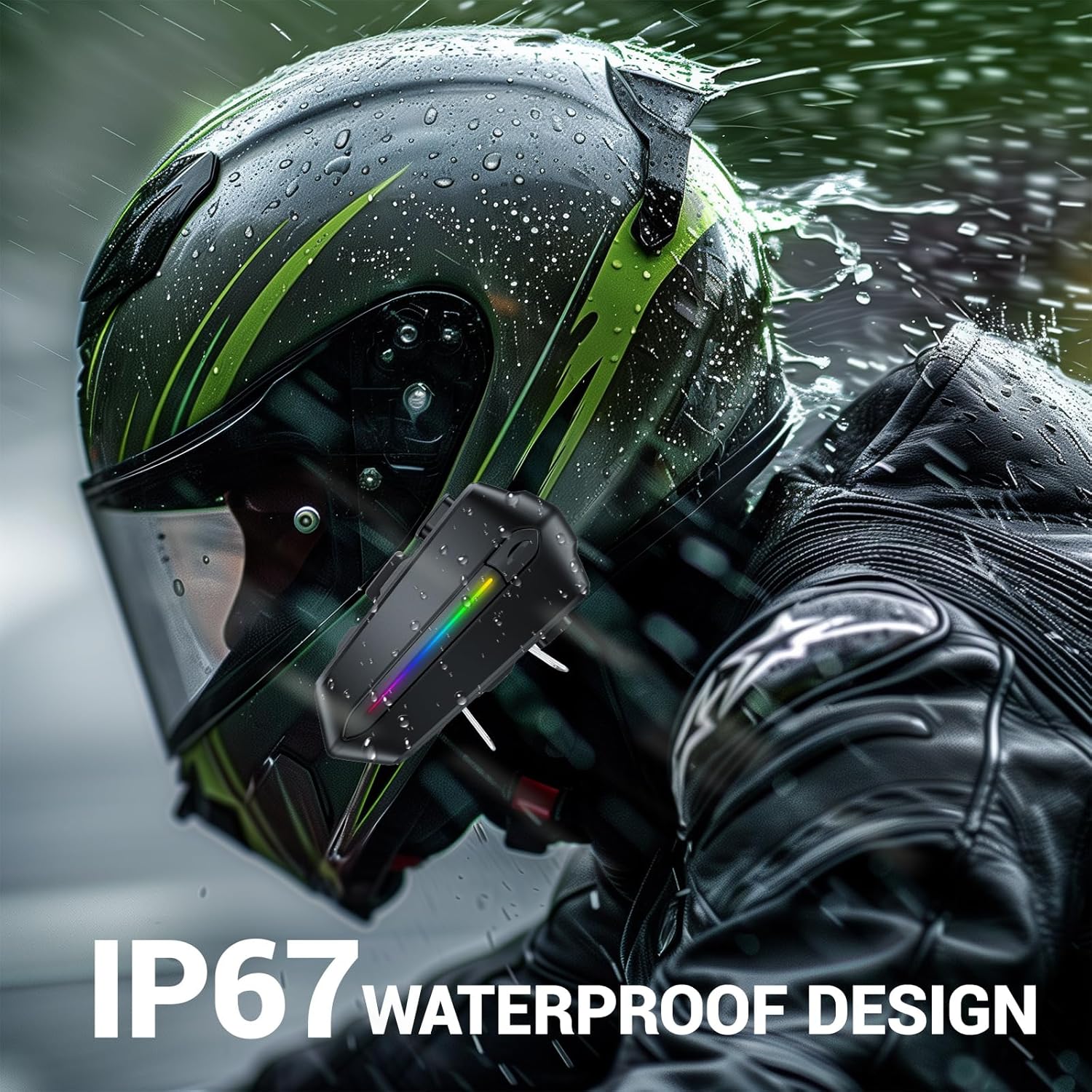
Image: Various helmet types demonstrating the wide compatibility of the EDYELL C5S Bluetooth headset.
6. Charging
The EDYELL C5S features an 800mAh large-capacity battery. To charge the device:
- Connect the provided Type-C charging cable to the charging port on the headset.
- Connect the other end of the cable to a USB power source (e.g., wall adapter, computer USB port).
- The LED indicator will show charging status. A full charge takes approximately 1.5 hours.
Once fully charged, the headset provides up to 30 hours of music listening, 40 hours of calls, and over 300 hours of standby time.
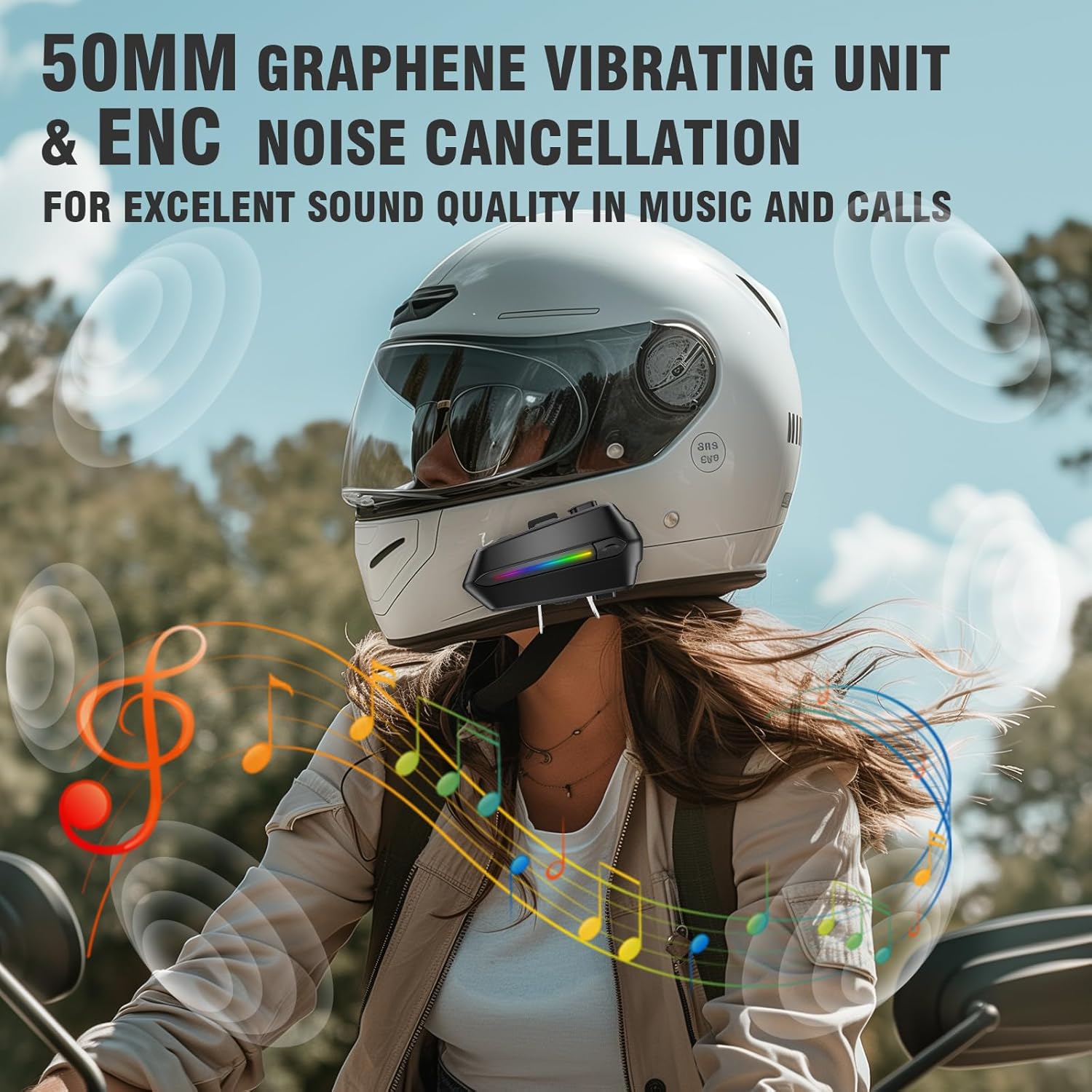
Image: The EDYELL C5S headset connected to a Type-C charging cable, illustrating the charging process and highlighting its 800mAh battery capacity.
7. Operating Instructions
7.1 Power On/Off
- Power On: Press and hold the power button for approximately 3 seconds until the LED indicator lights up.
- Power Off: Press and hold the power button for approximately 3 seconds until the LED indicator turns off.
7.2 Bluetooth Pairing
- Ensure the headset is powered off.
- Press and hold the power button for about 5-7 seconds until the LED indicator flashes red and blue alternately, indicating pairing mode.
- On your mobile device, enable Bluetooth and search for "EDYELL C5S".
- Select "EDYELL C5S" from the list of available devices to connect. A voice prompt will confirm successful pairing.
7.3 Dual Connectivity
The EDYELL C5S supports simultaneous connection to two devices. After pairing the first device, follow the pairing steps again for the second device. The headset will automatically connect to both devices when powered on.
7.4 Call Management
- Auto Answer: Incoming calls will be automatically answered after 10 seconds for hands-free communication.
- Answer/End Call: Short press the phone button to answer or end a call.
- Reject Call: Press and hold the phone button for 2 seconds to reject an incoming call.
- Voice Control: Press the voice control button to activate your device's voice assistant (e.g., Siri, Google Assistant) to perform tasks like making calls or navigating.
7.5 Music Playback
- Play/Pause: Short press the play/pause button.
- Next Track: Short press the '+' button.
- Previous Track: Short press the '-' button.
7.6 Volume Control
- Increase Volume: Long press the '+' button.
- Decrease Volume: Long press the '-' button.

Image: A rider using the EDYELL C5S headset, demonstrating the one-click AI assistant wake-up and auto-answer call features for convenience while riding.
Video: An official product video demonstrating the features and usage of the EDYELL C5S Motorcycle Bluetooth Headset, including its design, controls, and functionality.
7.7 IP67 Waterproof Design
The EDYELL C5S is designed with an IP67 waterproof rating, allowing it to withstand various weather conditions, including rain and snow. This ensures reliable performance during outdoor rides.

Image: The EDYELL C5S headset mounted on a helmet, shown under simulated rain to highlight its IP67 waterproof design.
8. Specifications
| Feature | Specification |
|---|---|
| Model Name | C5S |
| Connectivity Technology | Wireless (Bluetooth V5.4) |
| Noise Control | Passive Noise Cancellation |
| Audio Driver Size | 50 Millimetres |
| Battery Capacity | 800mAh Lithium Polymer |
| Charging Time | 1.5 Hours |
| Music Playback Time | Up to 30 Hours |
| Call Time | Up to 40 Hours |
| Standby Time | Over 300 Hours |
| Water Resistance Level | IP67 Waterproof |
| Control Type | Voice Control, Button Control |
| Item Weight | 180 Grams |
| Product Dimensions | 10 x 5 x 2 cm |
9. Troubleshooting
- Device not powering on: Ensure the battery is charged. Connect the device to a charger and try again.
- Unable to pair with Bluetooth: Make sure the headset is in pairing mode (LED flashing red and blue). Check that Bluetooth is enabled on your mobile device and it is within range. Try restarting both devices.
- No sound from speakers: Check the volume level on both the headset and your connected device. Ensure speakers are correctly plugged into the main unit and positioned properly inside the helmet.
- Microphone not working: Verify the microphone is securely connected and positioned correctly near your mouth. Check privacy settings on your connected device to ensure microphone access is granted.
- Intermittent connection: Ensure there are no major obstructions between the headset and your connected device. Move closer to the device if necessary. Avoid environments with strong electromagnetic interference.
10. Warranty and Support
For product support, installation guidance, or any queries, please contact EDYELL INDIA customer care:
- Email: support@fenman.in
- Phone: +91 8882786235
- Operating Hours: Monday to Saturday, 10:00 AM to 6:30 PM (IST)
Please retain your purchase receipt for warranty claims.