
1. Introduction
Thank you for choosing the pTron Basspods P181 True Wireless Stereo (TWS) Earbuds. These earbuds are designed to provide a high-quality audio experience with advanced features for convenience and durability. This manual will guide you through the setup, operation, and maintenance of your new earbuds.
2. What's in the Box
- pTron Basspods P181 TWS Earbuds
- Charging Case
- USB Type-C Charging Cable
- User Manual
- S/M/L Size Eartips (one set pre-installed)
3. Product Overview

Figure 1: pTron Basspods P181 Earbuds in their open charging case.

Figure 2: Key features including 13mm dynamic drivers, 300mAh charging case, Type-C charging port, and DC5V/1A charging input.
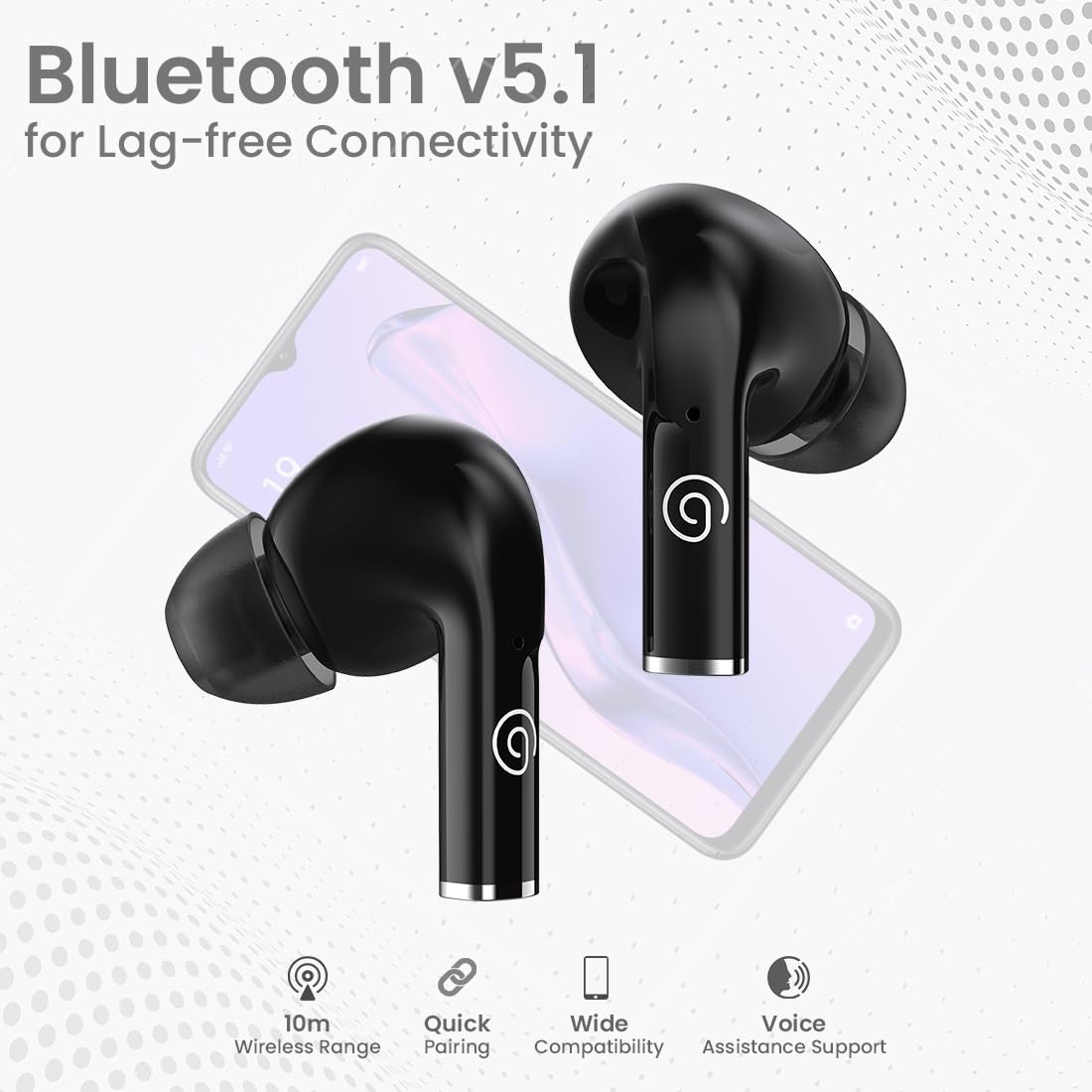
Figure 3: Bluetooth 5.1 for lag-free connectivity, featuring a 10-meter wireless range, quick pairing, wide compatibility, and voice assistance support.
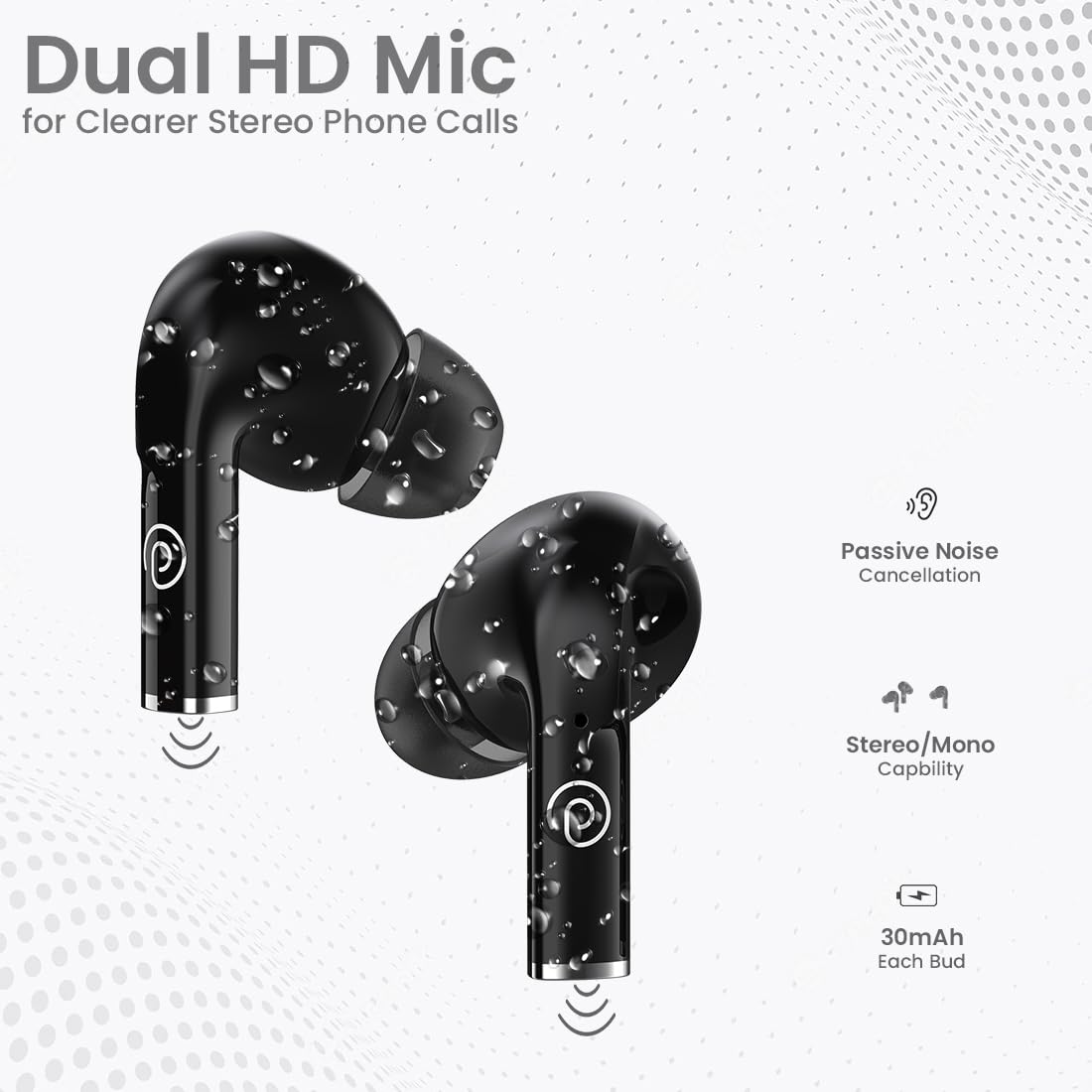
Figure 4: Dual HD Microphones for clear stereo phone calls, passive noise cancellation, stereo/mono capability, and 30mAh battery in each earbud.

Figure 5: Touch sensor controls for easy music and call management, including Play/Pause, Call Answer, Call Hangup, Next Track, Previous Track, and Voice Assistance.
4. Setup Instructions
4.1 Initial Charging
Before first use, fully charge the earbuds and the charging case. Connect the provided USB Type-C cable to the charging port on the case and a compatible power source (DC5V/1A). The indicator light on the case will show charging status. A full charge typically takes 1-1.5 hours.
4.2 Pairing with a Device
- Ensure the earbuds are fully charged.
- Open the charging case. The earbuds will automatically enter pairing mode.
- On your smartphone or tablet, enable Bluetooth.
- Search for available Bluetooth devices and select "pTron Basspods P181".
- Once connected, the earbuds will indicate successful pairing.
The earbuds feature 1-Step Pairing and Auto Re-connect, meaning they will automatically connect to the last paired device when removed from the case.
5. Operating Instructions
5.1 Touch Controls
The pTron Basspods P181 earbuds feature intuitive touch controls on each earbud. Refer to the following table for common functions:
| Action | Function |
|---|---|
| Single tap (L/R) | Play/Pause Music, Answer Call |
| Double tap (L/R) | End Call |
| Triple tap (Right) | Next Track |
| Triple tap (Left) | Previous Track |
| Long press (L/R) | Activate Voice Assistant |
5.2 Stereo/Mono Mode
The earbuds can be used in either stereo (both earbuds) or mono (single earbud) mode. Simply remove one earbud from the case to use it independently. To switch back to stereo, take out the other earbud.
6. Charging
The pTron Basspods P181 provide up to 32 hours of total playtime with the included charging case. Each earbud has a 30mAh battery, and the charging case has a 300mAh capacity.
- To charge the earbuds, place them back into the charging case. They will automatically begin charging.
- To charge the case, connect it to a power source using the Type-C cable.
- Charging time for both earbuds and case is approximately 1-1.5 hours.
7. Maintenance
To ensure the longevity and optimal performance of your pTron Basspods P181 earbuds, follow these maintenance guidelines:
- Cleaning: Regularly clean the earbuds and charging case with a soft, dry cloth. Avoid using harsh chemicals or abrasive materials.
- Water Resistance: The earbuds are IPX4 water/sweat resistant, making them suitable for workouts and light rain. Do not submerge them in water or expose them to heavy downpours. Ensure they are dry before placing them back in the charging case.
- Storage: Store the earbuds in their charging case when not in use to protect them from dust and damage.
- Temperature: Avoid exposing the earbuds to extreme temperatures (hot or cold) as this can affect battery life and performance.
8. Troubleshooting
If you encounter issues with your earbuds, try the following solutions:
- No Sound/Poor Sound Quality:
- Ensure earbuds are properly paired and connected to your device.
- Check the volume level on both your device and the earbuds.
- Clean any debris from the earbud nozzles and eartips.
- Try resetting the earbuds (refer to manufacturer's website for specific reset instructions if needed).
- Earbuds Not Charging:
- Ensure the charging cable is securely connected to both the case and the power source.
- Verify the charging case has sufficient power.
- Clean the charging contacts on both the earbuds and the case.
- Pairing Issues:
- Turn off Bluetooth on your device, then turn it back on.
- Forget the "pTron Basspods P181" from your device's Bluetooth list and attempt to pair again.
- Ensure no other Bluetooth devices are interfering with the connection.
9. Specifications
| Feature | Detail |
|---|---|
| Model Name | Basspods P181 |
| Brand | pTron |
| Connectivity Technology | Wireless (Bluetooth 5.1) |
| Bluetooth Range | 10 Metres |
| Audio Driver Size | 13 Millimetres |
| Audio Driver Type | Dynamic Driver |
| Impedance | 32 Ohm |
| Noise Control | Sound Isolation (Passive Noise Cancellation) |
| Microphones | Dual HD Mic for Clear Calls |
| Control Type | Touch Control |
| Water Resistance Level | IPX4 Water/Sweat Resistant |
| Earbud Battery Capacity | 30mAh (each bud) |
| Charging Case Battery Capacity | 300mAh |
| Charging Port | Type-C |
| Charge Time | 1-1.5 Hours |
| Total Playtime | Up to 32 Hours (with charging case) |
| Compatible Devices | Cellphones, Tablets |
| Material | Acrylonitrile Butadiene Styrene (ABS) |
| Item Weight | 43 Grams |
| Product Dimensions | 6 x 4.5 x 2.4 cm |
| Country of Origin | China |
10. Product Videos
Video 1: A brief overview of the pTron Basspods P181 TWS Earbuds, showcasing key features and design. This video is provided by the seller.
Video 2: Detailed product presentation of the pTron Basspods P181 TWS Earbuds, covering various aspects of functionality and user experience. This video is provided by the seller.
11. Warranty and Support
The pTron Basspods P181 comes with a 1-Year Manufacturer Warranty from the date of purchase, covering manufacturing defects only.
For customer support, please contact:
- Phone: 040-67138888
- Email: support@ptron.in


