
1. Introduction
Thank you for choosing the LasGoo LG-4Ds 4x360° Self-Leveling Green Cross Line Laser Level. This device is designed for precision leveling and alignment tasks in construction projects and home decoration. It features 16 highly visible green laser lines, offering comprehensive coverage for various applications. Please read this manual thoroughly before operating the device to ensure safe and efficient use.
2. Safety Information
WARNING: Class II Laser Product
- Do not stare directly into the laser beam.
- Avoid direct eye exposure to the laser beam.
- Do not disassemble the laser level. Repairs should only be performed by authorized service personnel.
- Keep the device out of reach of children.
- Ensure the device is stable before operation to prevent accidental movement.
- The power output is less than 1mW.
3. Package Contents
Verify that all items are present in your package:
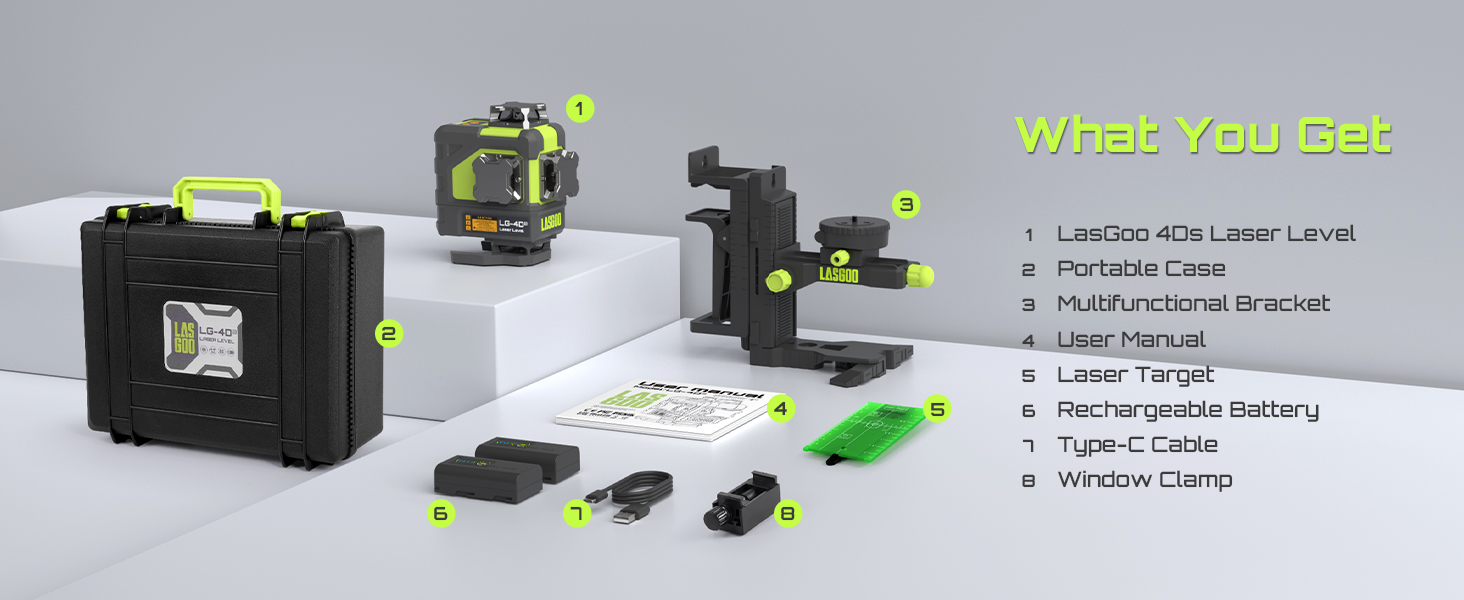
Image: Contents of the LasGoo LG-4Ds package, showing the laser level, portable case, multifunctional bracket, user manual, laser target, two rechargeable batteries, Type-C charging cable, and a window clamp.
- 1x LasGoo LG-4Ds Laser Level
- 2x 2600mAh Rechargeable Lithium-Ion Battery
- 1x Magnetic Multifunctional Bracket
- 1x Window Clamp
- 1x Laser Target Plate
- 1x Type-C Charging Cable
- 1x Hard Carrying Case
4. Product Features
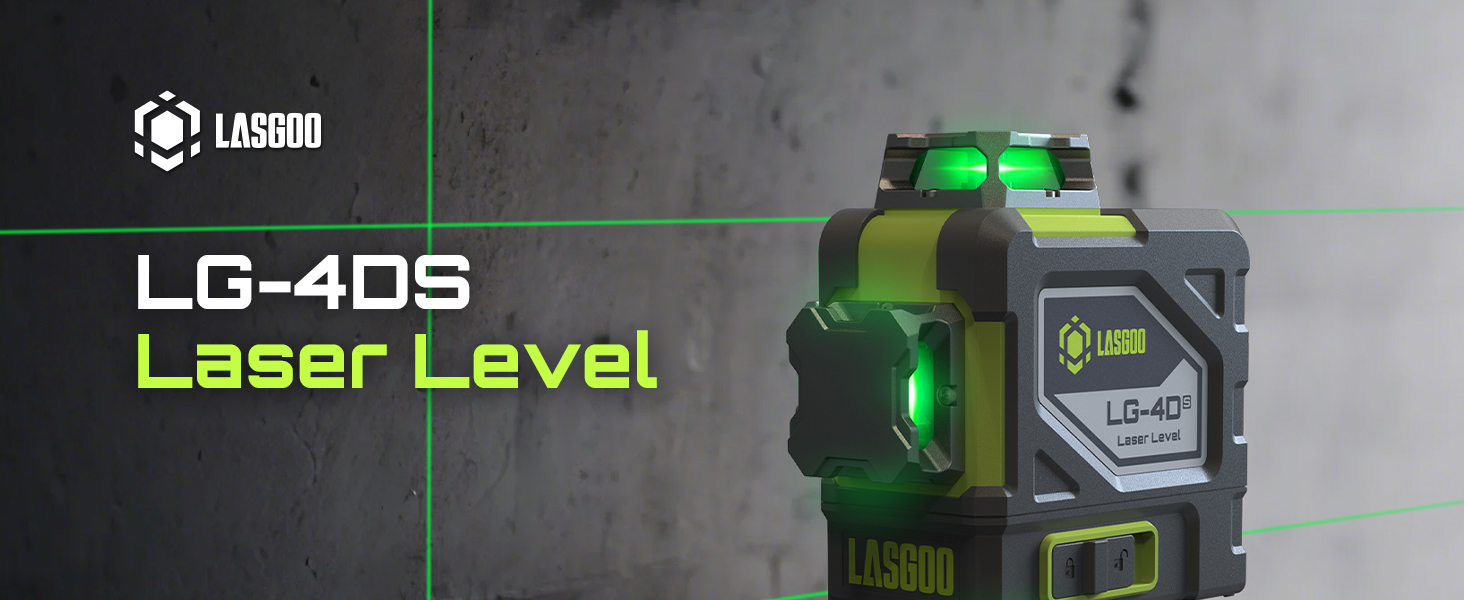
Image: The LasGoo LG-4Ds laser level, highlighting its 16 laser lines and inclusion of two rechargeable batteries.
- 4x360° Laser Coverage: Provides one 360° horizontal line and three 360° vertical lines, offering full room coverage for diverse applications.
- 16 Green Laser Lines: Enhanced visibility with bright green laser lines, suitable for both indoor and outdoor use (with a detector for outdoor).
- High Precision: Achieves an accuracy of ±0.3mm/m.
- Dual Operating Modes:
- Self-Leveling Mode: Automatically levels within 4° inclination. The laser lines will flicker if the device is outside this range, indicating the need for adjustment.
- Manual Mode: Allows users to lock the pendulum and project laser lines at any desired angle.
- IP54 Rating: Dustproof and splashproof design ensures durability in various working conditions.
- Pulse Mode: Extends the working range up to 328ft (100m) when used with a compatible laser receiver (not included).
- Versatile Mounting: Equipped with 1/4" and 5/8" screw threads for compatibility with tripods and the included magnetic bracket.
- Multi-scenario Application: Suitable for various tasks including baseboard installation, ceiling mounting, tile tiling, and DIY decoration.

Image: The LasGoo LG-4Ds laser level illustrating its 4x360° laser line capabilities, showing various combinations of horizontal and vertical lines for comprehensive coverage.
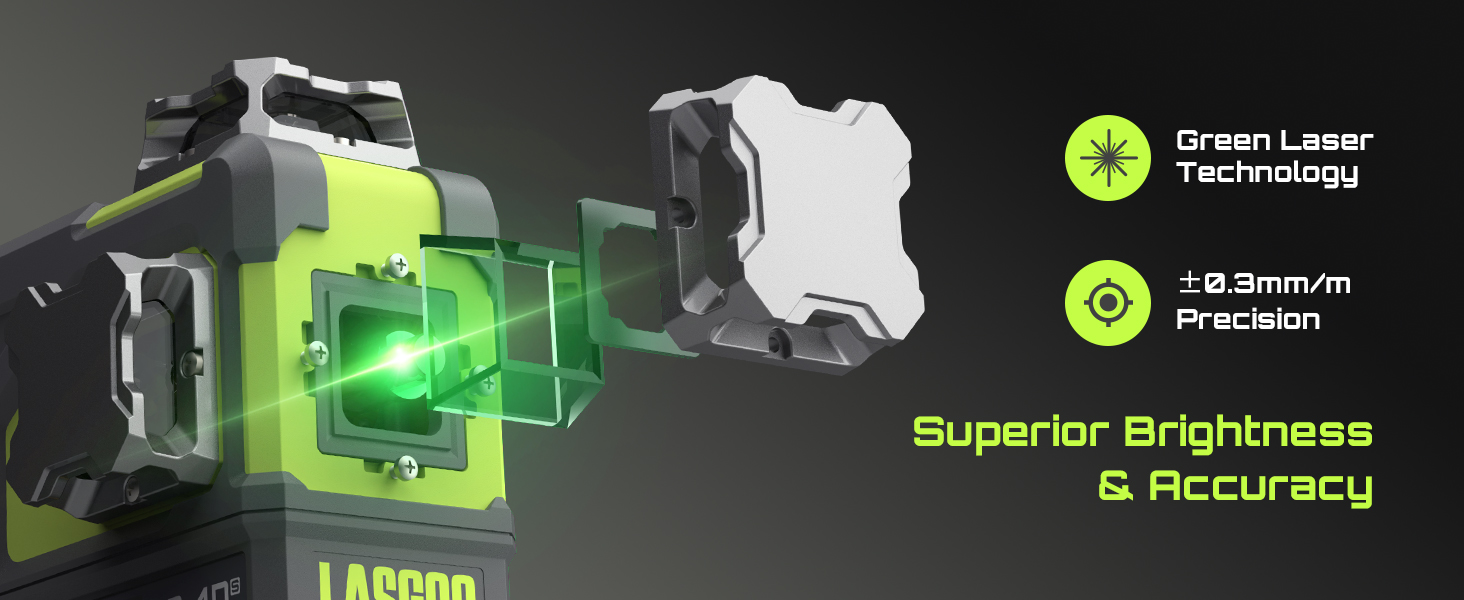
Image: Close-up of the LasGoo LG-4Ds laser level, emphasizing its green laser technology for superior brightness and accuracy with a precision of ±0.3mm/m.

Image: The LasGoo LG-4Ds laser level demonstrating its IP54 rating, indicating resistance to water splashes and dust.
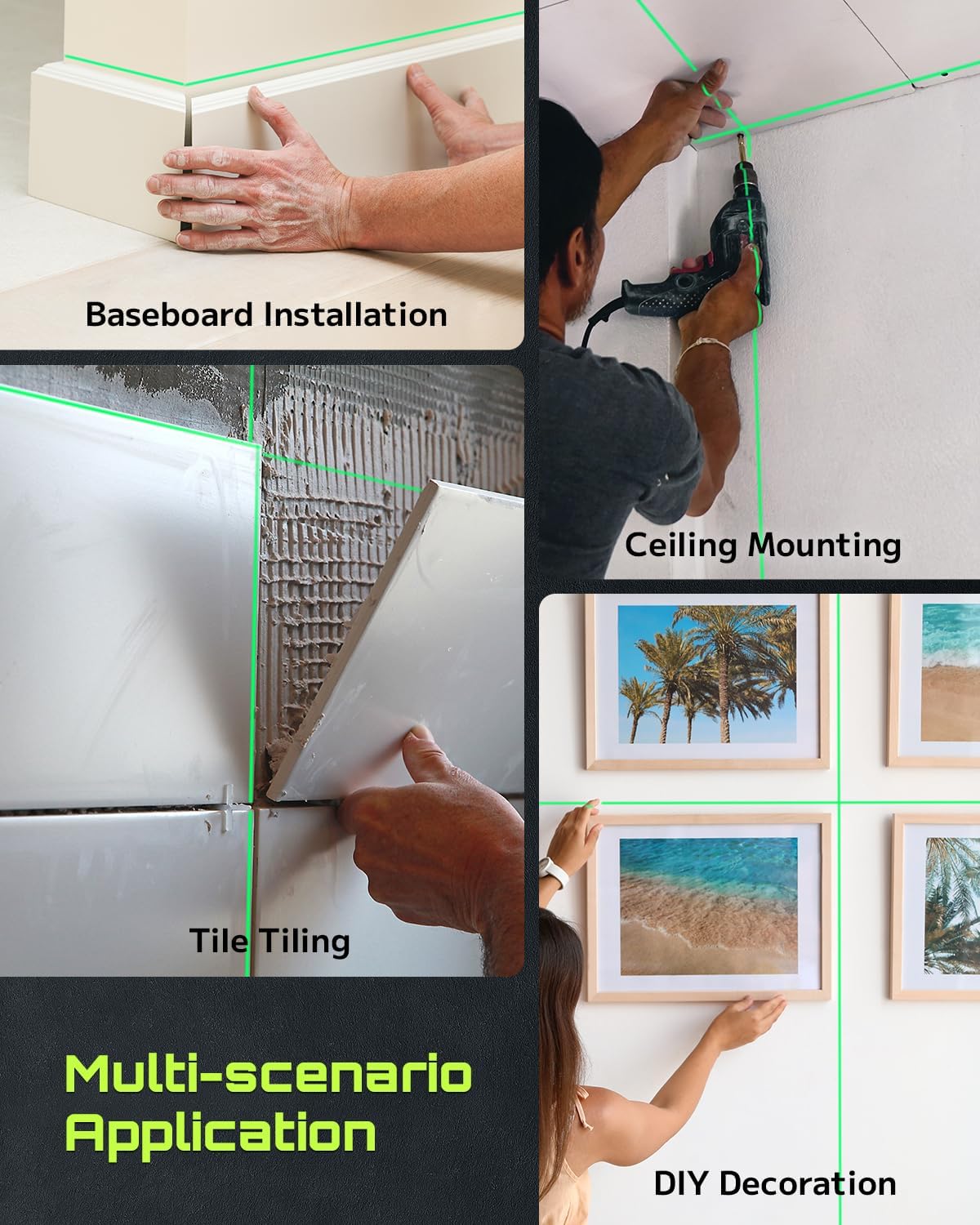
Image: A collage showing the LasGoo LG-4Ds laser level being used for various applications such as installing baseboards, mounting items on ceilings, tiling floors, and aligning decorations.
5. Setup
5.1 Battery Installation and Charging
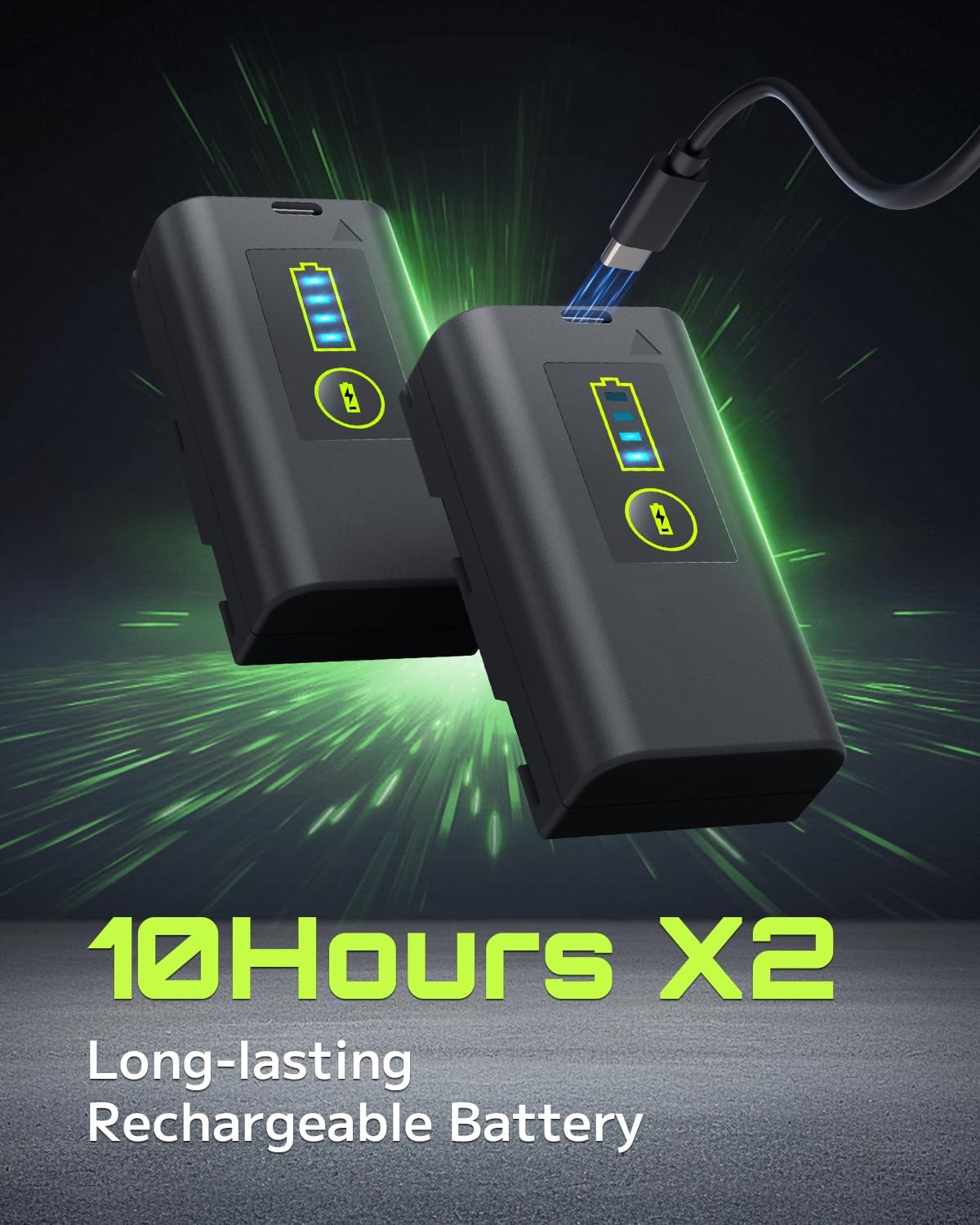
Image: Two LasGoo rechargeable lithium-ion batteries, one connected to a Type-C charging cable, highlighting their long-lasting capacity of up to 10 hours per battery.
- Open the battery compartment cover located at the bottom of the device.
- Insert one of the provided 2600mAh rechargeable lithium-ion batteries, ensuring correct polarity.
- Close the battery compartment cover securely.
- To charge the battery, connect the Type-C charging cable to the battery's charging port. The battery can be charged independently or while installed in the device.
- Monitor the four-level indicator on the battery to check its charge status.
5.2 Mounting the Device
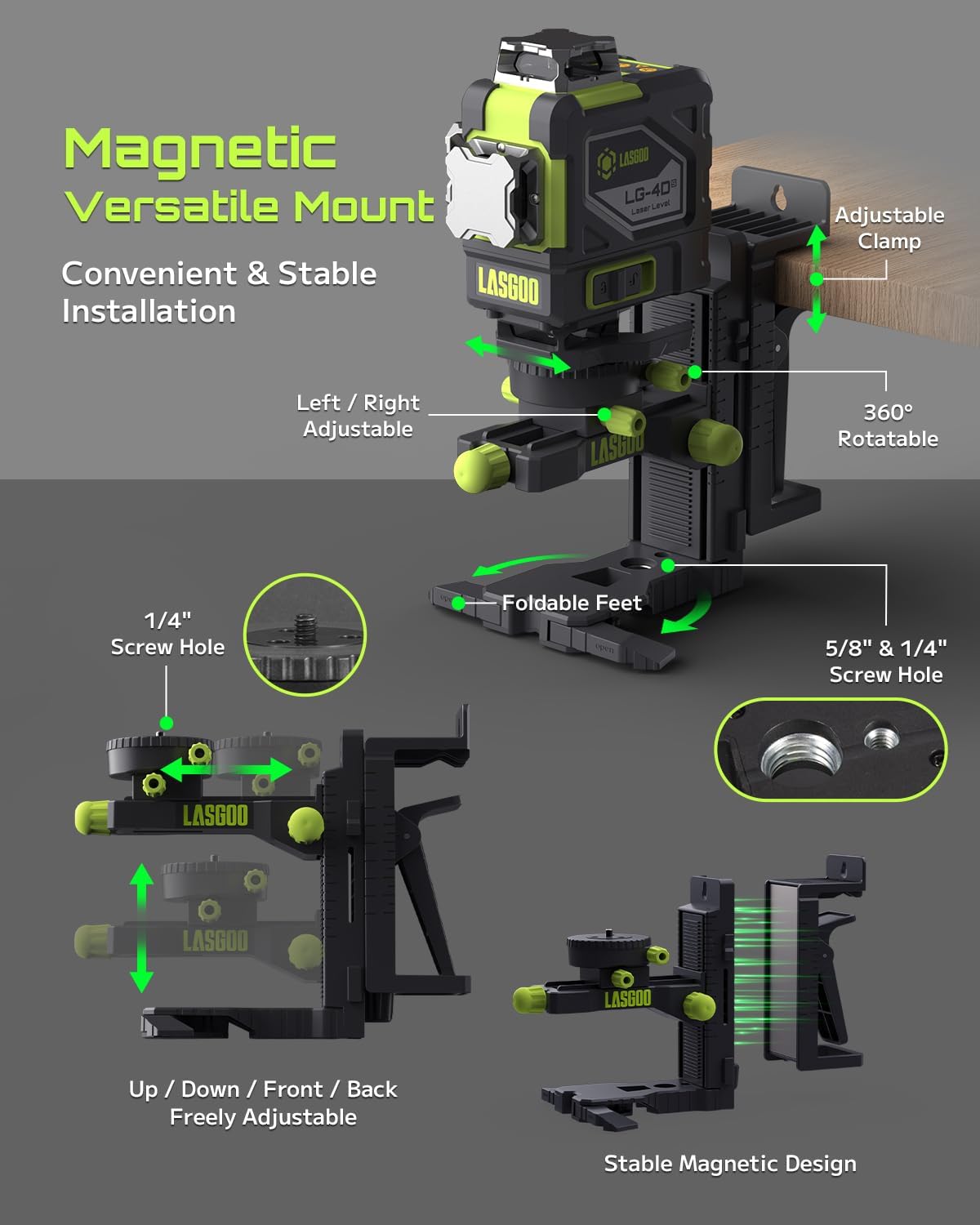
Image: The LasGoo LG-4Ds laser level attached to its magnetic multifunctional bracket, demonstrating its adjustable features including rotation, height adjustment, and various mounting options.
- Magnetic Bracket: The multifunctional bracket can magnetically attach to metal surfaces.
- Wall Hanging/Clamping: Use the adjustable clamp to hang the bracket on walls or clamp it to tabletops.
- Tripod Mounting: The magnetic base includes both 1/4" and 5/8" threads, allowing compatibility with various tripods (tripod not included).
- Adjustments: The bracket allows for front-to-back and up-and-down adjustments, and the laser level can be rotated 360° when secured to the bracket.
6. Operation
6.1 Powering On/Off and Mode Selection
- To power on the device, slide the pendulum lock switch to the unlocked position. The device will automatically enter Self-Leveling Mode.
- Press the power button briefly to cycle through different laser line combinations (e.g., horizontal only, vertical only, all lines).
- To switch to Manual Mode, press and hold the power button for a few seconds while the pendulum lock switch is in the unlocked position. The laser lines will stop flickering and can be projected at any angle.
- To activate Pulse Mode, press the pulse mode button (if available, typically indicated by a 'P' or pulse icon). This mode is used with a laser receiver for extended range.
- To power off the device, slide the pendulum lock switch to the locked position. This also protects the pendulum during transport.
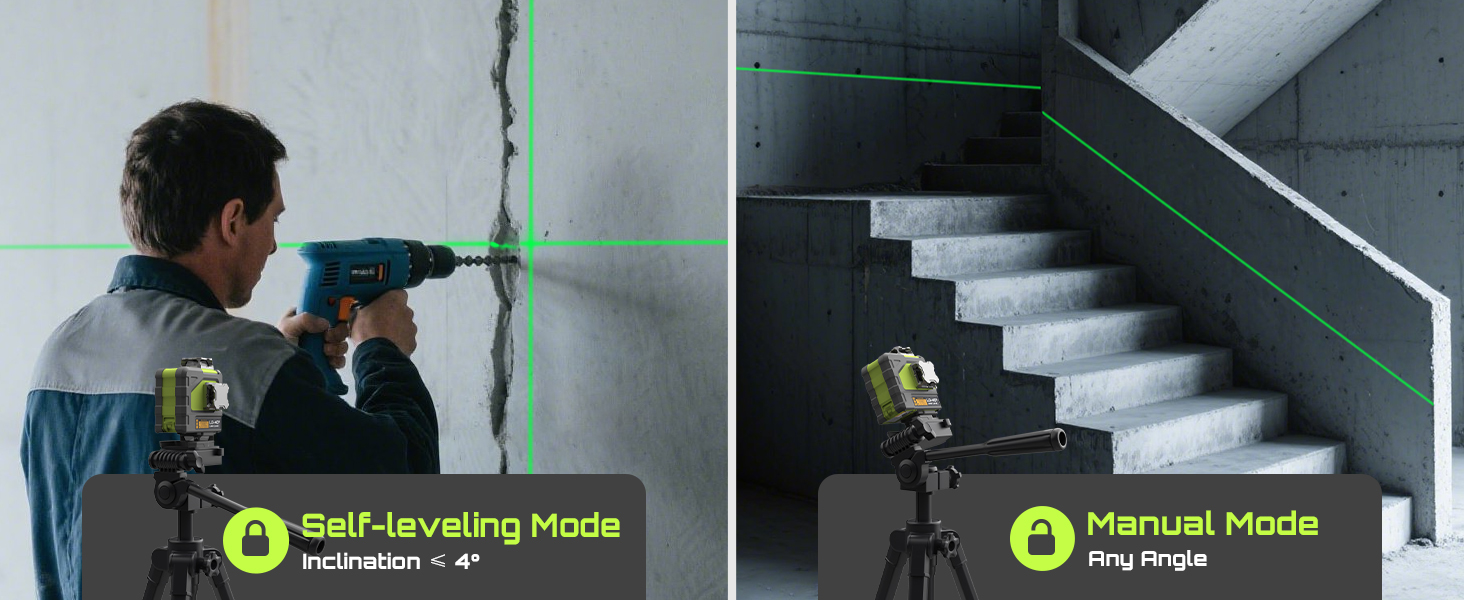
Image: Illustrates the difference between Self-leveling Mode (automatically levels within 4° inclination) and Manual Mode (allows projection at any angle, useful for tasks like staircase alignment).
6.2 Self-Leveling Mode
- When the pendulum is unlocked, the device will automatically self-level within an inclination of 4°.
- If the device is placed on a surface with an inclination greater than 4°, the laser lines will flicker rapidly to alert the user that it is out of level. Adjust the position of the device until the lines become steady.
6.3 Manual Mode
- In Manual Mode, the self-leveling function is deactivated, allowing you to project laser lines at any angle. This is useful for tasks such as installing handrails or decorative patterns.
- To enter Manual Mode, ensure the pendulum is unlocked, then press and hold the power button until the laser lines stop flickering (if they were).
6.4 Pulse Mode
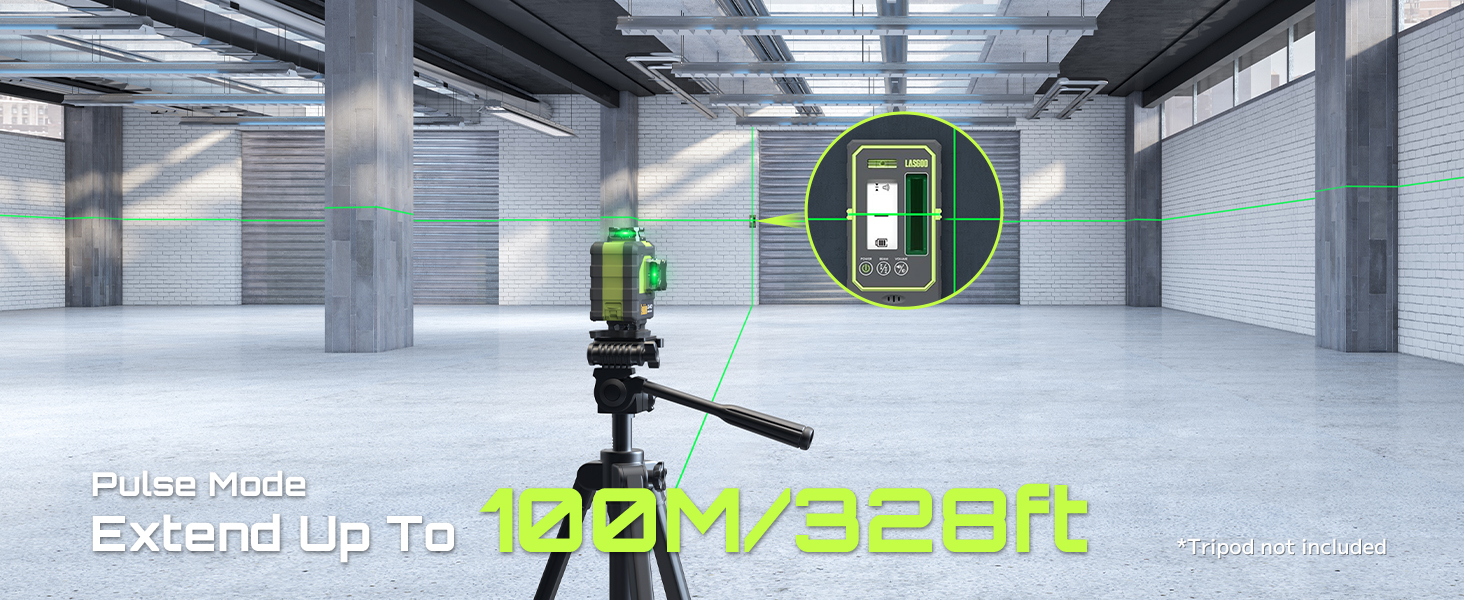
Image: The LasGoo LG-4Ds laser level operating in a large open area, illustrating its Pulse Mode capability to extend the laser range up to 328 feet (100 meters) when paired with a laser receiver.
- Pulse Mode is designed for use with an optional laser receiver (not included) to detect the laser beam over longer distances or in bright light conditions where the lines may be difficult to see with the naked eye.
- Activate Pulse Mode by pressing the dedicated pulse button. The laser lines may appear slightly dimmer to the eye but will be detectable by the receiver.
7. Maintenance
- Cleaning: Regularly clean the laser windows and the device body with a soft, damp cloth. Do not use abrasive cleaners or solvents.
- Storage: When not in use, store the laser level in its hard carrying case in a dry, cool place. Ensure the pendulum lock switch is in the locked position to protect the internal components.
- Battery Care: If storing for extended periods, remove the batteries and store them separately. Recharge batteries periodically to maintain their lifespan.
- Calibration: While the device is factory-calibrated, extreme impacts or prolonged use may affect accuracy. If you suspect calibration issues, contact customer support for assistance.
8. Troubleshooting
| Problem | Possible Cause | Solution |
|---|---|---|
| Laser lines are flickering rapidly. | The device is outside its self-leveling range (>4° inclination). | Place the laser level on a more level surface until the lines become steady. |
| No laser lines are projected. |
|
|
| Laser lines are dim or hard to see outdoors. | Bright ambient light conditions. | Activate Pulse Mode and use a compatible laser receiver (not included) for better visibility over longer distances or in bright conditions. |
| Laser lines are not straight or accurate. |
|
|
9. Specifications
| Feature | Detail |
|---|---|
| Brand | LASGOO |
| Model | LG-4Ds |
| Laser Class | Class II (Power Output <1mW) |
| Laser Color | Green |
| Laser Lines | 16 Lines (4x360°) |
| Accuracy | ±0.3mm/m |
| Self-Leveling Range | ±4° |
| Operation Mode | Self-Leveling and Manual |
| Pulse Mode Range | Up to 328ft (100m) with receiver |
| Power Source | 2x 2600mAh Rechargeable Li-Ion Batteries |
| Charging Port | Type-C |
| Mounting Thread | 1/4", 5/8" |
| Ingress Protection | IP54 (Dustproof, Splashproof) |
| Material | Metal, Plastic |
10. Warranty and Support
LasGoo products are manufactured to high-quality standards. For warranty information, technical support, or service inquiries, please contact LasGoo customer support through the retailer where the product was purchased or visit the official LasGoo website.
Please retain your proof of purchase for warranty claims.