
1. Introduction
Thank you for choosing the Nikai 85-inch 4K QLED Smart TV, model NIK85MEU4QLED. This manual provides essential information for the safe and efficient use of your new television. Please read it thoroughly before operating the device and retain it for future reference.
This television features a frameless design, 4K QLED display for stunning visuals, and runs on Web OS with built-in Wi-Fi, offering access to various streaming services and smart functionalities.

Image: The Nikai 85-inch 4K QLED Smart TV showcasing a crystal clear 4K image with vibrant colors.
2. Safety Information
- Power Supply: Ensure the TV is connected to a power source matching the voltage specified on the product label (220V AC, 50Hz).
- Ventilation: Do not block ventilation openings. Allow adequate space around the TV for proper airflow to prevent overheating.
- Water and Moisture: Do not expose the TV to rain, moisture, or place objects filled with liquids on or near the TV.
- Cleaning: Unplug the TV before cleaning. Use a soft, dry cloth. Do not use liquid cleaners or aerosol cleaners.
- Placement: Place the TV on a stable, level surface or mount it securely to a wall. Keep it away from direct sunlight, heat sources, and strong magnetic fields.
- Children: Supervise children to prevent them from climbing on the TV or playing with the remote control.
- Servicing: Do not attempt to service this product yourself. Refer all servicing to qualified service personnel.
3. Package Contents
Verify that all items are present in the package:
- Nikai 85-inch 4K QLED Smart TV Unit
- Standard Remote Control
- Magic Remote Control
- Power Cable
- User Manual (this document)
- TV Stand Components (if applicable)
- Screws for TV Stand (if applicable)
4. Setup
4.1 Unpacking
Carefully remove the TV from its packaging. It is recommended to have two people for this process due to the size and weight of the television.
4.2 Stand Installation (Optional)
If you plan to place the TV on a tabletop, attach the stand according to the instructions provided with the stand components. Ensure all screws are tightened securely.
4.3 Wall Mounting (Optional)
If you plan to wall-mount the TV, use a VESA-compatible wall mount (VESA standard: 75 x 100 mm). Consult a professional for wall mounting to ensure safety and proper installation. Note: The VESA standard provided (75x100mm) is unusually small for an 85-inch TV. Please verify the correct VESA pattern with your wall mount manufacturer or the TV's physical specifications before installation.
4.4 Connecting Power
Plug the power cable into the TV's power input, then into a wall outlet. Do not power on the TV yet.
4.5 Connecting External Devices
Connect your external devices (e.g., cable box, Blu-ray player, gaming console) to the TV's input ports:
- HDMI Ports (3 total): For high-definition audio and video devices.
- USB Ports (3 total, 2 are USB 3.0): For USB storage devices or other compatible peripherals.
- Ethernet Port: For a wired internet connection.
- Optical Digital Audio Output: For connecting to external audio systems.
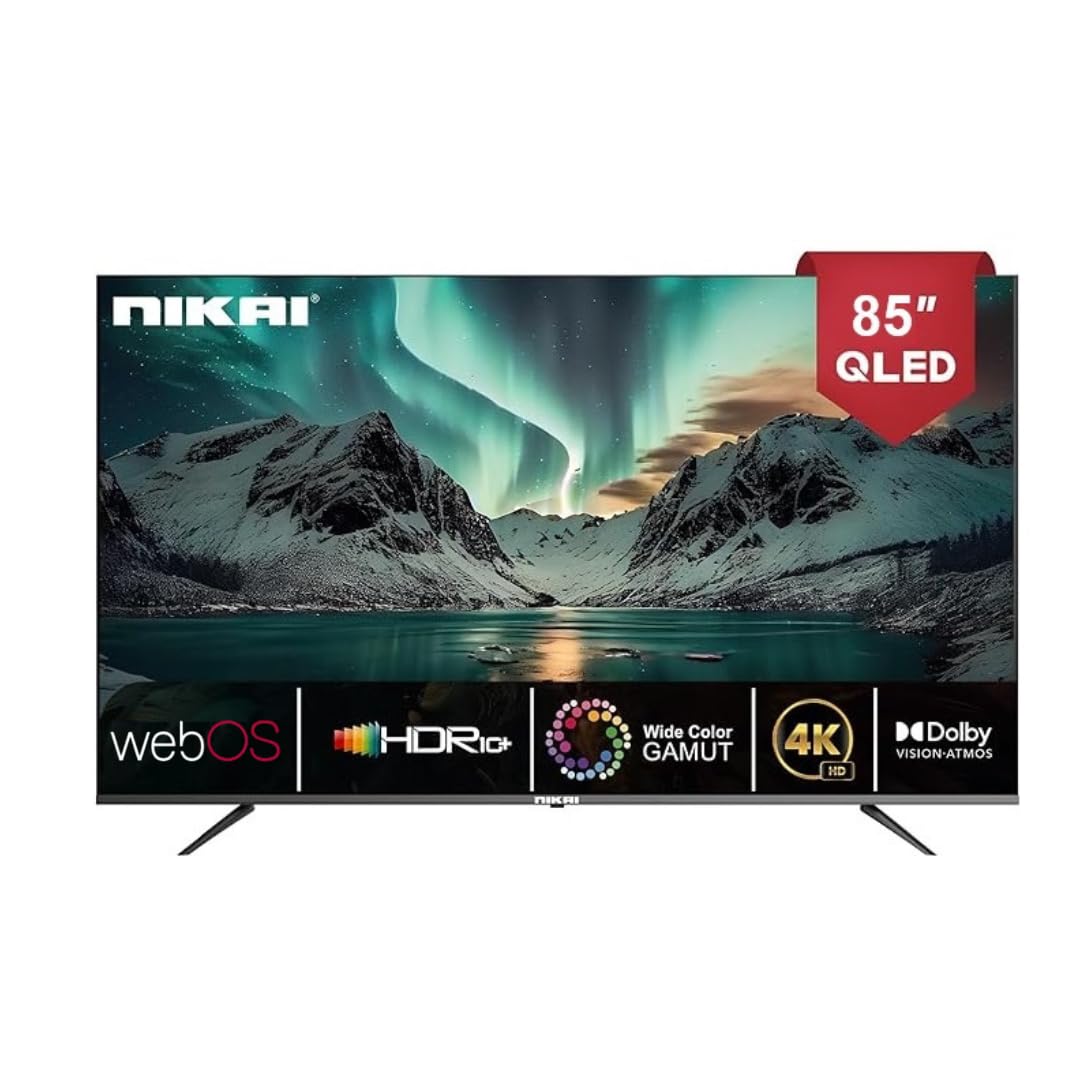
Image: The back of the Nikai 85-inch 4K QLED Smart TV, illustrating connection points for various devices.
4.6 Initial Power-On and First-Time Setup
After connecting all necessary cables, plug the TV into the power outlet and press the power button on the TV or remote control. Follow the on-screen instructions for initial setup, which typically includes language selection, network connection, and channel scanning.
5. Operating Instructions
5.1 Remote Control Functions
Your TV comes with two remote controls. The Magic Remote offers advanced features:

Image: A detailed diagram of the Magic Remote, highlighting its key functions such as Air Mouse, Voice Control, and Quick Access buttons.
- Power Button: Turns the TV on or off.
- Number Buttons: For direct channel selection.
- Volume Up/Down: Adjusts the sound level.
- Channel Up/Down: Changes TV channels.
- Input/Source: Selects the input source (HDMI, USB, etc.).
- Navigation Buttons (Arrow Keys, OK/Enter): For menu navigation.
- Magic Remote Specifics:
- Air Mouse: Use air gestures for convenient control.
- Universal Control: Control your set-top box, speakers, and satellite TV.
- Voice Control: Command your remote to find desired content.
- Scroll Wheel: Use to scroll vertically and horizontally, and adjust zoom level.
- Quick Access Buttons: Dedicated buttons for popular streaming services like Netflix and Prime Video.
5.2 Basic TV Functions
- Power On/Off: Press the power button on the remote or TV.
- Selecting Input Source: Press the 'Input' or 'Source' button on the remote and select the desired input (e.g., HDMI 1, USB).
- Adjusting Picture Settings: Navigate to the TV's settings menu to adjust brightness, contrast, color, and picture modes.
- Adjusting Sound Settings: Access the sound settings to modify bass, treble, balance, and select sound modes. This TV supports Dolby Atmos for immersive audio.

Image: A family enjoying content on the Nikai 85-inch 4K QLED Smart TV, highlighting the Dolby Audio feature for rich sound.
6. Smart Features and Connectivity
6.1 Web OS Interface
Your TV operates on Web OS, providing an intuitive and user-friendly interface for accessing apps, settings, and content.
6.2 Network Connection
- Wi-Fi: Navigate to Network Settings to connect to your home Wi-Fi network.
- Ethernet: Connect an Ethernet cable from your router to the TV's Ethernet port for a stable wired connection.
6.3 Streaming Services and Apps
Access a variety of pre-installed and officially licensed streaming applications directly from your TV, including:
- Netflix
- YouTube
- Prime Video
- Apple TV
- Disney+
- StarzPlay Arabia
- OSN Stream
- MBC Shahid
- Viu
- Sony Liv
- HBO Max
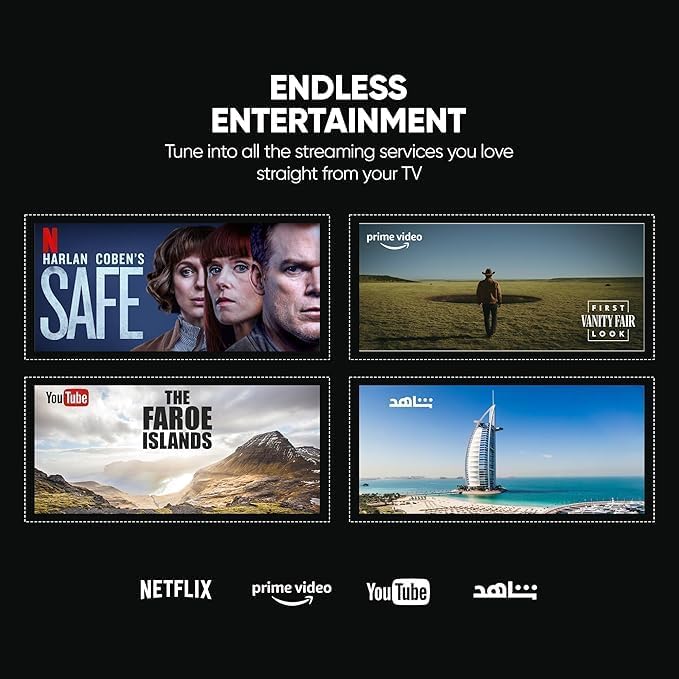
Image: The Nikai Smart TV displaying various streaming service interfaces, demonstrating its entertainment capabilities.
6.4 Screen Mirroring
Share content from your mobile devices to the TV using:
- AirPlay: For Apple devices.
- Miracast: For compatible Android devices.
6.5 Voice Control and AI Features
Utilize voice commands for easy control and content search through integrated AI features. The TV supports Google Assistant, Amazon Alexa, and Apple AirPlay for smart home integration.

Image: The Nikai Smart TV demonstrating ThinQ AI and voice control capabilities, compatible with various smart home ecosystems.
7. Maintenance
- Screen Cleaning: Gently wipe the screen with a soft, lint-free cloth. For stubborn marks, slightly dampen the cloth with water or a specialized screen cleaner (do not spray directly onto the screen).
- TV Body Cleaning: Use a soft, dry cloth to clean the TV's frame and back panel.
- Software Updates: Periodically check for and install software updates via the TV's settings menu to ensure optimal performance and access to new features.
- Storage Management: The TV has 16GB of internal storage (ROM). Manage installed apps and media to ensure sufficient space for smooth operation.
8. Troubleshooting
If you encounter issues with your TV, refer to the following common problems and solutions:
| Problem | Possible Cause | Solution |
|---|---|---|
| No Power | Power cable disconnected, power outlet issue. | Check power cable connection. Try a different outlet. |
| No Picture, but Sound is Present | Incorrect input source selected, faulty HDMI cable. | Verify input source. Check/replace HDMI cable. |
| No Sound, but Picture is Present | Volume muted or too low, external audio system issue. | Unmute volume, increase volume. Check external audio connections. |
| Remote Control Not Working | Batteries depleted, obstruction, remote not paired. | Replace batteries. Remove obstructions. Re-pair Magic Remote if necessary. |
| Network Connection Issues | Wi-Fi signal weak, incorrect password, router issue. | Check Wi-Fi signal strength. Re-enter password. Restart router. Try wired Ethernet connection. |
| Apps Not Loading/Crashing | Insufficient memory, app error, outdated software. | Close other apps. Clear app cache. Update TV software. Reinstall app. |
If the problem persists after trying these solutions, contact customer support.
9. Specifications
| Feature | Specification |
|---|---|
| Model Name | NIK85MEU4QLED |
| Screen Size | 85 inches |
| Display Technology | QLED |
| Resolution | 4K (3840 x 2160) |
| Refresh Rate | 60 Hz |
| Operating System | Web OS |
| RAM | 2 GB |
| Internal Storage (ROM) | 16 GB |
| HDR Support | HDR10, HDR10+, Dolby Vision Atmos |
| Motion Enhancement | MEMC (Motion Estimation, Motion Compensation) |
| Audio Output | 2.1 Channel, Dolby Atmos |
| Connectivity | Wi-Fi, Bluetooth, Ethernet |
| Input Ports | 3 x HDMI, 3 x USB (2 x USB 3.0), Ethernet, Optical Audio |
| Screen Mirroring | AirPlay, Miracast |
| Voice Control | Google Assistant, Amazon Alexa, Apple AirPlay |
| Product Dimensions (W x H x D) | 189 cm x 114 cm x 15 cm (approximate, based on 15D x 189W x 114H cm) |
| Item Weight | 35 kg |
| Power Supply | 220V AC, 50Hz |
| VESA Mounting Standard | 75 x 100 mm (Please verify with wall mount manufacturer) |
10. Warranty and Support
10.1 Warranty Information
This Nikai 85-inch 4K QLED Smart TV comes with a two-year agent warranty. Please retain your proof of purchase for warranty claims. The warranty covers manufacturing defects under normal use conditions. It does not cover damage caused by misuse, accidents, unauthorized repairs, or natural disasters.
10.2 Customer Support
For technical assistance, troubleshooting beyond this manual, or warranty service, please contact your local Nikai authorized service center or the retailer where you purchased the product. Refer to your warranty card or Nikai's official website for specific contact details.