
Introduction
Thank you for choosing the T'nB EBXLEMON Bluetooth 5.3 Wireless Earbuds. This manual provides detailed instructions for setting up, operating, and maintaining your earbuds to ensure optimal performance and longevity. Please read this manual carefully before use and retain it for future reference.
What's in the Box
- 1 pair of T'nB EBXLEMON Wireless Earbuds
- 1 Charging Case (Lemon design)
- 1 USB-C Charging Cable
- User Manual
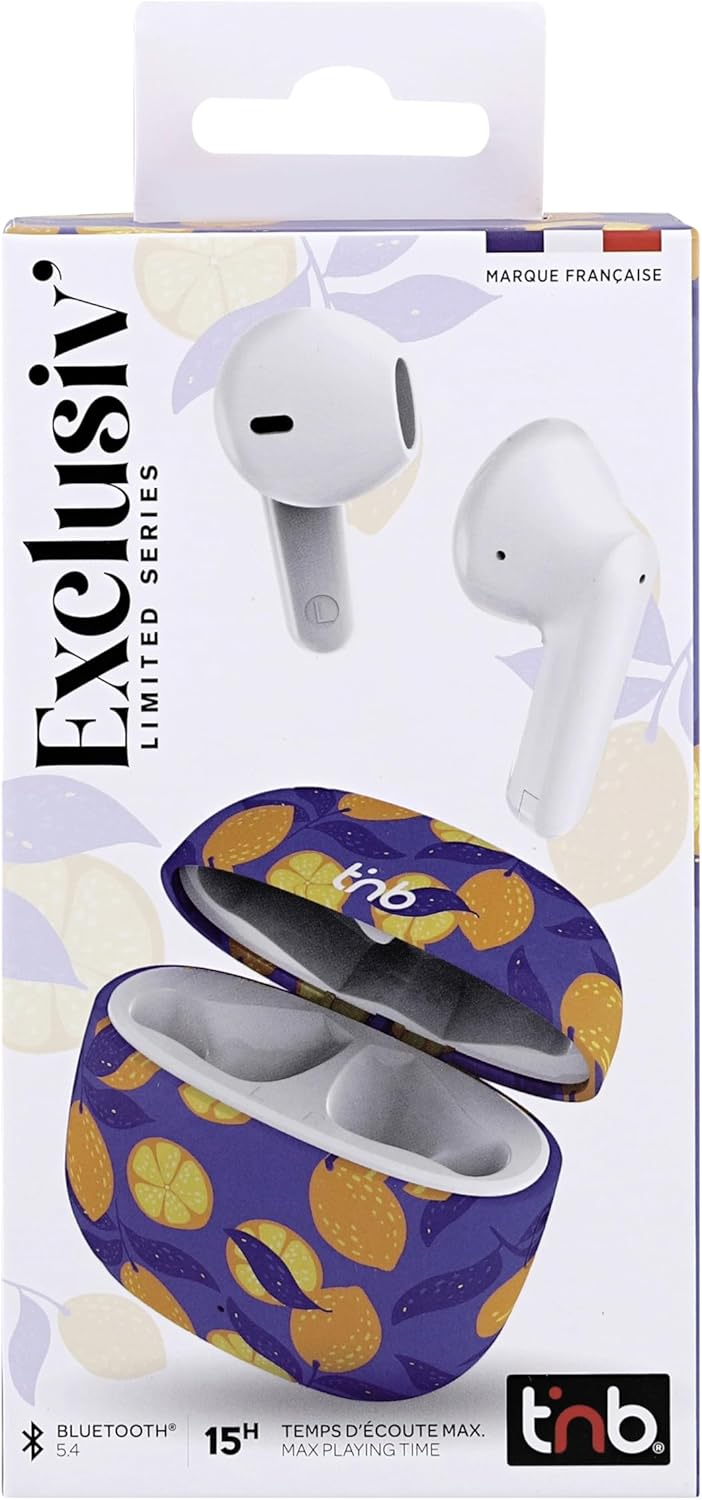
Image: T'nB EBXLEMON Wireless Earbuds packaging front view.
Product Overview
The T'nB EBXLEMON earbuds feature a semi in-ear design for maximum comfort during prolonged listening. Each earbud weighs only 3.7g, ensuring a secure fit for daily use, including sports activities. The compact charging case provides additional battery life and features a distinctive lemon design.

Image: T'nB EBXLEMON Wireless Earbuds and charging case with lemon design.

Image: Overview of T'nB EBXLEMON Wireless Earbuds features.
Setup
1. Charging the Earbuds and Case
Before first use, fully charge the earbuds and the charging case. Place the earbuds into the charging case. Connect the USB-C charging cable to the case and a power source. The earbuds offer up to 5 hours of listening time on a single charge, and the charging case provides an additional 10 hours, for a total of up to 15 hours of autonomy.

Image: Earbud and case battery life indication.
2. Pairing with Your Device
- Ensure the earbuds are charged.
- Open the charging case. The earbuds will automatically enter pairing mode.
- On your smartphone, tablet, or computer, enable Bluetooth.
- Search for available Bluetooth devices and select "EBXLEMON" from the list.
- Once connected, you will hear a confirmation sound.
The earbuds utilize Bluetooth 5.3 technology for a stable and fast connection and are compatible with a wide range of iOS, Android, PC, and Mac devices.

Image: Automatic pairing with a smartphone.
Operating the Earbuds
Touch Controls
The earbuds feature intuitive touch controls for managing your audio and calls without needing to access your smartphone.
- Play/Pause: Single tap on either earbud.
- Volume Control: Specific gestures for volume adjustment (refer to quick start guide for detailed gestures, as these can vary).
- Next Track: Double tap on the right earbud.
- Previous Track: Double tap on the left earbud.
- Answer/End Call: Single tap on either earbud.
- Reject Call: Press and hold either earbud for 2 seconds.
- Activate Voice Assistant: Triple tap on either earbud.
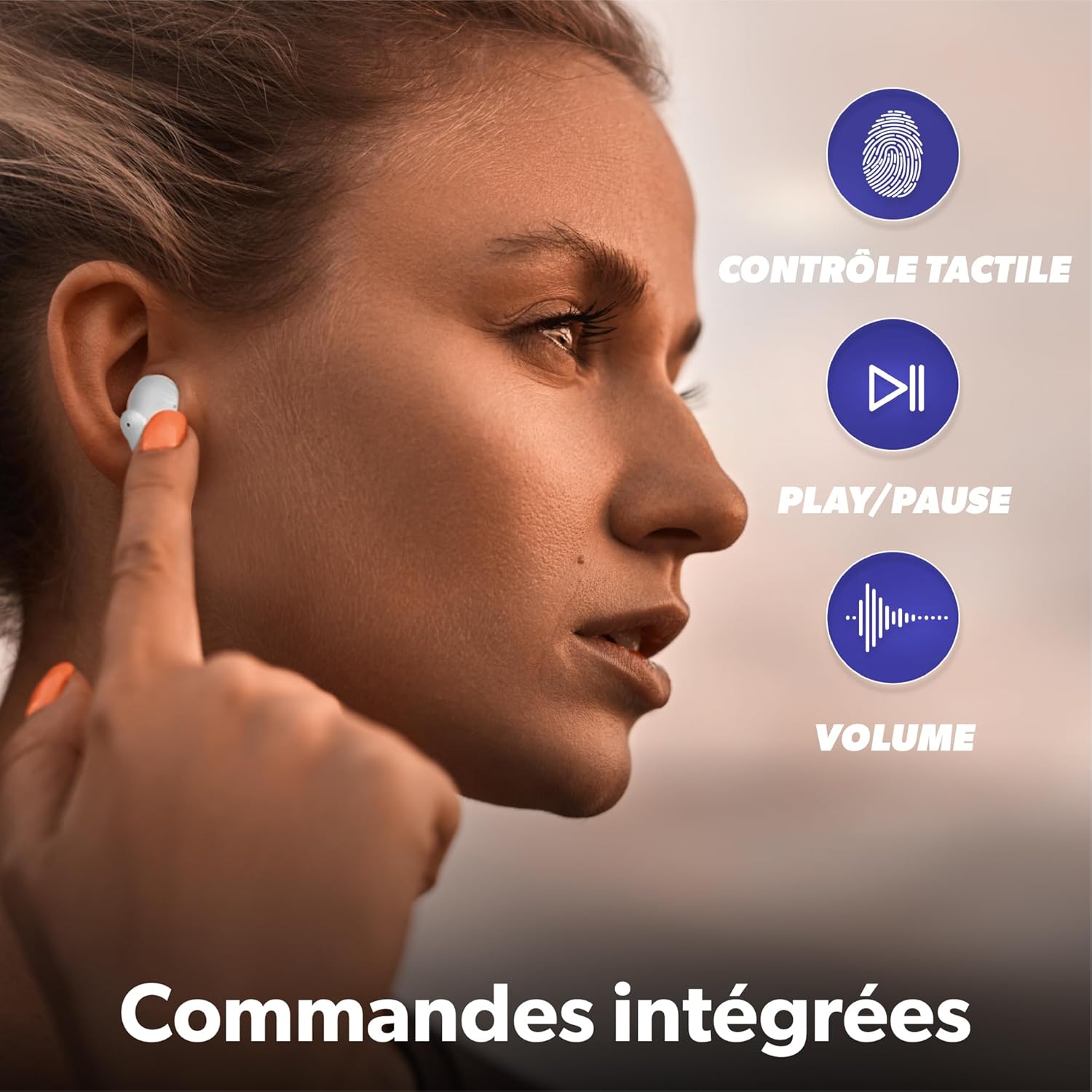
Image: Demonstrating integrated touch controls.
Making and Receiving Calls
The integrated microphone allows for clear hands-free calls. Use the touch controls as described above to manage your calls.

Image: Clear calls with integrated microphone.
Maintenance
To ensure the longevity and optimal performance of your T'nB EBXLEMON earbuds, follow these maintenance guidelines:
- Cleaning: Regularly clean the earbuds and charging case with a soft, dry, lint-free cloth. Do not use harsh chemicals or abrasive materials.
- Storage: When not in use, store the earbuds in their charging case to protect them from dust and damage.
- Water Resistance: The earbuds are waterproof. However, avoid prolonged exposure to water or submersion. Dry them thoroughly before placing them back in the charging case.
- Charging: Use only the provided USB-C cable for charging. Avoid extreme temperatures during charging and storage.
Troubleshooting
If you encounter any issues with your earbuds, refer to the following common solutions:
| Problem | Solution |
|---|---|
| Earbuds do not pair | Ensure earbuds are charged. Turn off and on Bluetooth on your device. Forget the device in your Bluetooth settings and re-pair. |
| No sound from earbuds | Check device volume and earbud volume. Ensure earbuds are properly paired. Try resetting the earbuds (refer to manufacturer's website for specific reset instructions if needed). |
| Charging case not charging | Ensure the USB-C cable is securely connected to both the case and the power source. Try a different USB-C cable or power adapter. |
| Earbuds fall out easily | Ensure earbuds are inserted correctly into your ears. The semi in-ear design is intended for comfort and a secure fit. |
Specifications
| Feature | Detail |
|---|---|
| Model Name | EBXLEMON |
| Connectivity Technology | Wireless (Bluetooth 5.3) |
| Ear Placement | In-ear (Semi Intra-auricular) |
| Control Method | Touch |
| Battery Type | Lithium-ion (Rechargeable) |
| Earbud Autonomy | Up to 5 hours (single charge) |
| Total Autonomy (with case) | Up to 15 hours |
| Charging Time | Approximately 5 hours (for full system charge, specific earbud charge time is faster) |
| Water Resistance Level | Waterproof |
| Impedance | 32 Ohms |
| Sensitivity | 102 dB |
| Weight | 148 Grams (total item weight) |
| Compatible Devices | Phones, Tablets, Computers, Laptops |
| Included Components | 1 charging case, 1 USB-C charging cable |
Safety Information
Please observe the following safety precautions:
- Avoid listening at high volume levels for prolonged periods to prevent hearing damage.
- Do not use the earbuds in situations where inability to hear ambient sounds could be dangerous (e.g., driving, cycling, walking in traffic).
- Keep the earbuds and charging case away from extreme temperatures, direct sunlight, and moisture.
- Do not attempt to disassemble or modify the product. This may void the warranty and cause damage.
- Keep out of reach of children and pets.
Warranty and Support
The T'nB EBXLEMON Wireless Earbuds come with a 2-year manufacturer's warranty. As a French company, T'nB is committed to providing quality products that comply with European standards. For any product defects, questions, or support needs, please contact our customer service based in France. Your satisfaction is our priority.
Please refer to the official T'nB website or your purchase documentation for specific contact details and warranty claim procedures.


