
HEAPETS P327
HEAPETS P327 Dog Clippers Instruction Manual
Model: P327
Introduction
Thank you for choosing HEAPETS Dog Clippers. This manual provides essential information for the safe and effective use, maintenance, and care of your new pet grooming device. These clippers are designed for quiet operation, offering a stress-free grooming experience for your pets with their cordless, rechargeable design and adjustable cutting lengths.
Important Safety Information
Always follow instructions for safe use. Keep blades away from eyes and skin. Do not use on infants. Keep away from water sources. Always unplug and allow to cool before cleaning or storing.
Package Contents
Your HEAPETS Dog Clippers package should include the following items:
- HEAPETS P327 Dog Clipper (Black)
- Adjustable Guide Combs (3mm, 6mm, 9mm, 12mm, 15mm, 18mm)
- Stainless Steel Comb
- Grooming Scissors
- Lubricating Oil
- Cleaning Brush
- USB Charging Cable
- Operation Manual
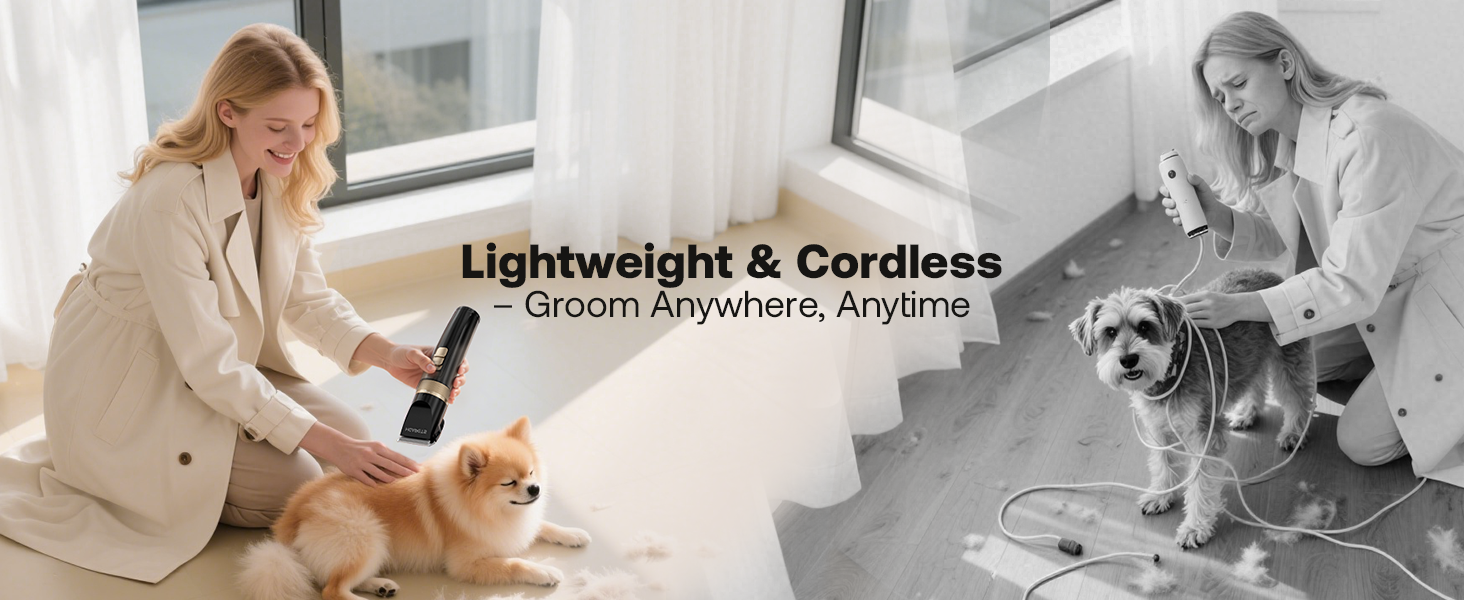
Image: HEAPETS Dog Clippers and all included accessories.
Video: An unboxing and overview of the HEAPETS Dog Grooming Clippers and their accessories.
Key Features
- Cordless Design: Offers unrestricted movement for grooming pets anywhere without tangled wires.
- Adjustable Length: Features multiple adjustment options (3mm/6mm/9mm/12mm/15mm/18mm) for precise hair length control.
- Sharp and Safe Blades: Equipped with high-quality ceramic blades for quick, snag-free trimming without skin irritation.
- Low Noise, Powerful Motor: Operates at approximately 50dB to keep pets calm, with a high rotating speed motor for efficient cutting of thick hair.
- Long Battery Life & USB Rechargeable: Provides approximately 180 minutes of continuous use after a three-hour charge. Convenient USB charging from various sources.
- Easy Maintenance: Detachable and waterproof blade for easy cleaning under running water with the included brush.

Image: The low noise operation of the HEAPETS clippers helps keep pets relaxed during grooming.

Image: Six guide combs allow for effortless length control during grooming.
Setup
1. Initial Charging
Before first use, fully charge the clippers. Connect the USB charging cable to the clipper and a compatible USB power source (wall charger, power bank, desktop, or laptop). A full charge takes approximately three hours and provides about 180 minutes of continuous use.
2. Attaching/Detaching Guide Combs
Select the desired guide comb for your pet's hair length. Align the comb with the clipper blade and snap it securely into place. To remove, gently pull the comb away from the blade.
3. Blade Adjustment
The clipper features an adjustable blade length mechanism. Rotate the dial on the clipper body to select the desired blade height (e.g., 0.8mm to 2.0mm). This allows for fine-tuning the cut without changing combs.
4. Blade Lubrication
Before each use, apply a few drops of the included lubricating oil to the blades. This ensures smooth operation and prolongs blade life. Turn on the clippers for a few seconds to distribute the oil evenly.
Operating Instructions
1. Prepare Your Pet
- Wash & Blow-Dry: Ensure your pet's coat is clean and completely dry before grooming.
- Brush & Detangle: Thoroughly brush your pet's hair to remove any mats or tangles. For pets with long and thick hair, it is recommended to cut it shorter first with scissors to prevent the clippers from getting stuck.

Image: Recommended four-step process for home grooming.
2. Using the Clippers
- Turn on the clippers using the power button.
- Hold the clippers firmly and move them in the direction of hair growth.
- Use smooth, even strokes. Do not press too hard against the skin.
- Regularly check the blades for hair buildup and clean as needed to maintain efficiency.

Image: Grooming a dog's body with the HEAPETS clippers.
3. Grooming Sensitive Areas
- For delicate areas like around the ears, paws, and face, use a smaller guide comb or carefully use the clippers without a comb, ensuring the blade is adjusted to a safe length.
- Always be extra cautious in these areas to avoid injury.

Image: Carefully trimming hair around a dog's paw pads.
Maintenance
1. Cleaning the Blades
The blade is detachable and waterproof for easy cleaning. After each use:
- Turn off the clippers.
- Set the blade length dial to 0.8mm.
- Press down on the blade to release it.
- Slide the blade out.
- Use the cleaning brush to remove any trapped hair from the blades and the clipper body.
- Rinse the detached blades directly under running water. Ensure they are completely dry before reattaching.

Image: Instructions for removing and inserting the clipper blade.

Image: Detachable and washable blades for easy cleaning.
2. Lubricating the Blades
After cleaning and drying, apply a few drops of the lubricating oil to the blades before reattaching them. This maintains cutting performance and prevents rust.
3. Storage
Store the clippers and all accessories in a dry, cool place, away from direct sunlight and moisture. Keep out of reach of children and pets.
Troubleshooting
| Problem | Possible Cause | Solution |
|---|---|---|
| Clippers get stuck or pull hair. | Hair is too long/thick, blades are dull, or not lubricated. | Pre-trim very long hair with scissors. Clean and lubricate blades. Ensure blades are sharp. |
| Clippers not turning on. | Battery is low or depleted. | Charge the clippers fully using the provided USB cable. |
| Reduced cutting performance. | Blades are dirty, dull, or not properly aligned. | Clean and lubricate blades. Check for proper blade reattachment. Consider replacing blades if excessively dull. |
Specifications
- Model Number: P327
- Brand: HEAPETS
- Power Source: Battery Powered (Rechargeable)
- Material: Plastic body, Ceramic blades
- Color: Black
- Package Dimensions: 8.31 x 5.51 x 2.8 inches
- Item Weight: 1.04 Pounds
- Battery Life: Approximately 180 minutes (after 3-hour charge)
- Noise Level: Approximately 50dB

Image: Key features and dimensions of the HEAPETS Dog Clippers.
Warranty and Support
For any questions, concerns, or warranty information regarding your HEAPETS Dog Clippers, please refer to the contact information provided with your purchase or visit the official HEAPETS website. Keep your purchase receipt for warranty claims.
Ask a question about this manual
Ask about setup, troubleshooting, compatibility, parts, safety, or missing instructions. Manuals+ will review the question and use this page’s manual context to help answer it.