
1. Introduction
This manual provides essential instructions for the safe and effective use of your DFTIM X431 Pad II 2 replacement battery. Please read this manual thoroughly before installation and operation to ensure proper function and longevity of the product. This battery is designed as a direct replacement for the Launch Diagnostic Scanner Tool Model Number X431 Pad II 2 Series.
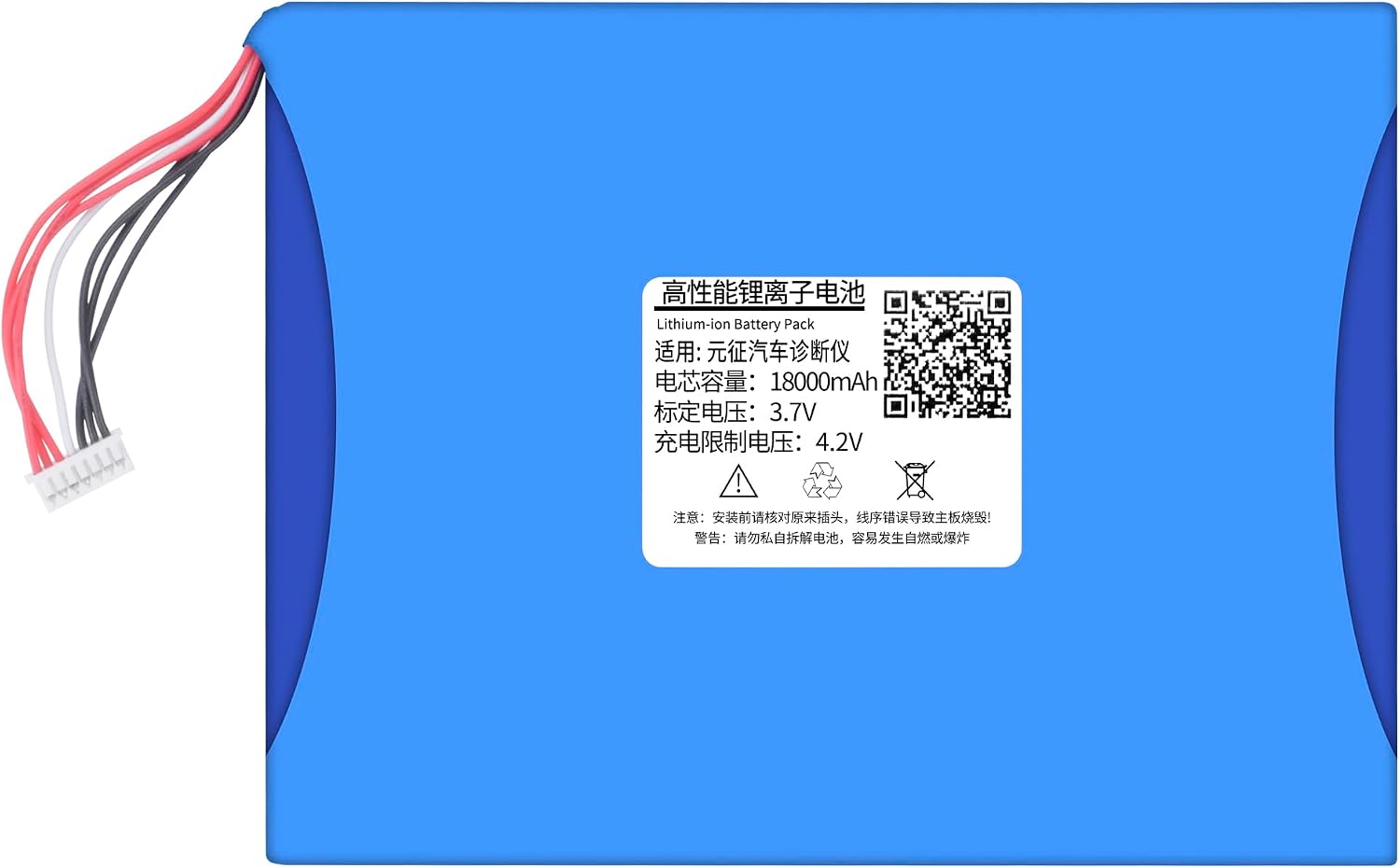
Image 1.1: DFTIM X431 Pad II 2 Replacement Battery. This image displays the overall appearance of the replacement battery pack with its connector wires.
2. Safety Information
To prevent injury, damage to the product, or damage to your device, observe the following safety precautions:
- Do not disassemble, open, or attempt to repair the battery pack.
- Do not crush, puncture, short external contacts, or dispose of in fire or water.
- Do not expose the battery to temperatures above 60°C (140°F).
- Use only the charger specified for the Launch Diagnostic Scanner Tool X431 Pad II 2 Series.
- Keep the battery away from children.
- If the battery swells, leaks, or emits an odor, discontinue use immediately.
- Dispose of used batteries according to local regulations.
3. Setup and Installation
Battery replacement should ideally be performed by a qualified technician to avoid damage to the diagnostic scanner or the new battery. Ensure the diagnostic scanner is powered off and disconnected from any power source before beginning installation.
3.1 Identifying the Connector
Before installation, carefully compare the connector shape of the new battery with the existing battery in your device to ensure compatibility.

Image 3.1: Close-up view of the battery connector, showing the pin configuration.

Image 3.2: Another perspective of the battery connector, highlighting its design.
3.2 Installation Steps (General Guidance)
- Power Off: Ensure the Launch Diagnostic Scanner Tool is completely powered off and unplugged.
- Access Battery Compartment: Carefully open the battery compartment of your device. This may require specific tools or procedures depending on the scanner model.
- Disconnect Old Battery: Gently disconnect the old battery's connector from the device's mainboard.
- Remove Old Battery: Remove the old battery from its compartment.
- Insert New Battery: Place the new DFTIM replacement battery into the compartment, ensuring it fits securely.
- Connect New Battery: Carefully connect the new battery's connector to the device's mainboard, ensuring proper alignment.
- Close Compartment: Securely close the battery compartment.
- Initial Charge: Proceed to the 'Operating Instructions' section for initial charging.
4. Operating Instructions
4.1 Initial Charge
It is recommended to fully charge the new battery before its first use. Connect your Launch Diagnostic Scanner Tool to its original charger and allow it to charge until the battery indicator shows a full charge.
4.2 Charging the Battery
Always use the original or a compatible charger for your Launch Diagnostic Scanner Tool. Overcharging or using an incompatible charger can damage the battery and void the warranty. The battery features multiple protection mechanisms to ensure safe charging and discharge.

Image 4.1: Illustration of the battery's multiple protection features, including output short-circuit, charging over-temperature, over-discharge, charging over-current, and charging over-voltage protection.
4.3 Battery Runtime
The battery is designed to provide a runtime of at least 60 minutes per charge under normal operating conditions. Actual runtime may vary based on usage patterns, device settings, and environmental factors.
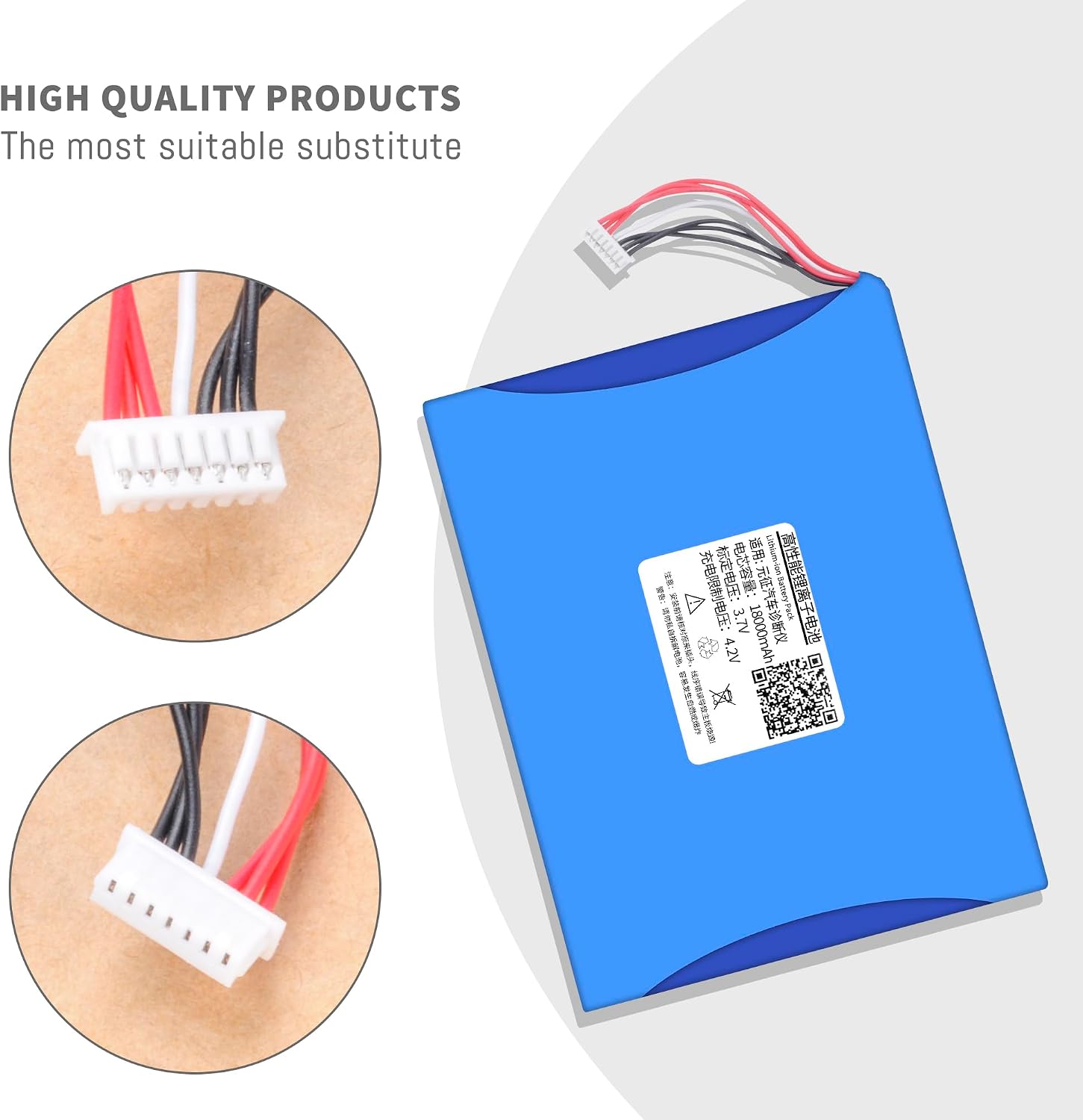
Image 4.2: Detailed battery parameters including type (Li-ion), voltage (3.7V), and capacity (18000Wh). This image also contains a QR code which links to https://u.wechat.com/MOMpdvc2dvaEL-iSzFq1S0c for additional information.
5. Maintenance and Care
Proper maintenance ensures the longevity and performance of your battery.
- Storage: If storing the battery for an extended period, ensure it is charged to approximately 50-70% and stored in a cool, dry place away from direct sunlight.
- Temperature: Avoid exposing the battery to extreme hot or cold temperatures, as this can degrade performance and lifespan.
- Cleaning: Keep the battery and its contacts clean and dry. Use a soft, dry cloth to wipe any dust or debris.
- Regular Use: For optimal performance, use and recharge the battery regularly.

Image 5.1: Depiction of the battery's internal components, showcasing the intelligent control chip and high-quality battery cells, which contribute to its performance and safety.
6. Troubleshooting
If you encounter issues with your DFTIM replacement battery, refer to the following table for common problems and solutions.
| Problem | Possible Cause | Solution |
|---|---|---|
| Battery not charging | Loose connection, faulty charger, or battery issue. | Ensure the battery connector is securely seated. Try a different compatible charger. If the issue persists, contact customer support. |
| Short runtime | Battery not fully charged, high power consumption, or battery degradation. | Ensure the battery is fully charged. Reduce screen brightness or disable unnecessary features on the scanner. If the battery is old, it may be reaching the end of its lifespan. |
| Device not powering on | Battery not installed correctly, completely discharged, or device issue. | Verify battery installation. Attempt to charge the battery for at least 30 minutes. If the device still does not power on, the issue may not be battery-related. |
7. Specifications
Detailed technical specifications for the DFTIM X431 Pad II 2 Replacement Battery:
- Battery Type: Lithium Ion (Li-ion)
- Voltage: 3.7V
- Capacity: 15000mAh / 44.4Wh
- Color: Black
- Estimated Runtime: ≥60 minutes per charge
- Compatible Models: Launch Diagnostic Scanner Tool Model Number X431 Pad II 2 Series
- Package Dimensions: 7.8 x 3.9 x 0.9 inches
- Item Weight: 8.8 ounces
- Reusability: Rechargeable
- Manufacturer: DFTIM

Image 7.1: This image explicitly states the battery's compatibility with the Launch Diagnostic Scanner Tool Model Number X431 Pad II 2 Series.
8. Warranty and Support
Your DFTIM X431 Pad II 2 Replacement Battery comes with a comprehensive warranty and dedicated customer support.
- Refund Policy: Enjoy a 30-day refund period from the date of purchase.
- Warranty: The battery is covered by a 12-month warranty against manufacturing defects.
- Customer Service: For any questions, concerns, or warranty claims, please contact DFTIM customer service. You can typically find a 'Contact Seller' or 'Ask a Question' option on the product's purchase page.