1. Introduction
This manual provides essential instructions for the assembly, operation, and maintenance of your Hot Wheels Deluxe Building Box Track Set with Motorized Booster. This set is designed to offer dynamic track building and racing experiences with its motorized booster and 1:64 scale Hot Wheels vehicle. Please read these instructions carefully before use to ensure proper function and safety.
The set includes all components necessary for creating at least three unique track layouts, encouraging creative assembly and problem-solving skills. The Speed Snap track system facilitates easy connection and reconfiguration.
2. What's in the Box
Verify that all components listed below are present in your package:
- 1 Motorized Booster
- 2 90-degree Curved Tracks
- 2 180-degree Curved Tracks
- 1 6-inch Riser
- 1 3-inch Riser
- 1 Catch Ramp
- 1 Jump Ramp
- 3 3-inch Clamp Tracks
- 1 12-inch Basic Track
- 2 Adapters (for connecting to legacy Hot Wheels e-track)
- 1 1:64 Scale Die-Cast Toy Car

Figure 2.1: Piece count diagram illustrating all components included in the set.
3. Setup Instructions
Follow these steps to assemble your Hot Wheels track set:
- Unpack Components: Carefully remove all track pieces, the motorized booster, and the die-cast car from the packaging.
- Install Batteries: The motorized booster requires 4 'D' batteries (not included). Open the battery compartment on the underside of the booster, insert the batteries according to the polarity indicators (+/-), and securely close the compartment.
- Connect Track Pieces: Utilize the Speed Snap track system to connect track segments. Align the connectors and press firmly until they snap into place. The set includes adapters for connecting to older Hot Wheels track systems if desired.
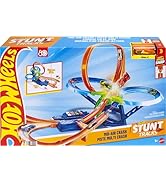
Figure 3.1: Demonstrating the Speed Snap track connection method.
- Assemble Layout: Refer to the included diagrams or use your creativity to construct one of the three suggested track layouts. Ensure all risers and ramps are securely positioned to support the track.

Figure 3.2: Examples of three different track layouts that can be built with the set.

Figure 3.3: A fully assembled track set, ready for operation.
4. Operating Instructions
Once the track is assembled and batteries are installed in the booster:
- Activate Booster: Locate the power switch or button on the motorized booster and turn it on. You should hear the motor running.
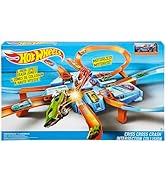
Figure 4.1: Activating the motorized booster.
- Place Car: Carefully place the included 1:64 scale Hot Wheels car onto the track section leading into the motorized booster. Ensure the car is aligned correctly.
- Launch Car: The booster will propel the car through the track, enabling it to perform stunts and navigate curves. Observe the car's movement and adjust track sections if necessary for optimal performance.
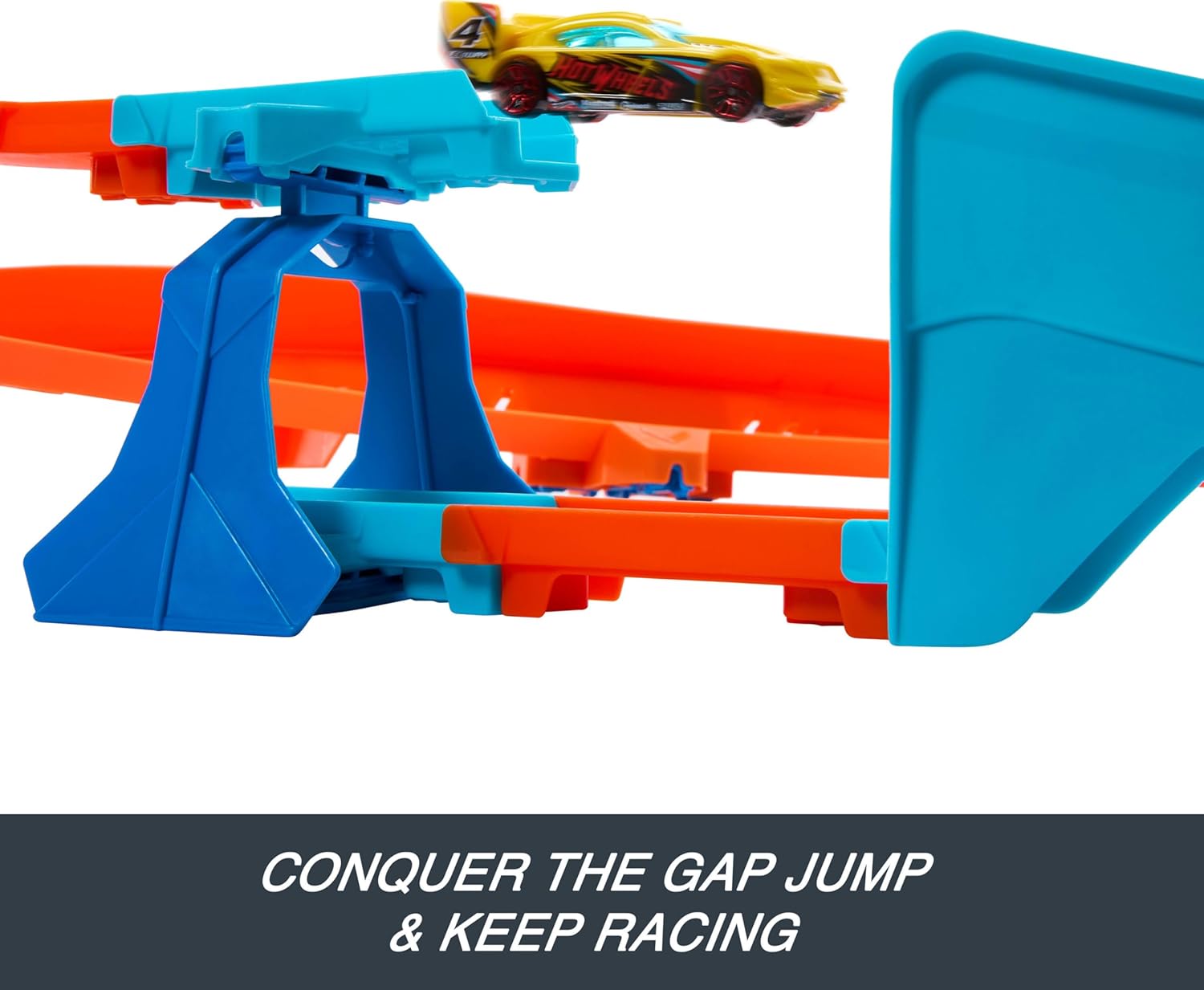
Figure 4.2: A Hot Wheels car performing a jump on the track.
5. Maintenance
To ensure the longevity and optimal performance of your track set:
- Cleaning: Wipe track pieces and the booster with a dry or slightly damp cloth. Do not immerse electronic components in water.
- Storage: When not in use, disassemble the track and store components in a dry, cool place away from direct sunlight. This prevents warping and damage.
- Battery Replacement: Replace batteries in the motorized booster when performance diminishes. Always use new 'D' batteries and dispose of old batteries responsibly.
6. Troubleshooting
If you encounter issues with your track set, refer to the following common problems and solutions:
- Car not moving or moving slowly:
- Check if the motorized booster is turned on.
- Ensure batteries in the booster are fresh and correctly installed.
- Verify that the car is properly placed on the track leading into the booster.
- Car falling off the track:
- Inspect all track connections to ensure they are secure and flat.
- Ensure risers are stable and supporting the track adequately.
- Confirm that the car being used is a standard 1:64 scale Hot Wheels vehicle. Some larger or non-standard cars may not be compatible with all track sections or stunts.
- Adjust the angle or placement of ramps and curves if cars consistently derail at specific points.
- Booster not operating:
- Check battery installation and replace batteries if necessary.
- Ensure no debris is obstructing the booster mechanism.
7. Specifications
| Product Dimensions | 30 x 44 x 8 inches |
| Item Weight | 1 pound |
| Model Number | JDB49 |
| Manufacturer Recommended Age | 5 years and up |
| Batteries Required | 4 'D' batteries (not included) |
| Manufacturer | Mattel, Inc. |
| Release Date | May 24, 2025 |
8. Safety Information
Please observe the following safety guidelines:
- Choking Hazard: Small parts may be generated. Not for children under 3 years. Adult supervision is recommended during assembly and play.
- Battery Safety: Do not mix old and new batteries. Do not mix alkaline, standard (carbon-zinc), or rechargeable (nickel-cadmium) batteries. Remove batteries if the product is not used for an extended period.
- Moving Parts: Keep fingers, hair, and loose clothing away from the motorized booster's moving parts during operation.
- Intended Use: This product is designed for use with 1:64 scale Hot Wheels vehicles only. Using other objects or vehicles may cause damage or injury.
9. Warranty and Support
For information regarding warranty coverage or product support, please refer to the manufacturer's official website or contact their customer service department. You can also visit the official Hot Wheels Store on Amazon for additional product information and accessories.


