
EverBrite E011187AE
EverBrite Tactical Flashlight User Manual
Model: E011187AE
Product Overview
The EverBrite Tactical Flashlight (Model E011187AE) is a durable, high-performance lighting tool designed for various applications, including outdoor activities, emergencies, and general household use. It features a powerful 900-lumen LED beam, adjustable focus, and three distinct lighting modes.

Image: EverBrite Tactical Flashlight, Gray Large.
- Powerful Illumination: 900 lumens, capable of illuminating up to 1000 feet.
- Adjustable Focus: Easily switch between a wide floodlight and a focused spotlight.
- Multiple Modes: High, Low, and Strobe settings for diverse needs.
- Durable Construction: Heavy-duty aluminum alloy body.
- Extended Runtime: Up to 46 hours on Low mode.
Setup
1. Battery Installation
The EverBrite Tactical Flashlight requires three (3) C-size alkaline batteries (included). Ensure correct polarity when inserting batteries.
- Unscrew the tail cap of the flashlight by turning it counter-clockwise.
- Insert the three C-size batteries into the battery compartment, ensuring the positive (+) end of each battery faces towards the head of the flashlight.
- Screw the tail cap back on by turning it clockwise until securely tightened.

Image: Diagram showing flashlight dimensions and battery compartment with C-size batteries.
2. Lanyard Attachment
A durable lanyard is included for secure handling and portability. Attach the lanyard to the designated loop on the tail cap of the flashlight.

Image: Hand holding the flashlight, demonstrating the attached durable lanyard for secure grip.
Operating Instructions
1. Power On/Off
To turn the flashlight on or off, press the orange power button located on the side of the flashlight body.

Image: Close-up view of the orange power button on the flashlight body.
2. Changing Light Modes
The flashlight features three lighting modes: High, Low, and Strobe. To cycle through these modes, press the power button repeatedly while the flashlight is on.
- High Mode: Provides maximum brightness (900 lumens) for extensive illumination.
- Low Mode: Offers reduced brightness for longer battery life and close-range tasks.
- Strobe Mode: Emits a flashing light, useful for signaling or disorienting.

Image: Visual representation of the flashlight operating in High, Low, and Strobe light modes.
3. Adjusting Focus (Zoom Function)
The flashlight features a zoomable head to adjust the beam from a wide floodlight to a narrow spotlight. To adjust the focus, slide the head of the flashlight forward or backward.
- Floodlight: Slide the head backward for a wide beam, ideal for illuminating a large area.
- Spotlight: Slide the head forward for a concentrated beam, suitable for long-range observation.

Image: Diagram illustrating the one-handed focus adjustment mechanism by sliding the flashlight head.

Image: Flashlight beam set to wide floodlight mode, illuminating a broad area.
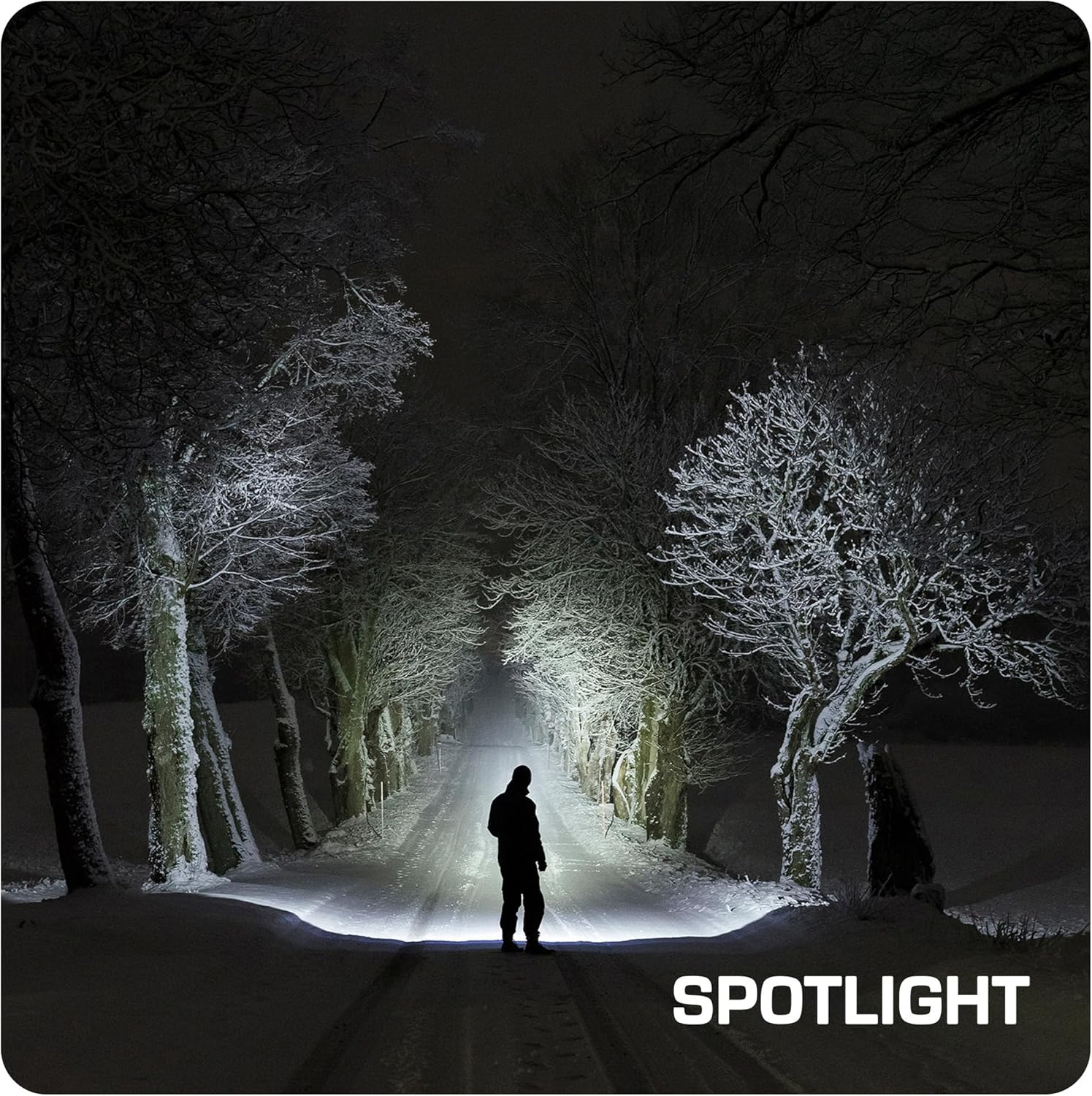
Image: Flashlight beam set to narrow spotlight mode, projecting a focused beam over a long distance.
Maintenance
1. Battery Replacement
When the light output becomes dim or the flashlight stops working, it is time to replace the batteries. Follow the battery installation steps outlined in the Setup section.
- Always replace all three batteries at the same time with new, fresh C-size alkaline batteries.
- Do not mix old and new batteries, or different types of batteries.
- Remove batteries if the flashlight will not be used for an extended period to prevent leakage.
2. Cleaning
To maintain optimal performance and appearance:
- Wipe the exterior of the flashlight with a soft, damp cloth.
- Do not use abrasive cleaners or solvents.
- Keep the lens clean for clear light output. Gently wipe with a lens cloth if necessary.
Troubleshooting
| Problem | Possible Cause | Solution |
|---|---|---|
| Flashlight does not turn on. | Dead or incorrectly inserted batteries. | Replace batteries with new ones, ensuring correct polarity. |
| Light is dim or flickers. | Low battery power. Loose connections. | Replace batteries. Ensure tail cap is tightly screwed on. |
| Beam is uneven or distorted. | Dirty lens. | Clean the flashlight lens with a soft cloth. |
If you experience issues not listed above, please contact customer support.
Specifications
| Feature | Detail |
|---|---|
| Model Number | E011187AE |
| Light Output (Max) | 900 Lumens |
| Beam Distance | Up to 1000 feet (approx. 305 meters) |
| Light Modes | High, Low, Strobe |
| Power Source | 3 x C Alkaline Batteries (included) |
| Runtime (Low Mode) | Up to 46 hours |
| Runtime (High Mode) | Up to 18 hours |
| Material | Heavy-duty Aluminum Alloy |
| Color | Gray |
| Dimensions (L x W x H) | 8.5" x 1.26" x 3.78" (21.6 cm x 3.2 cm x 9.6 cm) |
| Water Resistance Level | Not Water Resistant |
| UPC | 820909798880 |
Warranty and Support
Warranty Information
The EverBrite Tactical Flashlight (Model E011187AE) comes with a 2-year manufacturer's warranty from the date of purchase. This warranty covers defects in materials and workmanship under normal use. It does not cover damage caused by misuse, accidents, unauthorized modifications, or normal wear and tear.
Please retain your proof of purchase for warranty claims.
Customer Support
For technical assistance, warranty claims, or any questions regarding your EverBrite Tactical Flashlight, please contact EverBrite customer support through their official website or the retailer where the product was purchased.
Visit the EverBrite Store on Amazon for more information.
Ask a question about this manual
Ask about setup, troubleshooting, compatibility, parts, safety, or missing instructions. Manuals+ will review the question and use this page’s manual context to help answer it.