
Introduction
This manual provides comprehensive instructions for the TECNO SPARK Go 1 smartphone, model KL4. It covers setup, operation, maintenance, and troubleshooting to ensure optimal performance and user experience. The TECNO SPARK Go 1 features a 128GB ROM, 4GB RAM, a 13MP main camera, 8MP front camera, and a 5000mAh battery, designed for efficient performance and long-lasting use.

Figure 1: Front and rear view of the TECNO SPARK Go 1 smartphone.
Setup
1. Unboxing and Initial Inspection
Carefully remove all components from the packaging. Verify that the following items are present:
- TECNO SPARK Go 1 Smartphone
- Charging Adapter
- USB Type-C Cable
- SIM Ejector Tool
- Quick Start Guide (refer to this manual for detailed instructions)
Inspect the device for any physical damage before proceeding.
2. Inserting SIM Card and Memory Card
Locate the SIM card tray on the side of the device. Use the provided SIM ejector tool to open the tray. Insert your Nano-SIM card(s) and, if applicable, a microSD memory card into the designated slots. Ensure the cards are correctly oriented as indicated on the tray. Gently push the tray back into the device until it clicks into place.
The device supports dual SIM functionality and a dedicated memory card slot for expandable storage.
3. Initial Charging
Before first use, it is recommended to fully charge the device. Connect the USB Type-C cable to the phone's charging port and the other end to the charging adapter. Plug the adapter into a power outlet. The device features 15W Type-C fast charging and is equipped with a 5000mAh battery.
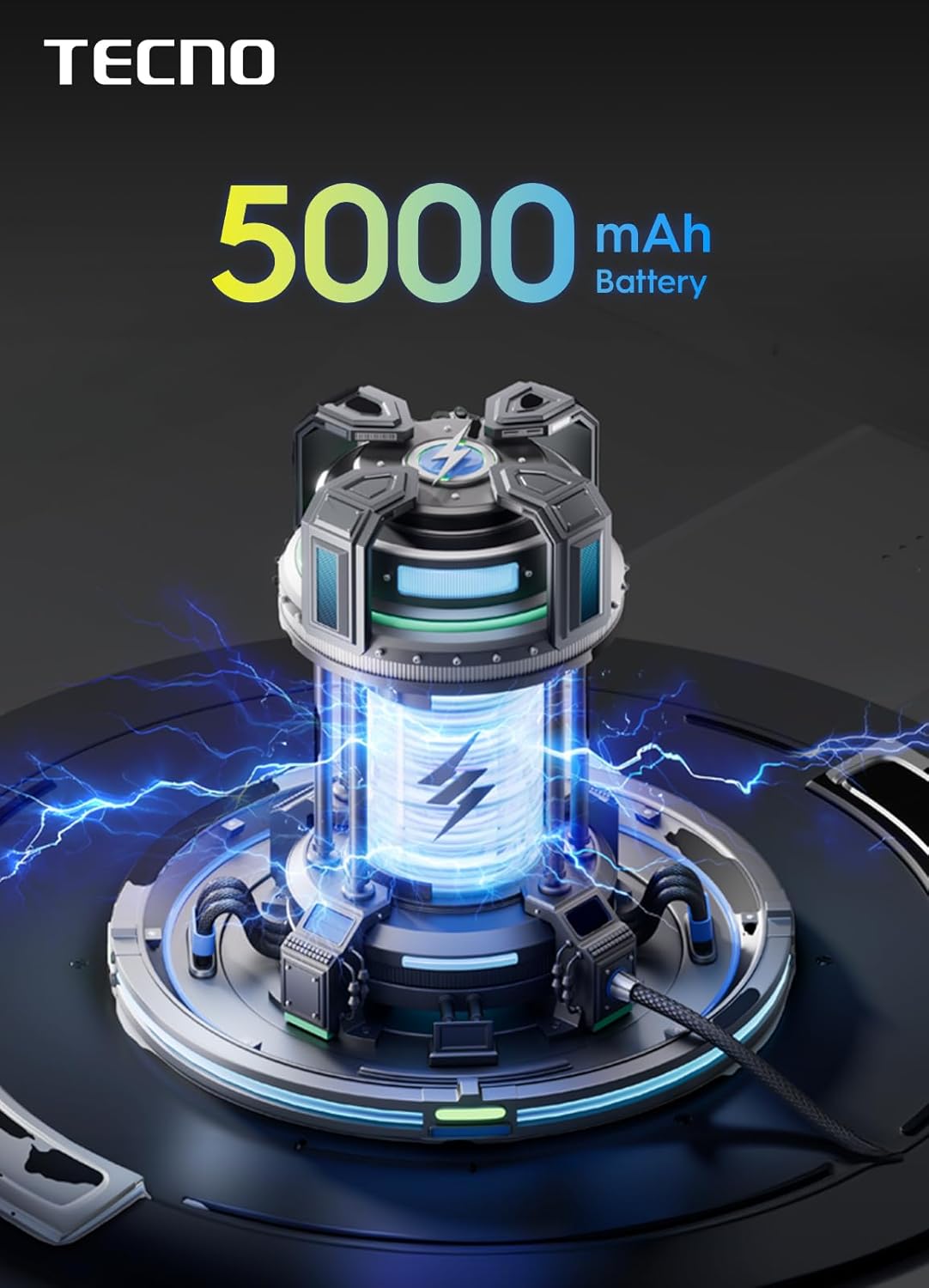
Figure 2: The TECNO SPARK Go 1 is powered by a 5000mAh battery.
Operating Instructions
1. Power On/Off
To power on the device, press and hold the Power button until the TECNO logo appears. To power off, press and hold the Power button, then select "Power off" from the options displayed on the screen.
2. Navigating the User Interface
The TECNO SPARK Go 1 runs on Android 14 and features an intuitive user interface. Swipe left or right on the home screen to access different panels. Swipe down from the top of the screen to open the notification panel and quick settings. Use gestures or the navigation bar at the bottom of the screen to go back, home, or view recent apps.
The device boasts an immersive display with enhanced visuals, providing a vibrant and clear viewing experience.

Figure 3: The device features a 120Hz smooth display for fluid interactions.
3. Connectivity
The TECNO SPARK Go 1 supports 4.5G fast network connectivity, ensuring quick data speeds for browsing, streaming, and downloads. To manage your network settings, navigate to Settings > Network & internet. Here you can configure Wi-Fi, Mobile network, and Bluetooth settings.
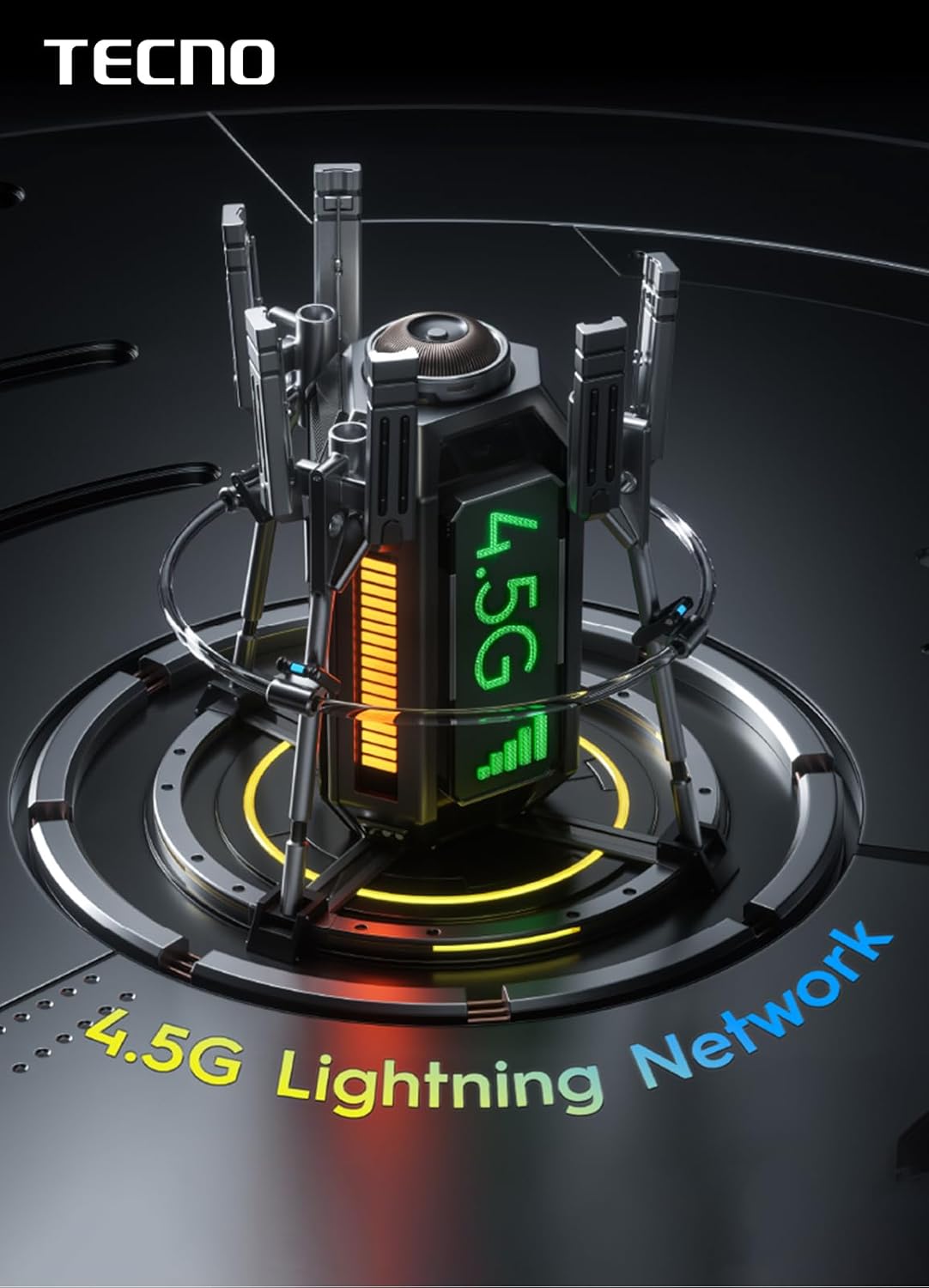
Figure 4: The device supports 4.5G Lightning Network for high-speed connectivity.
4. Camera Usage
Open the Camera application from the home screen or app drawer. The device is equipped with a 13MP main camera and an 8MP front camera. Tap the shutter button to take a photo. Swipe left or right to switch between different camera modes such as Photo, Video, Portrait, and more. Tap on the screen to focus on a specific object.

Figure 5: Detailed view of the 13MP main camera module.
5. Storage and Multitasking
The TECNO SPARK Go 1 comes with 128GB of internal storage (ROM) and 4GB of RAM. This ample storage provides plenty of space for apps, photos, videos, and documents. The 4GB RAM ensures seamless multitasking and smooth performance, allowing you to switch between applications efficiently.

Figure 6: Visual representation of the 128GB ROM and 4GB RAM configuration.
6. Audio Features
Experience enhanced audio with the dual speakers featuring DTS effects. These speakers provide full-scene big volume, delivering a rich and immersive sound experience for media consumption and calls.

Figure 7: The TECNO SPARK Go 1 features dual speakers with DTS effects for superior audio.
Maintenance
1. Cleaning the Device
Use a soft, lint-free cloth to gently wipe the screen and body of the phone. For stubborn smudges, slightly dampen the cloth with water or a screen cleaner specifically designed for electronics. Avoid using harsh chemicals or abrasive materials, as these can damage the device's finish or screen coating. The device has an IP54 waterproof rating, offering protection against dust and splashing water, but it is not designed for submersion.
2. Software Updates
Regularly check for and install software updates to ensure your device has the latest features, security patches, and performance improvements. To check for updates, go to Settings > System > System update.
3. Battery Care
To prolong battery life, avoid exposing the device to extreme temperatures. It is recommended to keep the battery charge between 20% and 80% for optimal longevity. Use only the original charging adapter and cable provided with the device.
Troubleshooting
| Problem | Possible Cause | Solution |
|---|---|---|
| Device does not power on | Low battery; software crash | Charge the device for at least 30 minutes. If unresponsive, perform a force restart by holding the Power button for 10-15 seconds. |
| Apps are slow or crashing | Insufficient RAM; too many background apps | Close unnecessary background applications. Clear app cache (Settings > Apps > [App Name] > Storage > Clear cache). Restart the device. |
| Poor signal reception | Network issue; SIM card not properly inserted | Check your network coverage. Reinsert the SIM card. Try restarting the device. If issues persist, contact your network provider. |
| Battery drains quickly | High screen brightness; many background apps; faulty app | Reduce screen brightness. Close background apps. Check battery usage in settings to identify power-hungry apps. |
Specifications
| Feature | Detail |
|---|---|
| Model Number | KL4 |
| Operating System | Android 14 |
| Internal Storage (ROM) | 128 GB |
| RAM | 4 GB |
| Main Camera | 13 MP |
| Front Camera | 8 MP |
| Battery Capacity | 5000 mAh |
| Charging | 15W Type-C Fast Charging |
| CPU Model | Cortex |
| CPU Speed | 1.8 GHz |
| Dimensions (L x W x H) | 15.6 x 7.7 x 0.83 cm |
| Weight | 380 g |
| Waterproof Rating | IP54 |

Figure 8: Physical dimensions of the TECNO SPARK Go 1.
Warranty and Support
For warranty information and customer support, please refer to the warranty card included with your product or visit the official TECNO website. Keep your proof of purchase for warranty claims.
For technical assistance or service inquiries, please contact TECNO customer service through their official channels. You may also find additional support resources and FAQs on their website.
The device is designed for long-lasting fluency, ensuring reliable performance over time.

Figure 9: The TECNO SPARK Go 1 is built for sustained performance over 4 years.


