
1. Introduction
The SignalBrick KM2 Cell Phone Booster is designed to enhance cellular signal strength within your vehicle, including cars, SUVs, and vans. It supports 5G, 4G LTE, and 3G signals across various frequency bands (Band 12/17, Band 13, Band 5, Band 2/25, and Band 4/66), ensuring improved call quality and faster data speeds for all major U.S. carriers like Verizon, AT&T, T-Mobile, and Sprint.
This manual provides detailed instructions for the proper installation, operation, and maintenance of your SignalBrick KM2 booster, along with troubleshooting tips and product specifications.
2. Package Contents
Please verify that all items listed below are included in your package:
- Car Cell Booster (Main Unit)
- Outside Antenna (Magnetic Mount)
- Inside Antenna
- DC Power Adapter

This image displays the main booster unit, the magnetic outdoor antenna, the indoor antenna, and the DC power adapter, which are all essential components for the system's operation.
3. Safety Information
Please read and follow all safety instructions to prevent damage to the device or injury.
- Do not expose the booster or antennas to extreme temperatures, direct sunlight for prolonged periods, or moisture.
- Use only the provided DC power adapter. Using an incompatible power source may damage the device and void the warranty.
- Ensure proper ventilation around the booster unit to prevent overheating.
- Keep the device out of reach of children.
- This device complies with FCC regulations and is FCC certified (FCC ID: A7V-SR75502001). Any unauthorized modifications to the equipment could void the user's authority to operate the equipment.
4. Setup and Installation
The SignalBrick KM2 booster is designed for easy installation, typically completed within 20 minutes by one person, with no drilling required.
4.1. Antenna Placement
Proper placement of both the outdoor and indoor antennas is crucial for optimal performance and to prevent oscillation (feedback).
- Outdoor Antenna: Mount the magnetic outdoor antenna on the roof of your vehicle. It is omni-directional, meaning it receives signals from cell towers in all directions (360°), so you do not need to orient it towards a specific tower. Ensure it is at least 3 feet (0.9m) horizontally and 2 feet (0.6m) vertically away from the indoor antenna.
- Indoor Antenna: Place the indoor antenna inside the vehicle, typically under a seat or on the dashboard, ensuring it is sufficiently separated from the outdoor antenna.

This diagram shows how the outdoor antenna captures signals from cell towers in all directions, providing comprehensive coverage even in remote areas.
4.2. Booster Unit Placement and Connections
- Connect the cable from the outdoor antenna to the 'OUTSIDE' port on the booster unit.
- Connect the cable from the indoor antenna to the 'INSIDE' port on the booster unit.
- Connect the DC power adapter to the booster unit's power input, then plug it into your vehicle's 12V power outlet.
This illustration details the recommended placement for the outdoor antenna (1), the booster unit (2), and the indoor antenna (3) within a vehicle. It emphasizes the necessary horizontal and vertical separation between the outdoor and indoor antennas for optimal performance. Note: This product is designed for small to mid-sized cars, SUVs, and vans. It is not recommended for larger vehicles like trucks or RVs, as the provided cables may not be long enough.
5. Operating the Booster
Once installed and powered on, the SignalBrick KM2 booster will automatically begin to enhance your cellular signal.
- Automatic Gain Control: The booster features an intelligent automatic gain control function that continuously adjusts system gain and power. This self-optimization maximizes stable signal provision without requiring manual intervention.
- Multi-User Support: The KM2 booster can enhance 4G LTE and 5G signals for multiple users and devices simultaneously, allowing everyone in the vehicle to benefit from improved connectivity.
- Carrier Compatibility: The booster is compatible with all major U.S. carriers, including Verizon, AT&T, T-Mobile, Sprint, and others.

This image highlights the broad compatibility of the SignalBrick KM2 booster with various U.S. cellular providers and network technologies.

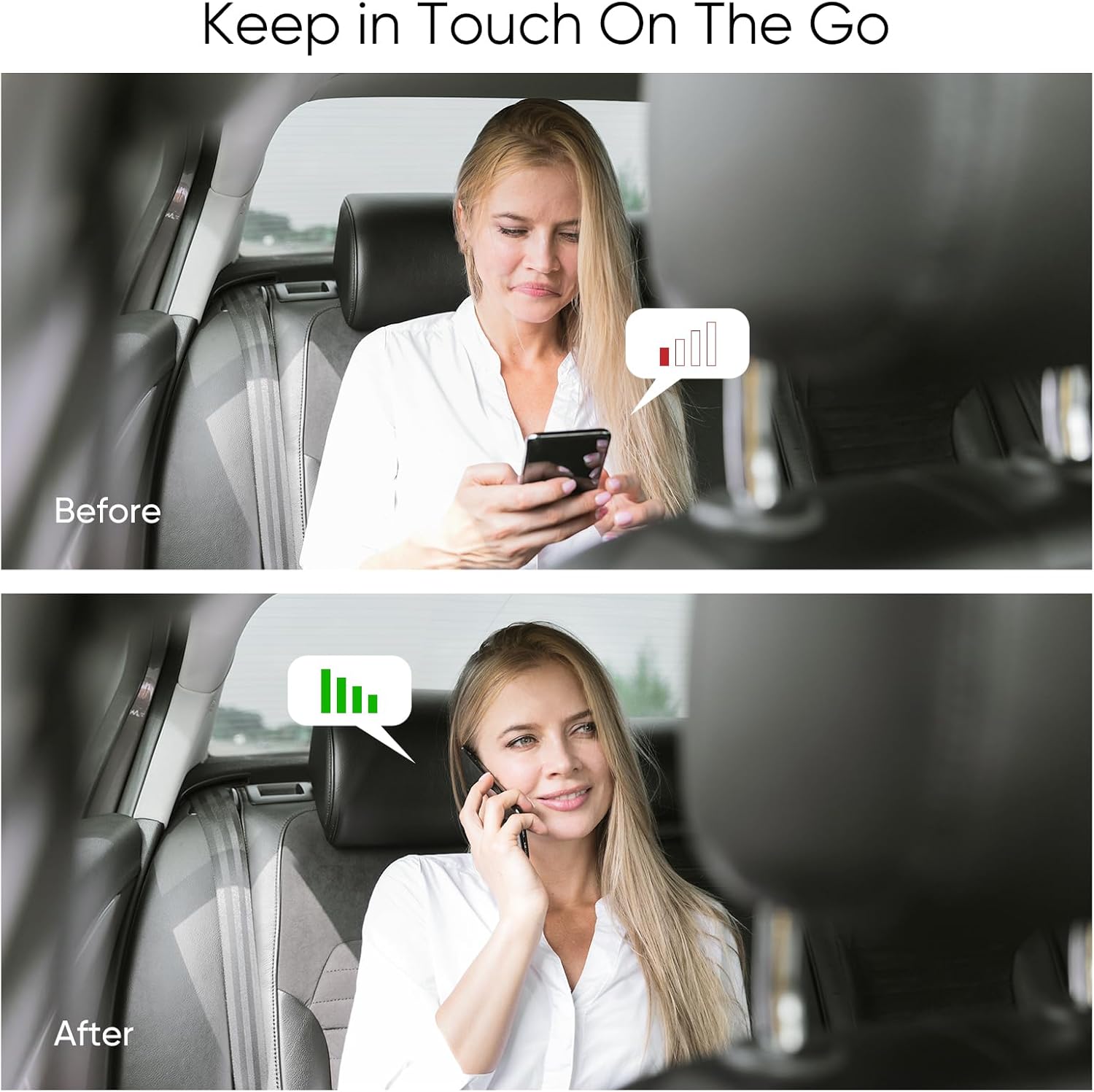
This visual demonstrates the positive impact of the booster, leading to fewer dropped calls, improved voice clarity, and quicker data transfer rates.

This comparison clearly illustrates the transformation from a weak or non-existent signal to a strong, usable signal within the vehicle.
6. Maintenance
The SignalBrick KM2 Cell Phone Booster requires minimal maintenance.
- Keep the booster unit and antennas clean and free from dust and debris. Use a soft, dry cloth for cleaning.
- Ensure all cable connections remain secure.
- Avoid placing heavy objects on the cables or booster unit.
7. Troubleshooting
If you experience issues with your SignalBrick KM2 booster, refer to the following common problems and solutions:
- No Signal Improvement:
- Ensure all connections (outdoor antenna, indoor antenna, power adapter) are secure.
- Verify that the outdoor and indoor antennas have sufficient separation (at least 3 feet horizontal, 2 feet vertical) to prevent oscillation.
- Check if there is any existing outdoor signal. Boosters amplify existing signals; they do not create them.
- Confirm your phone's frequency band is supported by the booster (Band 12/17, 13, 5, 2/25, 4/66).
- Booster Lights/Alarms:
- Refer to the indicator lights on the booster unit. If an alarm light is on for a specific band, it may indicate an issue with that band's signal or an oscillation problem. Adjust antenna separation.
- Intermittent Signal:
- Check for loose connections.
- Ensure the outdoor antenna has a clear line of sight to the sky and is not obstructed.
7.1. Testing Methods of Frequency Band
To determine your phone's current frequency band, which is crucial for ensuring compatibility with the booster, follow these steps:
- For iPhone:
- Dial
*3001#12345#*then press the call button. - Choose 'All Metrics', then click 'Serving Cell Info'.
- Check 'Band Info'.
- Dial
- For Android phone:
- Download "Network Cell Info Lite" from your app store.
- Choose 'GAUGE'.
- Check 'BAND'.

This image provides a visual guide for checking your device's frequency band, which is essential for confirming compatibility with the booster's supported bands.
8. Specifications
Below are the technical specifications for the SignalBrick KM2 Cell Phone Booster:
| Parameter | Value |
|---|---|
| Model Number | KM2 |
| Supported Bands | Band 12/17, Band 13, Band 5, Band 2/25, Band 4/66 |
| Supported Carriers | All U.S. Carriers (Verizon, AT&T, T-Mobile, Sprint, etc.) |
| Signal Boost | 5G / 4G LTE / 3G |
| Maximum Gain | 50dB |
| Output Power | 26dBm (Uplink) / 10dBm (Downlink) |
| In-band Flatness | <9dB |
| EIRP | 1W Max |
| Impedance | 50 ohm |
| Current | ≤1.5A (12V DC) |
| Item Weight | 2.6 pounds |
| Package Dimensions | 9.29 x 7.32 x 2.52 inches |
9. Warranty and Support
SignalBrick is committed to providing high-quality products and customer satisfaction. While specific warranty details are not provided in this manual, please refer to the manufacturer's official website or your purchase documentation for comprehensive warranty information.
For any technical assistance, troubleshooting beyond this guide, or warranty claims, please contact our professional after-sales support team. Contact information can typically be found on the SignalBrick website or through your retailer.
