
1. Product Overview
This instruction manual provides essential information for the safe and effective use of your DFTIM DMW-BLK22 battery and dual-slot USB charger set. This set includes two high-capacity 2400mAh Li-ion batteries and a versatile dual-channel USB charger.
Package Contents:
- 2 x DFTIM DMW-BLK22 Lithium-Ion Batteries (7.2V, 2400mAh/17.28Wh)
- 1 x Dual-Slot USB Battery Charger
- 1 x USB Charging Cable (USB-A to USB-C)
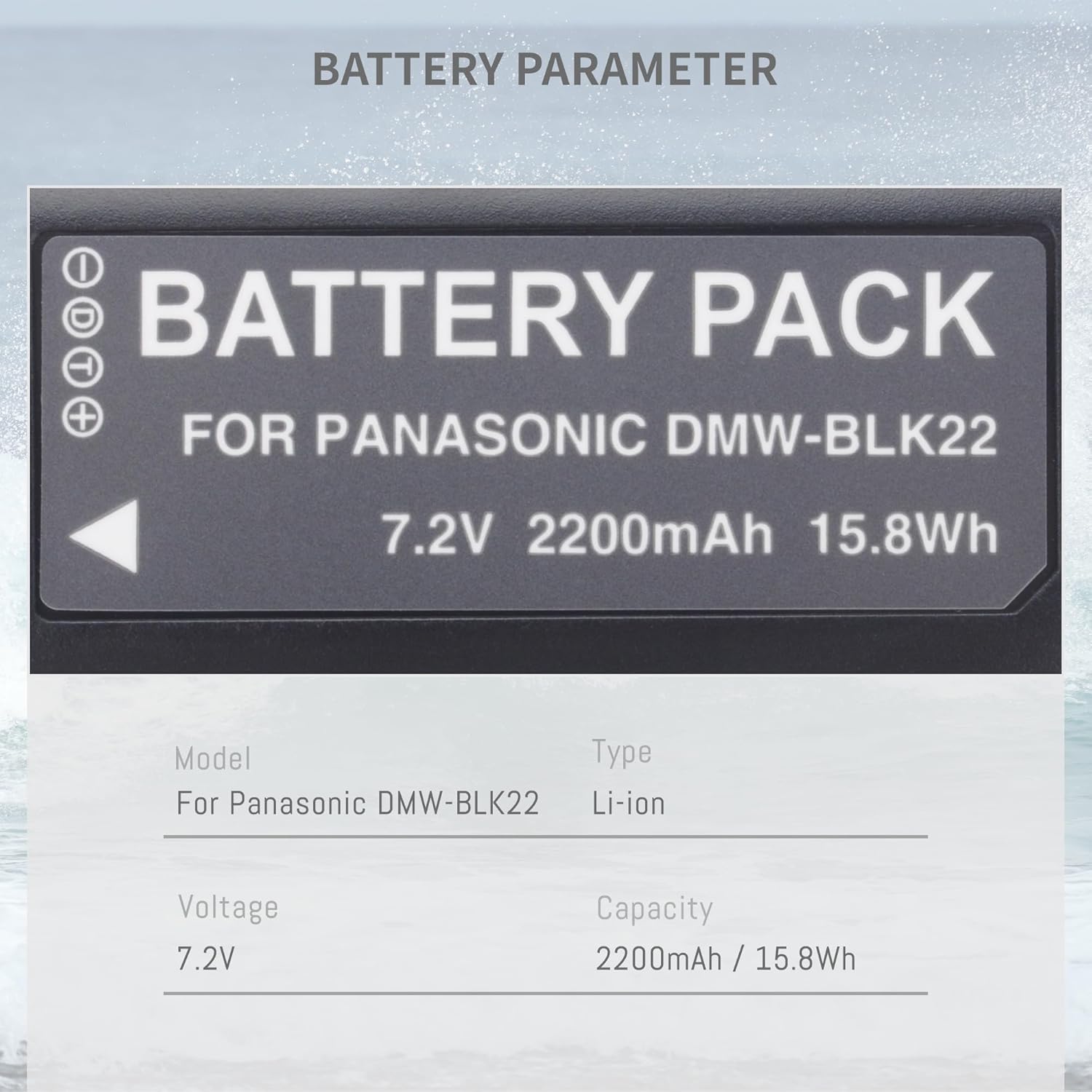
Figure 1: Contents of the DFTIM DMW-BLK22 Battery and Charger Set.
2. Setup and Charging
Before first use, fully charge the batteries. The dual-slot charger allows for simultaneous charging of two batteries.
Charging Instructions:
- Insert the DMW-BLK22 batteries into the charging slots of the dual-slot charger. Ensure correct orientation.
- Connect the charger to a power source using one of the following methods:
- Built-in USB-A Cable: Extend the integrated USB-A cable and plug it into a USB adapter, car charger, power bank, or computer USB port.
- USB-C Input: Use the provided USB-C cable or another compatible USB-C cable to connect the charger's USB-C input port to a USB power source.
- Observe the LED indicators on the charger:
- A red light indicates that the battery is currently charging.
- A green light indicates that the battery is fully charged.
- Once charging is complete, disconnect the charger from the power source and remove the batteries.

Figure 2: Multiple charging modes for the DMW-BLK22 dual-slot charger.

Figure 3: Charger LED indicators showing charging status.
3. Operating Instructions
The DFTIM DMW-BLK22 batteries are designed for use with specific Panasonic Lumix camera models. These batteries feature no memory effect, allowing you to charge them at any time without reducing their overall capacity.
Compatible Camera Models:
- Panasonic Lumix DC-S5
- Panasonic Lumix DC-S5 II
- Panasonic Lumix DC-S5 IIX
- Panasonic Lumix GH5 II
- Panasonic Lumix GH6
- Panasonic Lumix S5II
- Panasonic Lumix S5IIX
- Panasonic Lumix S5M2
- Panasonic Lumix S5M2X
- Panasonic Lumix GH5M2
Inserting the Battery:
- Ensure your camera is powered off.
- Open the battery compartment cover on your camera.
- Insert the DMW-BLK22 battery into the compartment, aligning it with the battery contacts. Push until it clicks securely into place.
- Close the battery compartment cover.

Figure 4: Compatible Panasonic Lumix camera models.
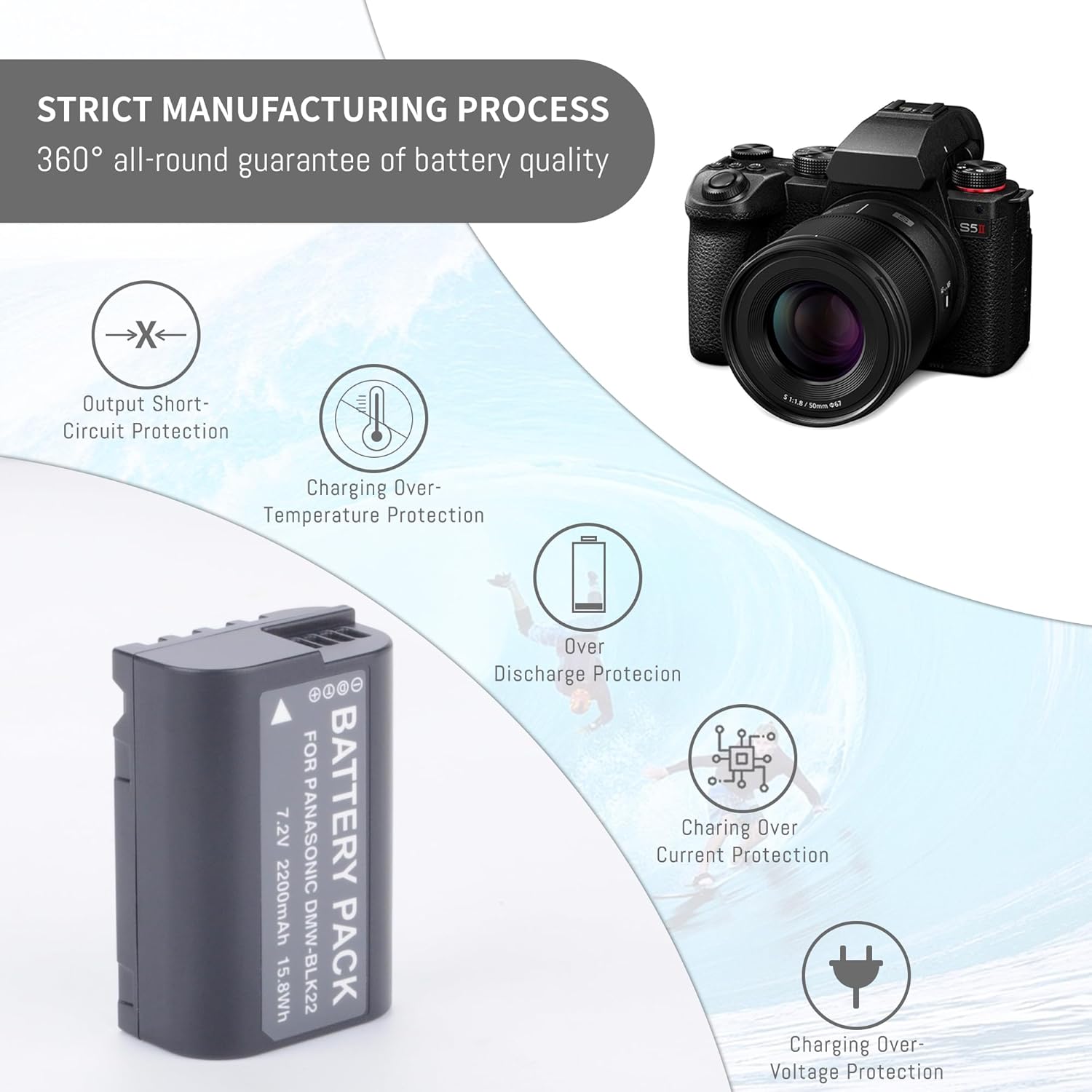
Figure 5: Example of battery insertion into a camera.
4. Maintenance and Safety
To ensure the longevity and safe operation of your DFTIM DMW-BLK22 batteries and charger, please follow these guidelines:
Battery Care:
- Store batteries in a cool, dry place away from direct sunlight and extreme temperatures.
- Avoid fully discharging batteries for extended periods. Recharge them periodically if not in use.
- Clean battery contacts with a dry, soft cloth if they become dirty.
- Do not disassemble, crush, puncture, or short-circuit the battery.
- Do not expose batteries to water or fire.
- Dispose of depleted batteries according to local regulations.
Safety Features:
The DFTIM DMW-BLK22 batteries are equipped with a built-in smart chip that provides multiple protection mechanisms:
- Over-Charge Protection: Prevents overcharging, which can damage the battery.
- Over-Discharge Protection: Prevents excessive discharge, preserving battery life.
- Over-Voltage Protection: Safeguards against voltage spikes.
- Over-Current Protection: Protects against excessive current flow.
- Over-Heating Protection: Monitors and prevents the battery from reaching unsafe temperatures during use or charging.
- Output Short-Circuit Protection: Prevents damage from short circuits.

Figure 6: Built-in safety protections of the DMW-BLK22 battery.
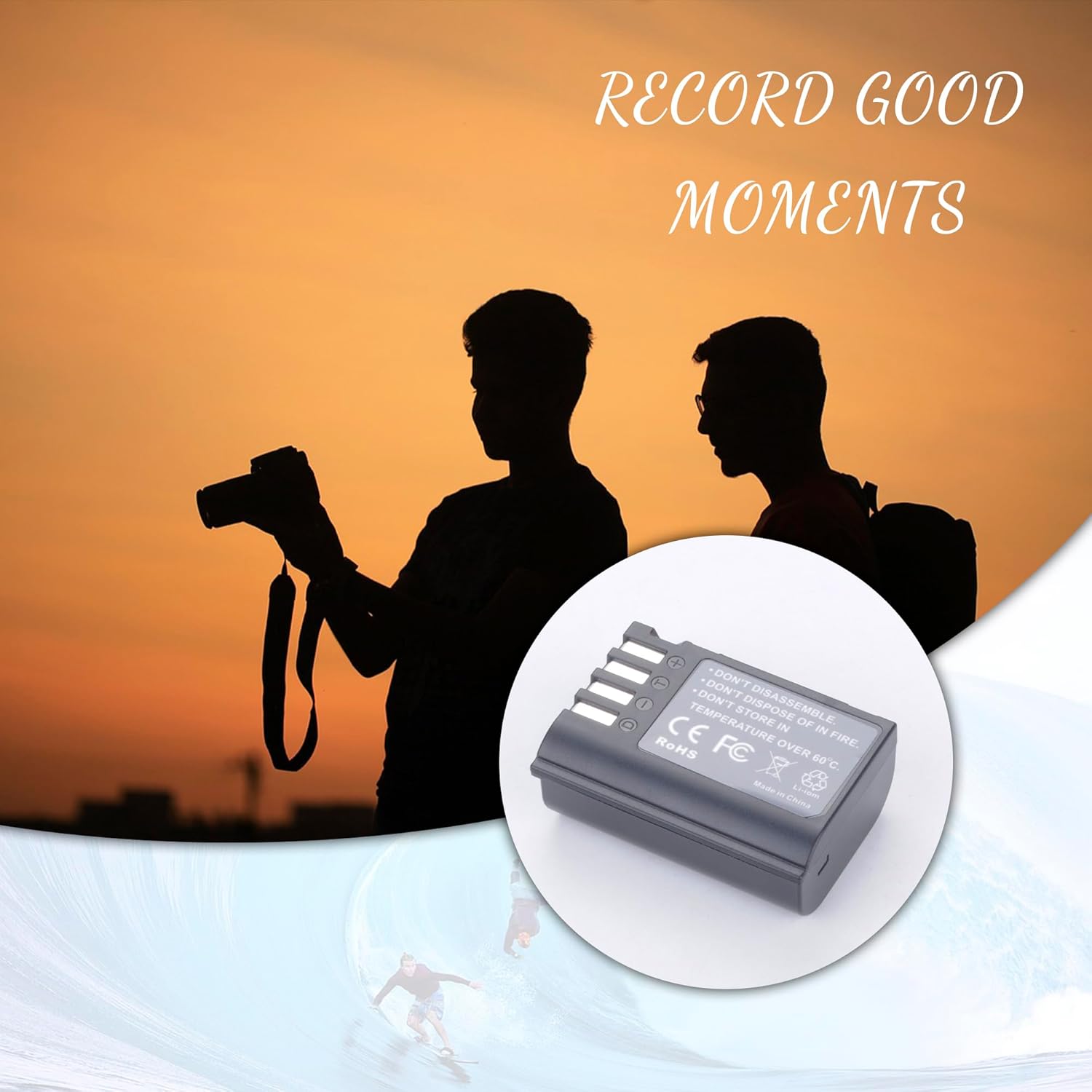
Figure 7: Important safety warnings printed on the battery.
5. Troubleshooting
If you encounter issues with your DFTIM DMW-BLK22 battery or charger, refer to the following common troubleshooting steps:
- Battery Not Charging:
- Ensure the charger is securely connected to a working power source.
- Verify that the batteries are correctly inserted into the charger slots.
- Check if the charging cable is damaged. Try a different USB cable or power adapter.
- Confirm the LED indicator lights are functioning (red for charging).
- Camera Not Recognizing Battery:
- Ensure the battery is fully charged.
- Remove and reinsert the battery into the camera, ensuring it is seated correctly.
- Clean the battery contacts on both the battery and the camera with a dry, soft cloth.
- Verify that your camera model is listed as compatible.
- Short Battery Runtime:
- Ensure the battery is fully charged before use.
- Battery performance can be affected by extreme temperatures.
- Over time, all rechargeable batteries experience a decrease in capacity. If the battery is old, consider replacement.
If problems persist, please contact customer support.
6. Specifications
Detailed technical specifications for the DFTIM DMW-BLK22 battery and charger:
| Parameter | Value |
|---|---|
| Battery Type | Lithium-Ion |
| Voltage | 7.2V |
| Capacity | 2400mAh / 17.28Wh |
| Runtime | ≥60 minutes per charge (approximate) |
| Item Model Number | DMW-BLK22 |
| Product Dimensions | 6.61 x 1.1 x 4.25 inches (package) |
| Item Weight | 9.1 ounces (package) |
| Certifications | CE, FCC, RoHS |

Figure 8: Detailed battery parameters as depicted on the battery label (note: product specifications state 2400mAh/17.28Wh capacity).
7. Warranty and Support
DFTIM products are manufactured with high-quality standards. For any questions, concerns, or warranty claims, please contact DFTIM customer support through the retailer where the product was purchased or visit the official DFTIM brand store.
For the latest support information and contact details, please refer to the DFTIM brand store on Amazon: DFTIM Store