
1. Introduction
The Nobsound DV-01 is a compact USB volume control knob designed to provide precise and convenient audio adjustment for various devices. It features a high-precision rotary knob, a one-touch mute function, and a stylish breathing light, enhancing both functionality and desktop aesthetics.
2. Package Contents
Please verify that all items are present in your package:
- 1 × Volume Controller
- 1 × USB Cable
- 1 × Non-slip Mat
- 2 × 3M Double-sided Adhesive

Image: The Nobsound DV-01 volume controller, USB Type-C cable, non-slip mat, and 3M double-sided adhesive included in the package.
3. Setup
3.1. Device Connection
- Connect the provided USB Type-C cable to the Type-C input port on the Nobsound DV-01 volume controller.
- Plug the other end of the USB cable into an available USB port on your computer, laptop, smartphone, or tablet.
- The device is plug-and-play and typically requires no additional driver installation for basic functionality.

Image: The Nobsound DV-01 volume controller highlighting its Type-C input and illustrating compatibility with various devices such as MP3 players, phones, tablets, PCs, and TVs.
3.2. Placement and Stability
To ensure stability and prevent the device from sliding, apply the included non-slip mat or 3M double-sided adhesive to the bottom of the volume controller before placing it on your desktop.

Image: Demonstrates the application of the non-slip mat and 3M double-sided adhesive to the Nobsound DV-01 for secure placement on a desk.
4. Operating Instructions
4.1. Volume Adjustment
- Rotate Clockwise: Turn the knob clockwise to increase the volume.
- Rotate Counter-clockwise: Turn the knob counter-clockwise to decrease the volume.
The DV-01 supports both fast and slow adjustment modes. Slow mode adjusts by 2 levels each time, while fast mode adjusts by 6 levels, allowing for smooth volume transitions tailored to individual preferences.
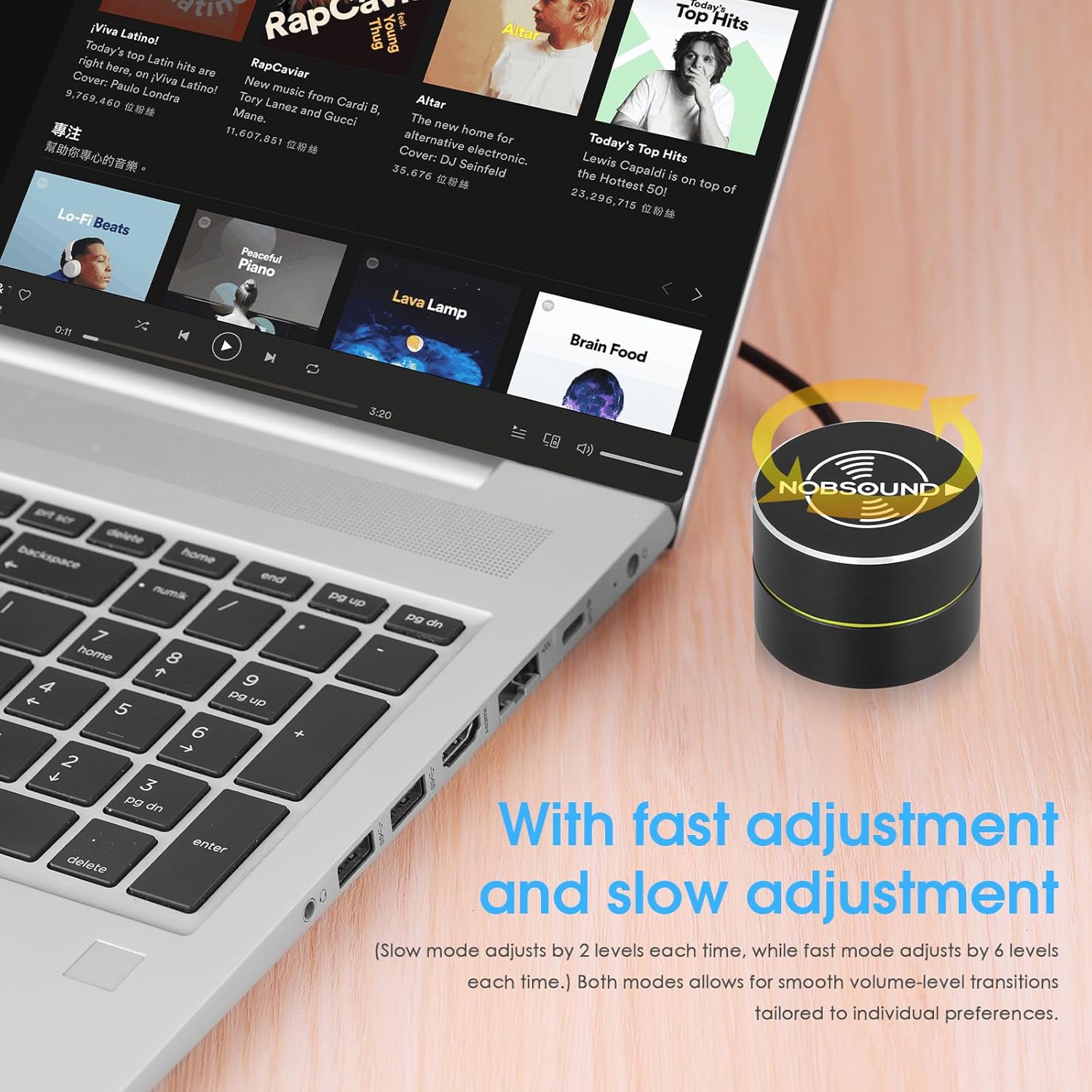
Image: A hand rotating the Nobsound DV-01 knob to adjust volume, illustrating the precise control.
4.2. Mute Function
- Single Press: Press the knob once to instantly mute the audio.
- Press Again: Press the knob again to unmute the audio.
4.3. Media Control (Previous/Next Song)
The device supports switching between previous and next songs, making it convenient for media playback.
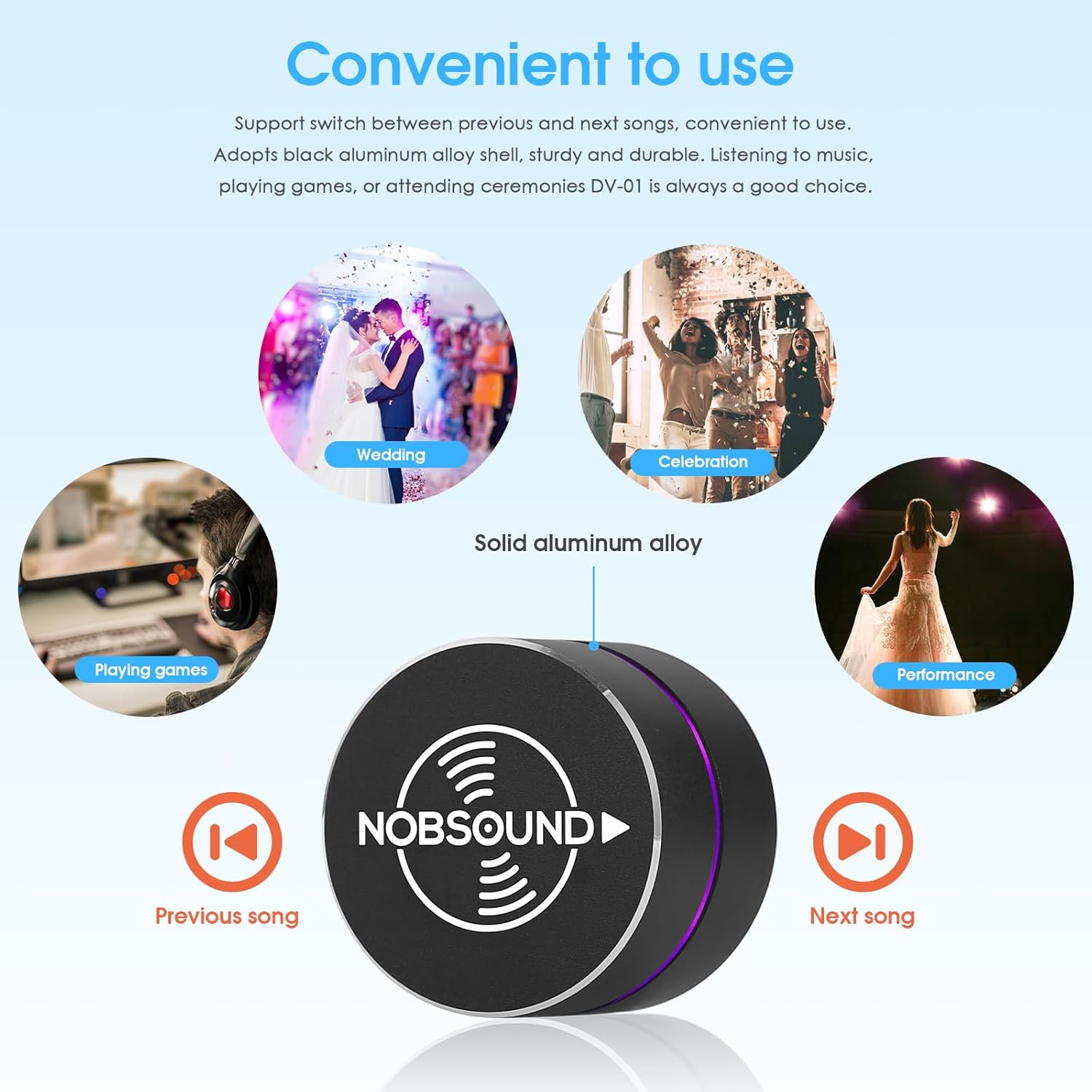
Image: The Nobsound DV-01 controller with icons indicating previous and next song functions, alongside various usage scenarios.
4.4. Breathing Light Control
The DV-01 is equipped with a soft, elegant breathing light that offers 6 color options and dynamic light modes. This enhances desktop aesthetics and provides a clear working status indicator.

Image: Displays the Nobsound DV-01 with its LED breathing light cycling through different color options.
4.5. Video Demonstrations
Video: Demonstrates basic volume control and mute functionality of a USB volume knob. Note: Product shown may vary slightly in appearance from the Nobsound DV-01.
Video: Shows the RGB lighting effects and basic volume control of a USB audio remote knob. Note: Product shown may vary slightly in appearance from the Nobsound DV-01.
Video: Illustrates the simple plug-and-play setup and volume adjustment capabilities of a USB volume controller. Note: Product shown may vary slightly in appearance from the Nobsound DV-01.
5. Maintenance
- Keep the device clean by wiping it with a soft, dry cloth.
- Avoid exposing the device to excessive moisture or extreme temperatures.
- Do not attempt to disassemble the device, as this may void the warranty.
6. Troubleshooting
- Device not recognized: Ensure the USB cable is securely connected to both the controller and your device. Try a different USB port or cable.
- Volume not adjusting: Verify that the device is properly connected and recognized by your operating system. Check your system's audio settings to ensure the Nobsound DV-01 is selected as the output device.
- Breathing light not working: Ensure the device is powered on via the USB connection. If the light is off, press and hold the knob for a few seconds to cycle through light modes or turn it on.
7. Specifications
| Brand | Nobsound |
| Model Name | DV-01 |
| Connectivity Technology | USB |
| Hardware Interface | USB Type C |
| Compatible Devices | Laptop, PC, Smartphone, Tablet |
| Platform | Android, Windows, iOS |
| Control Type | Big Knob Passive |
| Special Feature | Compact, Volume Control, Mute Function, Breathing Light |
| Item Weight | 0.12 Kilograms |
8. Warranty
The Nobsound DV-01 USB Volume Control Knob comes with an 18-month limited warranty. Please retain your proof of purchase for warranty claims.
9. Support
For further assistance, technical support, or inquiries regarding your Nobsound DV-01, please refer to the manufacturer's official website or contact their customer service department. Contact information can typically be found on the product packaging or the Nobsound brand store.