
Richmat HJH5
Richmat HJH5 Adjustable Bed Base Wired Remote Instruction Manual
Model: HJH5 | Brand: Richmat
1. Introduction
Thank you for choosing the Richmat HJH5 Wired Remote Control. This remote is designed as a replacement or spare for adjustable bed bases that utilize a 5-pin port connection for head adjustment. It offers reliable control for raising and lowering the head section of your adjustable bed.
This manual provides essential information for the proper setup, operation, and maintenance of your HJH5 remote control. Please read it thoroughly before use to ensure optimal performance and longevity of the product.
Compatibility:
- Mattress Firm 50 Series
- Leggett and Platt Bas-X HC Series Wired Remote
- Other adjustable bed bases with a matching 5-pin port connector. Please verify your existing remote's connector type before use.

2. Important Safety Information
Please observe the following safety precautions to prevent injury or damage to the product:
- Do not expose the remote control to water or any other liquids.
- Do not attempt to open, disassemble, or modify the remote control. This will void the warranty and may cause damage.
- Keep the remote control away from excessive heat sources.
- Ensure the 5-pin connector is properly aligned and securely inserted into the bed base port to prevent electrical issues.
- Keep out of reach of small children to prevent accidental operation or damage.
3. Package Contents
Upon opening your package, please verify that all items are present and in good condition:
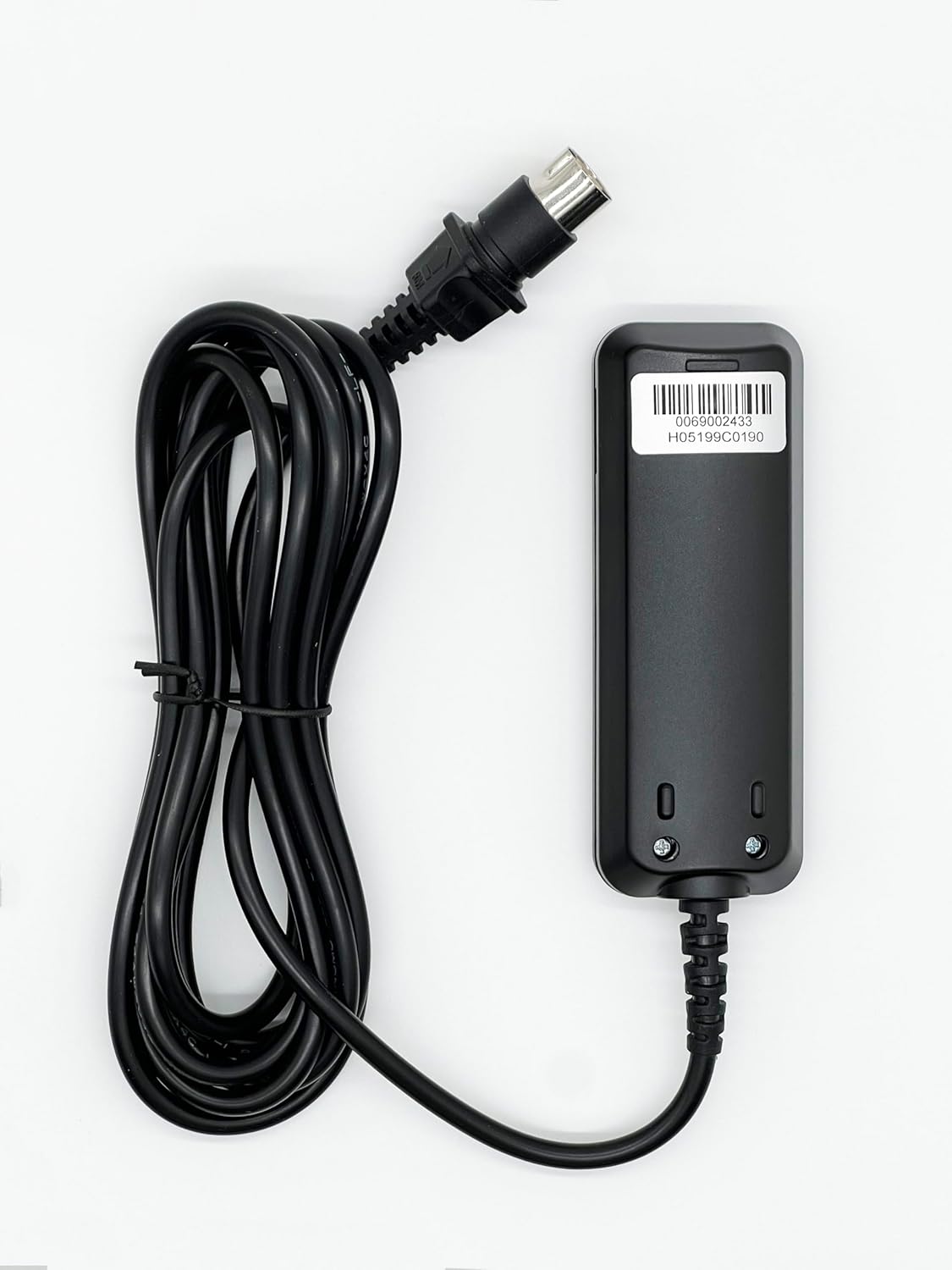
- 1 x Richmat HJH5 Wired Remote Control with attached cable and 5-pin connector
- 1 x Removable Holding Bracket

4. Setup and Installation
Follow these steps to connect your Richmat HJH5 remote control to your adjustable bed base:
- Locate the Connection Port: Identify the 5-pin connection port on your adjustable bed base. This port is typically located near the motor or control box of the bed.
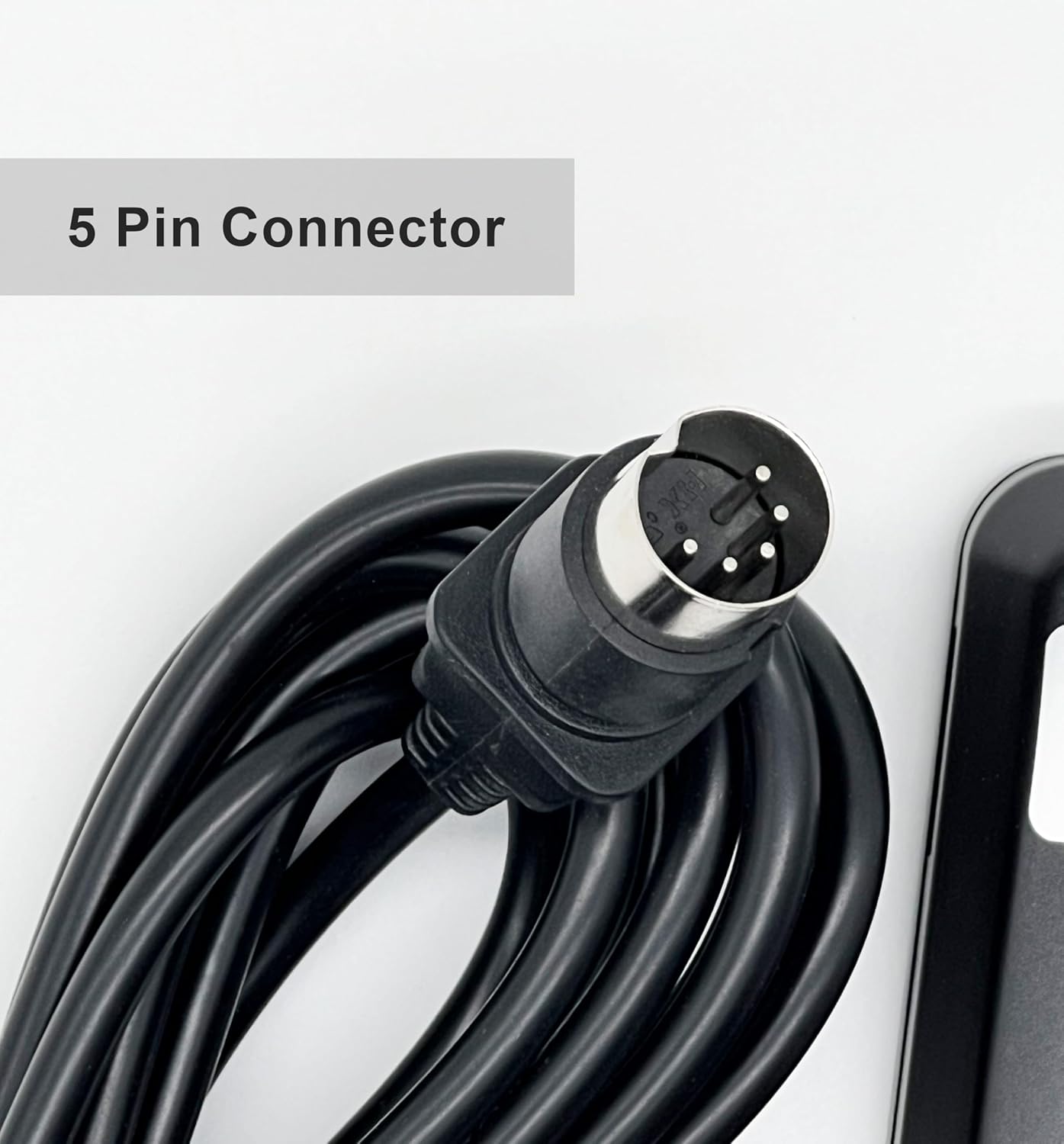
- Align the Connector: Take the 5-pin connector of the HJH5 remote control cable. Carefully align the pins with the corresponding holes in the bed base's port. Ensure the notch or key on the connector aligns with the slot in the port to prevent damage.
- Secure the Connection: Gently push the connector into the port until it is fully seated and secure. Do not force the connection. A firm, snug fit is desired.
- Test Functionality: Once connected, ensure your adjustable bed base is powered on. Press the 'Head Up' and 'Head Down' buttons on the remote to verify that the bed responds correctly.

5. Operating the Remote Control
The Richmat HJH5 remote control features two primary buttons for adjusting the head section of your adjustable bed:
- Head Up Button (▲): Press and hold this button to raise the head section of your adjustable bed. Release the button when the desired position is reached.
- Head Down Button (▼): Press and hold this button to lower the head section of your adjustable bed. Release the button when the desired position is reached.
The remote is designed for simple, intuitive operation. Ensure the bed base is connected to a power source for the remote to function.

6. Care and Maintenance
To ensure the longevity and proper functioning of your Richmat HJH5 remote control, follow these simple maintenance guidelines:
- Cleaning: Use a soft, dry cloth to wipe the surface of the remote control. Do not use abrasive cleaners, solvents, or harsh chemicals, as these can damage the finish or internal components.
- Storage: When not in use, store the remote in a dry place, away from direct sunlight and extreme temperatures. The included holding bracket can be used to keep the remote secure and easily accessible.
- Cable Care: Avoid kinking or sharply bending the remote's cable. Do not place heavy objects on the cable, as this can damage the internal wiring.

7. Troubleshooting
If you encounter issues with your Richmat HJH5 remote control, please refer to the following common problems and solutions:
| Problem | Possible Cause | Solution |
|---|---|---|
| Remote is unresponsive. | Loose connection to bed base. | Ensure the 5-pin connector is fully and securely inserted into the bed base port. |
| Remote is unresponsive. | Bed base is not powered. | Check if the adjustable bed base is plugged into a working power outlet and that its power indicator light (if any) is on. |
| Buttons do not function. | Internal damage or cable fault. | Inspect the cable for any visible damage or kinks. If damage is present or the issue persists after checking connections and power, contact customer support. |
If the problem persists after attempting these solutions, please contact customer support for further assistance.
8. Product Specifications
| Feature | Detail |
|---|---|
| Model Number | HJH5 |
| Brand | Richmat |
| Connector Type | 5-Pin |
| Functions | Head Up, Head Down |
| Color | Black |
| Item Weight | Approximately 1 pound (0.45 kg) |
| Included Components | Remote, Removable Holding Bracket |
9. Warranty Information
Specific warranty details for the Richmat HJH5 Wired Remote Control are not provided within this manual's product data. For information regarding warranty coverage, terms, and conditions, please refer to the product packaging, the seller's website, or contact the manufacturer directly.
10. Customer Support
If you have any questions, require technical assistance, or need to report an issue with your Richmat HJH5 remote control, please contact the seller or manufacturer through your purchase platform. When contacting support, please have your product model number (HJH5) and purchase details readily available.
For purchases made on Amazon, you can typically find seller contact information through your order history.
Ask a question about this manual
Ask about setup, troubleshooting, compatibility, parts, safety, or missing instructions. Manuals+ will review the question and use this page’s manual context to help answer it.