
1. Introduction
Thank you for choosing the Starfavor SP-15F 88-Key Foldable Electronic Piano. This instrument is designed for portability and versatility, offering a rich musical experience for beginners and experienced players alike. This manual provides essential information for setting up, operating, and maintaining your digital piano.
2. Safety Information
- Do not expose the piano to extreme temperatures, direct sunlight, or high humidity.
- Avoid placing heavy objects on the piano.
- Use only the provided power adapter for charging.
- Keep out of reach of small children to prevent accidental damage or injury.
- Do not attempt to disassemble or modify the piano. Refer all servicing to qualified personnel.
3. Package Contents
Please check that all items are included in your package:
- Starfavor SP-15F 88-Key Foldable Electronic Piano
- Piano Stand
- Sustain Pedal
- Headphones
- Carrying Bag
- Power Adapter
- User Manual (this document)

Image 3.1: The Starfavor SP-15F electronic piano shown with its complete set of accessories, including the foldable keyboard, X-style stand, sustain pedal, headphones, and carrying bag.
4. Setup
4.1 Unfolding the Piano
The SP-15F features a unique foldable design for easy transport and storage. To unfold, gently separate the two halves of the keyboard until it locks into a straight, playable position. Ensure the hinge mechanism is fully extended and stable before use.
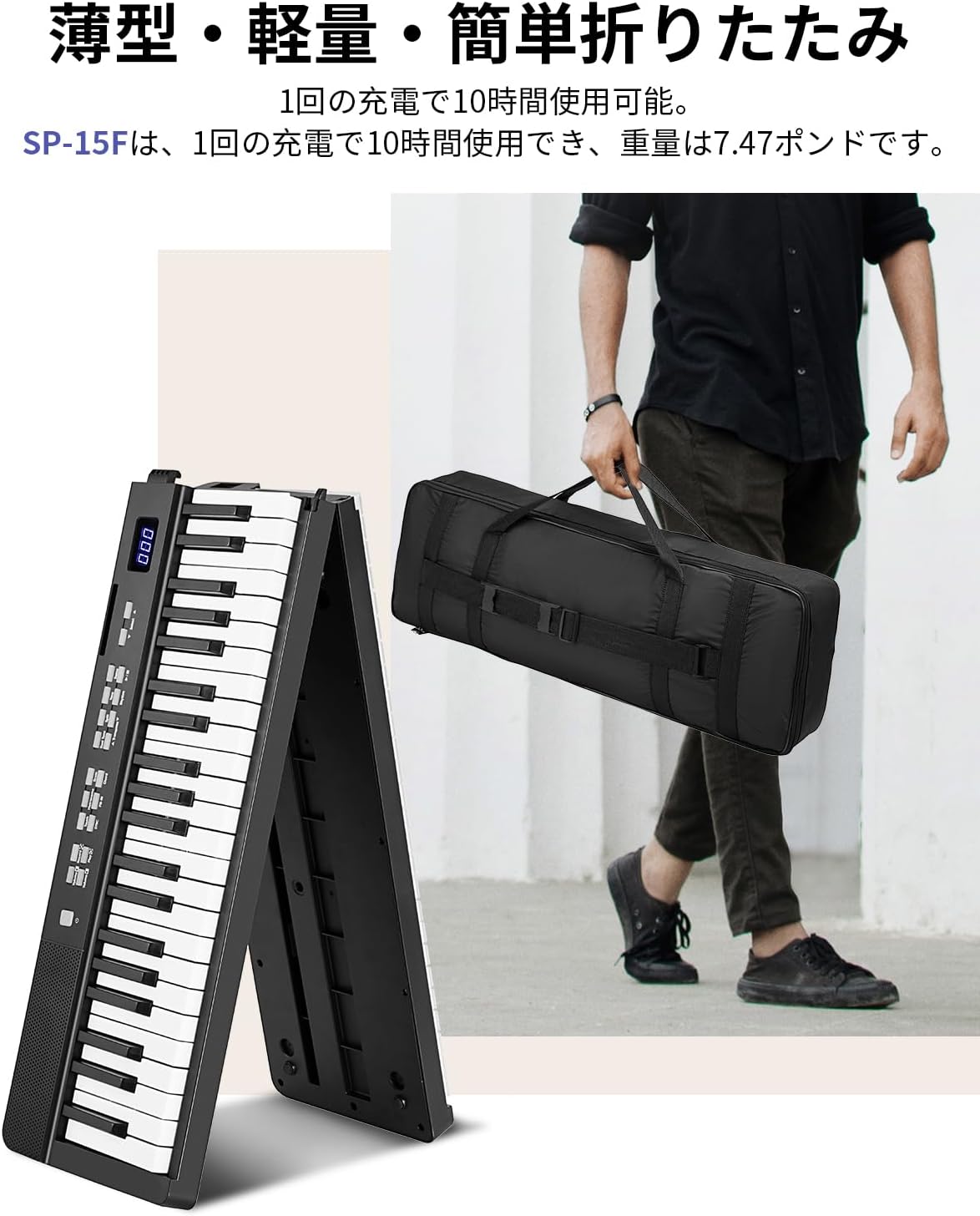
Image 4.1: The Starfavor SP-15F in its folded state, demonstrating its compact size for portability, alongside a person carrying the included storage bag.
4.2 Attaching the Stand
Assemble the X-style piano stand according to its instructions. Place the unfolded piano securely on top of the stand, ensuring it is centered and stable. The stand provides a firm base for comfortable playing.

Image 4.2: The Starfavor SP-15F electronic piano securely placed on its X-style stand, with headphones resting on the music rest, ready for use.
4.3 Connecting Accessories
- Sustain Pedal: Connect the sustain pedal to the designated pedal input jack on the rear of the piano.
- Headphones: Plug the headphones into the 3.5mm headphone jack for private practice.
- Power Adapter: Connect the power adapter to the DC IN port and plug it into a wall outlet to charge the internal battery or power the piano directly.

Image 4.3: A detailed view of the Starfavor SP-15F's connectivity panel, showing ports for headphones, power adapter, MP3 input, sustain pedal, and USB, highlighting its versatile connection options.
4.4 Charging the Battery
The SP-15F features a high-quality lithium battery, providing up to 10 hours of continuous use on a single charge. Before first use, fully charge the piano. The charging indicator light will show the charging status.
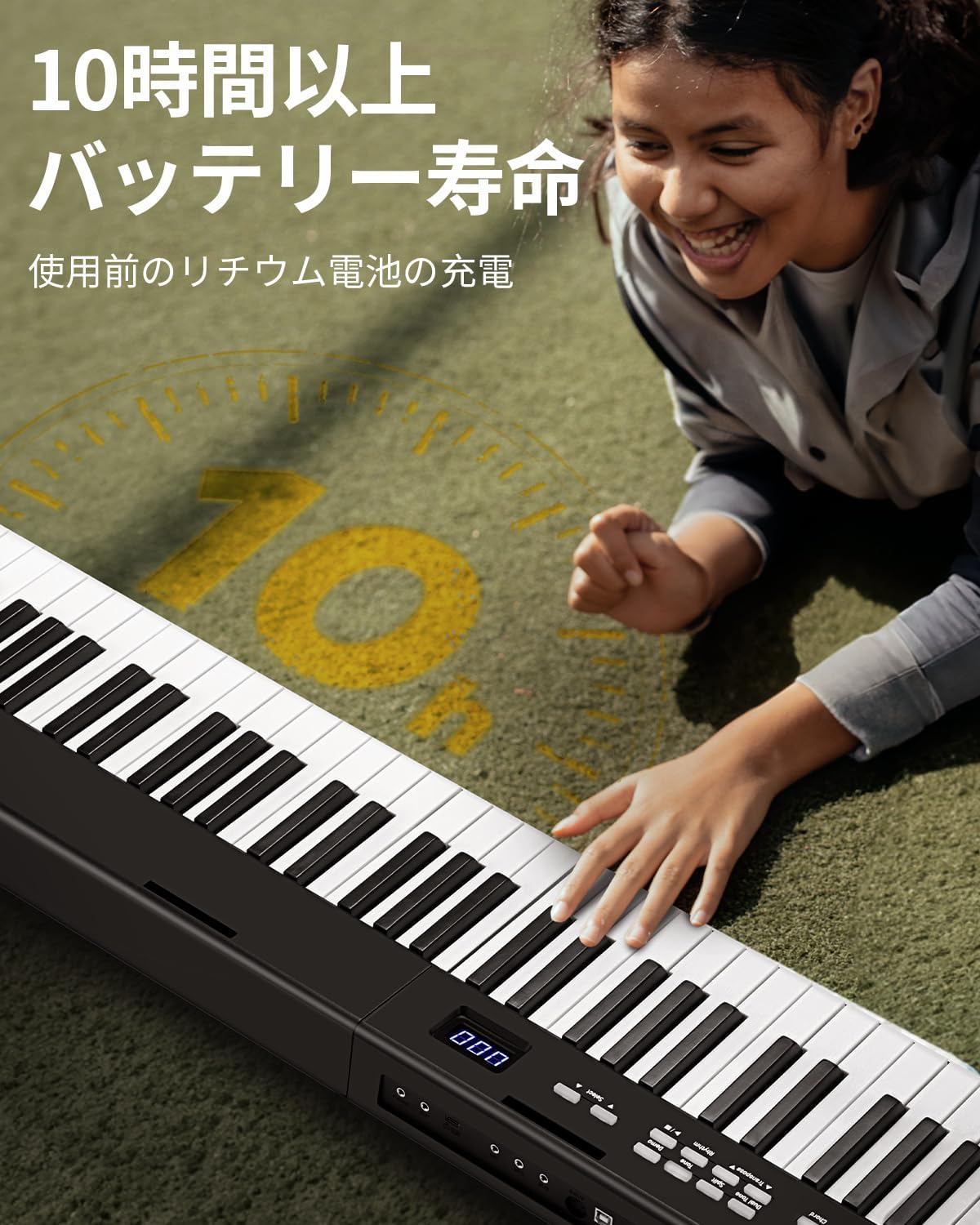
Image 4.4: A user enjoying the Starfavor SP-15F, emphasizing its long battery life of over 10 hours, allowing for extended practice sessions anywhere.
5. Operating Instructions
5.1 Power On/Off
Press and hold the Power button located on the control panel to turn the piano on or off.
5.2 Adjusting Volume
Use the Volume +/- buttons to increase or decrease the overall sound output.
5.3 Selecting Tones and Rhythms
The SP-15F offers 198 tones and 198 rhythms. Use the Tone and Rhythm selection buttons, along with the numeric keypad or +/- buttons, to browse and select different sounds and accompaniment styles.

Image 5.1: The Starfavor SP-15F control panel, highlighting its rich sound capabilities with 128 tones and 80 demo songs (note: product features state 198 tones/rhythms, this image shows 128/80 which may be a subset or older spec).
5.4 Demo Songs and Recording
The piano includes 80 demo songs for listening and learning. Press the Demo button to cycle through them. The built-in recording function allows you to capture your performances. Refer to the control panel icons for specific recording operations.

Image 5.2: A visual representation of the Starfavor SP-15F's comprehensive functions, including Auto Chord, Transpose, Metronome, Recording, MIDI, Lithium Battery, Headphone Jack, Dual Keyboard, Drum, Aux In, and Mic input.
5.5 Bluetooth and MIDI Connectivity
The SP-15F supports Bluetooth connectivity, allowing you to connect to learning apps or play along with your favorite songs wirelessly. It also features MIDI functionality via USB for connecting to computers and other MIDI devices.

Image 5.3: A group of individuals gathered around the Starfavor SP-15F, demonstrating its suitability for collaborative learning or casual group play.
5.6 Touch Sensitivity
The 88 semi-weighted keys offer touch sensitivity, mimicking the feel of an acoustic piano. The harder you press a key, the louder the sound, allowing for expressive playing.
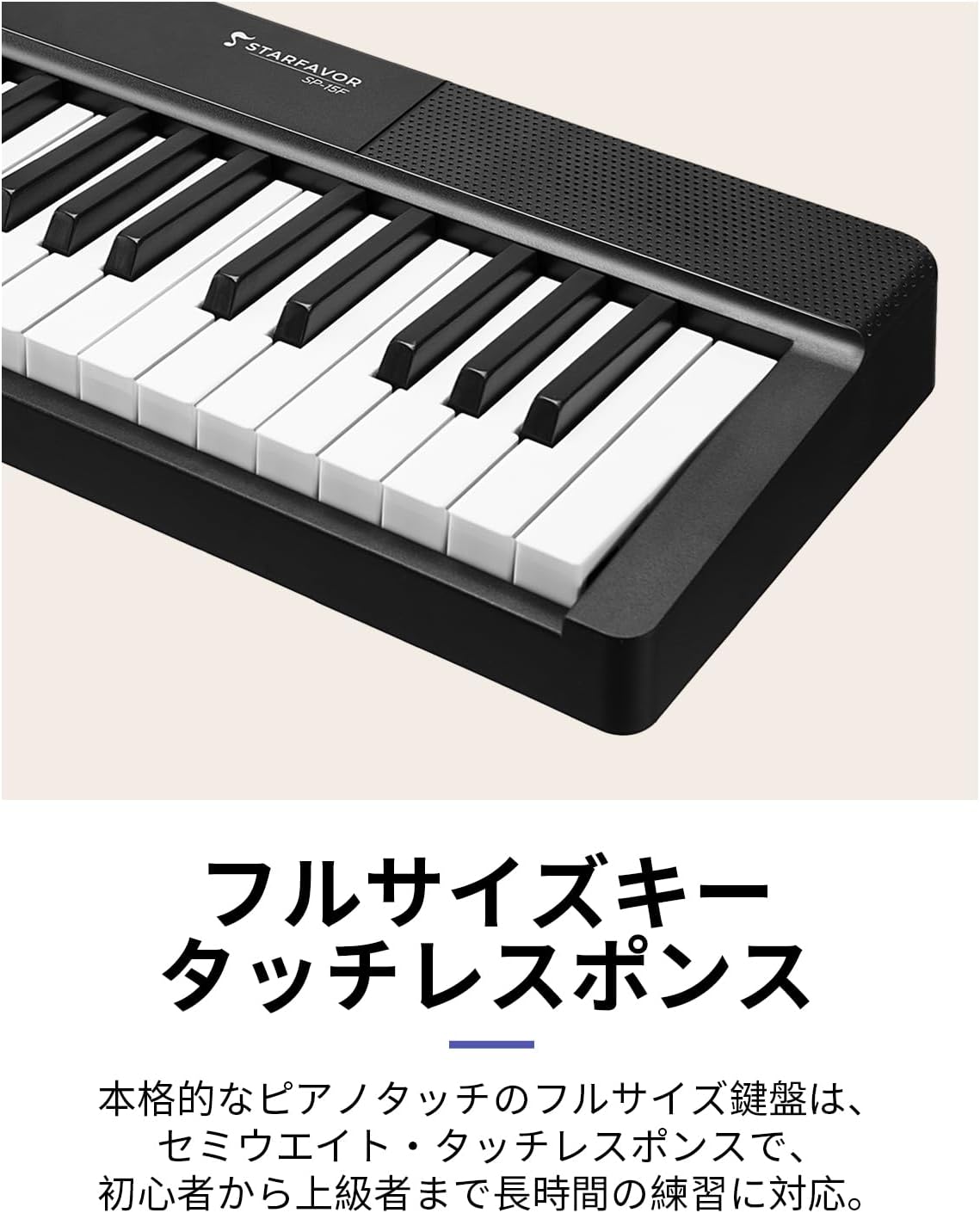
Image 5.4: A close-up view of the Starfavor SP-15F's full-size, semi-weighted keys, highlighting their design for responsive touch and realistic piano feel.
6. Maintenance
6.1 Cleaning
Wipe the piano's surface with a soft, dry cloth. For stubborn dirt, slightly dampen the cloth with water and mild soap, then wipe dry immediately. Do not use abrasive cleaners or solvents.
6.2 Storage
When not in use, fold the piano and store it in the provided carrying bag. Keep it in a cool, dry place away from direct sunlight and extreme temperatures.
6.3 Battery Care
To prolong battery life, avoid fully discharging the battery frequently. If storing for an extended period, charge the battery to about 50% every few months.
7. Troubleshooting
| Problem | Possible Cause | Solution |
|---|---|---|
| No sound | Volume too low; Headphones connected; Power off; Speaker issue. | Increase volume; Disconnect headphones; Turn on power; Contact support if issue persists. |
| Keys not responding | Piano not fully unfolded/locked; Internal error. | Ensure piano is fully unfolded and locked; Power cycle the unit. |
| Bluetooth connection issues | Device not in pairing mode; Interference. | Ensure piano's Bluetooth is on and discoverable; Move closer to device; Restart both devices. |
| Battery not charging | Adapter not connected properly; Faulty adapter/cable. | Check connections; Try a different outlet; Contact support. |
8. Specifications
| Feature | Detail |
|---|---|
| Model Name | SP-15F |
| Keys | 88, Semi-weighted, Touch-sensitive |
| Tones | 198 |
| Rhythms | 198 |
| Demo Songs | 80 |
| Connectivity | Bluetooth, MIDI USB, 3.5mm Headphone Jack, Aux In |
| Power Source | Rechargeable Lithium Battery, Power Cord |
| Battery Life | Up to 10 hours (approx.) |
| Color | Black |
| Skill Level | Beginner |
| Features | Portable, Recording, Rechargeable, Built-in Speaker, Foldable |
9. Warranty and Support
Starfavor products are manufactured to high-quality standards. For warranty information and customer support, please refer to the warranty card included with your purchase or visit the official Starfavor website. If you encounter any issues not covered in this manual, please contact our customer service team for assistance.
For further assistance, you may visit the Starfavor Brand Store on Amazon.
