Introduction
This manual provides essential information for the safe and efficient operation of your GarveeTech 24-inch Electric Convection Single Wall Oven. Please read all instructions carefully before installation and use. Keep this manual for future reference.
Setup and Installation
Proper installation is crucial for the safe and optimal performance of your oven. This appliance is designed for built-in installation. Consult a qualified electrician and installer for proper wiring and cabinet integration.
1. Unpacking
- Carefully remove all packaging materials from the oven.
- Inspect the oven for any shipping damage. Do not install if damaged.
- Remove all accessories and internal packaging from the oven cavity.
2. Electrical Requirements
- The oven requires a 240V, 3000W electrical supply.
- Ensure the electrical circuit meets local codes and the oven's specifications.
- A dedicated circuit is recommended.
3. Cabinet Preparation
Ensure the cabinet opening dimensions are appropriate for the oven. Refer to the diagram below for recommended cutout sizes.

Image: GarveeTech 24-inch Single Wall Oven with installation dimensions. The image displays the oven unit alongside a diagram indicating required cabinet cutout dimensions: 22.8 inches width, 23.22 inches height, and 21.8 inches depth.
- The cabinet material must be able to withstand temperatures up to 194°F (90°C).
- Ensure adequate ventilation around the oven.
4. Oven Installation
- Slide the oven into the prepared cabinet opening.
- Secure the oven to the cabinet using the provided screws and mounting brackets.
- Ensure the oven is level before final tightening.
Operating Instructions
Your GarveeTech oven features a user-friendly touch control panel and multiple cooking functions for versatile meal preparation.
1. Control Panel Overview
The oven is equipped with a sleek black tempered glass touch display for easy operation.
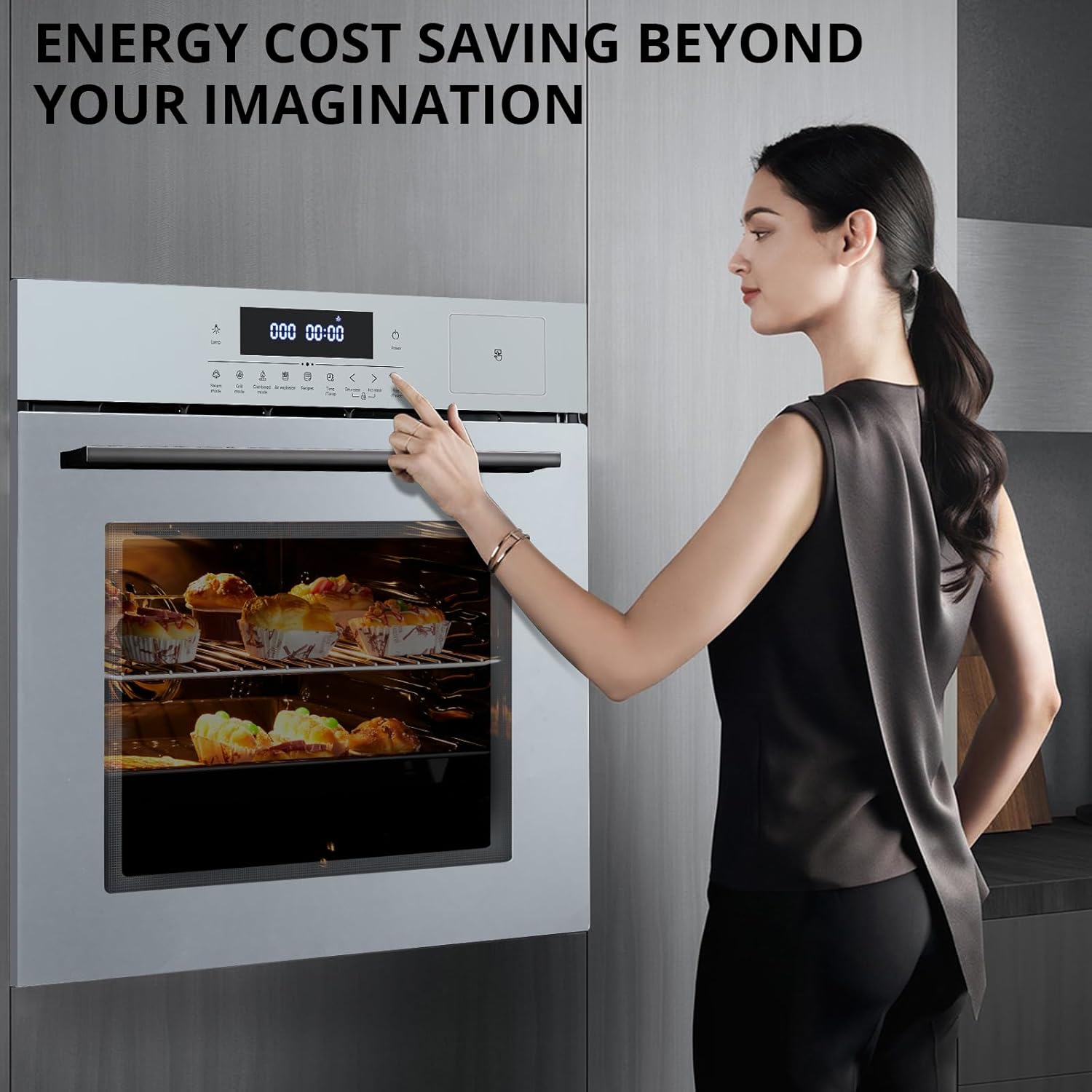
Image: A woman interacting with the GarveeTech oven's touch control panel. The digital display shows '000 00:00' and various function icons are visible.
- Power Button: Turns the oven on/off.
- Function Selection: Icons for various cooking modes (e.g., Roast, Bake, Grill, Convection).
- Temperature/Time Adjustment: Use '+' and '-' buttons to set desired temperature and cooking duration.
- Start/Pause: Initiates or pauses a cooking program.
- Timer: Sets cooking time or acts as a kitchen timer.
2. Cooking Functions
The oven offers a range of cooking functions to suit various recipes.

Image: GarveeTech oven displaying various cooking functions and food examples. Icons for Air Fryer, Convection Oven, Yogurt Maker, Bread Maker, Dehydrator, and Grill are shown, along with images of dried fruit, fermented dough, cake, baked goods, air-fried items, and broiled meat.
- Convection Bake: Circulates heated air for even cooking and faster preheating.
- Roast: Ideal for meats and poultry, providing thorough cooking.
- Bake: Standard baking for cakes, cookies, and casseroles.
- Double Grill/Broil: Uses intense heat from the top element for browning and grilling.
- 360° Rotisserie: Rotates food for even browning and cooking, particularly effective for whole chickens or roasts.

Image: GarveeTech oven with a rotisserie chicken inside, illustrating 360-degree hot air circulation. The image highlights strong airflow, even heating with 4 heating tubes, and a professional heat dissipation system.
- Rapid Defrost: A function for quickly thawing frozen foods.
3. Using the Timer and Safety Lock
- Multi-function Timer: Set a cooking duration, and the oven will automatically turn off when the time expires. It can also function as a simple kitchen timer.
- Safety Lock (Child Lock): Activate the safety lock feature to prevent accidental operation, enhancing home safety, especially with children present. Refer to the control panel section of the full manual for specific activation steps.
Care and Maintenance
Regular cleaning and maintenance will ensure the longevity and optimal performance of your oven.
1. Cleaning the Oven Cavity
- The oven features an easy-to-clean enamel tank, resistant to stains and heat discoloration.
- After each use, allow the oven to cool completely.
- Wipe down the interior with a damp cloth and mild detergent. Avoid abrasive cleaners.
- For stubborn stains, use an oven cleaner specifically designed for enamel surfaces, following the product instructions.
- Remove oven racks and clean them separately in warm, soapy water.
2. Cleaning the Exterior and Glass Door
- Wipe the exterior surfaces with a soft, damp cloth.
- The triple-layer tempered glass door can be cleaned with a glass cleaner. Avoid spraying cleaner directly onto the control panel.
- The oven door is designed to stay cool to the touch on the outside, but always exercise caution.
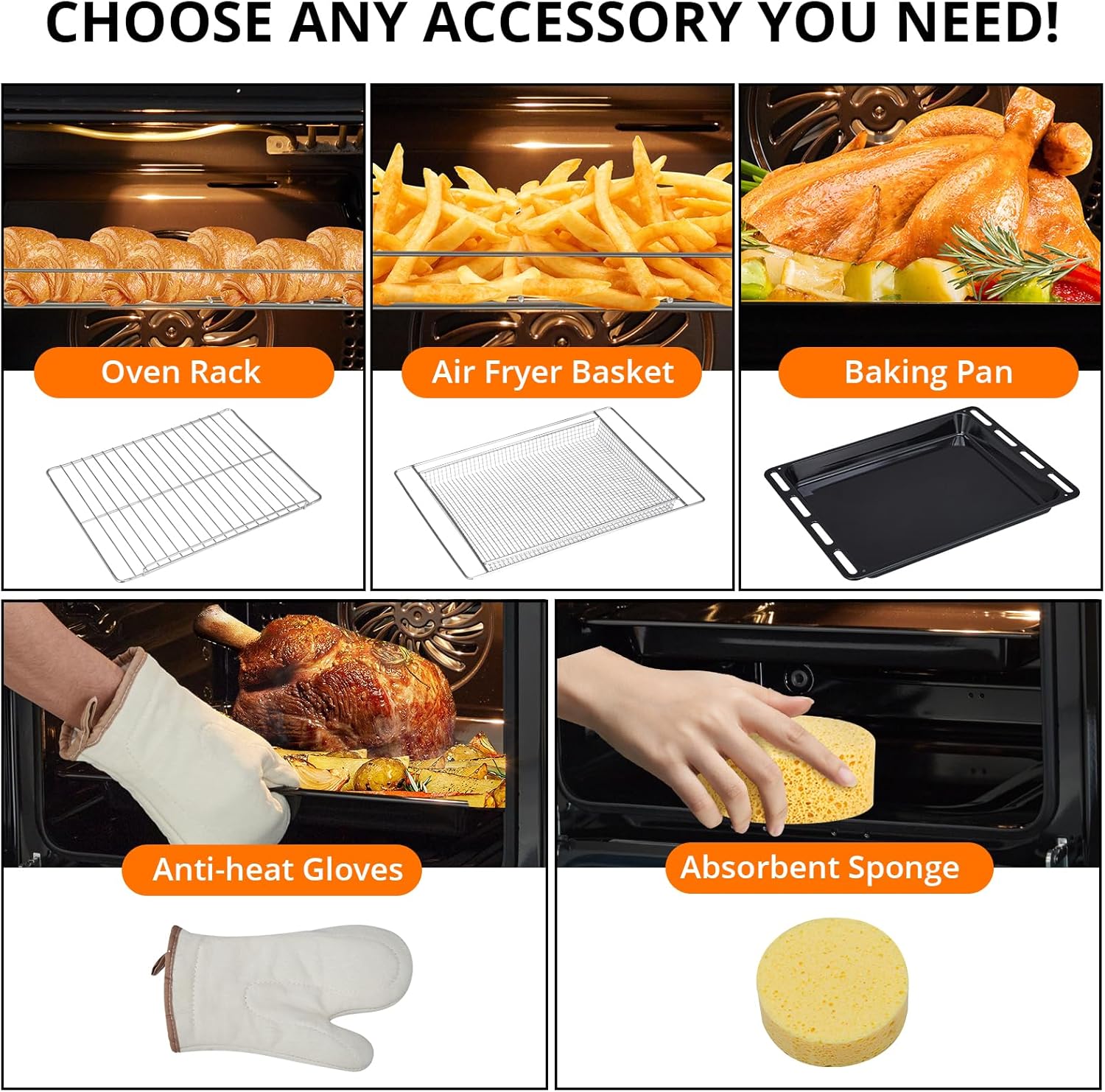
Image: GarveeTech oven accessories. This image displays an oven rack, an air fryer basket, a baking pan, anti-heat gloves, and an absorbent sponge, illustrating potential tools for cooking and cleaning.
Troubleshooting
Before contacting customer service, please refer to the following common issues and solutions.
| Problem | Possible Cause | Solution |
|---|---|---|
| Oven does not turn on | No power supply; Safety lock activated | Check circuit breaker; Deactivate child lock |
| Uneven cooking | Incorrect rack position; Overcrowding; Door opened frequently | Use recommended rack position; Avoid overcrowding; Minimize door opening |
| Oven light not working | Bulb needs replacement | Refer to the full manual for bulb replacement instructions |
| Excessive smoke during cooking | Food spills; Grease buildup | Clean oven cavity thoroughly; Use baking trays to catch drips |
Technical Specifications
| Feature | Specification |
|---|---|
| Brand | GarveeTech |
| Model Number | KD-SingleWallOven-Silver-oaj |
| Type | Electric Convection Single Wall Oven |
| Capacity | 2.5 Cubic Feet (70L) |
| Installation Type | Built-In |
| Voltage | 240V |
| Wattage | 3000W |
| Fuel Type | Electric |
| Heating Method | Radiant, Convection |
| Special Features | 360° Rotisserie, Touch Control, Safety Lock (Child Lock), Timer, Auto Defrost |
| Material Type | Stainless Steel, Tempered Glass |
| Color | Silver |
| Item Weight | 89.5 pounds |
| Package Dimensions | 26.85 x 25.98 x 25.83 inches |
| Batteries Required | No |
Warranty Information
For detailed warranty information, please refer to the warranty card included with your product or contact GarveeTech customer support directly. Keep your proof of purchase for warranty claims.
Customer Support
If you have any questions, require technical assistance, or need to report an issue with your GarveeTech oven, please contact our customer support team. Refer to the contact information provided in your product packaging or on the official GarveeTech website.


