
1. Setup
1.1 Unpacking and Initial Inspection
Carefully remove the ACCT Digital Kitchen Scale from its packaging. Inspect the scale for any signs of damage. Ensure all components are present: the scale unit and 2 AAA batteries.
1.2 Battery Installation
- Locate the battery compartment on the underside of the scale.
- Open the battery compartment cover.
- Insert the 2 AAA batteries, ensuring correct polarity (+/-) as indicated inside the compartment.
- Close the battery compartment cover securely.
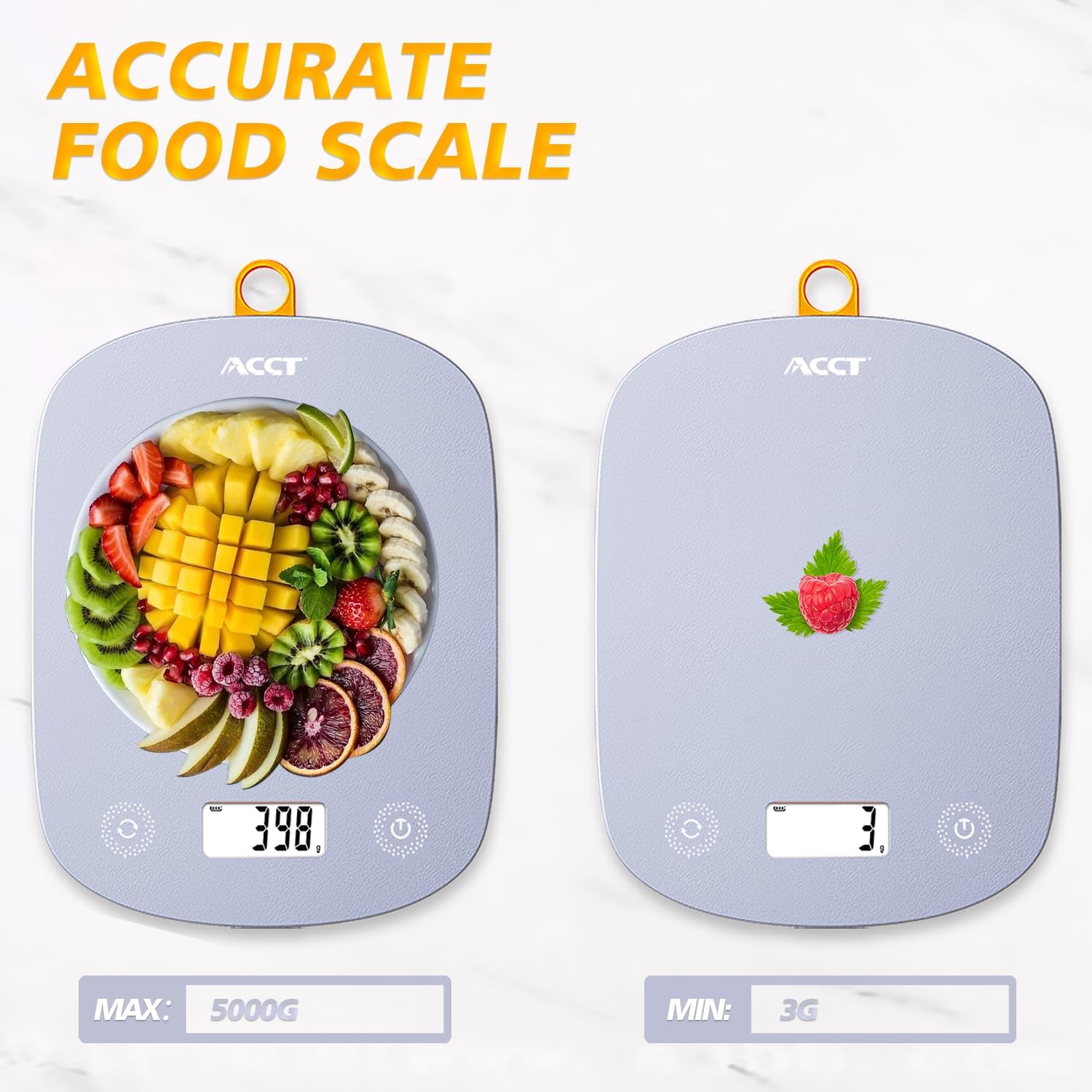
Image: The ACCT Digital Kitchen Scale in purple, showing its sleek design and LCD display. This is the main unit of the scale.
1.3 Placement
Place the scale on a flat, stable, and level surface to ensure accurate measurements. Avoid placing it on soft or uneven surfaces, or near strong electromagnetic fields.
2. Operating Instructions
2.1 Power On/Off
- To power on: Press the Power button (usually marked with a power symbol ⏻). The display will show "0.0" or "0g" when ready.
- To power off: Press and hold the Power button for a few seconds. The scale will also automatically shut off after a period of inactivity to conserve battery life.
2.2 Unit Conversion
The scale supports multiple units of measurement. To switch between units:
- With the scale powered on, press the UNIT button (often labeled "UNIT" or "U").
- Each press will cycle through the available units: g (grams), kg (kilograms), ml (milliliters), lb (pounds), oz (ounces), lb:oz (pounds and ounces).
- Select the desired unit for your measurement.

Image: The digital kitchen scale displaying various unit options like grams, kilograms, pounds, ounces, and milliliters, highlighting the ease of switching between them.
2.3 Tare Function
The tare function allows you to subtract the weight of a container or previous ingredients, enabling you to measure subsequent items accurately.
- Place an empty container on the center of the scale platform. The display will show the container's weight.
- Press the TARE button (often labeled "T" or "TARE"). The display will reset to "0.0" or "0g".
- Add the item(s) you wish to weigh into the container. The display will now show only the net weight of the added item(s).

Image: A step-by-step visual guide demonstrating the tare function: placing a container, pressing the tare button to zero the display, and then adding ingredients for accurate measurement.
2.4 General Weighing
To weigh items directly:
- Ensure the scale is on a flat surface and powered on, displaying "0.0".
- Place the item(s) directly onto the center of the scale platform.
- Read the weight displayed on the LCD screen.
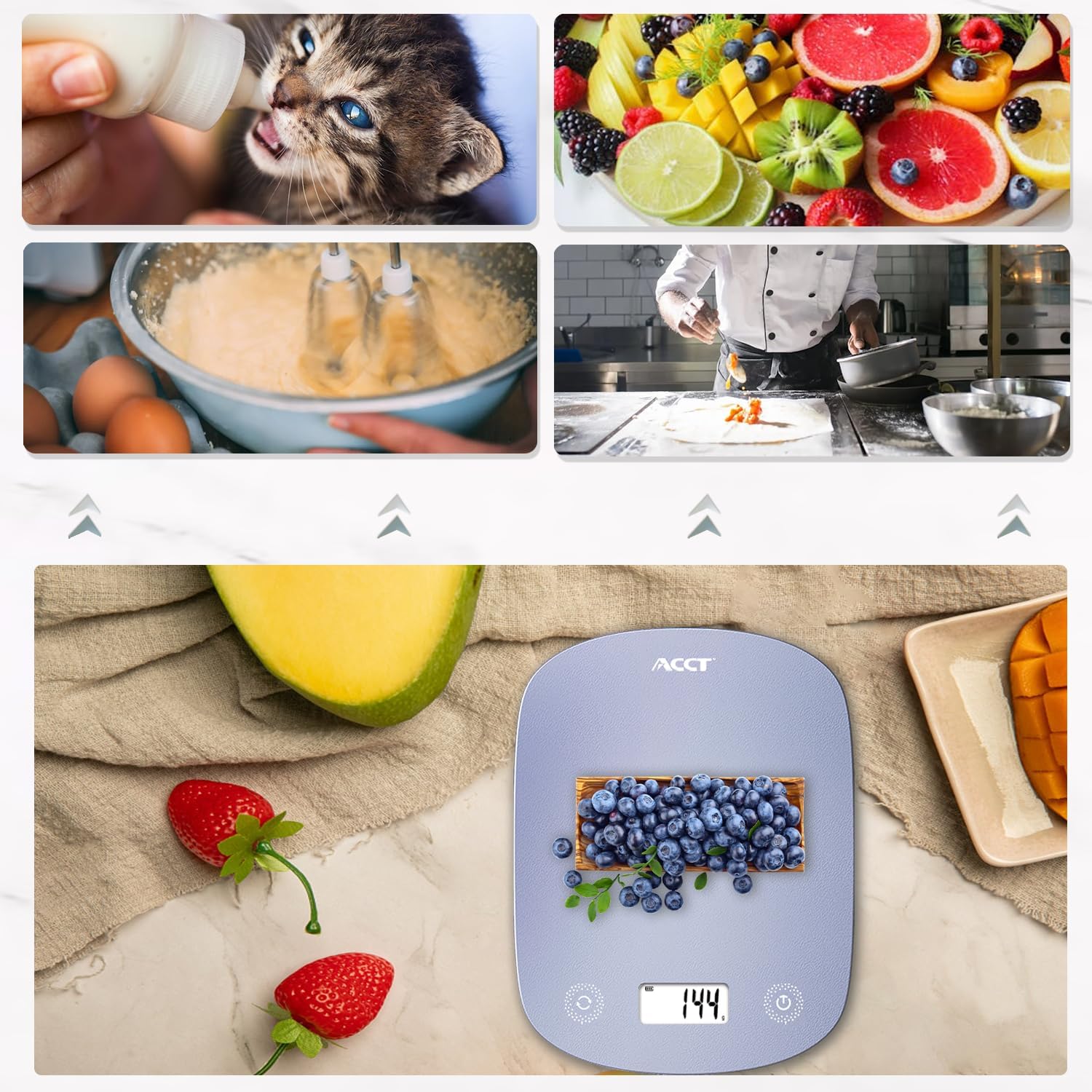
Image: The digital kitchen scale being used to weigh various food items, including fruits and ingredients for baking, demonstrating its versatility in kitchen tasks.

Image: A close-up view of the scale's bright LCD display, showing a clear reading of "0.0" grams, indicating it is ready for use.
2.5 Instructional Video
Video: An official product video demonstrating the ACCT Colorful 11lb Kitchen Scale in action, including unit conversion, tare function, and general weighing of various items. This video provides a visual guide to the scale's main features and operation.
3. Maintenance
3.1 Cleaning
- Wipe the scale surface with a soft, damp cloth.
- Do not use abrasive cleaners or immerse the scale in water.
- Ensure the scale is completely dry before storage or next use.
3.2 Storage
Store the scale in a cool, dry place. Its thin design allows for convenient storage in drawers or hanging on a hook.

Image: The digital kitchen scale demonstrating its convenient storage options, showing it neatly placed inside a kitchen drawer and also hanging on a wall hook by its integrated loop.
3.3 Battery Replacement
If the display shows "Lo" or becomes dim, it's time to replace the batteries. Follow the battery installation steps in Section 1.2.
4. Troubleshooting
| Problem | Possible Cause | Solution |
|---|---|---|
| Scale does not turn on | Dead or incorrectly installed batteries. | Check battery polarity or replace with new AAA batteries. |
| "Lo" displayed | Low battery power. | Replace batteries. |
| "O-Ld" displayed | Overload. Weight exceeds maximum capacity (11lb / 5kg). | Remove items immediately to prevent damage. |
| Inaccurate readings | Unstable surface, scale not tared, or external interference. | Place on a flat, stable surface. Use the tare function. Avoid strong electromagnetic fields. |
5. Specifications
- Brand: ACCT
- Model: AC-KS02
- Color: Purple
- Display Type: LCD
- Weight Limit: 11 Pounds (5 kg)
- Readout Accuracy: 0.1 ounces (1 gram)
- Units: g, kg, ml, lb, oz, lb:oz
- Power Source: 2 AAA batteries (included)
- Item Weight: 9.9 ounces (0.28 Kilograms)
- Package Dimensions: 11.34 x 6.34 x 0.83 inches
6. Warranty and Support
For warranty information or technical support, please refer to the contact details provided with your purchase or visit the official ACCT website. Keep your purchase receipt as proof of purchase for warranty claims.
Manufacturer: ACCT