
1. Introduction
The R-MUSIC Blaster M is a high-power portable Bluetooth speaker designed to deliver exceptional sound quality for various events, from intimate gatherings to larger parties. It features advanced functionalities including Bluetooth 5.3 connectivity, RGB lighting, karaoke mode, and multiple input options. This manual provides detailed instructions for setting up, operating, and maintaining your Blaster M speaker.
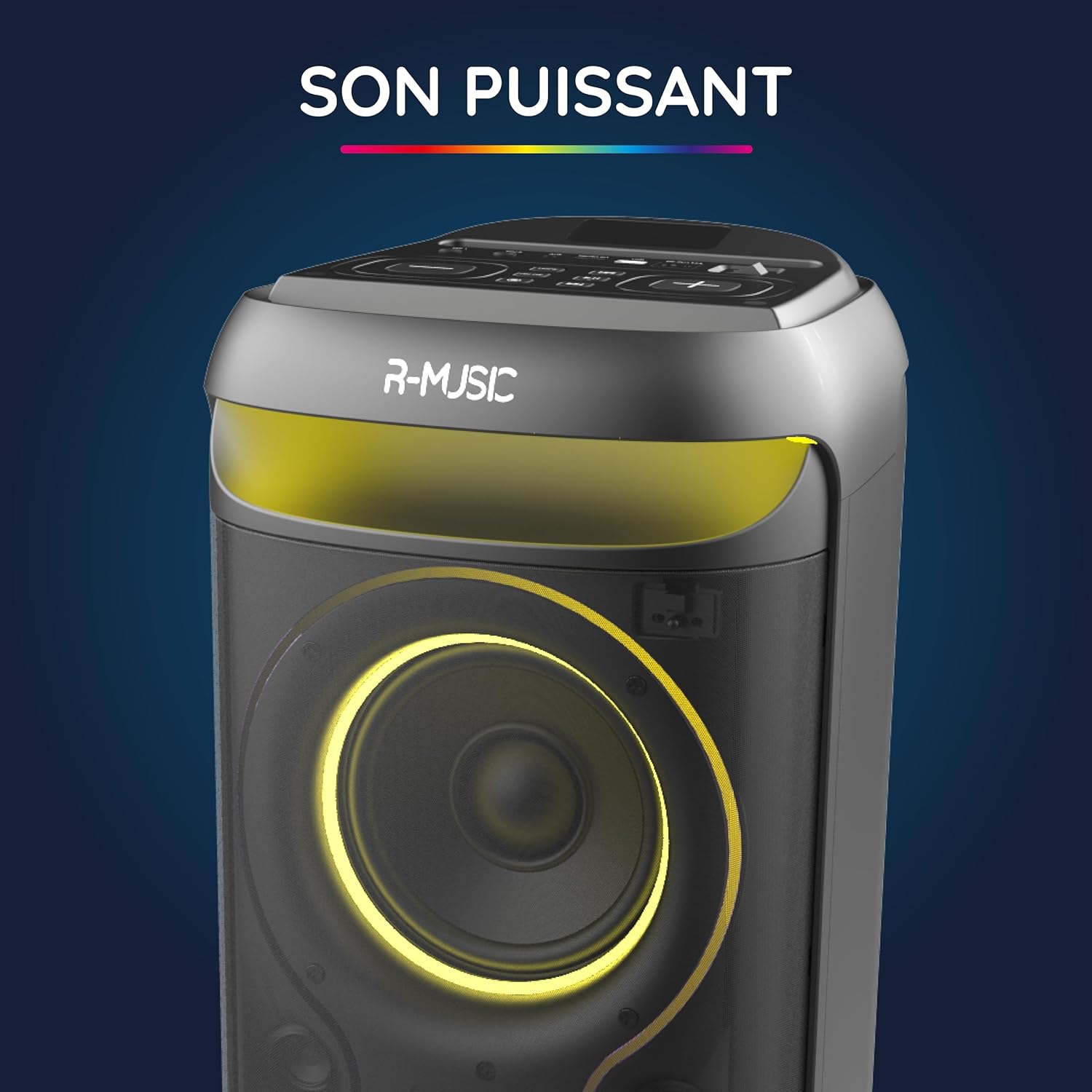
Image: The R-MUSIC Blaster M speaker, highlighting its powerful sound output with an illuminated speaker cone.
2. Safety Information
- Read all instructions before using the device.
- Keep the speaker away from water, moisture, and extreme temperatures.
- Do not attempt to disassemble or repair the unit yourself. Refer all servicing to qualified personnel.
- Use only the provided charging cable and charger.
- Avoid prolonged exposure to high volume levels to prevent hearing damage.
- Ensure proper ventilation around the speaker during operation.
3. Package Contents
Verify that all items are present in the package:
- R-MUSIC Blaster M Speaker
- Wired Microphone
- Charging Cable
- Charger
- User Manual (this document)
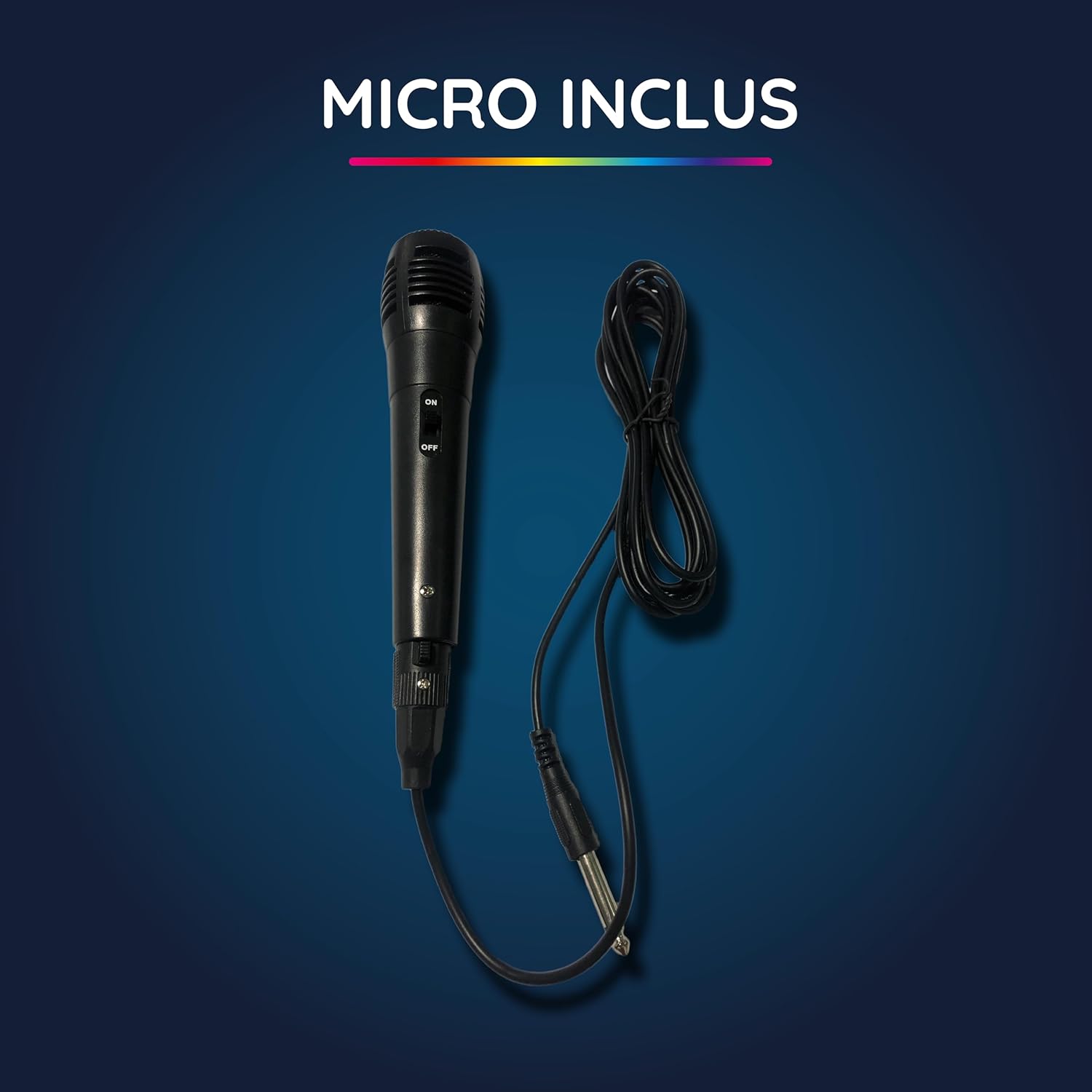
Image: The wired microphone included with the Blaster M speaker.
4. Product Overview
4.1 Control Panel and Ports
The top panel of the Blaster M speaker features various controls and input ports for versatile usage.
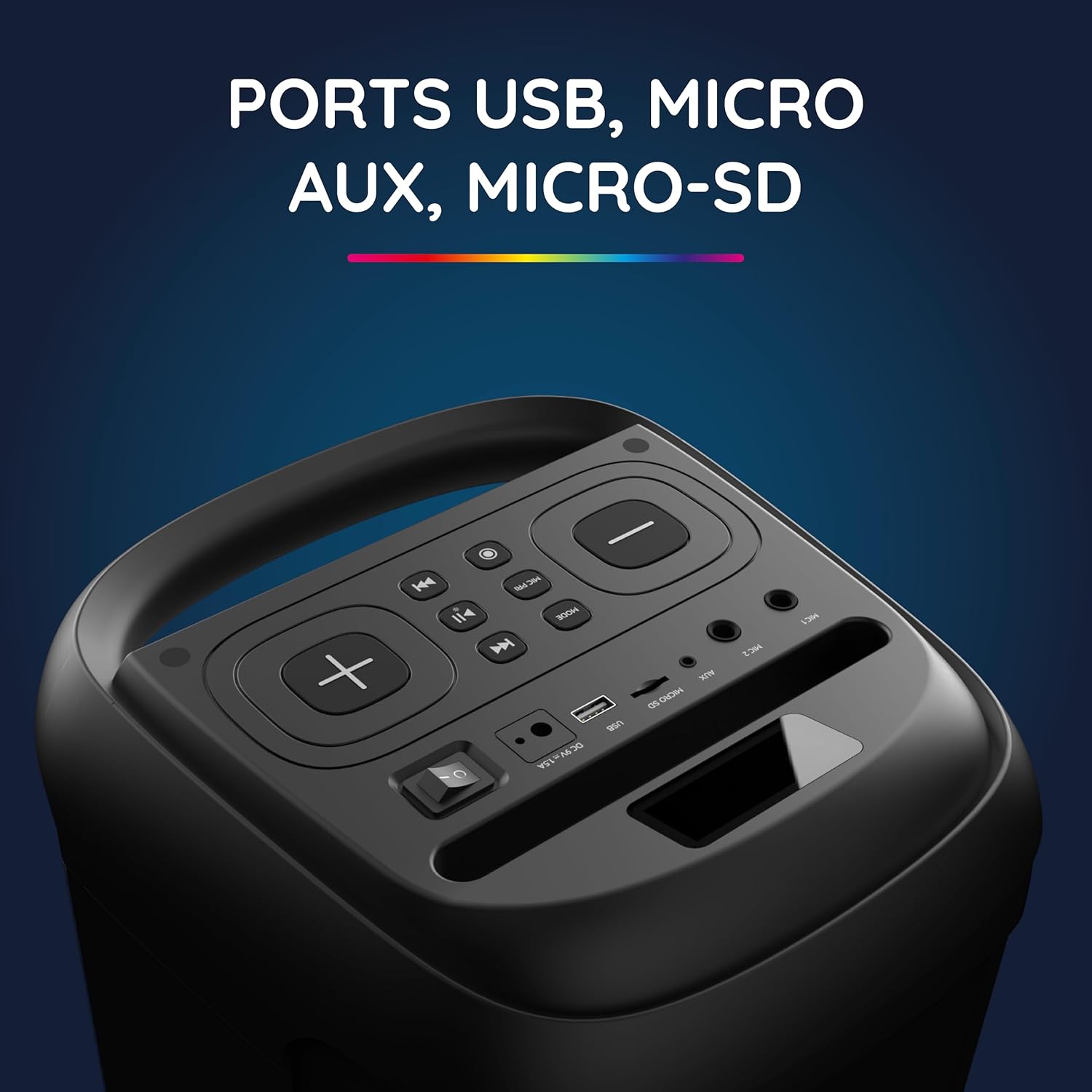
Image: Close-up of the Blaster M's top panel, displaying USB, Micro SD, and AUX input ports.

Image: Close-up of the Blaster M's top panel, showing controls for equalizer, volume, and echo adjustments.
4.2 Integrated Handle and Device Support
The speaker includes an integrated handle for easy portability and a dedicated slot to hold your phone or tablet.

Image: The integrated handle on the top of the Blaster M speaker for convenient carrying.

Image: The integrated slot on the Blaster M speaker designed to hold a phone or tablet.
5. Setup
5.1 Charging the Speaker
- Connect the provided charging cable to the DC 5V/1.5A port on the speaker.
- Plug the charger into a power outlet.
- The charging indicator light will illuminate. A full charge takes approximately 5 hours and 20 minutes, providing up to 7 hours and 20 minutes of playback.
- Once fully charged, disconnect the charger.
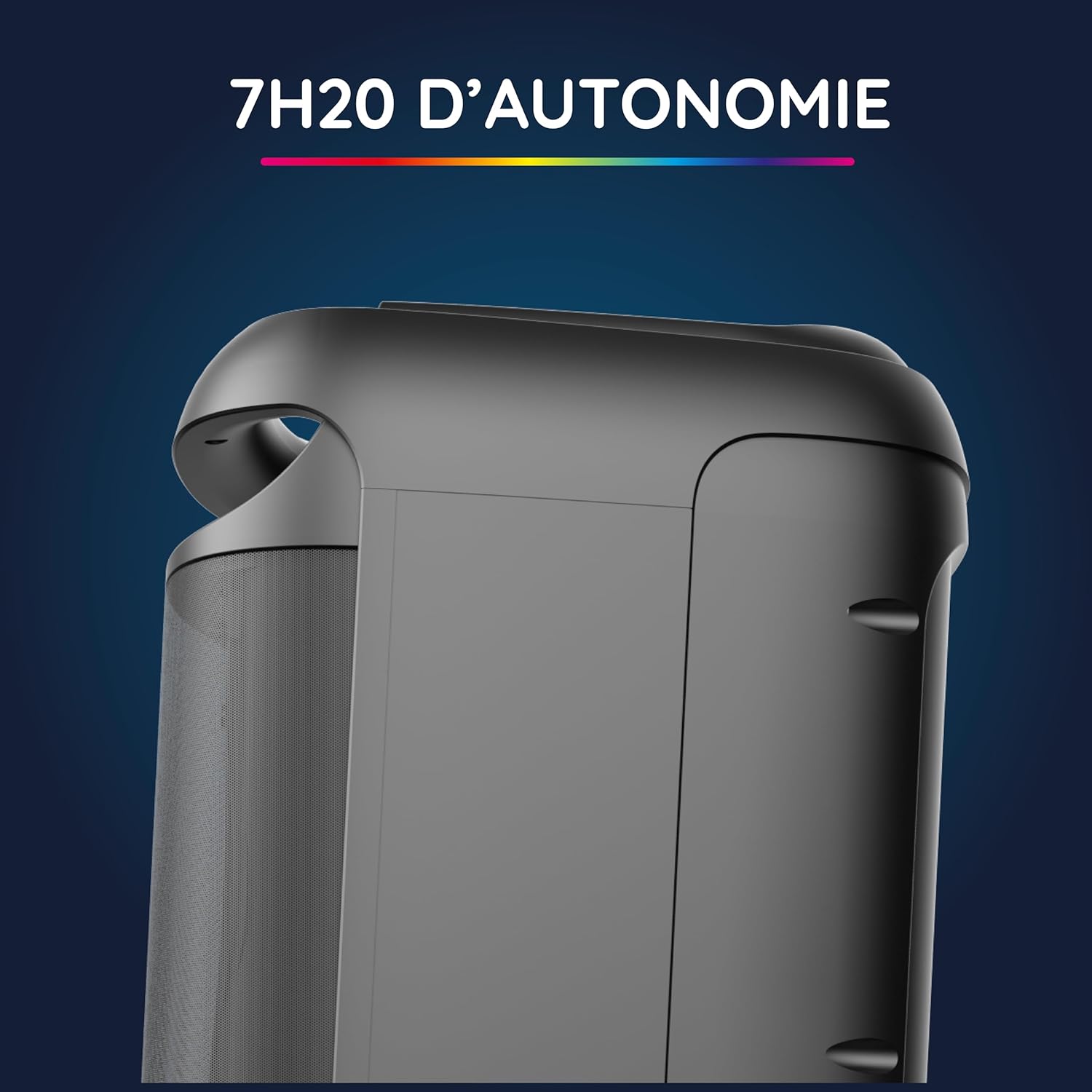
Image: Side view of the Blaster M speaker, illustrating its portability and long battery life.
5.2 Powering On/Off
- To power on, press and hold the power button located on the control panel.
- To power off, press and hold the power button again.
6. Operating Instructions
6.1 Bluetooth Connection
- Ensure the speaker is powered on.
- The speaker will automatically enter Bluetooth pairing mode, indicated by a flashing LED.
- On your smartphone, tablet, or PC, enable Bluetooth and search for available devices.
- Select "R-MUSIC Blaster M" from the list of devices.
- Once connected, the LED indicator will stop flashing, and you will hear a confirmation sound. The Bluetooth connection has a range of up to 10 meters.
6.2 Multiple Connection Options
The Blaster M offers various ways to play your audio:
- USB Drive: Insert a USB flash drive into the USB port. The speaker will automatically detect and play audio files.
- Micro SD Card: Insert a Micro SD card into the Micro SD slot. The speaker will automatically detect and play audio files.
- AUX Input: Connect an external audio device (e.g., MP3 player) using a 3.5mm AUX cable to the AUX port. Press the "MODE" button to switch to AUX input.
- Microphone Input: Plug the wired microphone into the MIC 1 or MIC 2 (6.35mm) jack for karaoke or announcements.
6.3 Karaoke Mode
To use the karaoke function:
- Connect the wired microphone to one of the MIC jacks.
- Play your desired instrumental track via Bluetooth, USB, Micro SD, or AUX.
- Adjust the microphone volume and echo effect using the dedicated controls on the top panel.
6.4 RGB Lighting Effects
The Blaster M features integrated LED lights that synchronize with the music.
- Press the dedicated light button (if available, or MODE button cycles through light modes) to cycle through different RGB light animations.
- To turn off the lights, cycle through the modes until they are off.
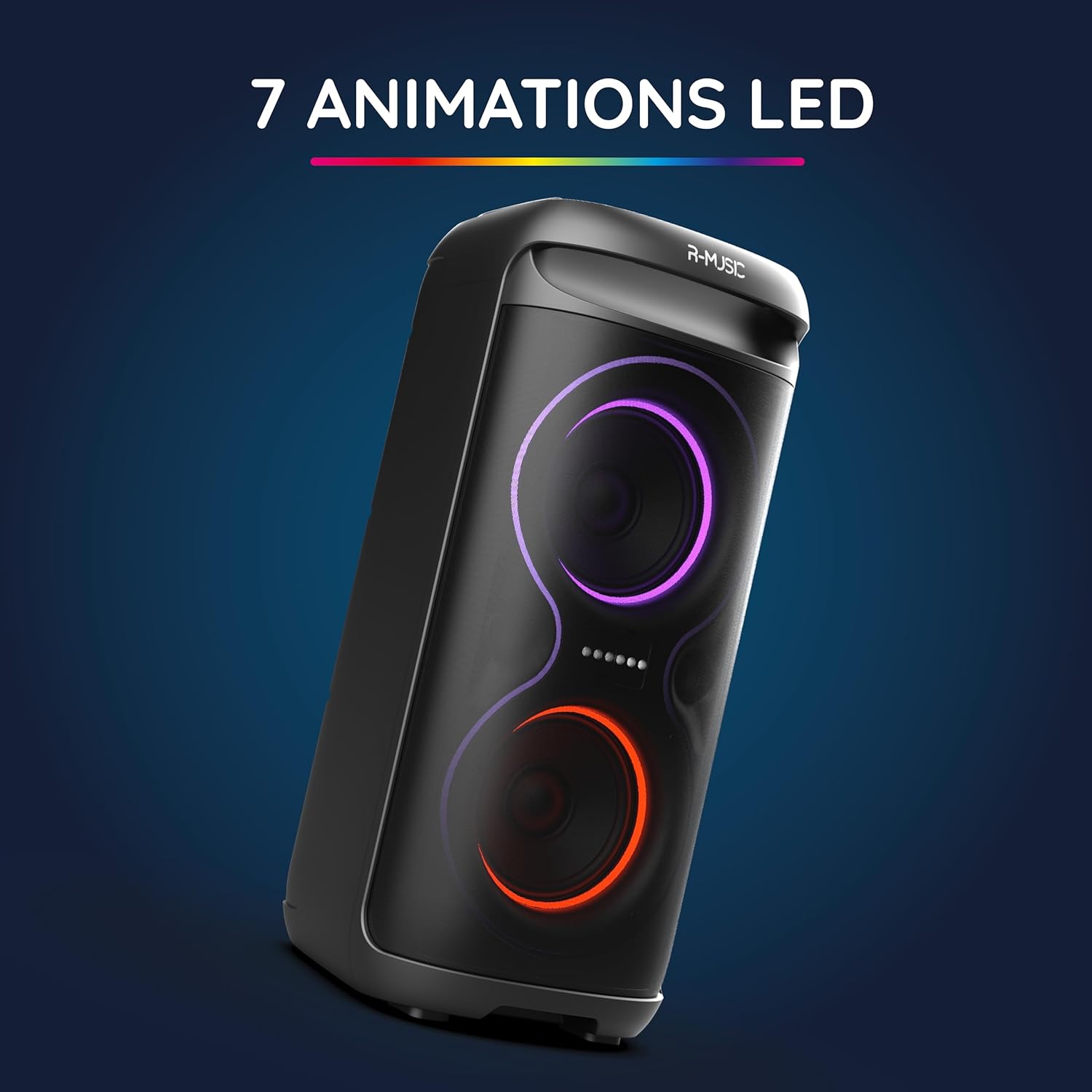
Image: The Blaster M speaker showcasing its dynamic RGB LED lighting effects.
6.5 Sound Adjustment
Customize your audio experience using the equalizer controls:
- Use the "BASS" knob to adjust the low-frequency output.
- Use the "TREBLE" knob to adjust the high-frequency output.
- Adjust the main volume using the master volume control.
7. Maintenance
- Cleaning: Use a soft, dry cloth to clean the exterior of the speaker. Do not use liquid cleaners or abrasive materials.
- Storage: Store the speaker in a cool, dry place away from direct sunlight and extreme temperatures when not in use for extended periods.
- Battery Care: To prolong battery life, avoid fully discharging the battery frequently. Charge the speaker regularly, even if not in use.
8. Troubleshooting
| Problem | Possible Cause | Solution |
|---|---|---|
| Speaker does not power on. | Battery is depleted. | Charge the speaker using the provided charger. |
| No Bluetooth connection. | Bluetooth is not enabled on the device or speaker is not in pairing mode. | Ensure Bluetooth is enabled on your device and the speaker is in pairing mode. Re-pair the devices. |
| No sound from speaker. | Volume is too low, incorrect input mode, or cable not connected properly. | Increase volume. Check input mode (Bluetooth, AUX, USB, Micro SD). Ensure cables are securely connected. |
| Microphone not working. | Microphone not connected, microphone volume too low, or microphone switch is off. | Ensure microphone is securely plugged in. Adjust microphone volume. Check if the microphone's ON/OFF switch is in the ON position. |
9. Specifications
| Model Number | RM484734 |
| Brand | R-MUSIC |
| Dimensions (L x W x H) | 26 x 60 x 29.5 cm |
| Weight | 6.05 kg |
| Connectivity Technology | Bluetooth 5.3 |
| Bluetooth Range | Up to 10 meters |
| Power Source | Battery Powered |
| Battery Life | Up to 7 hours 20 minutes |
| Charging Time | Approximately 5 hours 20 minutes |
| Compatible Devices | PC, Smartphone, Tablet |
| Audio Inputs | AUX, USB, Micro SD, Microphone (6.35mm jack) |
| Special Features | RGB Lights, Karaoke Mode, Integrated Handle, Phone/Tablet Support |
10. Warranty and Support
For warranty information and technical support, please refer to the warranty card included in your package or visit the official R-MUSIC website.
Contact Information:
Please visit www.r-music.com (example link) for the latest support information, FAQs, and contact details.

