Introduction
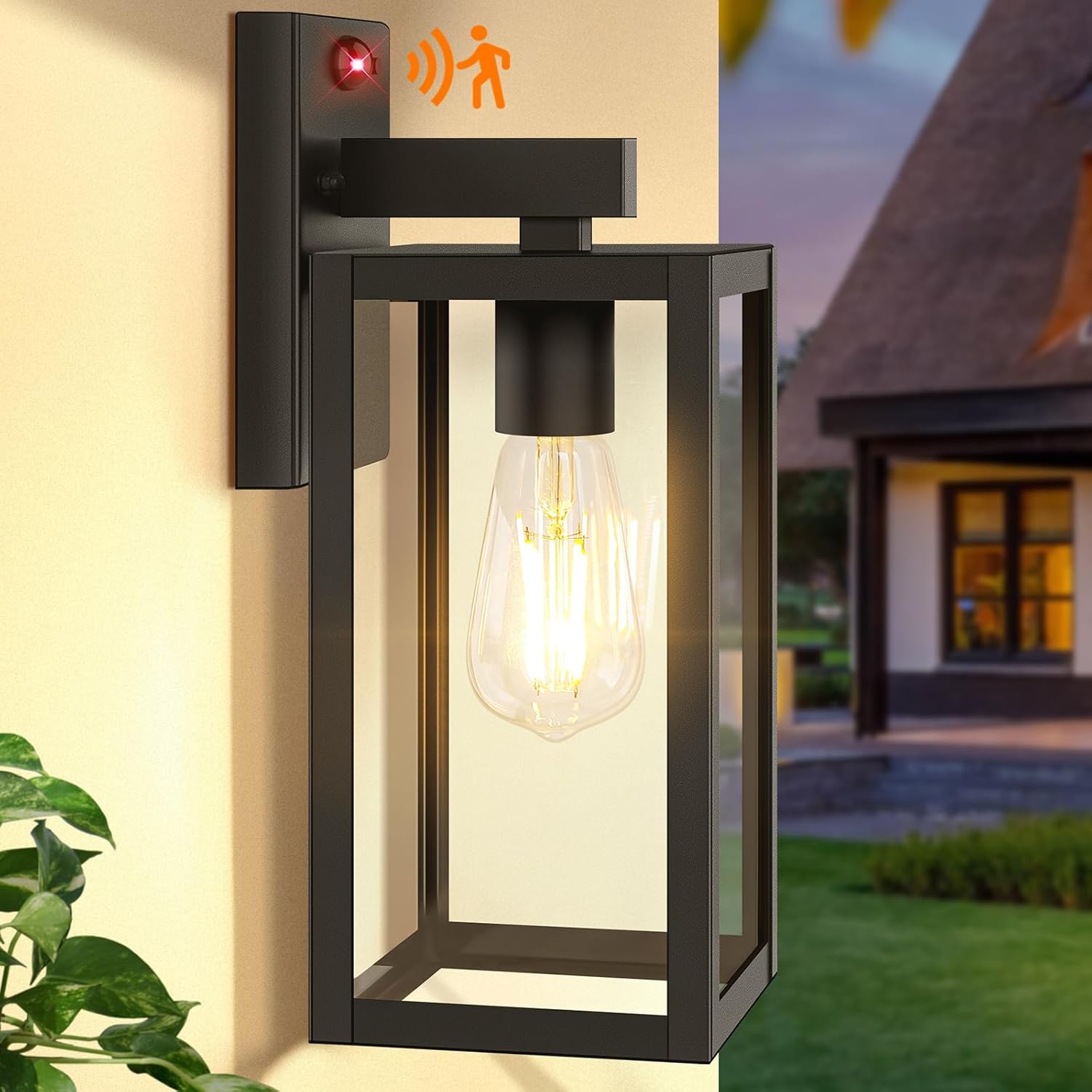
This manual provides comprehensive instructions for the installation, operation, and maintenance of your BesLowe A923 13-inch Motion Sensor Outdoor Wall Light. This fixture combines modern design with advanced functionality, including a PIR motion sensor, photocell sensor for dusk-to-dawn operation, and three distinct lighting modes. Designed for durability, it is constructed from high-quality metal and glass to withstand various weather conditions.
Safety Information
- Always turn off the power at the circuit breaker before beginning installation, maintenance, or bulb replacement.
- Consult a qualified electrician if you are unsure about any part of the installation process.
- Ensure all wiring connections are secure and comply with local electrical codes.
- Do not exceed the maximum wattage specified for the bulb (100W Max).
- Handle glass components with care to prevent breakage.
Package Contents
Please verify that all components are present before installation:
- 1 x BesLowe A923 Outdoor Wall Light Fixture
- 1 x Mounting Hardware Kit (includes crossbar, screws, wire nuts)
- 1 x Instruction Manual
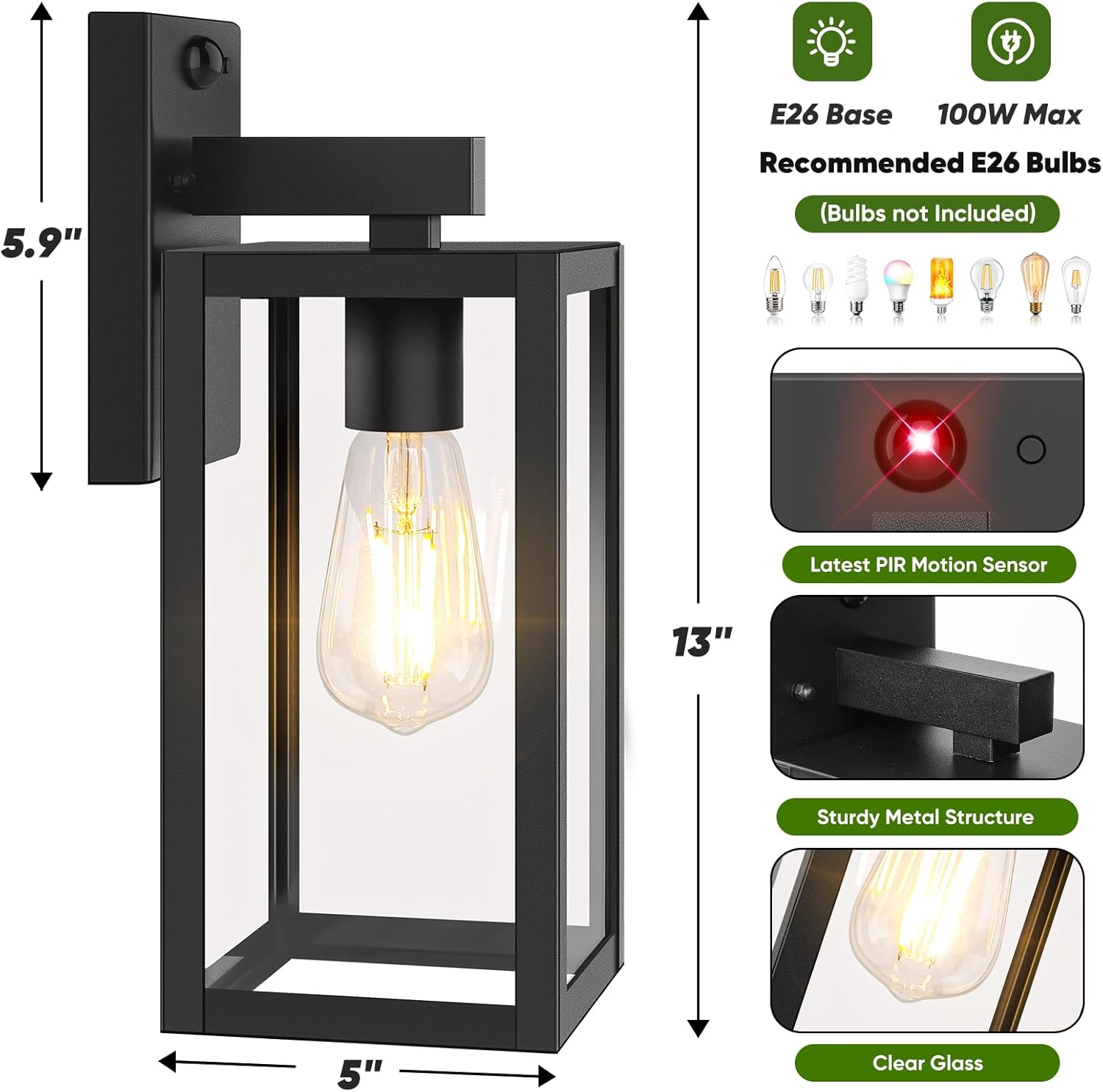
Note: E26 base bulb (100W Max) is not included and must be purchased separately. Dimmable LED or incandescent bulbs are recommended for optimal performance.
Setup and Installation
The BesLowe A923 is designed for easy installation, but professional assistance is recommended for electrical work.
Tools Required (Not Included)
- Screwdriver
- Wire Strippers
- Electrical Tape
- Safety Glasses
Installation Steps
- Turn Off Power: Before starting, ensure the power to the electrical box is turned off at the circuit breaker.
- Prepare Mounting: Remove the existing light fixture (if applicable). Attach the provided mounting crossbar to the electrical box using the screws.
- Wire Connections: Connect the fixture's wires to the household wires: black to black (live), white to white (neutral), and copper ground wire to the ground wire from the electrical box. Secure connections with wire nuts and electrical tape.
- Mount the Fixture: Carefully align the fixture with the mounting screws on the crossbar. Push the fixture onto the screws and secure it with the decorative nuts.
- Install Bulb: Insert an E26 base bulb (100W Max, not included) into the socket. The open-bottom design allows for easy bulb replacement.
- Restore Power: Turn the power back on at the circuit breaker.

Installation Video
Operating Instructions
The BesLowe A923 features an advanced PIR motion sensor and photocell sensor, offering three distinct lighting modes for intelligent and energy-efficient illumination. Mode switching is simplified with a single button.
Understanding Lighting Modes
- Dual-bright Mode: The light stays at a low brightness (default 40%, adjustable 15-50%) at night. When motion is detected, it brightens to 100% for a set duration, then returns to low brightness. Ideal for security.
- ON/OFF Mode: The light remains off until motion is detected, then illuminates at 100% brightness. It turns off again after no motion is detected. This mode helps save electricity.
- Manual Override Mode: The light stays on at 100% brightness for 6-8 hours after activation. It automatically turns off at dawn and reverts to the previously selected motion-sensing mode (Dual-bright or ON/OFF). Perfect for extended outdoor activities.

Switching Modes
The mode can be easily switched using the discreet button located on the fixture's top panel. A single click cycles through the available modes.

Adjusting Brightness (Dual-bright Mode)
In Dual-bright mode, the low brightness level (when no motion is detected) can be adjusted from 15% to 50%. To adjust, long-press the mode switch button until the desired brightness is reached.

Maintenance
- Cleaning: To clean the fixture, ensure power is off. Wipe with a soft, damp cloth. Avoid abrasive cleaners that may damage the finish or glass.
- Bulb Replacement: The open-bottom design allows for easy access to the bulb. Ensure power is off before replacing the bulb. Use only E26 base bulbs, not exceeding 100W.
Troubleshooting
If you encounter issues with your BesLowe A923 light, refer to the table below for common problems and solutions:
| Problem | Possible Cause | Solution |
|---|---|---|
| Light does not turn on. | No power, loose wiring, faulty bulb. | Check circuit breaker. Verify all wire connections. Replace bulb. |
| Motion sensor not detecting. | Sensor obstructed, incorrect mode, sensitivity issue. | Ensure sensor is clear. Cycle through modes. Adjust sensor position if possible. |
| Light stays on constantly. | Manual Override mode active, continuous motion, faulty sensor. | Cycle through modes to exit Manual Override. Check for constant motion sources. Contact support if sensor is faulty. |
| Light flickers. | Loose bulb, incompatible bulb, unstable power. | Tighten bulb. Ensure bulb is dimmable LED or incandescent. Consult electrician for power issues. |
Specifications
- Brand: BesLowe
- Model Name: A923
- Color: Black
- Material: Glass, Metal
- Style: Modern
- Product Dimensions: 5"L x 5"W x 13"H
- Indoor/Outdoor Usage: Outdoor
- Power Source: Hard-wired
- Installation Type: Wall Mount
- Special Features: Dusk to Dawn, Motion Sensor, Waterproof
- Control Method: Touch (via button on fixture)
- Light Source Type: LED (bulb not included)
- Voltage: 120 Volts
- Wattage (Max): 100 Watts (for E26 bulb)
- Bulb Base: E26
- Water Resistance Level: Waterproof

Warranty and Support
This product comes with an Extended Warranty. For detailed warranty information or technical support, please refer to the contact information provided in your product packaging or visit the official BesLowe website.


