
HTINDUSTRY H1, H5, 059
HTINDUSTRY Replacement Earpads Instruction Manual
For Mpow H1, H5, and 059 Bluetooth Headphones
1. Introduction
This manual provides instructions for the installation and maintenance of HTINDUSTRY replacement earpads. These earpads are designed to restore comfort and sound quality to your compatible Mpow Bluetooth headphones.

Image: A pair of black replacement earpads with 'L' and 'R' indicators, with a Mpow headphone visible in the background.
2. Compatibility
These replacement earpads are compatible with the following Mpow Bluetooth headphone models:
- Mpow H1
- Mpow H5
- Mpow 059

Image: A graphic displaying the Mpow 059, Mpow H5, and Mpow H1 headphones, confirming compatibility with the replacement earpads shown.
3. Features
The HTINDUSTRY replacement earpads are designed with user comfort and sound quality in mind:
- Breathable Fabric: Constructed with breathable fabric to help keep ears dry during extended use.
- High-Density Foam: Utilizes high-quality, high-density memory foam that conforms to the ear, contributing to improved sound isolation.
- Durable Construction: Manufactured under strict quality control to ensure durability and a secure fit.

Image: A close-up view of the replacement earpads, with callouts indicating breathable fabric and high-quality foam for enhanced sound.
4. Installation Guide
Follow these steps to replace your headphone earpads. No special tools are required.
4.1. Replacing Mpow H5 Earpads
- Remove Old Earpads: Rotate or gently pry off the old ear cushions and remove them from the headphone.
- Remove Retaining Ring: Carefully take out the retaining ring from the old earpad, avoiding damage.
- Insert Retaining Ring: Insert the retaining ring into the new ear cushions.
- Attach New Earpads: Align and press or rotate the new ear cushions onto the headphones to secure them in place.

Image: A four-panel visual guide demonstrating the replacement process for Mpow H5 headphone earpads.
4.2. Replacing Mpow 059 Earpads
- Remove Old Earpads: Gently remove the old ear cushions from the headphones.
- Remove Retaining Ring: Take out the retaining ring from the old ear cushions, avoiding damage.
- Insert Retaining Ring: Insert the retaining ring into the new ear cushions.
- Attach New Earpads: Carefully press the new ear cushions onto the headphones, ensuring they are securely fitted.

Image: A six-panel visual guide illustrating the replacement process for Mpow 059 headphone earpads.
5. Maintenance
To ensure the longevity and hygiene of your earpads, follow these maintenance guidelines:
- Cleaning: Gently wipe the surface of the earpads with a soft, damp cloth. Avoid using harsh chemicals or abrasive materials.
- Drying: Allow earpads to air dry completely before use. Do not expose them to direct sunlight or high heat.
- Storage: Store headphones in a clean, dry environment when not in use to prevent dust accumulation and material degradation.
6. Specifications
| Package Dimensions | 6.46 x 4.25 x 1.14 inches |
| Item Weight | 1.27 ounces |
| Compatible Devices | Mpow H1 / H5 / 059 Bluetooth Headphones |
| Earpad Size (Approximate) | 100mm x 80mm |

Image: A graphic illustrating the approximate dimensions of the earpads, measuring 100mm in length and 80mm in width.
7. Package Contents
Each package contains:
- Earpad Cushion x 2 pieces
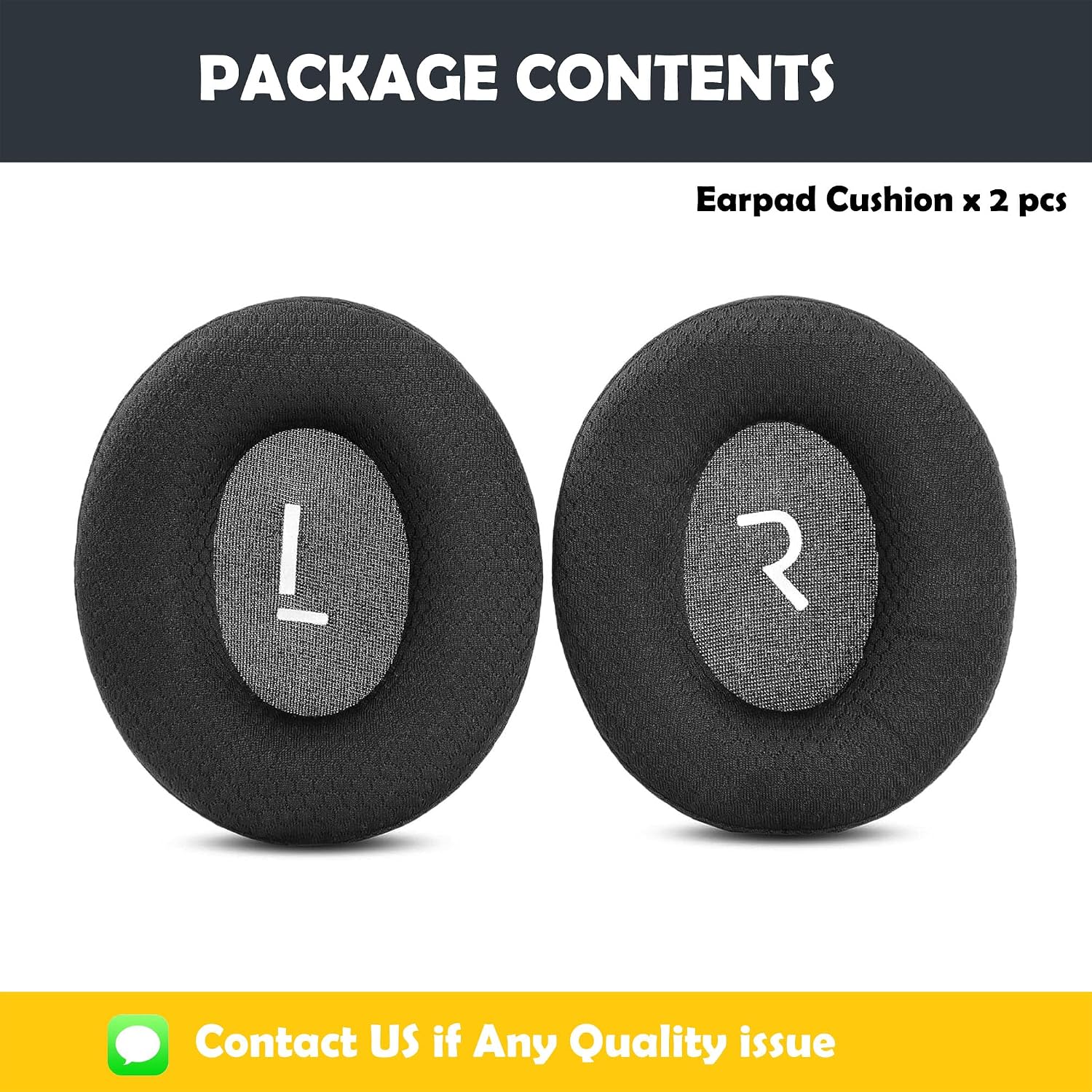
Image: Two black earpad cushions, one marked 'L' and the other 'R', indicating a pair of replacement earpads.
8. Troubleshooting and Support
If you encounter any installation issues or have questions regarding the product, please contact HTINDUSTRY customer service. Solutions are typically provided within 24 hours.

Image: A person wearing headphones with newly installed earpads, suggesting a comfortable listening experience after replacement.
Ask a question about this manual
Ask about setup, troubleshooting, compatibility, parts, safety, or missing instructions. Manuals+ will review the question and use this page’s manual context to help answer it.