
HTINDUSTRY GXT 414 ZAMAK
HTINDUSTRY Replacement Earpads Instruction Manual
For Trust GXT 414 ZAMAK Headset
Product Overview
These replacement earpads are designed to restore the comfort and sound isolation of your Trust GXT 414 ZAMAK Headset. Crafted with soft protein leather and high-quality memory foam, they provide a comfortable fit and help block external noise, enhancing your audio experience.
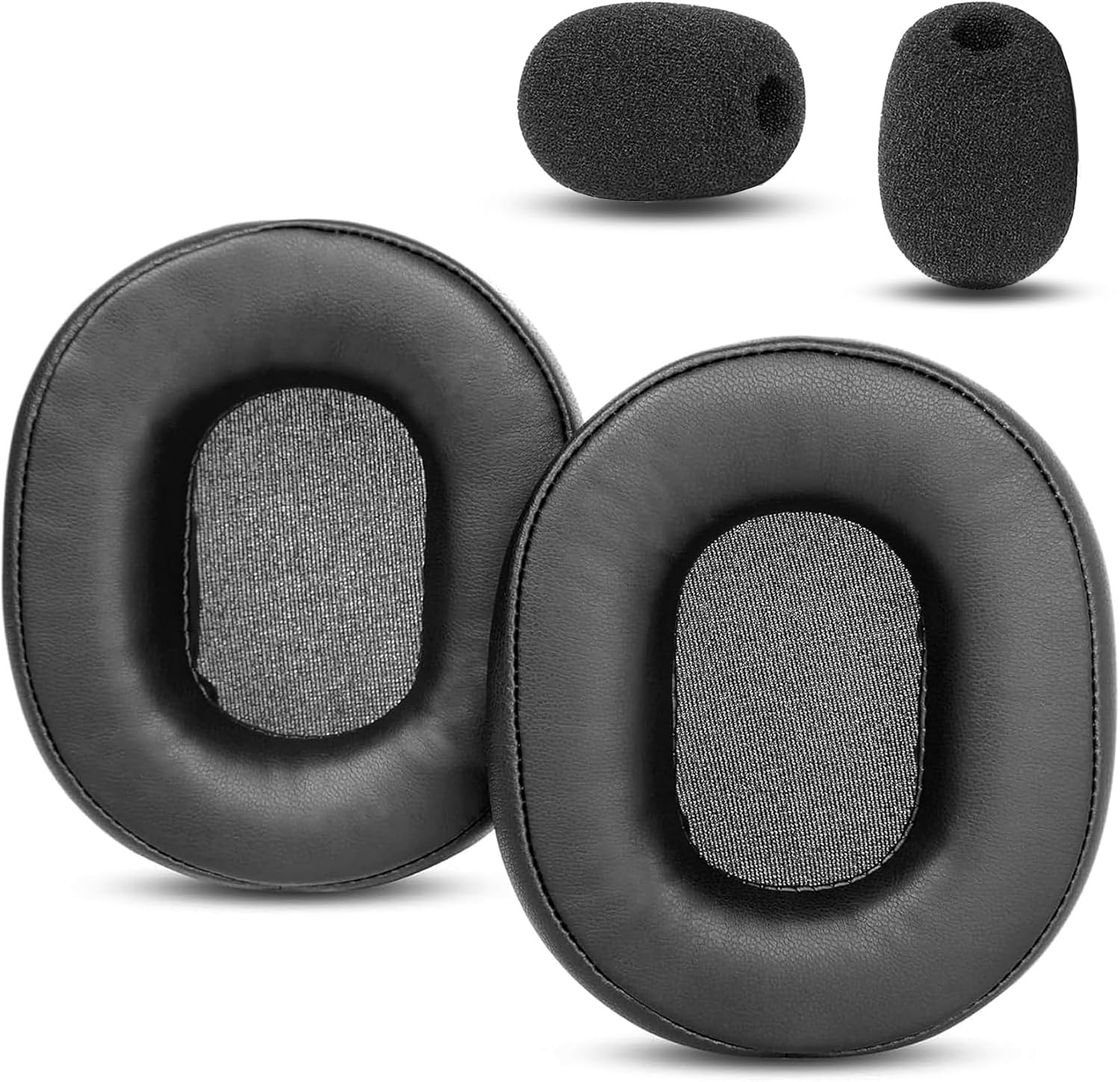
Image: Two black replacement earpads and two small black microphone foams. The earpads are oval-shaped with a mesh inner lining, designed for over-ear headphones.
Compatibility
These earpads are specifically compatible with the Trust GXT 414 ZAMAK Headset. Please ensure your headphone model matches this specification for proper fit and function.

Image: A Trust GXT 414 ZAMAK Headset shown next to a large green checkmark, indicating compatibility with the replacement earpads.
Key Features
- Supreme Comfort: Constructed with soft, skin-friendly protein leather and high-quality memory foam for extended comfortable wear.
- Enhanced Sound Isolation: The memory foam conforms to your ear, effectively blocking external noise for an improved audio experience.
- Durable Construction: Manufactured under strict quality control to ensure longevity and reliable performance.
- Easy Installation: Designed for straightforward replacement without the need for special tools or adhesives.

Image: Two panels illustrating the features. One panel shows a close-up of protein leather texture with "SUPREME COMFORT" text. The other panel shows a hand pressing into memory foam with "ENHANCED SOUND" text.
Installation Guide
Replacing your old earpads with the new HTINDUSTRY cushions is a simple process. Follow these steps:
- Gently remove the old earpads from your Trust GXT 414 ZAMAK Headset. They are typically held in place by a rim or groove.
- Align the new HTINDUSTRY earpad with the headphone cup.
- Carefully stretch the edge of the new earpad over the rim of the headphone cup, working your way around until it is securely seated.
- Ensure the earpad is fully and evenly attached around the entire circumference of the headphone cup.
- Repeat the process for the other earpad.
- If included, replace the microphone foam by sliding it over the microphone.
Video: A demonstration showing how to install the replacement earpads onto a headphone. It highlights the flexibility of the earpads and the ease of fitting them onto the headphone cup.

Image: Two replacement earpads shown from the front, with text indicating "EASY TO INSTALL" and "NO glue or special tools needed!".
Care and Maintenance
To ensure the longevity and hygiene of your new earpads, follow these simple care instructions:
- Wipe the protein leather surface gently with a soft, damp cloth.
- Avoid using harsh chemicals, abrasive cleaners, or solvents, as these can damage the material.
- Allow the earpads to air dry completely before using your headset.
- Store your headset in a clean, dry place away from direct sunlight and extreme temperatures.
Troubleshooting
If you encounter any issues with your replacement earpads, consider the following common solutions:
- Earpads not fitting securely: Ensure you have the correct model of headset (Trust GXT 414 ZAMAK). Double-check that the entire edge of the earpad is tucked into the headphone's groove.
- Reduced sound quality or comfort: Verify that the earpads are installed correctly and are not twisted or creased. Allow some time for the memory foam to conform to your ears.
For further assistance or if issues persist, please contact HTINDUSTRY customer service for a satisfactory solution within 24 hours.
Specifications
| Brand | HTINDUSTRY |
| Compatible Devices | Trust GXT 414 ZAMAK Headset |
| Material | Protein Leather, Memory Foam |
| Package Dimensions | 7.87 x 5.51 x 0.94 inches |
| Item Weight | 2.12 ounces |

Image: A diagram showing the dimensions of a single earpad: approximately 100mm in length and 80mm in width, with a thickness of 28mm.
Package Contents
The package includes the following items:
- Earpad Cushions x 2 pcs
- Mic Foam x 2 pcs
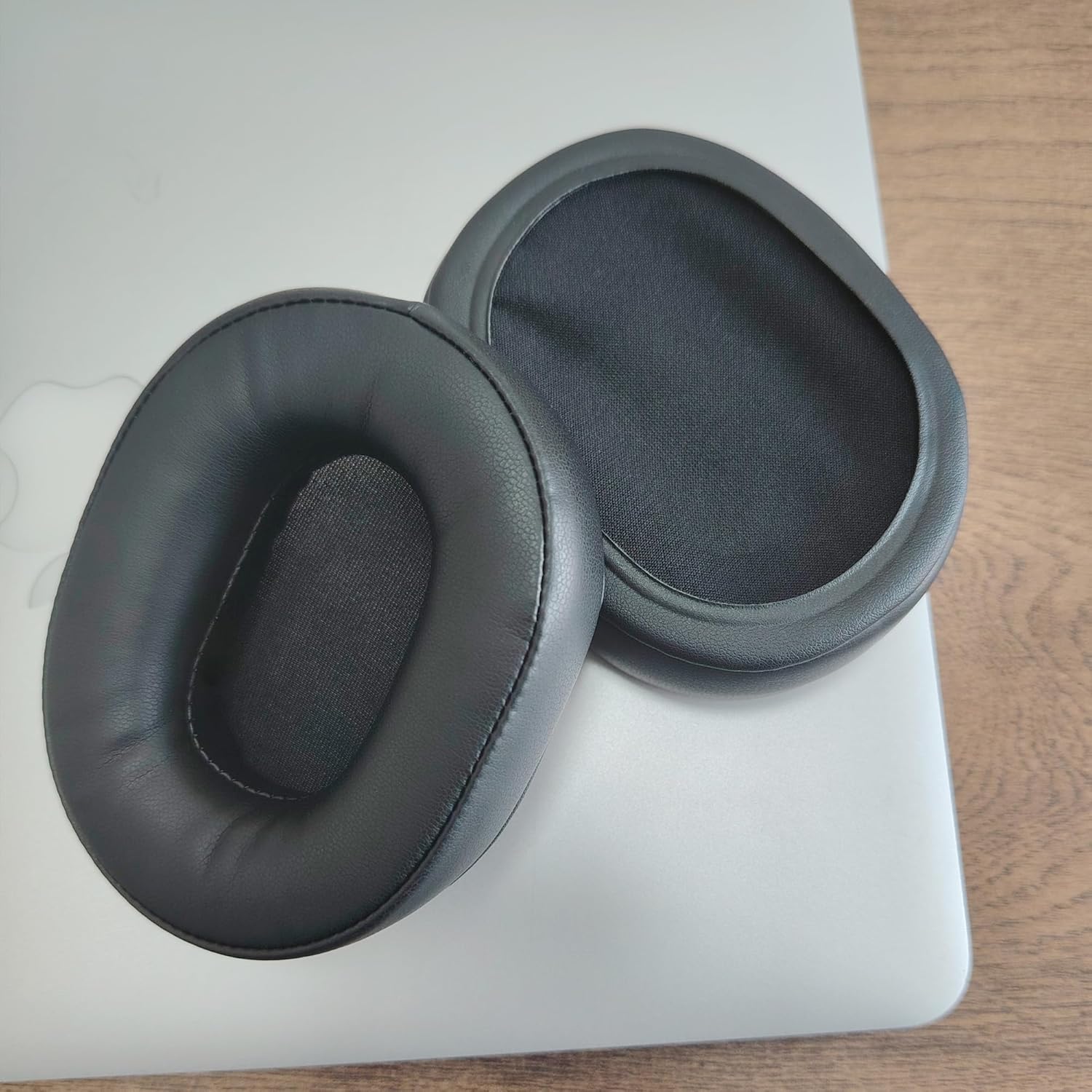
Image: A visual representation of the package contents, showing two earpad cushions and two microphone foams.
Customer Support
HTINDUSTRY is committed to providing high-quality products and excellent customer service. If you have any questions, concerns, or require assistance with your replacement earpads, please do not hesitate to contact us. We aim to provide satisfactory solutions within 24 hours.
For more information or to explore other products, visit the HTINDUSTRY Store.
Ask a question about this manual
Ask about setup, troubleshooting, compatibility, parts, safety, or missing instructions. Manuals+ will review the question and use this page’s manual context to help answer it.