
1. Introduction
Thank you for choosing the Monster Cycle Plus Bluetooth Speaker. This portable party speaker is designed to deliver powerful audio with dynamic lighting effects, making it ideal for various outdoor and indoor events. This manual provides essential information for setting up, operating, and maintaining your speaker to ensure optimal performance and longevity.

Image: The Monster Cycle Plus speaker showcasing its dynamic lighting in an outdoor party setting.
2. Package Contents
Please check the package for the following items:
- Monster Cycle Plus Bluetooth Speaker
- AUX Cable
- USB-C Cable
- Quick Start Guide
- Warranty Letter
3. Product Overview
3.1 Key Features
- High Power Output: 380W peak power with 2x 6.5-inch subwoofers and 2x 2-inch tweeters for clear, powerful sound.
- Dynamic Lighting: Features 7 lighting effects to enhance your audio experience.
- Extended Playtime: Up to 24 hours of battery life, depending on volume and usage.
- Advanced Connectivity: Bluetooth 5.3 for stable wireless connection up to 66 feet.
- Multiple Inputs: Supports AUX, USB, TF Card, Microphone, and Guitar inputs.
- Water Resistance: IPX6 rated for protection against strong water jets.
- Portable Design: Integrated handles for easy transport.

Image: An exploded view illustrating the internal speaker components, including the 6.5-inch subwoofers and 2-inch tweeters, highlighting the 380W power output.
3.2 Control Panel
The main control panel is located on the top of the speaker. Familiarize yourself with the buttons and their functions:

Image: Close-up of the speaker's control panel, showing buttons for Sound Mode, Backup/Original Vocals Switch, Microphone Priority, and Light Mode.
- Power Button: Press and hold to turn the speaker on or off.
- Volume Knob: Rotate to adjust the master volume.
- Bluetooth Button: Press to enter Bluetooth pairing mode.
- Play/Pause Button: Press to play or pause audio.
- Previous/Next Track Buttons: Press to skip tracks.
- Light Mode Button: Press to cycle through lighting effects.
- Bass Boost Button: Activates or deactivates enhanced bass.
- Sound Mode Button: Cycles through available EQ modes.
- Mic +/- Buttons: Adjust microphone volume.
- Echo +/- Buttons: Adjust microphone echo effect.
3.3 Input/Output Ports
The rear panel features various ports for connectivity:
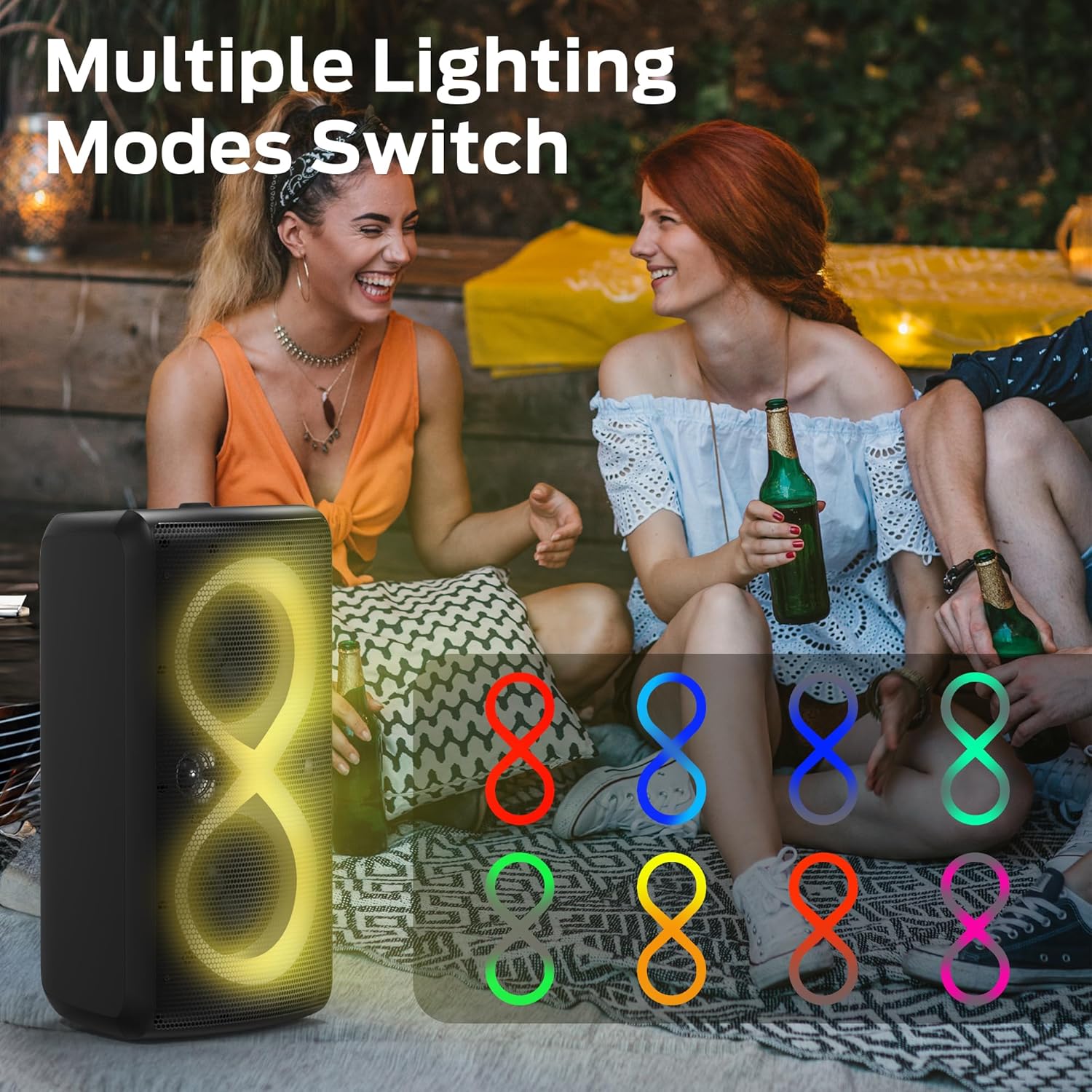
Image: Detailed view of the speaker's rear input/output panel, clearly labeling each port and the integrated bottle opener.
- Live Digital: Digital audio input.
- USB: For USB drive playback.
- TF Card: For TF (MicroSD) card playback.
- USB-C: Charging port.
- MIC IN: 6.35mm input for a microphone.
- AUX OUT: 3.5mm audio output.
- MONITOR: Audio monitoring output.
- AUX IN: 3.5mm audio input.
- RESET: Pin-hole reset button.
- GUITAR: 6.35mm input for a guitar.
- Bottle Opener: Integrated utility.
4. Setup
4.1 Charging the Speaker
Before first use, fully charge the speaker. Connect the provided USB-C cable to the speaker's USB-C port and the other end to a compatible USB power adapter (not included). The charging indicator will show the charging status and turn off when fully charged.
4.2 Power On/Off
Press and hold the Power button on the control panel for approximately 2-3 seconds to turn the speaker on or off.
4.3 Bluetooth Pairing
- Turn on the Monster Cycle Plus speaker. It will automatically enter Bluetooth pairing mode, indicated by a flashing Bluetooth indicator.
- On your mobile device (smartphone, tablet, etc.), enable Bluetooth and search for available devices.
- Select "Monster Cycle Plus" from the list of devices.
- Once connected, the Bluetooth indicator will become solid, and you will hear an audible confirmation.
The speaker will automatically reconnect to the last paired device if it is within range and Bluetooth is enabled.

Image: A visual representation of connecting the Monster Cycle Plus speaker to a smartphone via Bluetooth 5.3.
4.4 Wired Connections
- AUX Input: Connect an external audio device using the provided 3.5mm AUX cable to the AUX IN port. The speaker will automatically switch to AUX mode.
- USB/TF Card: Insert a USB drive or TF (MicroSD) card into the respective port. The speaker will automatically detect and play audio files.
- Microphone/Guitar: Connect a microphone to the MIC IN port or a guitar to the GUITAR port. Adjust their volume and echo using the dedicated controls on the panel.
5. Operating Instructions
5.1 Audio Playback
Once connected via Bluetooth or a wired input, you can control audio playback using the speaker's control panel or your connected device:
- Volume: Rotate the Volume knob.
- Play/Pause: Press the Play/Pause button.
- Skip Tracks: Use the Previous/Next Track buttons.
5.2 EQ Modes and Bass Boost
Press the Sound Mode Button to cycle through different equalizer (EQ) presets to optimize the audio for various music genres. Press the Bass Boost Button to enhance low-frequency sounds.
5.3 Lighting Modes
Press the Light Mode Button to cycle through the 7 available dynamic lighting effects. The lights will synchronize with the music rhythm.
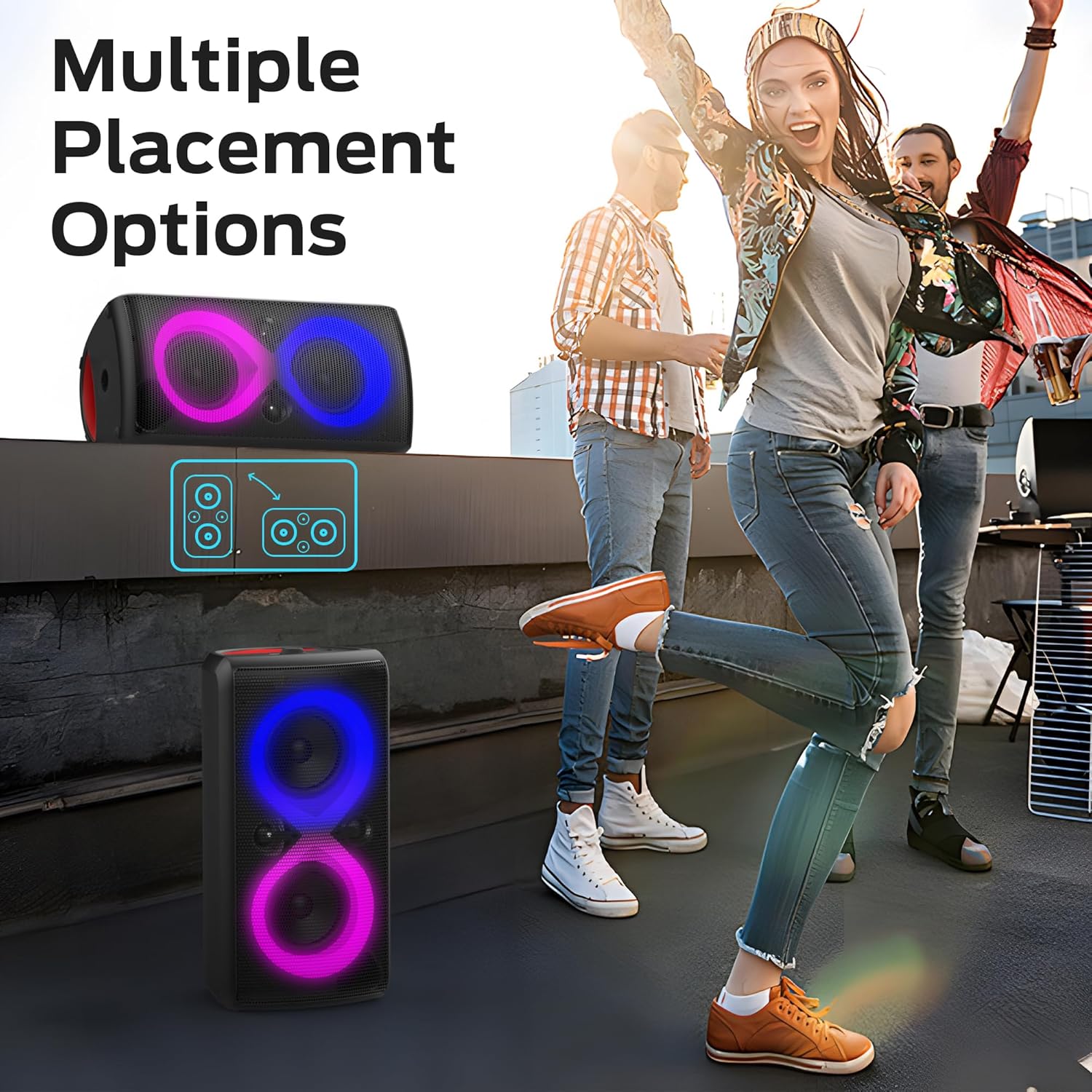
Image: The Monster Cycle Plus speaker demonstrating its multiple lighting modes with different color patterns.
5.4 True Wireless Stereo (TWS) Pairing
The Monster Cycle Plus supports connecting multiple speakers for a wider stereo sound experience. To pair two Cycle Plus speakers:
- Ensure both speakers are powered on and not connected to any Bluetooth device.
- On one speaker (this will be the primary speaker), press and hold the Bluetooth button until you hear a TWS pairing prompt.
- The primary speaker will search for the secondary speaker. Once connected, you will hear a confirmation sound.
- Connect your mobile device to the primary speaker via Bluetooth. Audio will now play through both speakers in stereo.
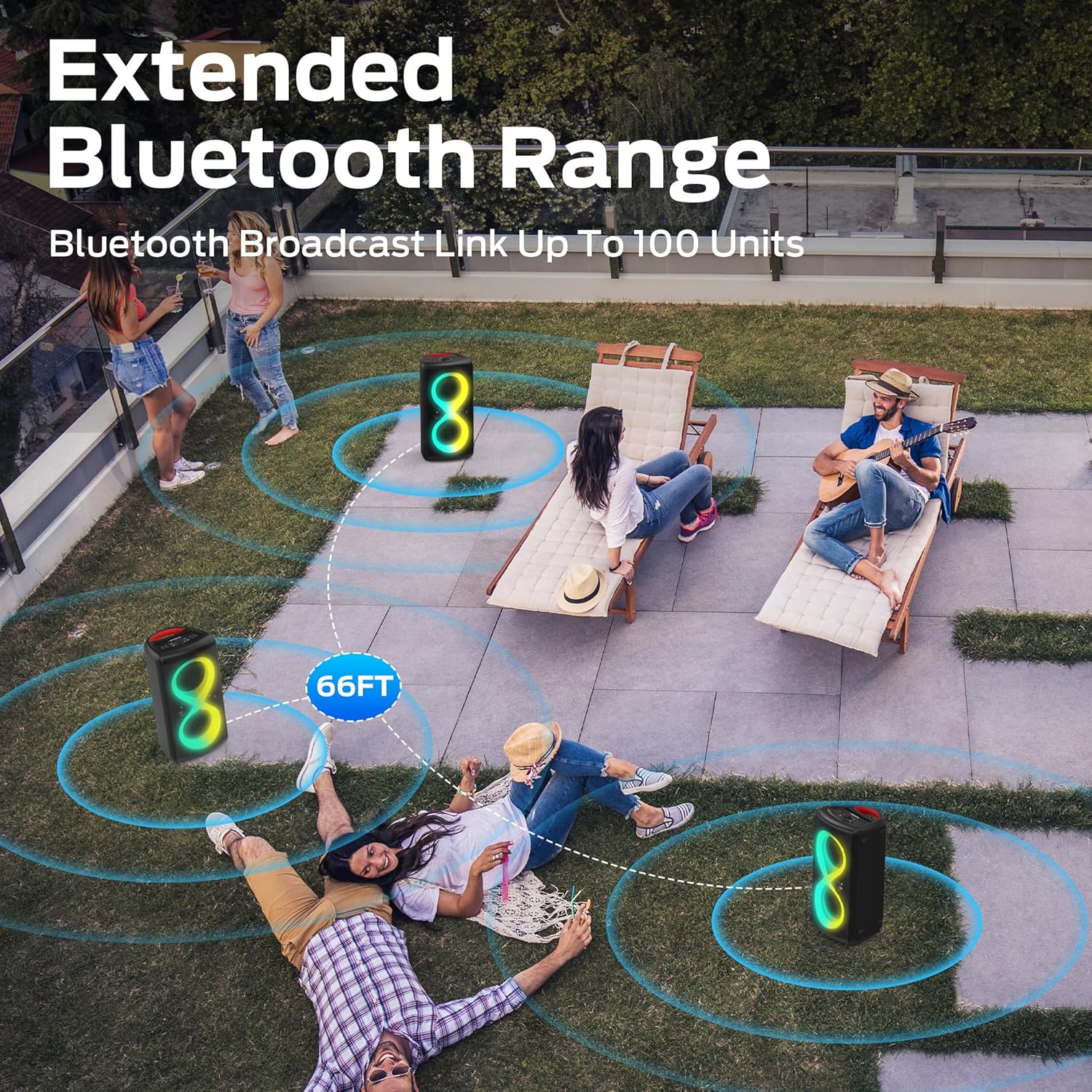
Image: Several Monster Cycle Plus speakers linked wirelessly, demonstrating the extended Bluetooth range and multi-unit connectivity.
5.5 Mobile Phone Holder Function
The speaker features an integrated slot on top that functions as a mobile phone or tablet holder, providing convenience during use.

Image: A close-up of the speaker's top surface, highlighting the integrated mobile phone holder function with a phone and tablet in place.
6. Maintenance
6.1 Cleaning
Wipe the speaker with a soft, dry cloth. Do not use abrasive cleaners or solvents. Ensure all port covers are securely closed before exposing the speaker to water.
6.2 Storage
Store the speaker in a cool, dry place away from direct sunlight and extreme temperatures. If storing for an extended period, charge the battery to approximately 50% every three months to maintain battery health.
6.3 Battery Care
To maximize battery life, avoid fully discharging the speaker frequently. Charge the speaker regularly, even if not in use. The speaker is designed for up to 24 hours of playtime, which can vary based on volume and lighting usage.
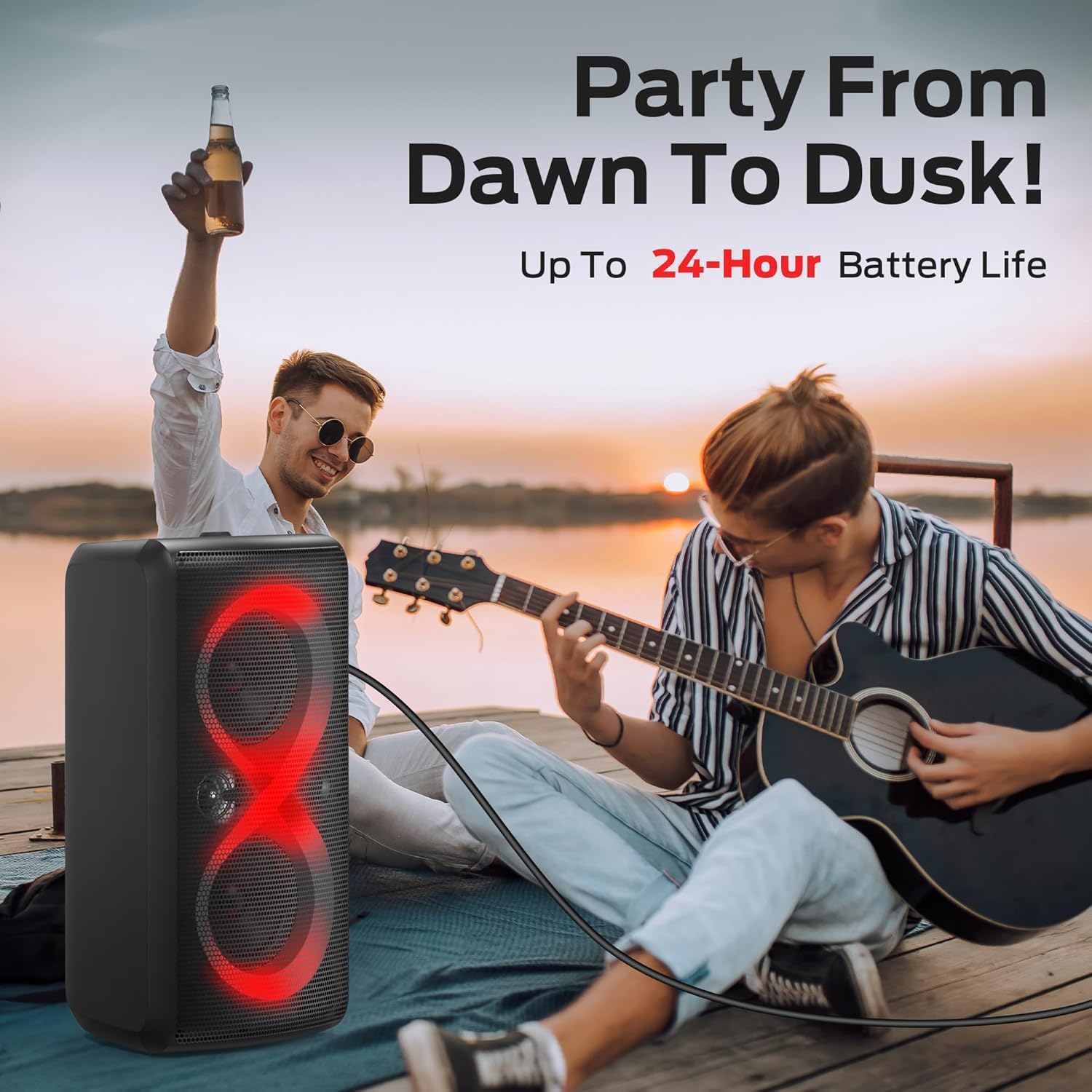
Image: The Monster Cycle Plus speaker in an outdoor setting, emphasizing its capability for up to 24 hours of continuous playback.
6.4 Water Resistance
The Monster Cycle Plus speaker is rated IPX6, meaning it is protected against high-pressure water jets from any direction. It is suitable for outdoor use and can withstand splashes or rain, but it should not be submerged in water.

Image: The Monster Cycle Plus speaker on a sandy beach with water splashing around it, demonstrating its IPX6 water resistance rating.
7. Troubleshooting
- No Power: Ensure the speaker is charged. Connect the USB-C cable and allow it to charge for at least 30 minutes before attempting to power on again.
- No Sound: Check the volume level on both the speaker and your connected device. Ensure the correct input source is selected. If using Bluetooth, ensure the device is properly paired.
- Bluetooth Disconnection: Ensure the speaker and your device are within the 66-foot Bluetooth range. Avoid obstacles that may interfere with the signal. Try unpairing and re-pairing the device.
- Distorted Sound: Reduce the volume on both the speaker and your device. Ensure the audio source is of good quality.
- Speaker Unresponsive: If the speaker becomes unresponsive, use a thin object (like a paperclip) to press the RESET button on the rear panel.
8. Specifications
| Feature | Specification |
|---|---|
| Brand | Monster |
| Model Number | Monster Cycle Plus |
| Connectivity Technology | Bluetooth 5.3 |
| Output Wattage | 320 Watts (RMS), 380W (Peak) |
| Item Dimensions (L x W x H) | 14 x 15 x 27 inches |
| Item Weight | 10.3 Kilograms |
| Audio Input | AUX (3.5mm), USB, TF Card, MIC IN, GUITAR |
| Power Source | Battery Powered |
| Battery Life | Up to 24 hours (varies with usage) |
| Water Resistance | IPX6 |
| Compatible Devices | Laptop, Smartphone, Tablet, Television |
9. Warranty and Support
The Monster Cycle Plus speaker comes with a warranty. Please refer to the included Warranty Letter for specific terms and conditions. For any questions regarding pre-sales or after-sales support, please contact our customer service team. We are available 24 hours to assist you.
For further assistance, visit the official Monster website or contact their customer support channels.