1. Product Overview
The ApeStellar Wi-Fi Smart Keyless Entry Door Lock with Knob (Model DK02S) offers multiple access methods and smart home integration for enhanced security and convenience. This lock is designed for easy installation and reliable performance.
Key Features:
- Wi-Fi Enabled (2.4GHz only): Remote lock/unlock, access sharing, real-time notifications.
- Multiple Unlock Options: Smartphone app, keypad code, mechanical key, Apple Watch, voice control (Alexa/Google Assistant).
- Access Code Management: Supports up to 50 access codes (permanent, scheduled, recurring, one-time).
- Auto-Lock Security: Customizable auto-lock duration.
- Passage Mode: Temporarily disable auto-lock for specific periods.
- Durable Construction: Heavy Zinc Alloy, corrosion-resistant, ANSI Grade 3 certified.
- Weather Resistant: Operates in temperatures from -77°F to 149°F, IP54 waterproof.
2. Package Contents
Verify that all components are present before beginning installation:
- ApeStellar Keyless Entry Door Lock
- 2 Backup Keys
- Latch
- Screws
- Strike Plate
- Mounting Plate
- Installation Instructions
- Programming Instructions
3. Setup and Installation
The ApeStellar Smart Lock is designed for straightforward installation, typically taking about 15 minutes with a screwdriver. Ensure your door meets the following specifications:
- Door Hole Diameter: 2-1/8 inches (54mm)
- Backset: Adjustable to fit 2-3/8 inches or 2-3/4 inches (60mm or 70mm)
- Door Thickness: 1-3/8 inches to 1-3/4 inches (35mm to 45mm)
The lock is compatible with both left and right-handed doors. Follow the detailed installation instructions provided in the package for step-by-step guidance.

Image: Easy Installation Guide with dimensions.

Image: Components of the ApeStellar Smart Lock.
4. Operating Instructions
The ApeStellar Smart Lock offers various methods for locking and unlocking your door.
4.1. Multiple Access Methods
You can access your door using the following methods:
- Smartphone App: Remotely lock/unlock, share access, monitor activity.
- Keypad: Enter a personalized code.
- Mechanical Key: For traditional access or emergencies.
- Apple Watch: Unlock directly from your smartwatch.
- Voice Control: Integrate with Amazon Alexa or Google Assistant.
Image: Multiple ways to access the lock.
4.2. App Control and Features
Download the "TTLock" app from Google Play or the App Store to manage your smart lock. The app provides comprehensive control and monitoring capabilities.
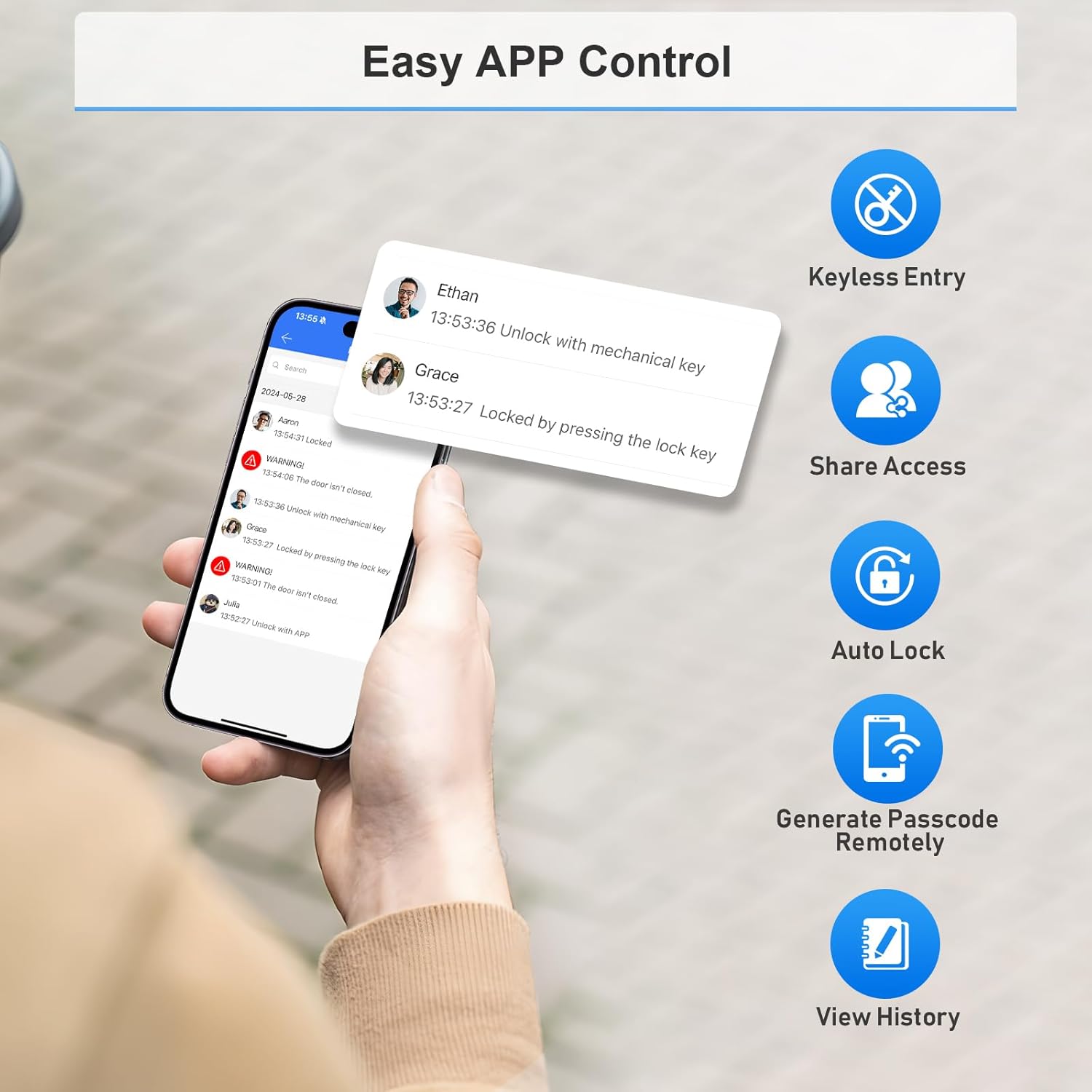
Image: Easy App Control interface.
4.2.1. Pairing Your Lock
To pair your lock with the TTLock app, ensure your phone is within 2 meters of the lock. Press any key on the keypad to activate it and put it into pairing mode. The keypad must be lit. Then, follow the in-app instructions to add the lock. Note: The lock connects via 2.4GHz Wi-Fi only; 5G Wi-Fi is not supported.
Video: Demonstrates the smartphone operation for the Wi-Fi door lock, including pairing and basic app functions.
4.2.2. Admin Passcode Management
After pairing, the admin passcode will be changed to a random 7-digit number. You can find this new passcode in the app settings under 'Basics' -> 'Admin Passcode'. It is recommended to change this to a personalized administrator password for security.
4.2.3. Generating Passcodes
The app allows you to generate various types of passcodes:
- Timed: Valid for a specific duration.
- One-time: For single use.
- Permanent: Always active.
- Custom: User-defined.
- Recurring: Active on a repeating schedule.
4.2.4. Sharing eKeys
eKeys provide app access to your lock for other TTLock account users. Recipients can use their phone to unlock/lock the door. Enter the recipient's phone number or email (used for registration) and set the validity period.
4.3. Auto-Lock Function
The auto-lock feature automatically locks the door after a set delay, providing added security and peace of mind. You can configure the delay time (20-900 seconds) in the app settings under 'Auto Lock'.
Video: Demonstrates how to set up and use the Auto Lock feature.
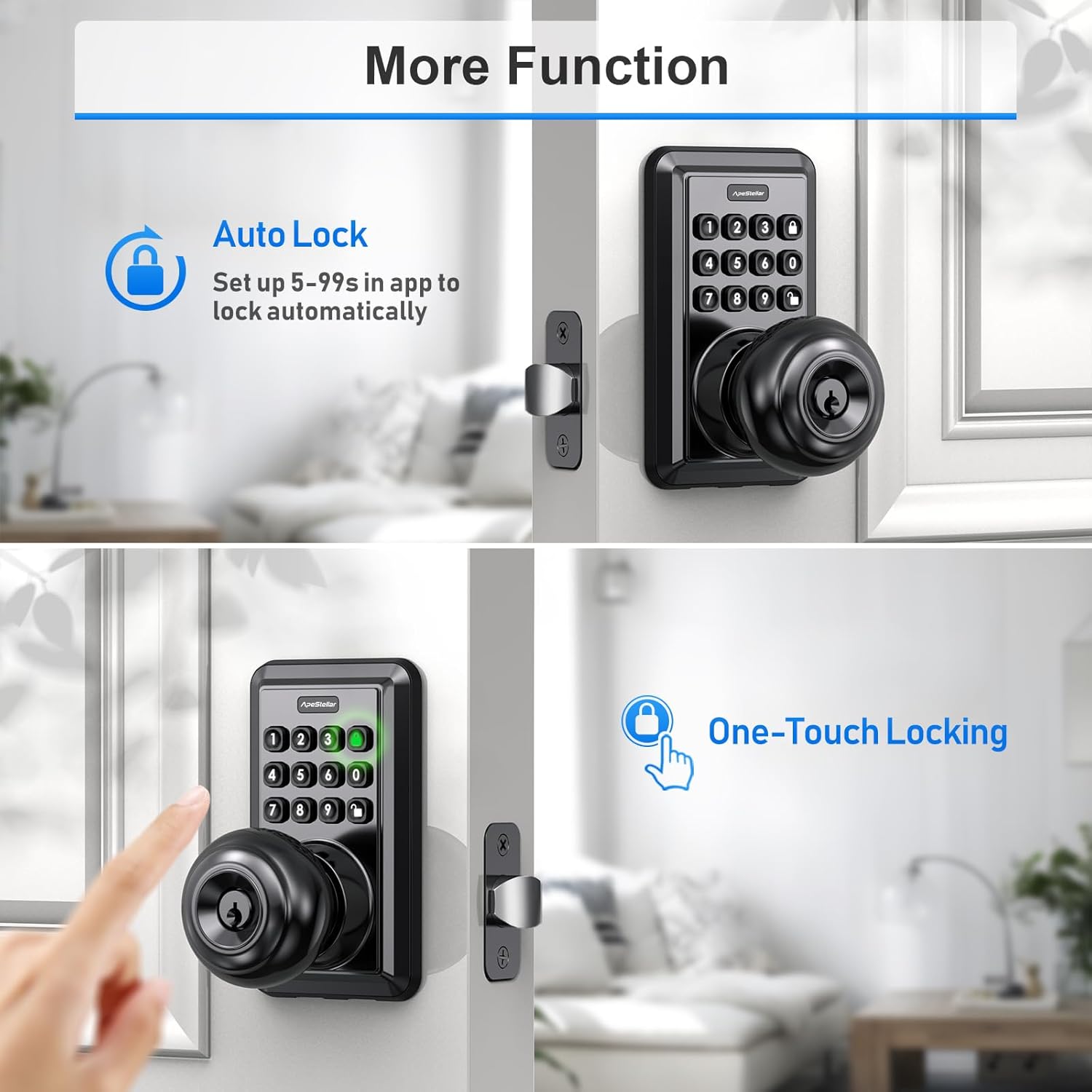
Image: Auto Lock and One-Touch Locking features.
4.4. Passage Mode
Passage Mode allows the lock to remain in an open state after being unlocked, disabling auto-lock for a specified schedule. This is useful for periods when the door needs to be frequently accessed without re-locking. Configure this in the app settings under 'Passage Mode'.
4.5. Smart Home Integration
The lock seamlessly integrates with Amazon Alexa and Google Home, allowing for voice control and creation of helpful automations to secure your home.
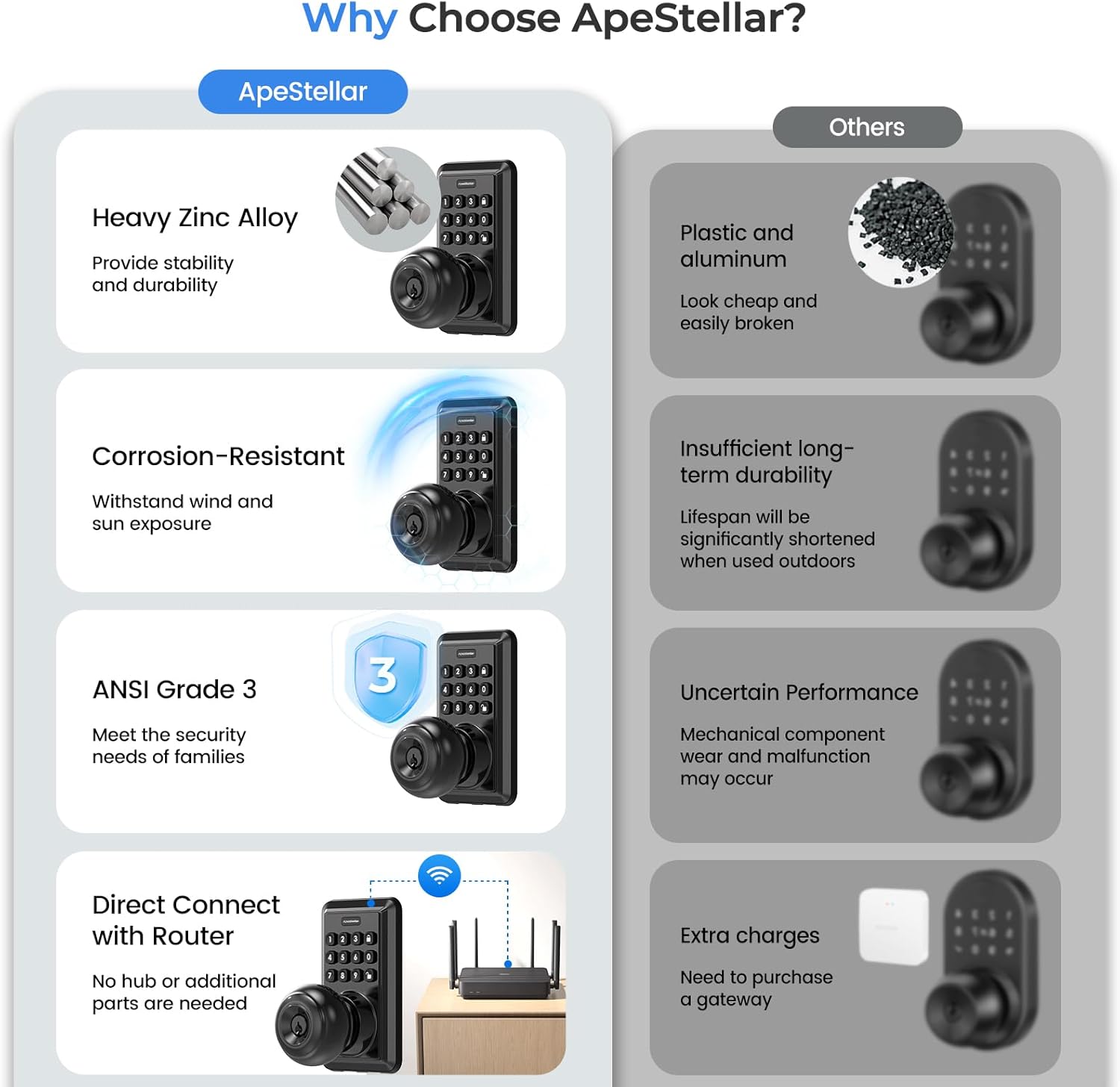
Image: Smart Home Integration with Alexa and Google Assistant.
5. Maintenance
Proper maintenance ensures the longevity and optimal performance of your smart lock.
5.1. Battery Replacement
The lock requires 4 AA batteries (not included). The battery life is approximately one year. The app will provide a low battery alarm when replacement is needed. Replace all four batteries simultaneously for best performance.
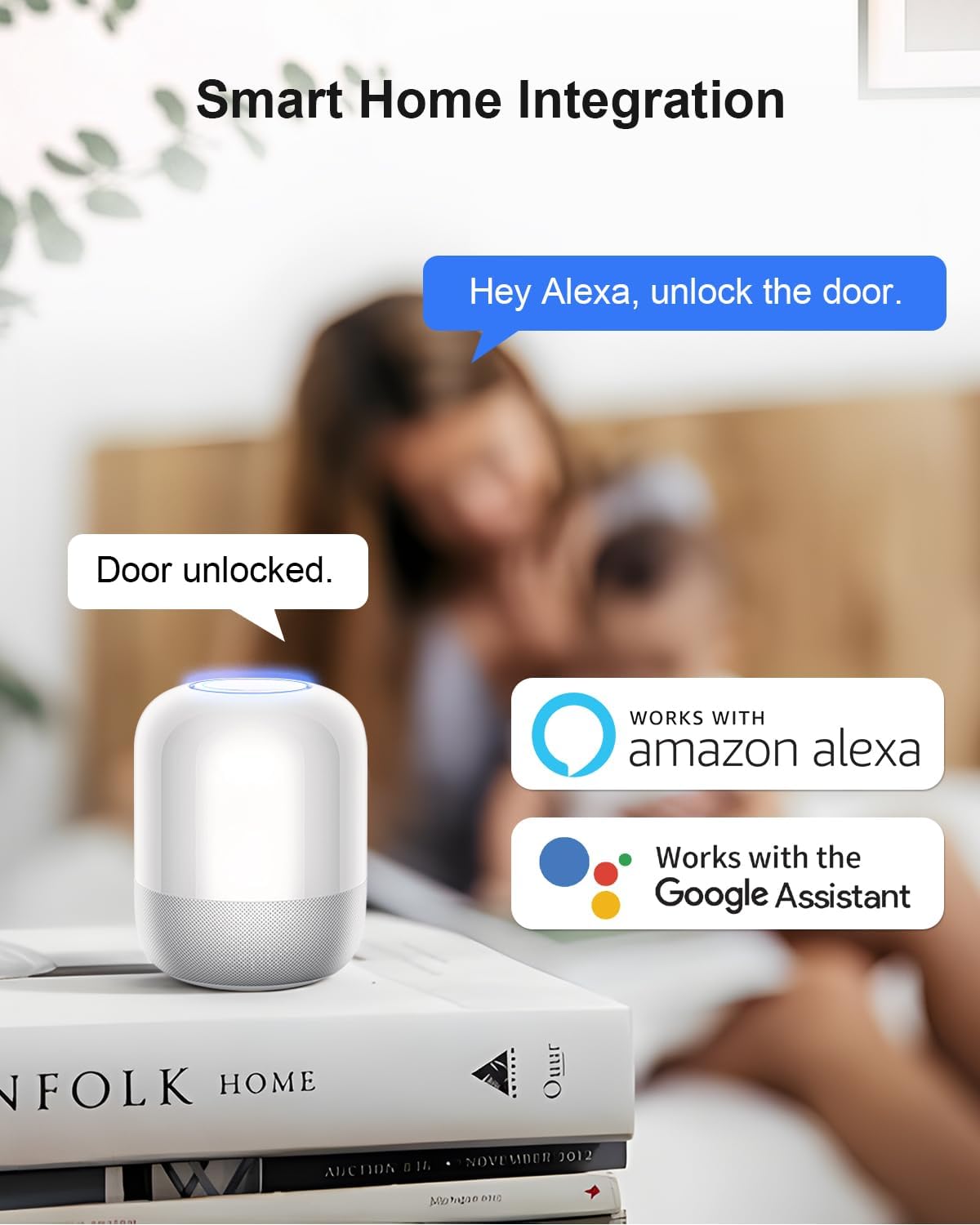
Image: Battery life and low battery alarm indicators.
5.2. Weather Resistance
The lock is designed to withstand various weather conditions, operating effectively from -77°F to 149°F and featuring an IP54 waterproof rating. This ensures functionality in rain, snow, frost, or sunshine.

Image: Weather resistance features.
6. Troubleshooting
If you encounter issues with your ApeStellar Smart Lock, refer to the following common troubleshooting steps:
- Wi-Fi Connectivity Issues: Ensure your router is broadcasting a 2.4GHz Wi-Fi signal, as 5G Wi-Fi is not supported. For initial setup or persistent connection problems, try moving the lock closer to your Wi-Fi router.
- Keypad Not Responding: Press any key on the keypad to wake it up and ensure it is lit before entering a code. Check battery levels if the keypad remains unresponsive.
- Lock Binding or Sticking: During installation, ensure all components are properly aligned and screws are not overtightened, which can cause internal mechanisms to bind. Verify the latch operates smoothly without obstruction.
- Forgotten Admin Passcode: The admin passcode is initially a random 7-digit number after pairing. Access the TTLock app, go to 'Settings' -> 'Basics' -> 'Admin Passcode' to retrieve or change it.
- Battery Draining Quickly: Ensure you are using fresh, high-quality AA batteries. Frequent Wi-Fi activity or a weak Wi-Fi signal requiring the lock to constantly search for connection can increase battery consumption.
7. Specifications
| Feature | Detail |
|---|---|
| Brand | ApeStellar |
| Model Name | DK02S |
| Lock Type | Combination Lock, Keypad |
| Material | Zinc |
| Dimensions (L x W x H) | 2.8 x 2.7 x 6.38 inches |
| Special Features | Auto-Lock, Back-Lit Keypad, One-Touch Lock, Passcode Unlock, Weather Resistant |
| Connectivity Protocol | Wi-Fi (2.4GHz only) |
| Controller Type | Amazon Alexa, Google Assistant, Hand Control, Mechanical knob, Push Button |
| Control Method | App, Remote, Touch, Voice |
| Power Source | 4 x AA Batteries (not included) |
| Door Hole Compatibility | 2-1/8 inches (54mm) |
| Backset Compatibility | 2-3/8 inches or 2-3/4 inches (60mm or 70mm) |
| Weather Rating | IP54 |
8. Warranty Information
This product is covered by the manufacturer's standard warranty. Please refer to the warranty card included in your product packaging or contact ApeStellar customer support for specific details regarding warranty coverage and terms.
9. Customer Support
For any questions, technical assistance, or support regarding your ApeStellar Wi-Fi Smart Keyless Entry Door Lock, please contact ApeStellar customer service. Contact information can typically be found on the product packaging, the official ApeStellar website, or within the TTLock application.