
Introduction
This user manual provides detailed instructions for the safe and effective use of your Kidamento Hello Kitty Mini Kids Digital Camera & Video Camcorder, Model A. Please read this manual thoroughly before operating the device and retain it for future reference.
Package Contents
Verify that all items listed below are included in your package:
- Kidamento Hello Kitty Camera (Model A)
- USB-C Cable
- Adjustable Soft Strap Lanyard
- 32GB Memory Card (pre-installed)
- Sticker Sheet
- Scavenger Hunt Photo Book
- User Manual (this document)
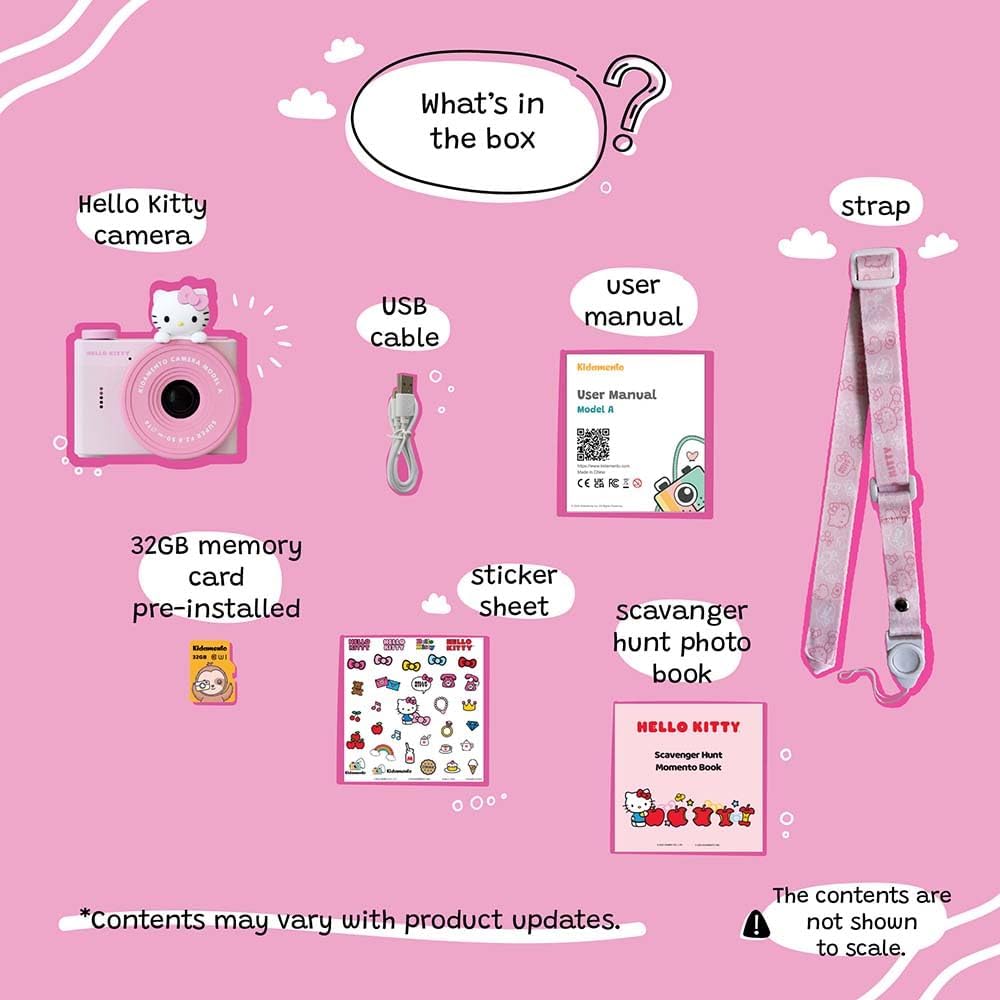
Image: All items included in the Kidamento Hello Kitty Mini Kids Digital Camera package.
Setup
1. Charging the Camera
Before first use, fully charge the camera. Connect the included USB-C cable to the camera's charging port and the other end to a compatible USB power adapter (not included). The charging indicator light will show the charging status. A full charge typically takes approximately 2-3 hours.
2. Inserting the Memory Card
Your camera comes with a 32GB memory card pre-installed. If you need to remove or re-insert it, locate the memory card slot, gently push the card until it clicks into place, or push again to eject. Ensure the camera is powered off before inserting or removing the memory card.
3. Attaching the Lanyard
Attach the adjustable soft strap lanyard to the designated loop on the camera. Ensure it is securely fastened to prevent accidental drops. The lanyard features a safety release button for added security.

Image: Front view of the Kidamento Hello Kitty camera, showing its design and compact form factor.
Operating Instructions
1. Power On/Off
Press and hold the power button (usually located on the top or side) for a few seconds to turn the camera on or off.
2. Taking Photos
- Turn on the camera.
- Frame your shot using the 1.55-inch LCD screen.
- Press the shutter button (typically a large button on top or front) to capture a photo.
3. Recording Videos
- Turn on the camera.
- Navigate to video mode using the mode selection buttons.
- Press the shutter button to start recording. Press it again to stop recording.
4. Using the Selfie Camera
The camera features a front-facing lens for selfies. Use the designated button (often the power button or a specific toggle) to switch between the main camera and the selfie camera.
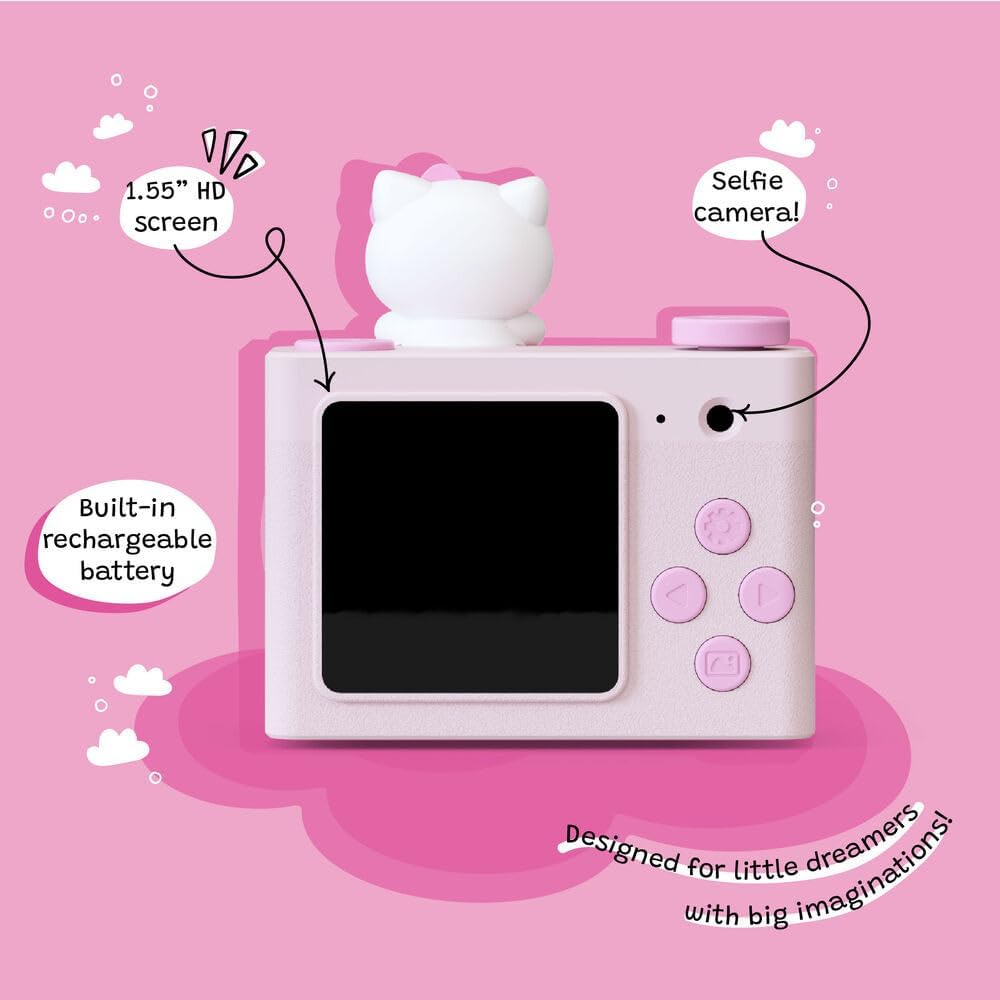
Image: Rear view of the camera displaying the screen and control buttons.
5. Filters and Frames
Explore the built-in filters and frames to add creative effects to your photos. Use the navigation buttons to browse and select different options before or after taking a picture.
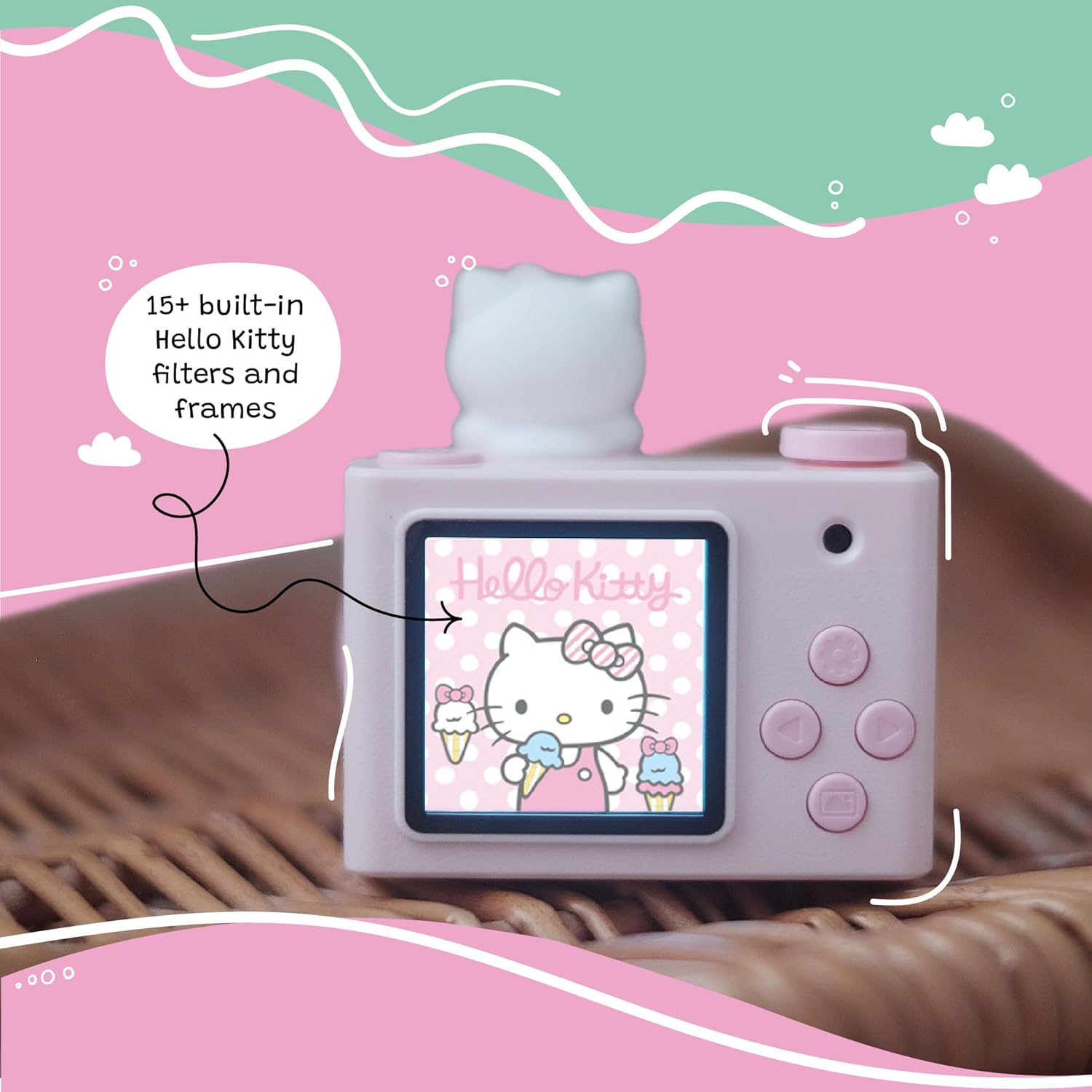
Image: Camera screen showing an applied Hello Kitty filter.
6. Viewing Photos and Videos
Press the playback button (often indicated by a play icon) to enter gallery mode. Use the navigation buttons to scroll through your captured photos and videos. Press the shutter button to play videos.
Maintenance
Cleaning
Wipe the camera body with a soft, dry cloth. For the lens and screen, use a microfiber cloth specifically designed for optics. Do not use liquid cleaners or abrasive materials, as these can damage the camera.
Storage
Store the camera in a cool, dry place away from direct sunlight and extreme temperatures. Ensure the camera is turned off before storing.
Durability and Safety
The camera is constructed from durable ABS plastic and food-grade silicone. It is free from PVC, heavy metals, phthalates, and BPA. While designed to withstand typical use, it is not water resistant and should be kept away from liquids.
Troubleshooting
| Problem | Possible Cause | Solution |
|---|---|---|
| Camera does not turn on. | Low battery or discharged battery. | Charge the camera fully using the USB-C cable. |
| Cannot take photos/videos. | Memory card full or not inserted correctly. | Check memory card insertion. Delete old files or replace the memory card if full. |
| Poor image/video quality. | Insufficient lighting, dirty lens, or camera movement. | Ensure adequate lighting. Clean the lens. Hold the camera steady during capture. |
| Camera freezes or becomes unresponsive. | Temporary software glitch. | Press and hold the power button for 10-15 seconds to force a restart. If the issue persists, contact customer support. |
Specifications
- Brand: Kidamento
- Model Name: Model A
- Model Number: MA-HK
- Age Range: 3-6 Years Old
- Screen Size: 1.55 Inches LCD
- Photo Sensor Technology: CMOS
- Effective Still Resolution: 2 MP
- Video Resolution: 720p at 30 FPS
- Memory Storage: 32 GB (pre-installed)
- Battery Type: Lithium Polymer (included)
- Connectivity: USB-C
- Item Weight: 62 Grams
- Materials: ABS Plastic, Food-Grade Silicone
- Water Resistance: Not Water Resistant
- Supported File Formats: JPEG (images), MP4 (video)
- Image Stabilization: Digital
- Optical Zoom: 1.0
- Maximum Aperture: 5.6 Millimeters
- Shutter Speed: 1/300 seconds (Maximum), 0.0033 seconds (Minimum)
- Focus Type: Auto Focus (Contrast Detection)
- Color: Pink (Hello Kitty variant)
- UPC: 767501678809
Warranty Information
This Kidamento product is covered by a 1 Year Limited Manufacturer Product Warranty from the date of purchase. This warranty covers defects in materials and workmanship under normal use. It does not cover damage caused by misuse, accidents, unauthorized modifications, or normal wear and tear. Please retain your proof of purchase for warranty claims.
Customer Support
For further assistance, technical support, or warranty inquiries, please contact Kidamento customer service. Refer to the official Kidamento website or your product packaging for the most current contact information.
You can visit the Kidamento Store on Amazon for more information.