1. Introduction
This manual provides essential instructions for the safe and effective operation of your SENECESLI 58MP 4K Full HD DV Camera. Please read this manual thoroughly before using the camera and retain it for future reference.
2. Package Contents
Verify that all items listed below are included in your package. If any items are missing or damaged, please contact customer support.
- 1 x SENECESLI Digital Camera
- 1 x USB Cable
- 1 x Storage Bag
- 1 x Strap
- 1 x User Manual (this document)

Image: The SENECESLI Digital Camera shown with its included accessories: a USB cable, a gray storage bag, and a wrist strap.
3. Camera Overview
Familiarize yourself with the main components of your camera.
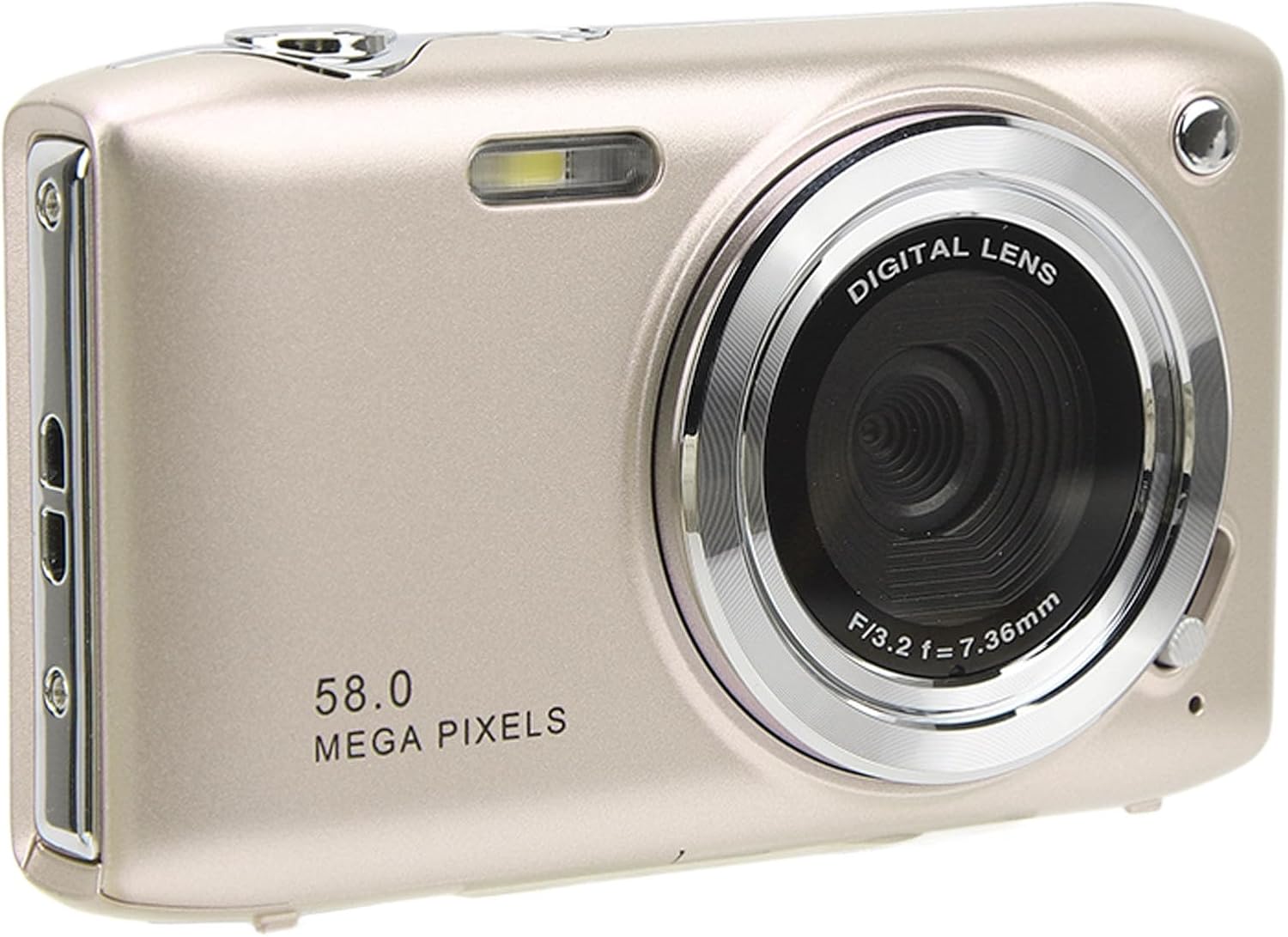
Image: Front view of the SENECESLI Digital Camera in gold, highlighting the digital lens, built-in flash, and the '58.0 MEGA PIXELS' branding.

Image: Rear view of the SENECESLI Digital Camera, displaying its 2.88-inch TFT screen and the array of control buttons on the right side, including zoom and navigation controls.
4. Setup
4.1. Battery Installation and Charging
The camera is powered by an 800mAh lithium battery. Ensure the battery is fully charged before first use.
- Open the battery compartment cover, typically located on the bottom or side of the camera.
- Insert the included lithium battery, ensuring the correct orientation as indicated by the markings inside the compartment.
- Close the battery compartment cover securely.
- To charge, connect the camera to a power source using the provided USB cable. The charging indicator light will illuminate.

Image: A graphic representation of an 800mAh high-capacity battery, emphasizing its long-lasting power for continuous shooting.
4.2. Memory Card Installation
A small memory card (up to 128GB) is required for storing photos and videos (not included).
- Locate the memory card slot, usually next to the battery compartment.
- Insert the memory card with the metal contacts facing the correct direction until it clicks into place.
- To remove, gently press the card until it springs out.
5. Operating Instructions
5.1. Powering On/Off
Press and hold the power button (usually located on the top or side) to turn the camera on or off.
5.2. Taking Still Pictures
- Hold the camera firmly and frame your subject on the 2.88-inch TFT screen.
- Adjust settings such as flash or scene mode using the dedicated buttons or through the menu.
- Use the zoom controls (T for telephoto, W for wide-angle) to adjust your shot.
- Press the shutter button halfway to focus, then fully press to capture the photo.

Image: A person standing on a mountain ridge, using the SENECESLI camera to capture the expansive landscape, demonstrating outdoor usage.
5.3. Recording Videos
The camera supports 4K video recording at 30fps.
- Switch the camera to video recording mode (refer to on-screen icons or menu).
- Press the record button to start recording. Press again to stop.
5.4. Zoom Function
The camera features 16X digital zoom.
- Press the 'T' button to zoom in (telephoto).
- Press the 'W' button to zoom out (wide-angle).
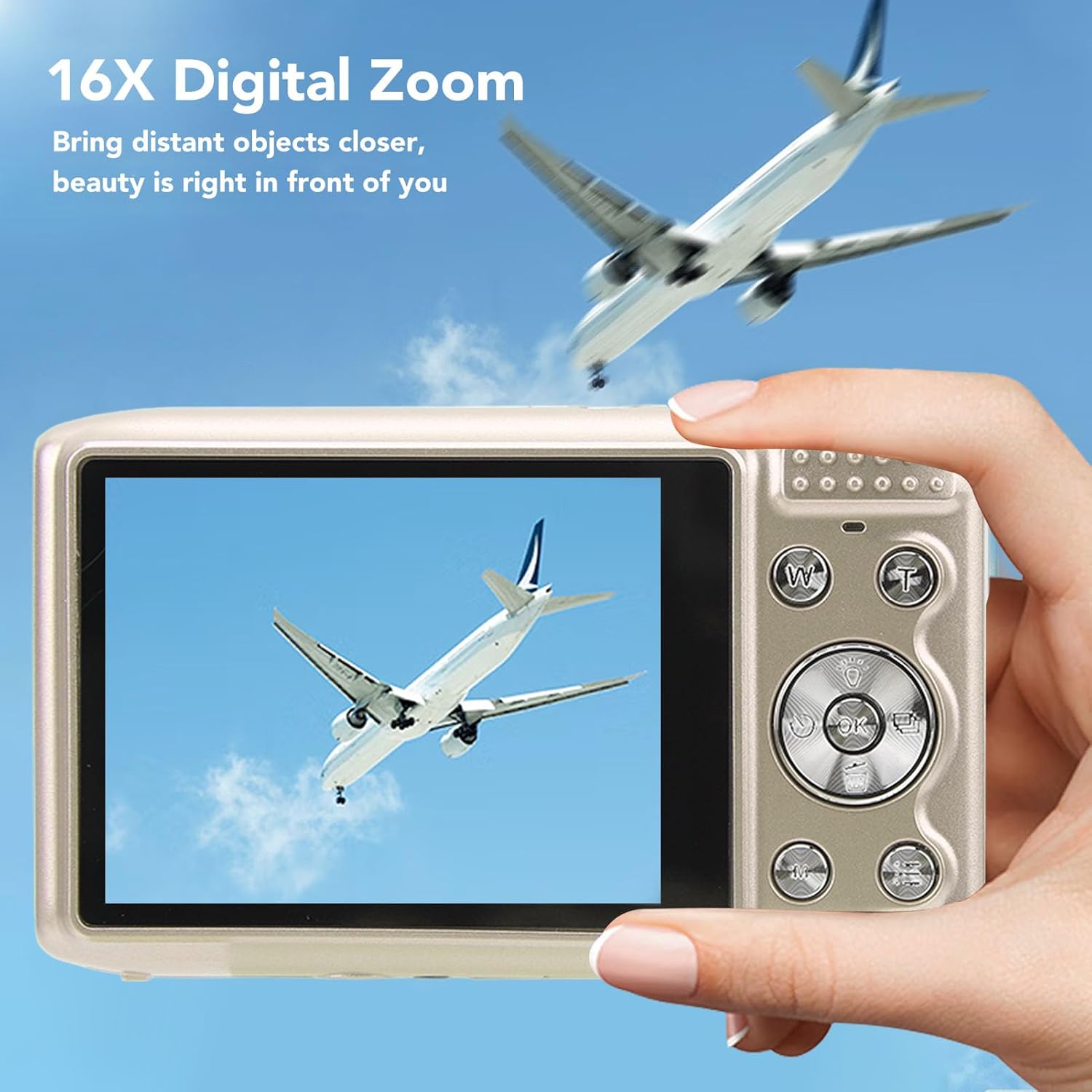
Image: A hand holding the SENECESLI camera, with its screen showing a zoomed-in view of an airplane. Another airplane is visible in the distant sky, illustrating the 16X digital zoom capability.
5.5. Menu Navigation and Settings
Access the camera's menu to adjust various settings.
- Press the 'Menu' button to enter the menu system.
- Use the directional buttons (up, down, left, right) to navigate through options.
- Press the 'OK' or 'Set' button to confirm selections.
- Press the 'Menu' button again to exit.
5.6. Special Features
The camera includes several advanced functions:
- Timer Shooting: Set a delay (2s, 5s, 10s) before a photo is taken.
- Beauty Mode: Enhances facial features in portraits.
- Smile Recognition: Automatically captures a photo when a smile is detected.
- Face Recognition: Optimizes focus and exposure for detected faces.
- Anti-Shaking: Digital image stabilization helps reduce blur from camera movement.
- Flash Settings: Options include Automatic, Forced Flash, and Flash Off.
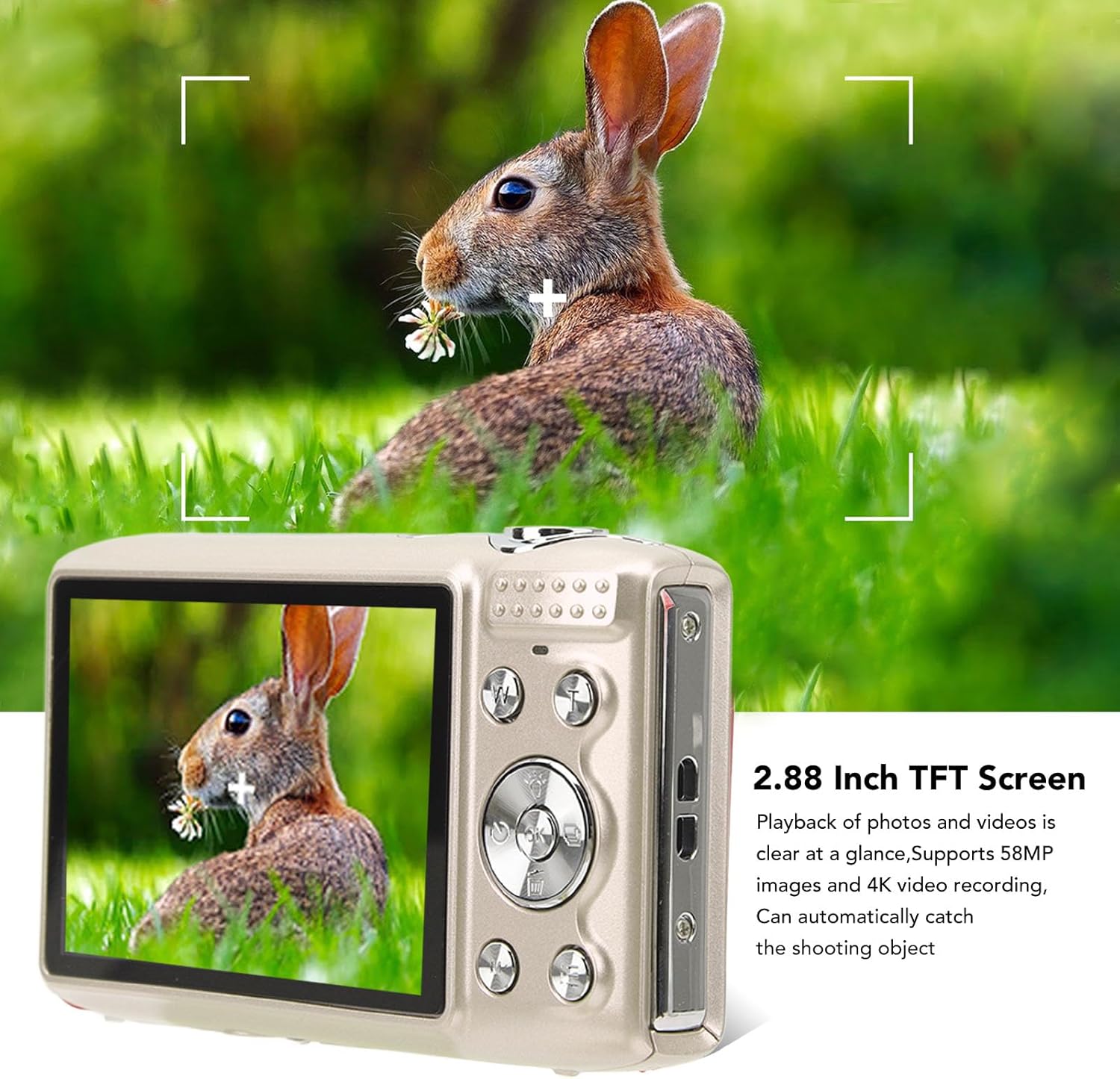
Image: The SENECESLI camera displayed alongside icons representing its multi-function capabilities, including 'Thin face', 'Beauty', and 'Whitening' modes, with example photos of smiling individuals.
5.7. Applicable Scenarios
The camera is suitable for various environments and conditions, including:
- Night time photography
- Sports events
- Social gatherings
- Beach scenes
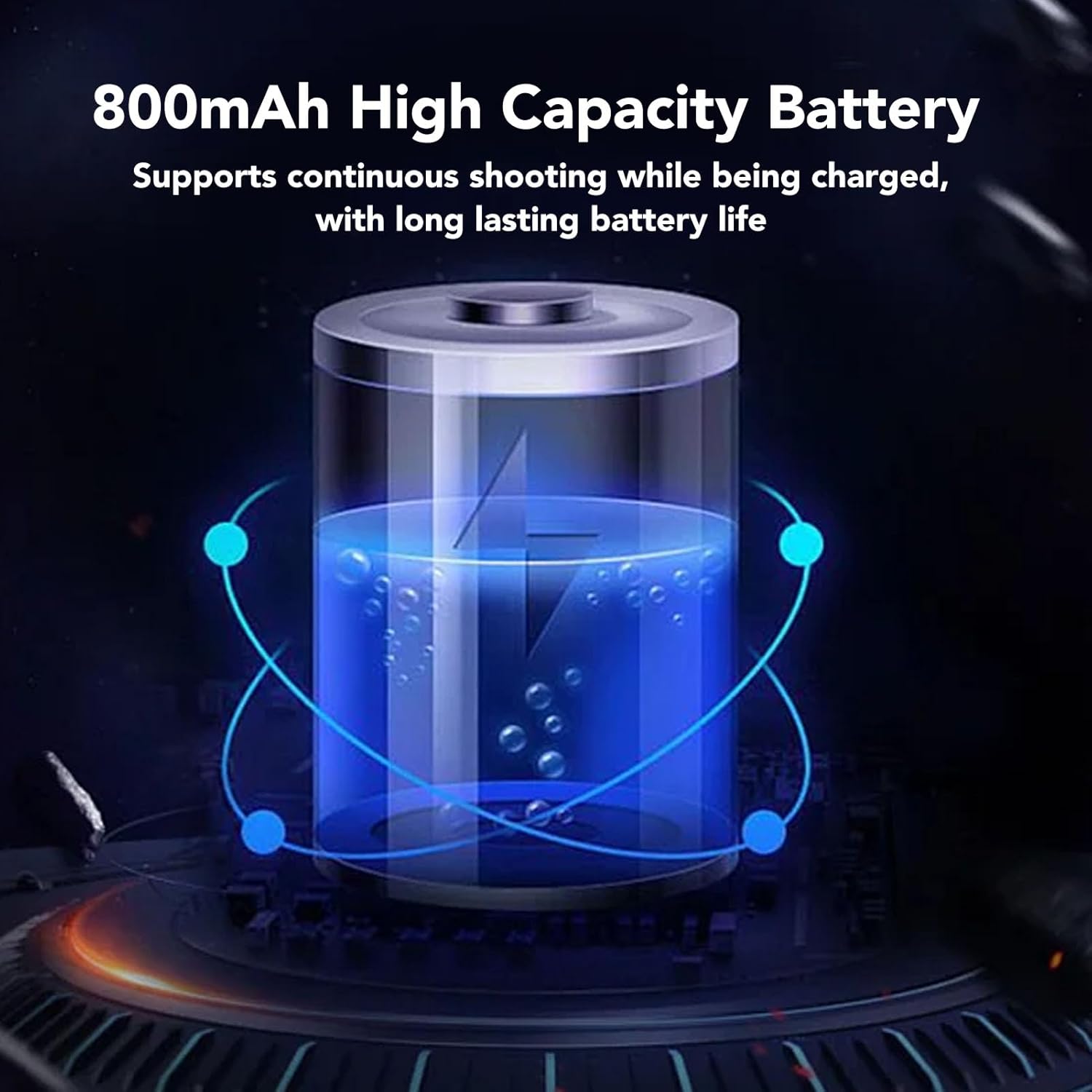
Image: The SENECESLI camera showing a vibrant night scene on its screen, featuring people and a Ferris wheel, demonstrating its suitability for various scenarios like night portraits and gatherings.
6. Maintenance
6.1. Cleaning the Camera
- Use a soft, lint-free cloth to clean the camera body.
- For the lens and screen, use a specialized lens cleaning cloth and solution. Avoid harsh chemicals.
- Ensure the camera is powered off before cleaning.
6.2. Battery Care
- Avoid exposing the battery to extreme temperatures.
- Charge the battery regularly, even if not in use, to maintain its lifespan.
- If storing the camera for an extended period, remove the battery.
6.3. Storage
- Store the camera in a cool, dry place, away from direct sunlight and moisture.
- Use the provided storage bag to protect the camera from dust and scratches.
7. Troubleshooting
If you encounter issues with your camera, refer to the following common problems and solutions:
| Problem | Possible Cause | Solution |
|---|---|---|
| Camera does not power on | Low or depleted battery; improperly inserted battery | Charge the battery; ensure battery is correctly inserted. |
| Cannot take photos/record videos | Memory card full or not inserted; incorrect mode selected | Insert/replace memory card; ensure sufficient space; switch to photo/video mode. |
| Images are blurry | Camera shake; out of focus; dirty lens | Hold camera steady or use a tripod; ensure proper focus; clean the lens. |
| Flash not working | Flash setting is off; battery low | Check flash settings in the menu; charge the battery. |
If the problem persists, please contact customer support.
8. Specifications
Detailed technical specifications for the SENECESLI 58MP 4K Full HD DV Camera:
- Image Resolution: 58M, 48M, 30M, 24M, 20M, 16M, 12M, 10M, 8M, 5M
- Image Format: JPEG
- Video Resolution: 4K, 2.7K, 1080P, 720P
- Frame Rate: 30fps
- Video Format: AVI
- Screen Size: 2.88 Inch TFT
- Zoom: 16X Digital Zoom
- Exposure: EV-3 to EV+3
- Shutter: Electronic
- Storage: Supports up to 128GB small memory card (not included)
- Battery: 800mAh Lithium battery (included)
- Anti-Shaking: Supported (Digital Image Stabilization)
- Selfie Timer: 2s, 5s, 10s
- Flash: Automatic, Forced Flash, Flash Off
- Tripod Mount: Standard screw mount
- Model Name: SENECESLIab0ges9qiz-11
- ASIN: B0DK7RT1DV

Image: Bottom view of the SENECESLI camera, clearly showing the standard tripod screw port for mounting on tripods or selfie sticks, and the access panel for the card/battery compartment.
9. Warranty and Support
For warranty information and customer support, please refer to the documentation provided at the time of purchase or contact your retailer. For technical assistance, please visit the official SENECESLI website or contact their customer service department.


