
1. Product Overview
The KYEKIO Rechargeable LED Headlamp provides versatile illumination for various activities. Featuring a 230° wide beam and a focused spotlight, it offers multiple lighting modes, motion sensor functionality, and a rechargeable battery with a power indicator. This manual provides essential information for the safe and effective use of your headlamp.

Image 1: Overview of the KYEKIO Rechargeable LED Headlamp 3-Pack and included charging cables.
2. Package Contents
Upon opening your package, please verify that all components are present:
- 3 x KYEKIO Bright Headlamps
- 3 x USB Type-C Charging Cables
- 1 x Instruction Manual
- 1 x Packing Box
3. Setup
3.1 Initial Charging
Before first use, fully charge your headlamp. Connect the provided USB Type-C charging cable to the headlamp's charging port and to a standard USB power adapter (not included). The power indicator lights will show charging progress (25%, 50%, 75%, 100%). A full charge typically takes 2-4 hours.
Important: Do not use a high-current adapter to charge the headlamp to prevent potential damage.

Image 2: Headlamp connected for charging via USB Type-C, displaying battery level indicators.
3.2 Adjusting the Headband
The headlamp features an adjustable elastic headband for a comfortable and secure fit. Adjust the strap to ensure the headlamp sits firmly on your forehead without being too tight.
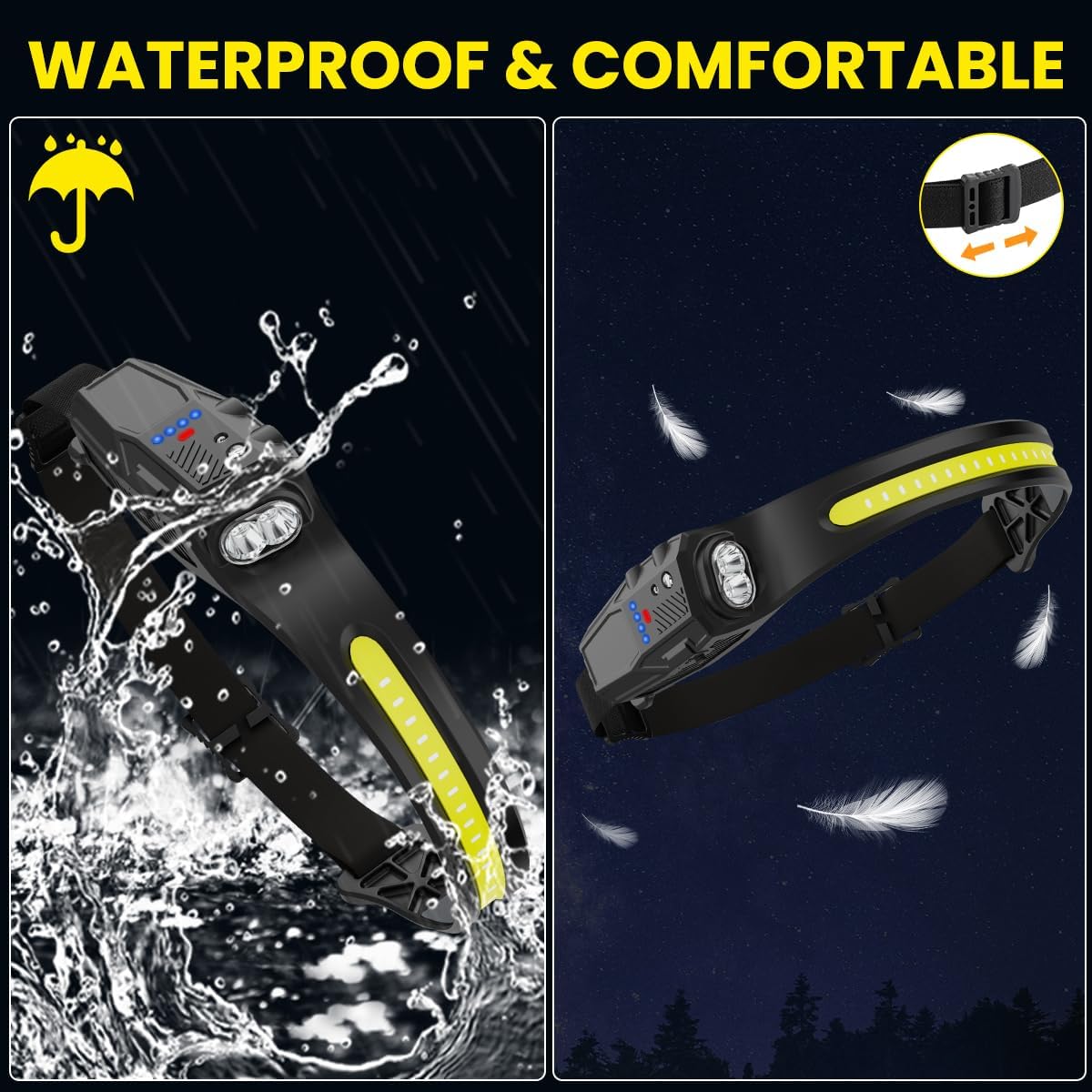
Image 3: The headlamp's adjustable elastic headband for comfortable wear.
4. Operating Instructions
4.1 Power Button and Lighting Modes
The headlamp offers 7 distinct lighting modes. Press the power button to cycle through the following modes:
- Flood Light High
- Flood Light Low
- Spot Light High
- Spot Light Low
- Red Light
- Red Strobe
To activate the White Light Strobe mode, long-press the on/off button.

Image 4: Visual representation of the 7 lighting modes available on the headlamp.
4.2 Motion Sensor Function
The headlamp is equipped with a motion sensor for hands-free operation. To activate the motion sensor mode, press the dedicated sensor mode button. Once activated, you can wave your hand in front of the headlamp to turn the light on or off without needing to press the power button.
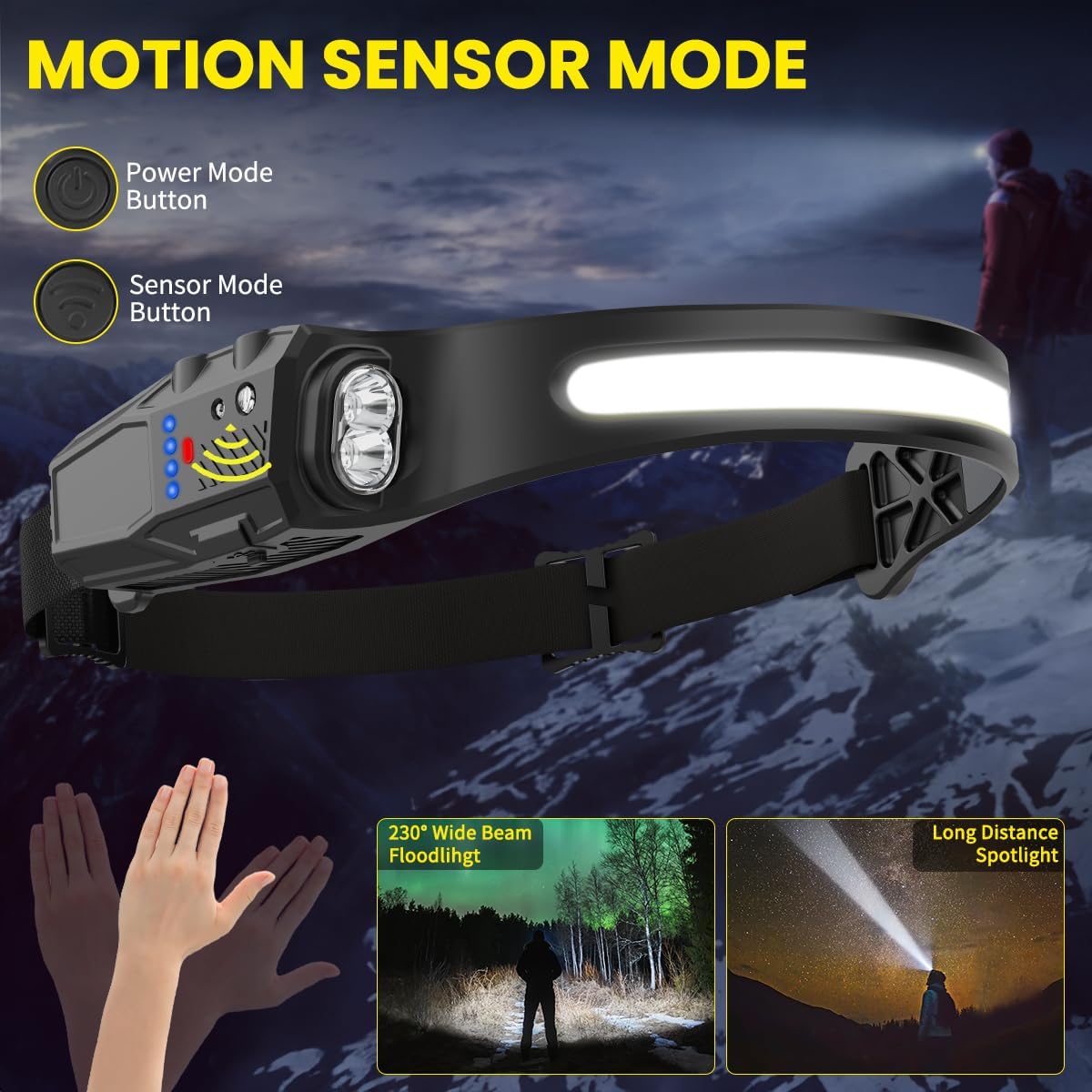
Image 5: Demonstrating the motion sensor feature for convenient hands-free control.
4.3 Battery Level Indicator
The headlamp features a power indicator to display the remaining battery charge. This allows you to monitor the battery status and recharge as needed:
- Four lights: 100% charge
- Three lights: 75% charge
- Two lights: 50% charge
- One light: 25% charge
Video 1: A demonstration of how to operate the headlamp, including cycling through light modes and using the motion sensor. This video is provided by a seller.
5. Maintenance
5.1 Charging Guidelines
To maintain battery health and extend the lifespan of your headlamp, ensure regular charging. Avoid completely draining the battery before recharging. Always use the provided USB Type-C cable and a compatible low-current USB power source.
5.2 Cleaning
Wipe the headlamp's exterior with a soft, damp cloth. Do not use abrasive cleaners or solvents, as these can damage the material and electronic components. Ensure the charging port cover is securely closed to prevent water ingress.
5.3 Storage
Store the headlamp in a cool, dry place away from direct sunlight and extreme temperatures. If storing for an extended period, charge the battery to approximately 50% every 3-6 months to prevent deep discharge.
6. Troubleshooting
- Headlamp does not turn on:
Ensure the battery is charged. Connect the headlamp to a power source using the Type-C cable and check if the battery indicator lights up. If not, try a different charging cable or power source. - Motion sensor not responding:
Verify that the motion sensor mode is activated (indicated by a specific light or icon, refer to product for exact indicator). Ensure there are no obstructions in front of the sensor. Try turning the headlamp off and on again. - Short battery life:
Battery life varies depending on the selected lighting mode. High brightness modes consume more power. Ensure the headlamp is fully charged before use. Over time, rechargeable batteries may experience reduced capacity. - Water ingress:
While the headlamp is waterproof, ensure the charging port cover is always sealed tightly when not charging. Avoid prolonged submersion.
7. Specifications
| Feature | Detail |
|---|---|
| Brand | KYEKIO |
| Model Number | LED Headlamp |
| Special Features | Adjustable Light Modes, High Lumens, Lightweight, Motion Sensor, Rechargeable |
| Color | Deep Black |
| Power Source | Battery Powered |
| Light Source Type | LED |
| Material | ABS |
| White Brightness | 350 Lumens |
| Product Dimensions | 1.18"D x 7.8"W x 7.8"H |
| Battery Cell Composition | Lithium Ion |
| Number of Batteries | 3 (included) |
| Water Resistance Level | Waterproof |
| Beam Angle | 230 Degrees |
| Item Weight | 11.8 ounces |
8. Warranty Information
This KYEKIO LED Headlamp comes with a limited warranty. For specific details regarding warranty coverage, duration, and claims process, please refer to the warranty card included in your product packaging or contact KYEKIO customer support.
9. Customer Support
For any questions, technical assistance, or support needs regarding your KYEKIO LED Headlamp, please visit the official KYEKIO store or contact their customer service department.
KYEKIO Store: Visit the KYEKIO Store on Amazon