
XNANO X6
XNANO X6 Home Projector User Manual
Model: X6
1. Introduction
Thank you for purchasing the XNANO X6 Home Projector. This manual provides essential information for setting up, operating, and maintaining your projector to ensure optimal performance and longevity. Please read this manual thoroughly before using the product and keep it for future reference.
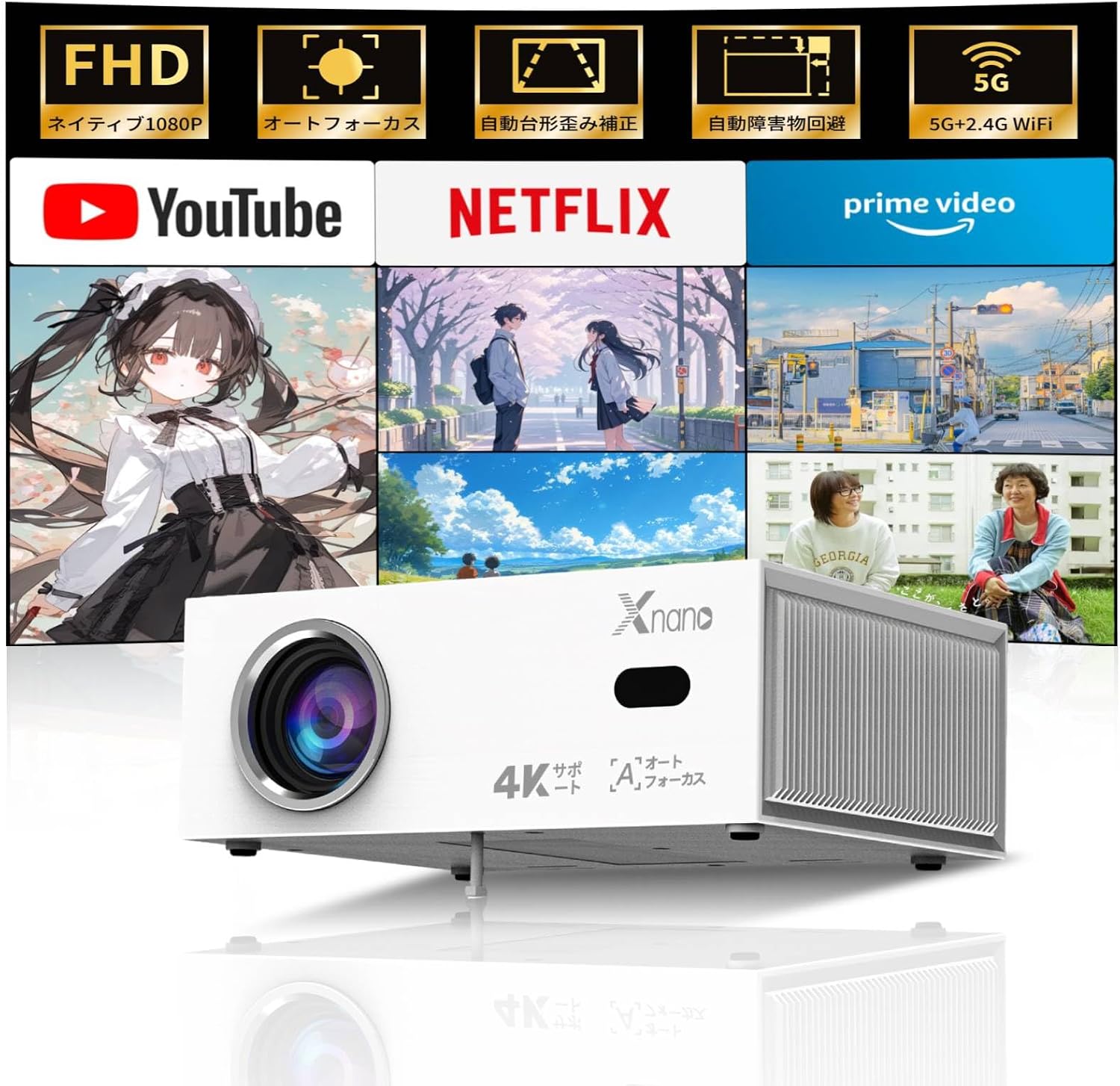
Image: The XNANO X6 Home Projector, showcasing its compact design and projection capabilities with various streaming service logos.
2. Safety Information
- Do not block the ventilation openings. Ensure adequate airflow around the projector.
- Do not expose the projector to rain or moisture to prevent fire or electric shock.
- Avoid looking directly into the projector lens when the lamp is on, as it may cause eye damage.
- Use only the power adapter provided with the projector.
- Keep the projector away from heat sources and direct sunlight.
- Do not attempt to disassemble or repair the projector yourself. Contact qualified service personnel for assistance.
3. Package Contents
Please check the box for the following items:

Image: Diagram showing all items included in the XNANO X6 projector package.
- XNANO X6 Projector x1
- Voice Remote Control x1
- User Manual x1
- Support Base x1
- Power Cable x1
- HDMI Cable x1
- Screws x1
4. Product Overview
Familiarize yourself with the main components of your XNANO X6 projector.
Key Features:
- Real 1080P Resolution & 4K Support: Delivers crisp, clear images with a high contrast ratio.
- 500 ANSI Lumens Brightness: Provides a vibrant viewing experience.
- Auto Focus & Auto Keystone Correction: Automatically adjusts image clarity and shape for hassle-free setup.
- Smart AI Obstacle Avoidance & Screen Fit: Intelligently adjusts the projection area to avoid objects and fit the screen.
- Built-in TV System with Pre-installed Apps: Access Netflix, YouTube, Prime Video, and more directly.
- 5G+2.4G Wi-Fi & Bluetooth 5.2: Ensures fast, stable wireless connectivity for streaming and audio.
- High-Quality Built-in Speaker: Provides clear and immersive sound.
- Versatile Connectivity: HDMI, USB, and 3.5mm audio ports for various devices.

Image: Visual representation of the projector's key features including 4K compatibility, 1080P HD, vivid colors, and eye protection.
5. Setup
5.1 Initial Setup
- Place the projector on a stable, flat surface or mount it securely.
- Connect the power cable to the projector and plug it into a power outlet.
- Press the power button on the projector or remote control to turn it on.
5.2 Auto Focus and Keystone Correction
The XNANO X6 projector features automatic focus and keystone correction. Upon powering on or moving the projector, it will automatically adjust the image for clarity and correct any trapezoidal distortion.

Image: Illustrates the automatic focus, automatic keystone correction, automatic screen fit, and automatic obstacle avoidance features.
5.3 Projection Distance and Screen Size
The projector can produce screen sizes from 40 to 200 inches depending on the projection distance. Ensure there are no obstacles between the projector and the projection surface.
| Screen Size (inches) | Approx. Distance (meters) |
|---|---|
| 40 | 1.2 |
| 80 | 2.4 |
| 120 | 3.4 |
| 200 | 5.7 |

Image: Shows the projector casting different screen sizes (40, 80, 120 inches) at varying distances.
6. Operating Instructions
6.1 Power On/Off
- To power on, press the power button on the projector or the remote control.
- To power off, press the power button again and confirm shutdown on the screen.
6.2 Network Connectivity (Wi-Fi)
The projector supports both 2.4G and 5G Wi-Fi for stable streaming.
- Navigate to the 'Settings' menu on the projector's home screen.
- Select 'Network' or 'Wi-Fi Settings'.
- Choose your desired Wi-Fi network from the list.
- Enter the Wi-Fi password using the on-screen keyboard and connect.
6.3 Bluetooth Connectivity
Connect external Bluetooth speakers or headphones for enhanced audio.
- Go to 'Settings' and select 'Bluetooth'.
- Turn on Bluetooth and put your external device into pairing mode.
- Select your device from the list of available devices to pair.

Image: Demonstrates connecting external audio devices like headphones, earphones, and speakers via Bluetooth.
6.4 Using Built-in Streaming Apps
The projector comes with popular streaming apps pre-installed.

Image: Shows the projector's interface with pre-installed apps like Netflix, YouTube, Prime Video, and access to the Play Store.
- From the home screen, select the desired streaming application (e.g., Netflix, YouTube, Prime Video).
- Log in with your account credentials if prompted.
- Browse and enjoy your favorite content.
6.5 Voice Control
Use the voice remote control for convenient navigation and content search.
- Press the microphone button on the remote control.
- Speak your command clearly (e.g., "Open Netflix," "Search for action movies").
- The projector will respond to your voice command.
6.6 Connecting External Devices
The projector supports various external devices via HDMI and USB.
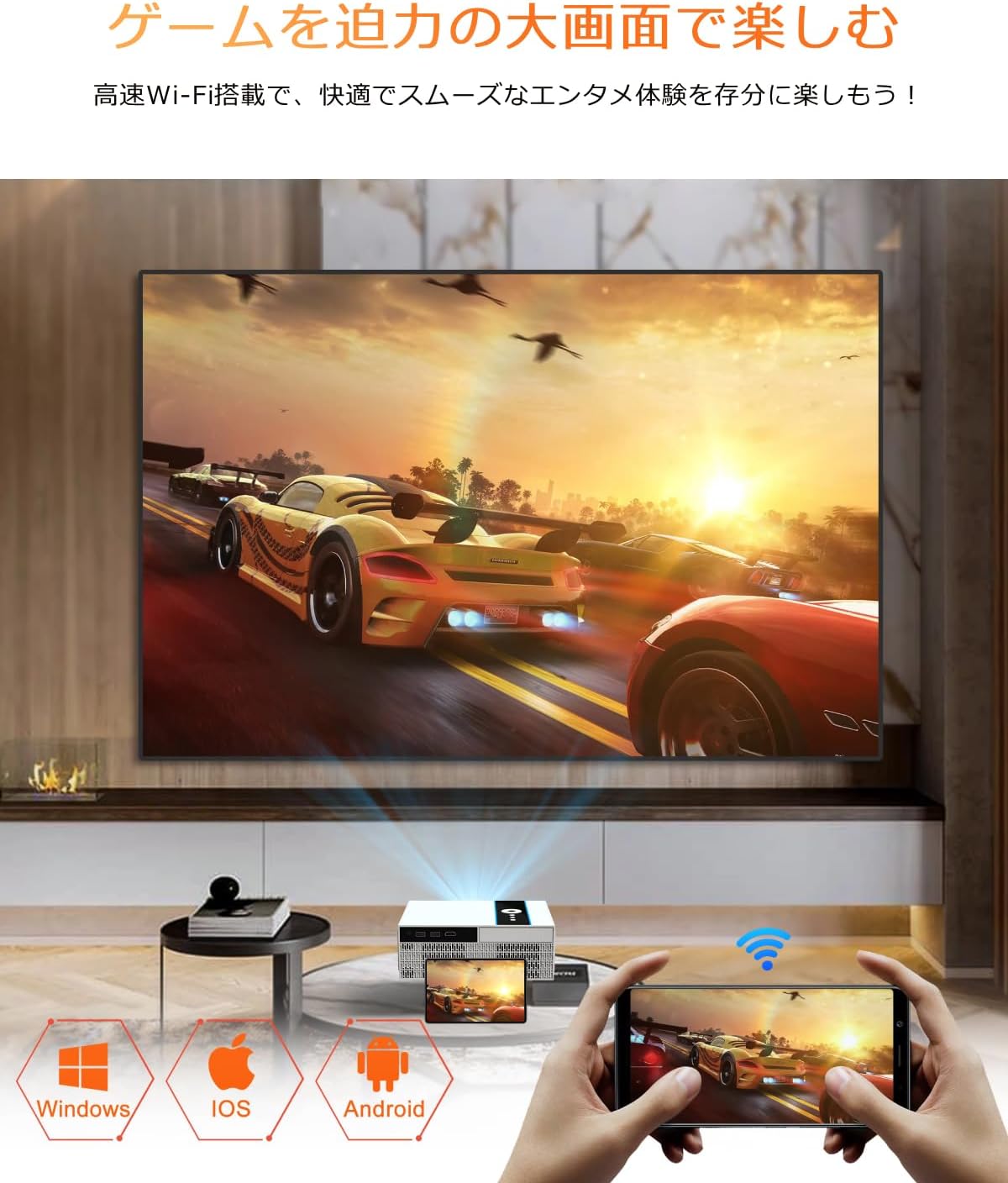
Image: Depicts the projector connected to various devices like Windows PC, iOS, and Android phones for screen mirroring or casting.
- HDMI: Connect gaming consoles (PS5, Switch), laptops, or other media players using an HDMI cable. Select the corresponding HDMI input source from the projector's menu.
- USB: Insert a USB drive to play local media files (videos, photos, music). Select the USB input source.
- Screen Mirroring/Casting: Wirelessly cast content from your smartphone (iOS/Android) or PC to the projector via Wi-Fi. Follow the on-screen instructions for screen mirroring.
7. Maintenance
- Cleaning the Lens: Use a soft, lint-free cloth specifically designed for optical lenses. Do not use abrasive cleaners or solvents.
- Cleaning the Projector Body: Wipe the surface with a soft, dry cloth. For stubborn stains, use a slightly damp cloth and then dry thoroughly.
- Ventilation: Regularly check that the ventilation openings are clear of dust and debris to prevent overheating. Use a soft brush or compressed air to clean them.
- Storage: When not in use for extended periods, store the projector in a cool, dry place, away from direct sunlight and extreme temperatures.
8. Troubleshooting
| Problem | Possible Cause | Solution |
|---|---|---|
| No image/Power off | Power cable loose, projector overheated | Check power connection; allow projector to cool down; ensure ventilation is clear. |
| Blurry image | Out of focus, projection distance incorrect | Allow auto-focus to adjust; adjust projector distance to screen. |
| Distorted image (trapezoid) | Projector not perpendicular to screen | Allow auto-keystone correction to adjust; reposition projector. |
| No sound | Volume too low, incorrect audio output, external device issue | Increase volume; check audio settings; ensure external device audio is working. |
| Wi-Fi connection issues | Incorrect password, weak signal, router issue | Re-enter password; move projector closer to router; restart router. |
| Remote control not working | Low batteries, obstacle between remote and projector | Replace batteries; ensure clear line of sight to projector's IR receiver. |
9. Specifications
| Feature | Detail |
|---|---|
| Brand | XNANO |
| Model Number | X6 |
| Color | White (Android OS) |
| Product Dimensions | 22.5 x 17.6 x 8.6 cm |
| Item Weight | 1.25 Kilograms |
| Native Resolution | 1920 x 1080 pixels (Full HD) |
| Supported Resolution | Up to 4K input |
| Brightness | 500 ANSI Lumens |
| Contrast Ratio | 10,000:1 |
| Connectivity Technology | Wi-Fi (2.4GHz/5GHz), Bluetooth 5.2, HDMI, USB, 3.5mm Audio Jack |
| Power Consumption | 84 W |
| Recommended Uses | Gaming, Business, Home Cinema, Education |
| Special Features | Wi-Fi Built-in, Auto Focus, Digital Keystone Correction, Built-in Speaker, Cooling System Built-in |
10. Warranty and Support
XNANO is committed to providing excellent customer service and technical support.
- Warranty: The product comes with a 1-year manufacturer's warranty.
- Return Policy: Enjoy a 30-day no-questions-asked return policy.
- After-Sales Service: 24/7 after-sales service is available.
- Technical Support: Lifetime professional technical support is provided.
- Free Exchange/Refund: Free exchanges and 100% money-back guarantee are offered for initial defects or natural failures.
Should you encounter any issues or have questions during use, please do not hesitate to contact XNANO customer support for prompt and thorough assistance.
For support, please visit the official XNANO website or contact the customer service provided on your purchase platform.
Ask a question about this manual
Ask about setup, troubleshooting, compatibility, parts, safety, or missing instructions. Manuals+ will review the question and use this page’s manual context to help answer it.