1. Introduction
Thank you for purchasing the Retekess V112 AM FM Pocket Radio. This compact digital radio is designed for portable listening, offering both AM and FM bands with a clear LCD display and rechargeable battery. Please read this manual carefully to ensure proper use and optimal performance of your device.
2. Product Features
- Miniature size and lightweight design for easy portability.
- AM/FM 2-band stereo radio reception.
- Digital LCD display for frequency and status indication.
- Automatic and manual station search and storage.
- Up to 58 preset stations (29 AM / 29 FM).
- 31-level volume control.
- Built-in rechargeable lithium battery.
- Sleep timer function (90, 60, 30, 15 minutes).
- Key lock function to prevent accidental operation.
- Stereo earphone output for personal listening.
3. Package Contents
Please check the package for the following items:
- 1 × Retekess V112 AM FM Pocket Radio
- 1 × Owner's Manual
- 1 × Hand Strap/Lanyard
- 1 × USB Charging Cable
- 1 × Earphones

Image: The package includes the Retekess V112 radio, owner's manual, hand strap, USB charging cable, and earphones.
4. Product Diagram and Controls
Familiarize yourself with the radio's buttons and display for easy operation.
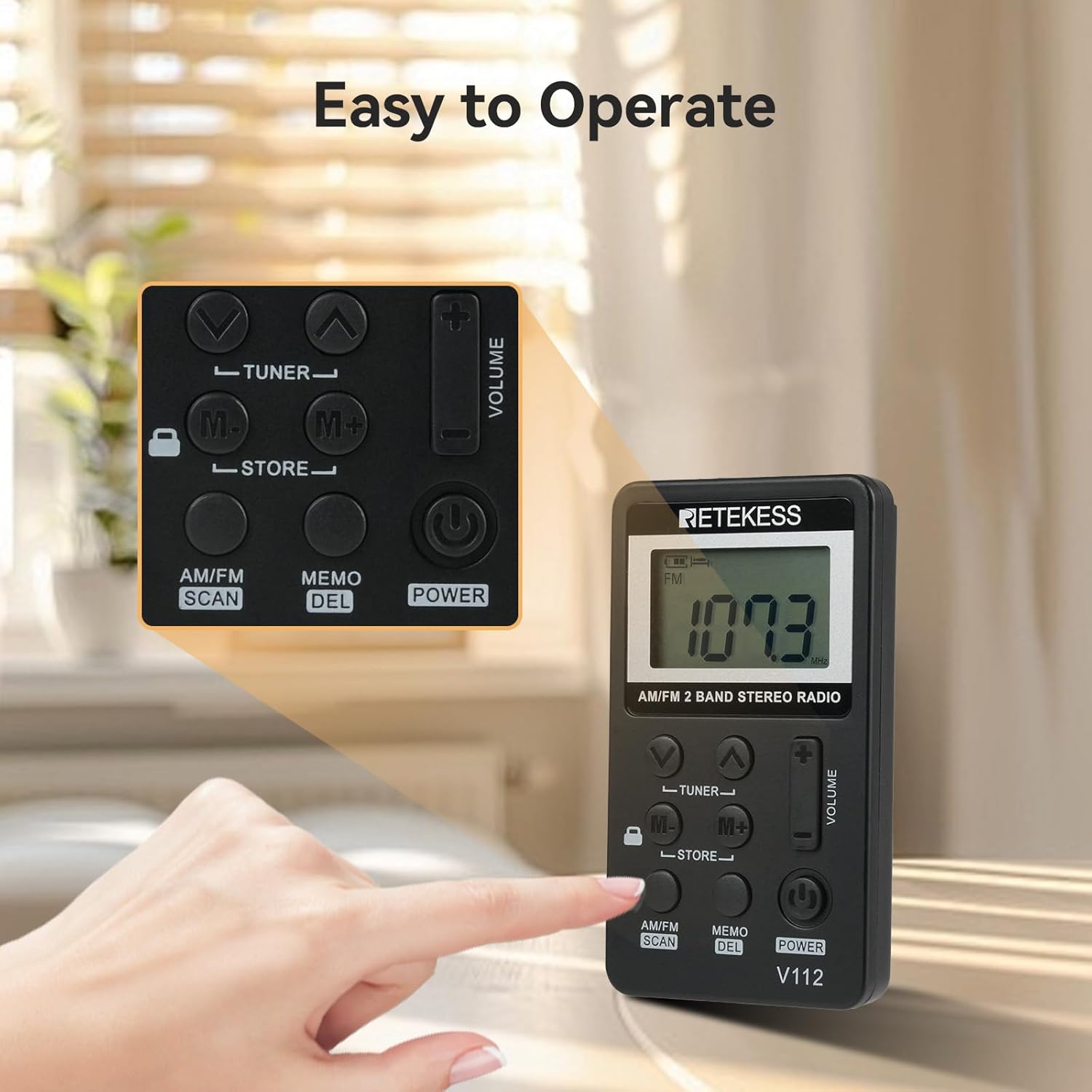
Image: A close-up view of the Retekess V112 radio, highlighting the control buttons and LCD screen.
4.1. Front Panel Controls
- POWER Button: Press to turn the radio on or off.
- AM/FM SCAN Button: Press to switch between AM and FM bands. Long press to initiate automatic station scanning and storage.
- MEMO/DEL Button: Press to store a station. Long press to delete a stored station.
- TUNER ▲/▼ Buttons: Press to manually tune the frequency up or down.
- M+/M- Buttons: Press to navigate through preset stations.
- VOLUME +/− Buttons: Adjust the listening volume.
- LOCK Switch: Slide to lock or unlock the buttons.
4.2. LCD Display

Image: A detailed view of the radio's LCD display, showing frequency and other indicators.
The LCD display shows the current frequency, battery level, AM/FM band indicator, stereo indicator (for FM), and sleep timer status.
5. Setup
5.1. Charging the Battery
The radio is equipped with a built-in rechargeable lithium battery. Before first use, fully charge the radio.
- Connect the supplied USB charging cable to the radio's charging port.
- Connect the other end of the USB cable to a USB power adapter (not included) or a computer's USB port.
- The battery indicator on the LCD will show charging status. It typically takes about 1.5 hours for a full charge.
- Once fully charged, disconnect the charging cable.
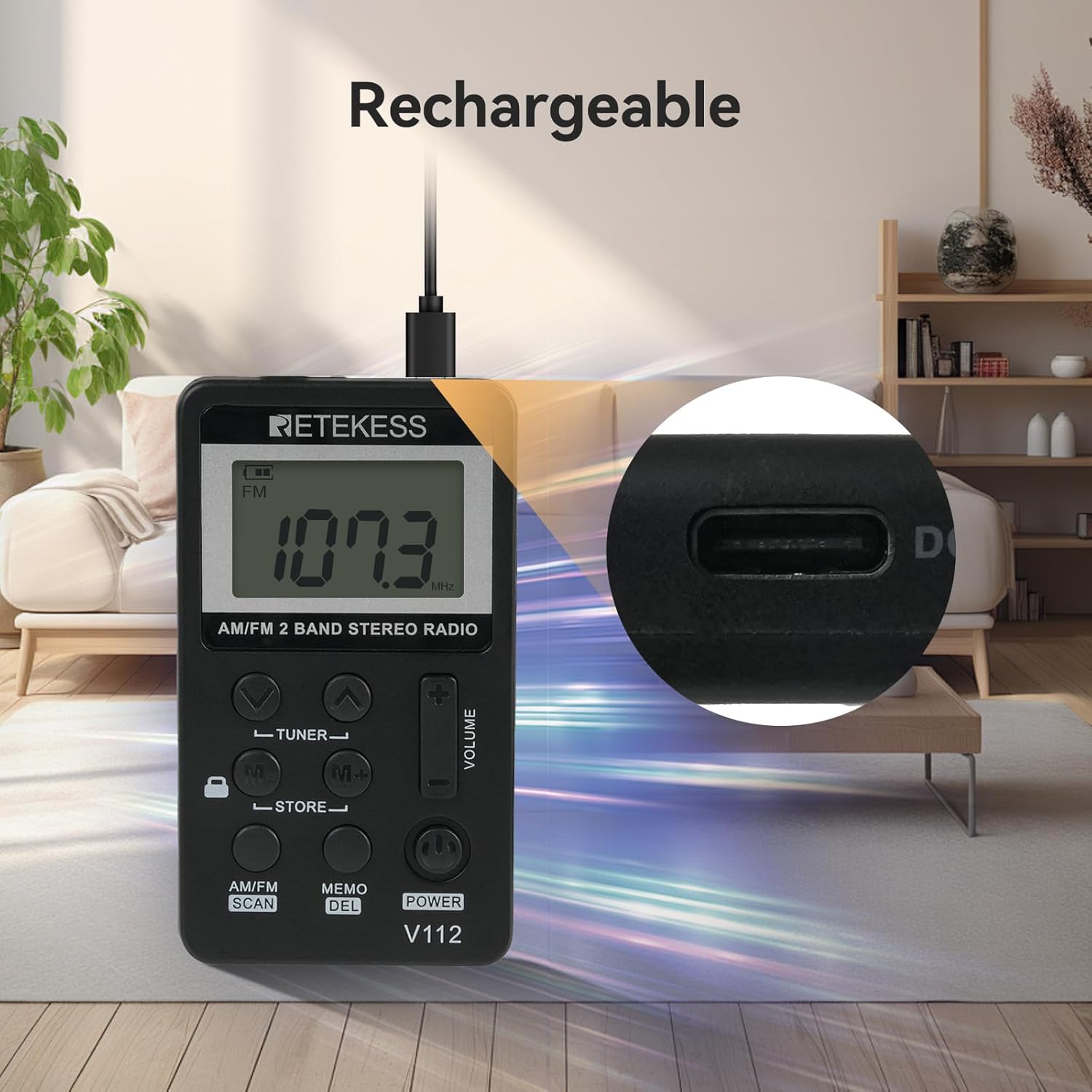
Image: The Retekess V112 radio being charged via its USB port, with a close-up of the charging port.
5.2. Connecting Earphones
The earphones serve as the FM antenna. For optimal reception, ensure the earphones are fully plugged into the 3.5mm jack.
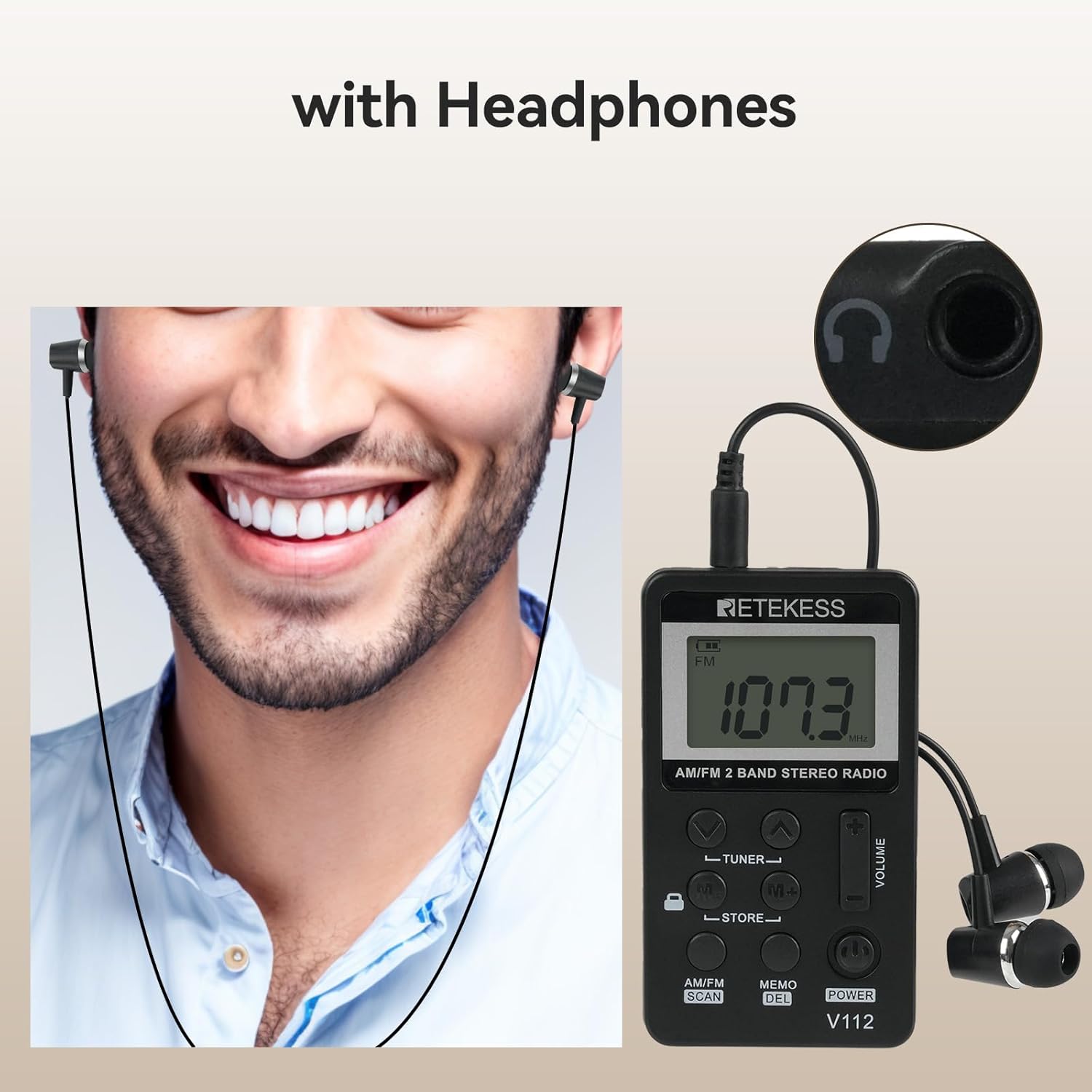
Image: A person wearing earphones connected to the Retekess V112 radio, illustrating the use of earphones for listening and as an antenna.
6. Basic Operation
6.1. Power On/Off
Press the POWER button to turn the radio on. Press it again to turn the radio off.
6.2. Volume Adjustment
Press the VOLUME + button to increase the volume. Press the VOLUME − button to decrease the volume. The volume level is displayed on the LCD.
6.3. Band Selection (AM/FM)
Press the AM/FM SCAN button to switch between AM and FM radio bands. The selected band will be indicated on the LCD.

Image: The Retekess V112 radio displaying an FM frequency, with visual arcs representing various broadcast categories like news, music, and sports.
6.4. Tuning Stations
Automatic Scan and Store:
- Long press the AM/FM SCAN button. The radio will automatically scan for available stations and store them into presets.
- The scanning process will stop once all available stations are found and stored.

Image: The Retekess V112 radio with an overlay highlighting the 'AM/FM SCAN' and 'STORE' buttons, indicating the automatic search and storage function.
Manual Tuning:
Press the TUNER ▲ or TUNER ▼ buttons to manually adjust the frequency step by step.
6.5. Preset Stations (Store/Recall)
Storing a Station:
- Tune to the desired station using manual tuning or automatic scan.
- Press the MEMO/DEL button once. The preset number will flash on the display.
- Use the M+/M- buttons to select the desired preset memory location.
- Press the MEMO/DEL button again to confirm and store the station.
Recalling a Stored Station:
Press the M+ or M- buttons to cycle through the stored preset stations.
6.6. Key Lock Function
Slide the LOCK switch (located on the side or front, depending on model revision) to the lock position to disable all buttons. This prevents accidental changes to settings or power-off when carrying the radio. Slide it back to unlock.

Image: The Retekess V112 radio with a highlighted lock icon, indicating the key lock function to prevent unintended button presses.
6.7. Sleep Timer
The radio features an automatic power-off function. If it does not work, it will turn off automatically after 90 minutes. This is a protection function. If you can turn on the radio again and keep listening, it means the battery is not the issue.
7. Maintenance
- Clean the radio with a soft, dry cloth. Do not use abrasive cleaners or solvents.
- Avoid exposing the radio to extreme temperatures, direct sunlight, dust, or moisture.
- Do not attempt to disassemble or modify the radio, as this will void the warranty and may cause damage.
- If the radio will not be used for an extended period, charge it periodically to maintain battery health.
8. Troubleshooting
| Problem | Possible Cause | Solution |
|---|---|---|
| No power/Radio won't turn on | Battery is depleted. | Charge the radio using the supplied USB cable. |
| Poor reception/Static | Earphones not fully plugged in or acting as antenna. Weak signal in current location. | Ensure earphones are fully inserted. Adjust earphone cable position. Try moving to a different location. |
| Buttons not responding | Key lock function is activated. | Slide the LOCK switch to the unlock position. |
| Cannot store presets | Incorrect procedure. | Follow the 'Storing a Station' steps carefully (Section 6.5). Press MEMO once, select slot, then press MEMO again. |
| Volume too loud at lowest setting | This is the minimum volume level for the device. | Consider using different earphones with lower sensitivity if needed for very quiet environments. |
9. Specifications
| Feature | Specification |
|---|---|
| Product Dimensions | 1.89 x 0.5 x 3.37 inches (48 x 13 x 85 mm) |
| Item Weight | 4.2 ounces (120g) |
| Model Number | V112 |
| Batteries | 1 Rechargeable 9V battery (included) |
| Connectivity Technology | Auxiliary (3.5mm earphone jack) |
| Tuner Technology | AM FM |
| Power Source | Battery Powered |
| Radio Bands Supported | AM/FM |
10. Safety Information
- Do not expose the radio to water or excessive moisture.
- Avoid dropping or subjecting the radio to strong impacts.
- Do not use the radio in environments with high temperatures or near flammable materials.
- To prevent hearing damage, avoid listening at high volume levels for extended periods.
- Dispose of the battery according to local regulations. Do not dispose of batteries in fire.
11. Warranty and Support
Retekess products are designed for reliability and performance. For warranty information or technical support, please refer to the contact details provided with your purchase or visit the official Retekess website. Please retain your proof of purchase for warranty claims.


