
Introduction
This manual provides detailed instructions for the setup, operation, and maintenance of your AT&T BL3107-4 DECT 6.0 4-Handset Cordless Phone system. This system offers advanced features such as Smart Call Blocker, Bluetooth Connect to Cell technology, and a digital answering system to enhance your communication experience.
Please read this manual thoroughly before using your new phone system to ensure proper functionality and to take full advantage of all available features.
What's in the Box
Your AT&T BL3107-4 package includes the following components:
- 1 x Base Unit
- 4 x Cordless Handsets
- 3 x Handset Chargers
- 4 x AC Adapters (for base unit and chargers)
- 1 x Telephone Line Cord
- 4 x Battery Packs (for handsets)
- 1 x Quick Start Guide

Image: The complete AT&T BL3107-4 system, including the base unit, four cordless handsets, and their respective charging cradles.
Setup
1. Connect the Base Unit
- Plug one end of the telephone line cord into the TEL LINE jack on the back of the base unit.
- Plug the other end of the telephone line cord into a telephone wall jack.
- Plug the small end of the base unit AC adapter into the POWER jack on the back of the base unit.
- Plug the large end of the AC adapter into an electrical outlet not controlled by a wall switch.
2. Install Handset Batteries
- Open the battery compartment cover on the back of each handset.
- Connect the battery pack plug into the jack inside the compartment, ensuring correct polarity.
- Place the battery pack inside the compartment.
- Close the battery compartment cover.
3. Charge Handsets
- Place each handset face forward into its respective charger or the base unit cradle.
- The CHARGE light on the handset will illuminate, indicating proper charging.
- Allow at least 10 hours for the batteries to fully charge before initial use.

Image: The AT&T BL3107-4 base unit with a handset, illustrating the charging position and overall design.
Operating Instructions
Making and Receiving Calls
- To Make a Call: Press CALL or any dial pad key, then dial the number.
- To Answer a Call: Press CALL or SPEAKER when the phone rings.
- To End a Call: Press OFF or place the handset back in the cradle.
Smart Call Blocker
The Smart Call Blocker feature helps screen and block unwanted calls. You can block up to 1,000 numbers.
- To Block a Call During a Ring: Press the CALL BLOCK button on the handset or base unit.
- To Block a Number from Caller ID History: Navigate to the Caller ID log, select the number, and press CALL BLOCK.
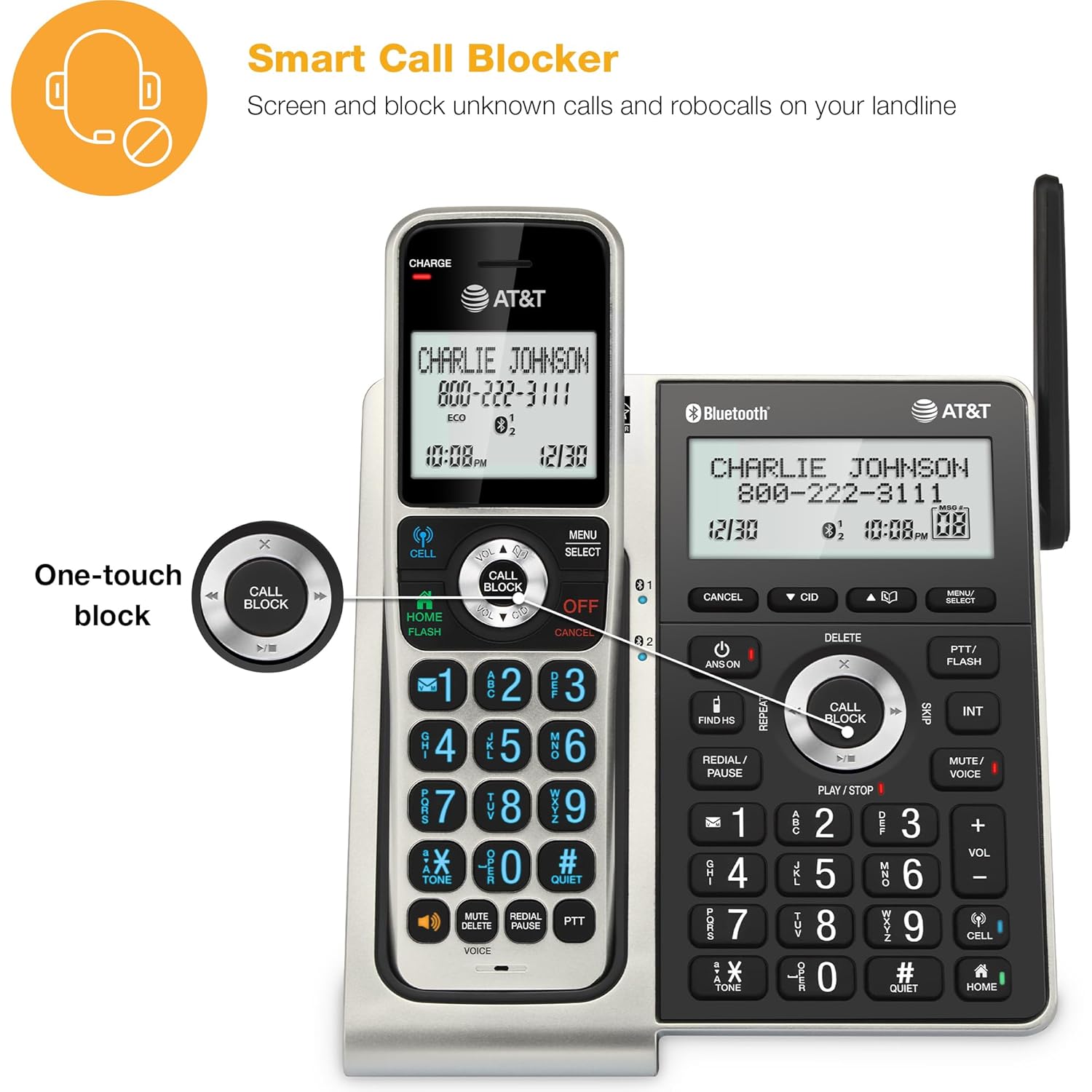
Image: The 'CALL BLOCK' button prominently displayed on both the handset and base unit for easy access.
Bluetooth Connect to Cell
Pair up to two cell phones or one cell phone and one Bluetooth headset to make and receive mobile calls on your cordless handsets.
- On the base unit, press MENU/SELECT.
- Scroll to Bluetooth and press SELECT.
- Select Add Cell and follow the on-screen prompts to pair your cell phone.
- Once paired, you can make and receive cell calls using any handset.
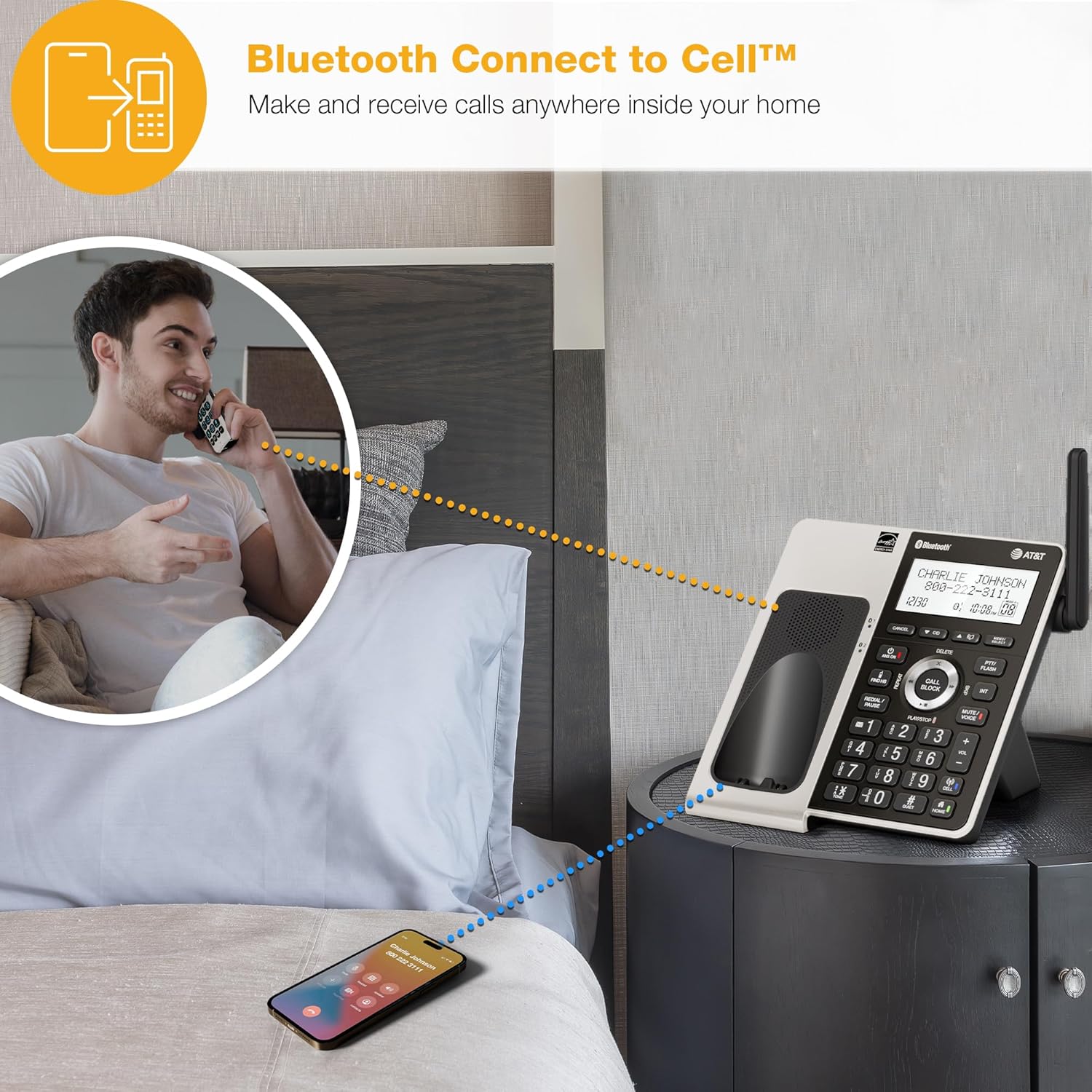
Image: A user making a call on a cordless handset, connected via Bluetooth to a nearby smartphone.
Digital Answering System
The integrated digital answering system records up to 22 minutes of messages and memos. It features a voice guide for easy setup and playback.
- To Turn On/Off: Press ANS ON/OFF on the base unit.
- To Play Messages: Press PLAY/STOP on the base unit.
- Voice Guide: Follow the voice prompts for initial setup and message management.
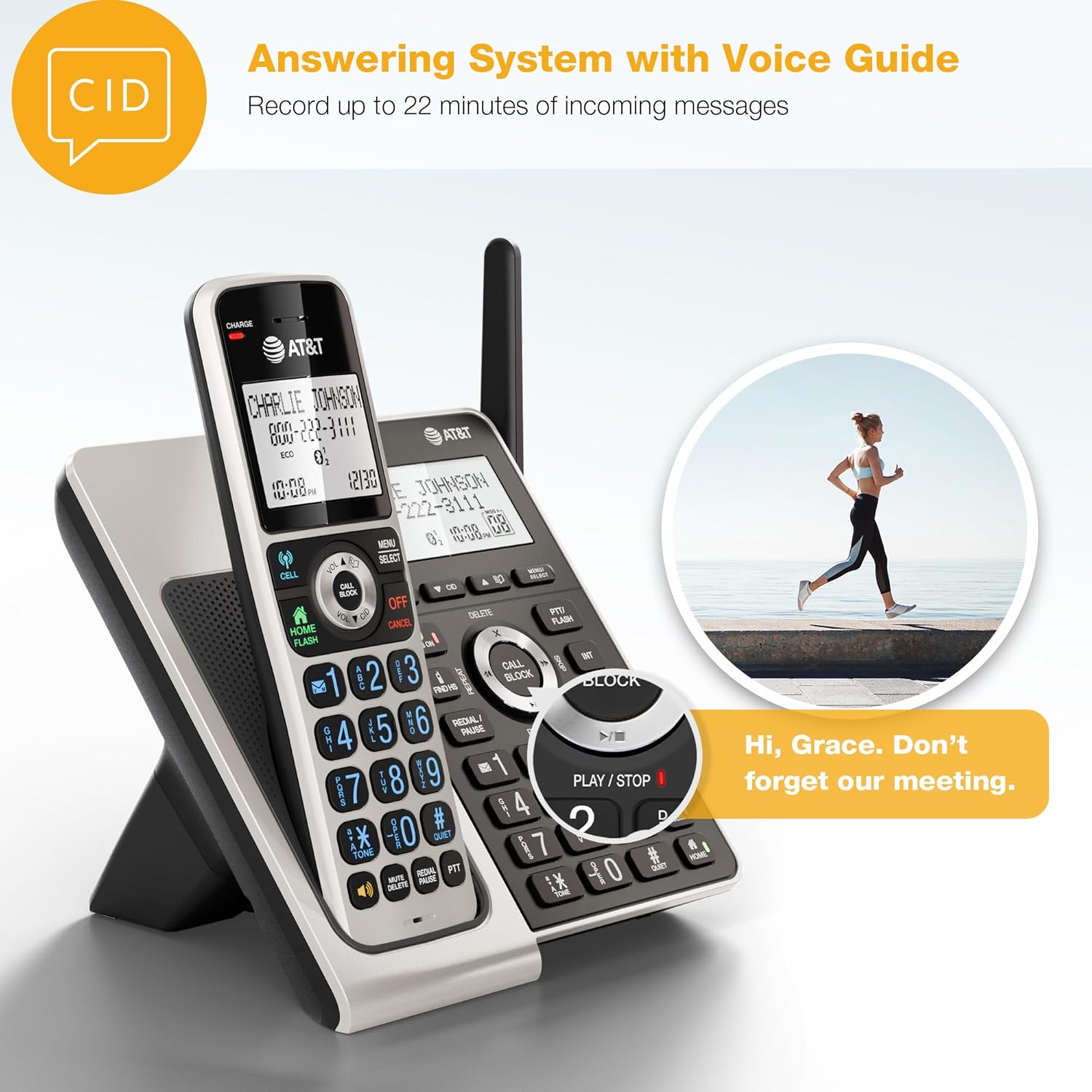
Image: The answering system controls on the base unit, including the Play/Stop button, with a visual cue of a message being played.
Intercom and Conference Calls
- Intercom: To call another handset, press INT on your handset and select the desired handset number.
- 3-Way Conference: During an external call, press INT, call another handset, and then press CONF to join all parties.

Image: A user demonstrating the Push-To-Talk (PTT) feature for intercom communication between handsets.
Maintenance
General Care
- Clean the phone and charger with a soft, damp cloth. Do not use cleaning sprays or harsh chemicals.
- Avoid placing the phone in direct sunlight or in areas with high humidity or extreme temperatures.
- Keep the phone away from sources of noise such as televisions, radios, or other electronic devices.
Battery Replacement
The handset batteries are rechargeable Ni-MH batteries. If the talk time or standby time decreases significantly, it may be time to replace the battery pack.
- Purchase a new battery pack of the same type and rating as the original.
- Follow the 'Install Handset Batteries' steps in the Setup section to replace the battery.
- Dispose of old batteries according to local regulations.
Troubleshooting
If you experience issues with your phone system, try the following common solutions:
- No Dial Tone: Ensure the telephone line cord is securely plugged into both the base unit and the wall jack. Check if the AC adapter is properly connected to the base unit and a working electrical outlet.
- Handset Not Charging: Verify the handset is correctly seated in its charger. Clean the charging contacts on both the handset and charger with a dry cloth. Ensure the charger's AC adapter is plugged in.
- Poor Audio Quality: Move the handset closer to the base unit. Avoid placing the phone near other electronic devices that may cause interference. Check your telephone line for any damage.
- Smart Call Blocker Not Working: Ensure the feature is enabled in the phone settings. Verify that the numbers you wish to block are correctly added to the block list.
- Bluetooth Connection Issues: Ensure your cell phone's Bluetooth is enabled and discoverable. Try unpairing and re-pairing your cell phone with the base unit.
- Answering System Problems: Check if the answering system is turned on. Ensure there is enough recording time available.
For more detailed troubleshooting, refer to the full user manual available on the AT&T support website.
Specifications
| Feature | Specification |
|---|---|
| Brand | AT&T |
| Model Number | BL3107-4 |
| Telephone Type | Cordless (DECT 6.0) |
| Number of Handsets | 4 |
| Color | Titanium & Black |
| Answering System Type | Digital |
| Recording Capacity | Up to 22 minutes |
| Power Source | Corded Electric |
| Number of Batteries | 4 Nonstandard Battery (included) |
| Compatible Devices | Smartphone (via Bluetooth) |
| Conference Call Capability | Basic (3-way) |
| Multiline Operation | Single-Line Operation |
| Phone Standby Time | 4 days |
| Item Weight | 1.61 kg |
| Item Dimensions (L x W x H) | 6.55 x 5.31 x 7.13 inches |
Warranty and Support
Warranty Information
The AT&T BL3107-4 Cordless Phone system comes with a 1-Year limited warranty from the date of purchase. This warranty covers defects in materials and workmanship under normal use. Please retain your proof of purchase for warranty claims.
Customer Support
For technical assistance, warranty service, or to obtain a full copy of the user manual, please visit the official AT&T support website or contact their customer service. You can find more information and support resources by visiting the AT&T Store on Amazon.


