
oraolo OE01
Oraolo OE01 Open Ear Headphones User Manual
Model: OE01
Introduction
Thank you for choosing Oraolo OE01 Open Ear Headphones. These headphones are designed to provide a comfortable and immersive audio experience while keeping you aware of your surroundings. Featuring Bluetooth 5.4 connectivity, 16.2mm large drivers for expansive sound, AI noise-canceling technology, and an IPX5 water-resistant design, the OE01 is perfect for various activities, from daily commutes to outdoor workouts.

Image: Oraolo OE01 Open Ear Headphones with their charging case, showcasing the sleek black design and open-ear hook style.
Package Contents
Please ensure all items are present in the package:
- Oraolo OE01 Open Ear Headphones ×1
- USB-C Charging Cable ×1
- User Manual ×1
Setup
1. Charging the Headphones
Before first use, fully charge your Oraolo OE01 headphones. Place the earbuds into the charging case and connect the USB-C charging cable to the case and a power source. The charging case provides extended battery life for your headphones.
- Charging Time: Approximately 2 hours for a full charge.
- Single Charge Playtime: Up to 8 hours.
- Total Playtime with Charging Case: Up to 32 hours.
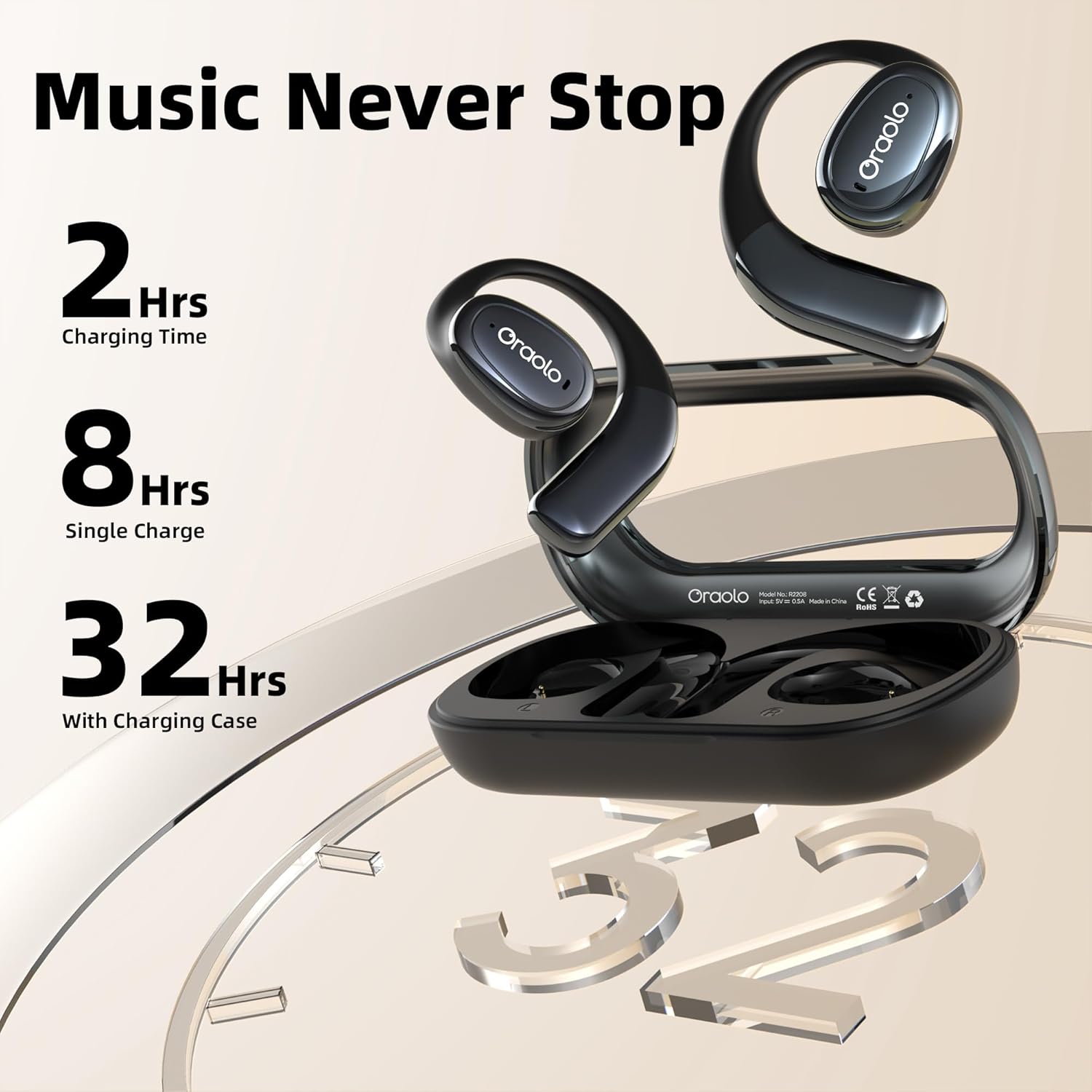
Image: A visual representation of the Oraolo OE01 headphones' battery life, showing 2 hours charging time, 8 hours single charge playtime, and 32 hours total playtime with the charging case.
2. Bluetooth Pairing
To connect your headphones to a device:
- Ensure the headphones are charged and taken out of the charging case. They will automatically enter pairing mode.
- On your device (smartphone, tablet, laptop), enable Bluetooth.
- Search for "Oraolo OE01" in the list of available Bluetooth devices.
- Select "Oraolo OE01" to connect. Once connected, you will hear a confirmation tone.
The headphones utilize Bluetooth 5.4 for stable and efficient wireless connections, compatible with any Bluetooth-enabled device.

Image: A stylized depiction of a Bluetooth 5.4 chip, illustrating the advanced connectivity technology within the headphones.
3. Wearing the Headphones
The Oraolo OE01 features an open-ear design for comfort and a secure fit. Gently place the ear hooks over your ears, ensuring the speaker part rests comfortably near your ear canal without entering it. Adjust for optimal comfort and sound.
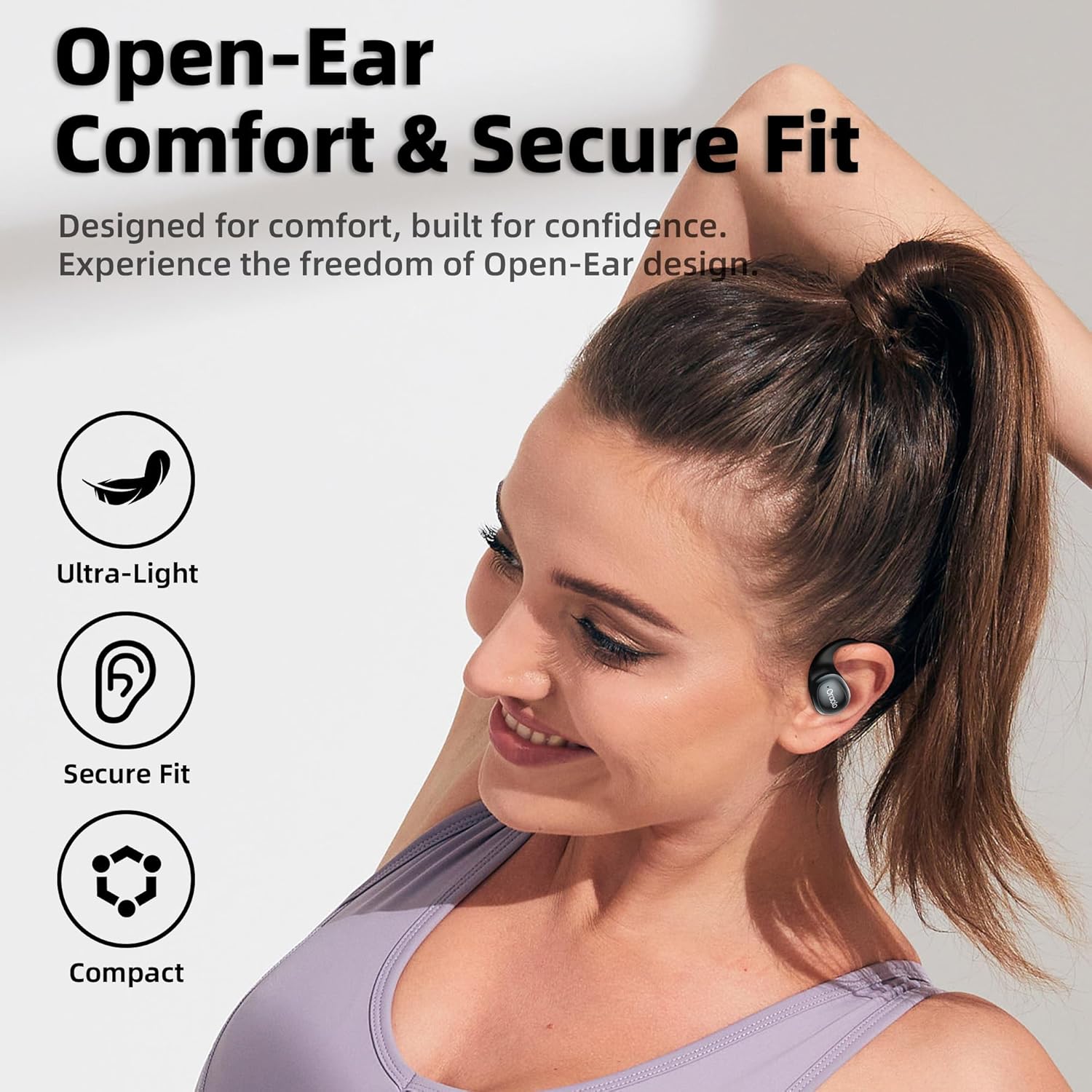
Image: A woman wearing the Oraolo OE01 Open Ear Headphones, demonstrating the comfortable and secure fit of the open-ear design during physical activity.
Operating Instructions
Smart Touch Controls
The Oraolo OE01 headphones are equipped with intuitive touch controls on each earbud. Refer to the diagram below for specific functions:
| Action | Function |
|---|---|
| Touch Once | Answer/End Call, Play/Pause Music |
| Press 2 Seconds | Reject Call |
| Touch Triple (R) | Next Track |
| Touch Triple (L) | Previous Track |
| Touch Twice (R) | Volume Up |
| Touch Twice (L) | Volume Down |
| Touch 6 Times (R/L) | Reset |
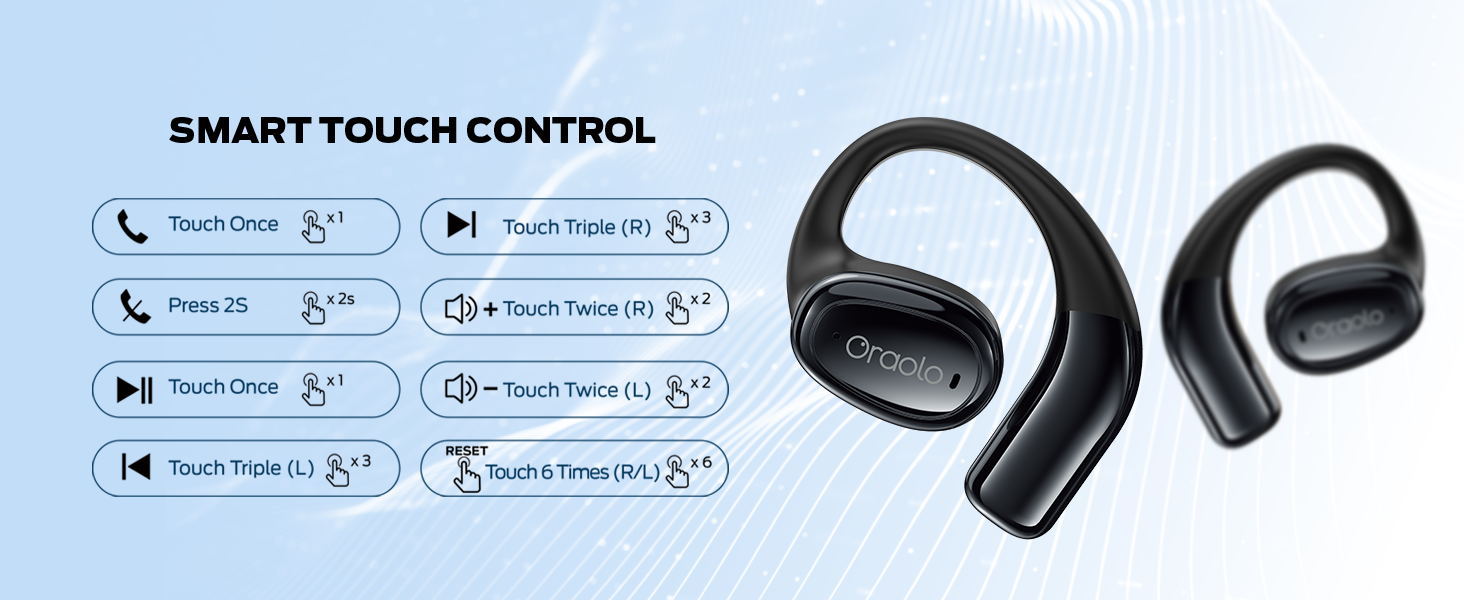
Image: A detailed diagram illustrating the various touch control functions on the Oraolo OE01 headphones, including call management, music playback, volume control, and reset.
AI Noise-Canceling
The built-in AI noise-canceling technology with dual microphones actively reduces background noise, ensuring crystal-clear conversations even in noisy environments. This feature is designed to enhance call quality by monitoring surrounding sounds and generating an opposite signal to cancel them out.

Image: A visual demonstrating the AI noise-canceling capability, showing users in different environments (cafe, park) experiencing clear audio despite background noise.
Immersive Awareness
The open-ear design allows you to stay connected to your surroundings while enjoying your audio. This is particularly beneficial for outdoor activities, commuting, or any situation where situational awareness is crucial for safety.

Image: A cyclist wearing Oraolo OE01 headphones, illustrating how the open-ear design allows them to hear approaching vehicles and stay safe during outdoor activities.
Sound Quality
Experience an expansive soundstage with the 16.2mm large drivers. These drivers deliver rich bass and crisp highs, bringing every nuance of your music to life with clarity.
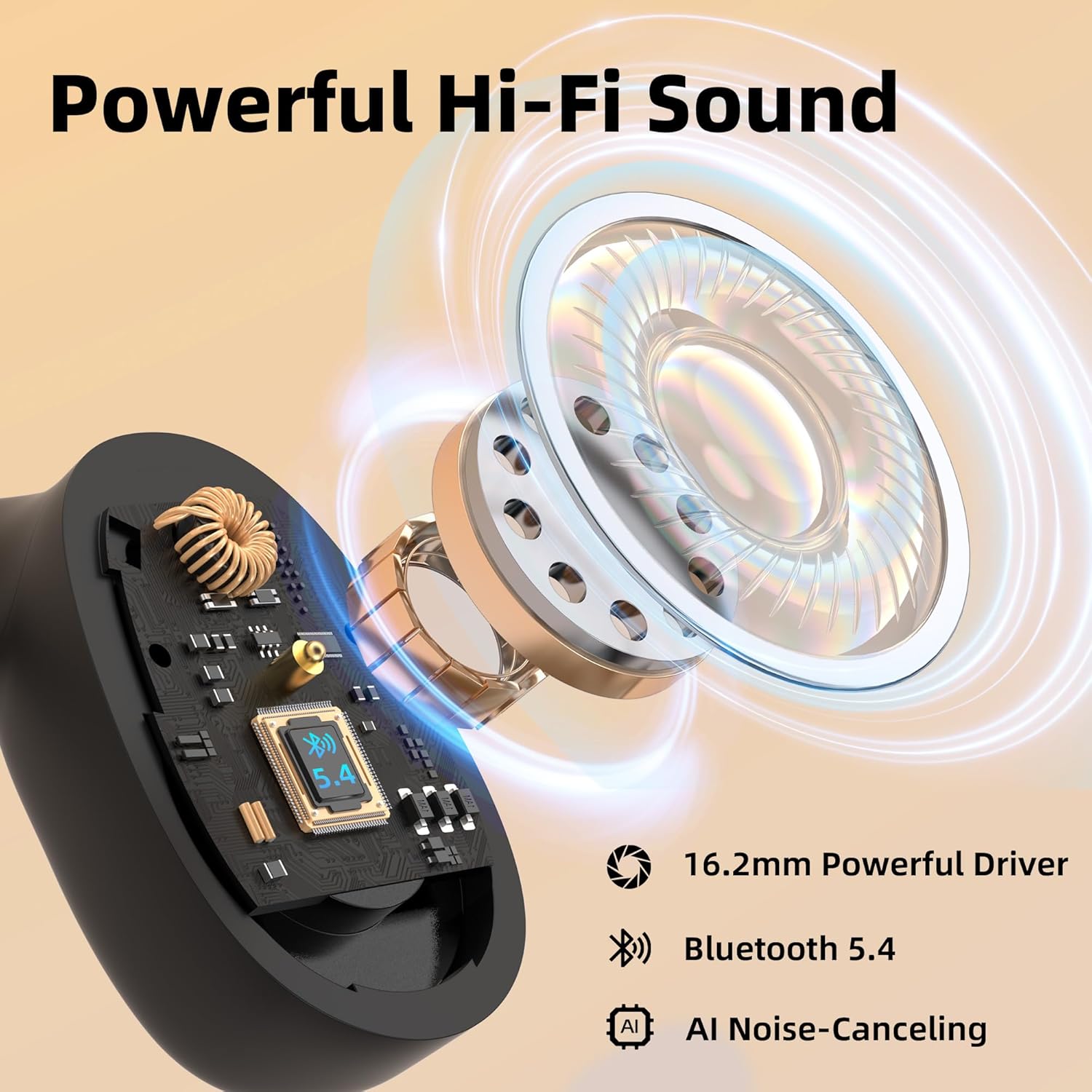
Image: A cutaway view of the 16.2mm large driver within the Oraolo OE01 headphones, highlighting its components and emphasizing powerful Hi-Fi sound, Bluetooth 5.4, and AI Noise-Canceling features.
Maintenance
Cleaning
To maintain optimal performance and hygiene, regularly clean your headphones. Use a soft, dry, lint-free cloth to wipe the earbuds and charging case. Avoid using abrasive cleaners, solvents, or aerosol sprays.
Water Resistance (IPX5)
The Oraolo OE01 headphones are rated IPX5 water-resistant, meaning they can withstand splashes and sweat. They are suitable for workouts and light rain. However, they are not designed for submersion in water or exposure to pressurized water jets. Do not wear them while swimming or showering.
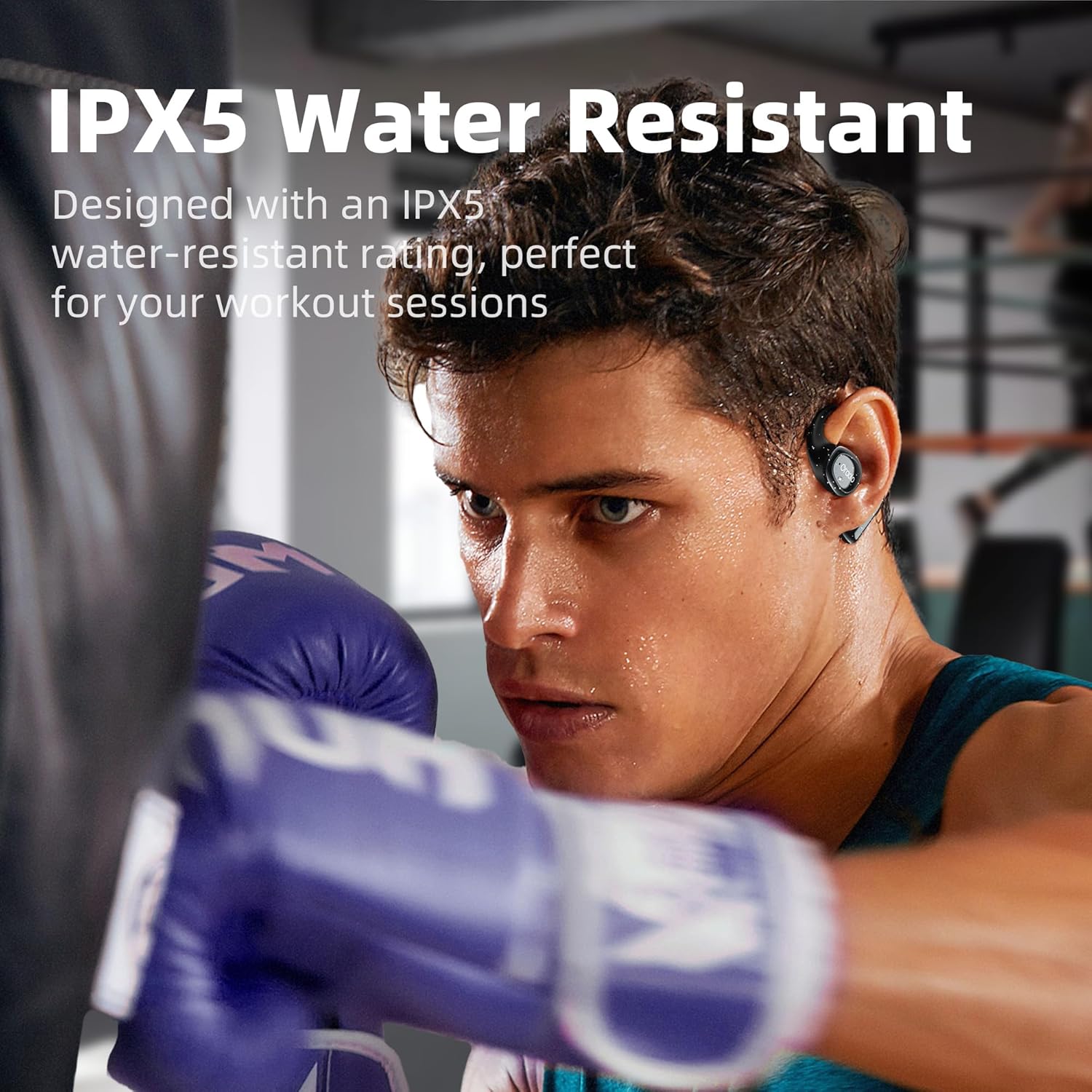
Image: A man boxing while wearing Oraolo OE01 headphones, demonstrating their IPX5 water-resistant design, suitable for intense workout sessions and resisting sweat.
Storage
When not in use, store the headphones in their charging case to protect them from dust and damage. Store in a cool, dry place away from extreme temperatures.
Troubleshooting
If you encounter issues with your Oraolo OE01 headphones, please refer to the following common solutions:
- No Sound or Intermittent Connection:
- Ensure headphones are fully charged.
- Check if Bluetooth is enabled on your device and the headphones are connected.
- Move closer to your device to avoid interference (maximum operating distance is 10 meters).
- Try unpairing and re-pairing the headphones with your device.
- Perform a factory reset (Touch 6 times on either earbud).
- Poor Call Quality (e.g., "bad for calls"):
- Ensure the microphones are not obstructed.
- Check your device's call volume settings.
- Move to a quieter environment if AI noise-canceling is struggling with very loud background noise.
- Low Volume (e.g., "weakest volume"):
- Increase the volume using the touch controls (Touch Twice R) and on your connected device.
- Ensure the headphones are positioned correctly on your ears for optimal sound delivery.
- Headphones Do Not Fit Properly (e.g., "Doesn’t sit by ear canal properly"):
- Adjust the ear hooks to find a comfortable and secure position. The open-ear design means they rest outside the ear canal.
- Headphones Not Charging:
- Ensure the USB-C cable is securely connected to both the charging case and the power source.
- Check if the charging contacts on the earbuds and inside the case are clean and free of debris.
- Try a different charging cable or power adapter.
Specifications
| Feature | Detail |
|---|---|
| Model Name | OE01 Open Ear Headphones |
| Connectivity Technology | Wireless (Bluetooth 5.4) |
| Ear Placement | Open Ear |
| Driver Size | 16.2mm |
| Noise Control | AI Noise-Canceling (Active Noise Cancellation for calls) |
| Water Resistance Level | IPX5 (Water Resistant) |
| Battery Life (Single Charge) | Up to 8 Hours |
| Total Battery Life (with Case) | Up to 32 Hours |
| Charging Time | Approx. 2 Hours |
| Maximum Operating Distance | 10 Meters |
| Included Components | User Manual, Oraolo OE01 Open Ear Headphones ×1, USB-C charging Cable ×1 |
| Material | Plastic |
| Batteries Required | Yes (1 Lithium Ion battery included) |
Warranty and Support
For warranty information or technical support, please refer to the documentation included with your purchase or contact Oraolo customer service directly. Specific warranty terms and support contact details are typically provided by the manufacturer or seller at the time of purchase.
You may also visit the official Oraolo website for the latest support information and FAQs.
Ask a question about this manual
Ask about setup, troubleshooting, compatibility, parts, safety, or missing instructions. Manuals+ will review the question and use this page’s manual context to help answer it.