
Introduction
Thank you for choosing the Promate AirClip True Wireless Open-Ear Clip Earbuds. This manual provides essential information for setting up, operating, and maintaining your new earbuds. Please read it thoroughly before use to ensure optimal performance and longevity of your device.
Package Contents
Ensure all items are present in your package:
- 1x Promate AirClip Open TWS Earbuds
- 1x Charging Case
- 1x Charging Cable
- 1x User Manual
Product Overview
The Promate AirClip earbuds feature an innovative Open Wearable Stereo (OWS) technology with an ergonomic open-ear clip design for comfortable and stable wear. They incorporate IntelliTouch controls for easy management of audio and calls, and AudioFit™ technology for a secure fit during various activities.

Image: Promate AirClip earbuds and charging case, highlighting the Open Wearable Stereo (OWS) and clip-on design.

Image: A person wearing an AirClip earbud, illustrating the open ear design, ergonomic fit, lightweight nature, and stable AudioFit technology.
Setup
1. Charging the Earbuds and Case
Before first use, fully charge the AirClip earbuds and their charging case. The charging case has a 500mAh battery, and each earbud has a 50mAh battery. A full charge takes approximately 2 hours and provides up to 6 hours of playback for the earbuds, extending to 28 hours with the charging case.
- Connect the provided charging cable to the charging port on the case and a USB power source.
- The indicator lights on the case will show the charging status.
- Place the earbuds into the charging case to charge them.
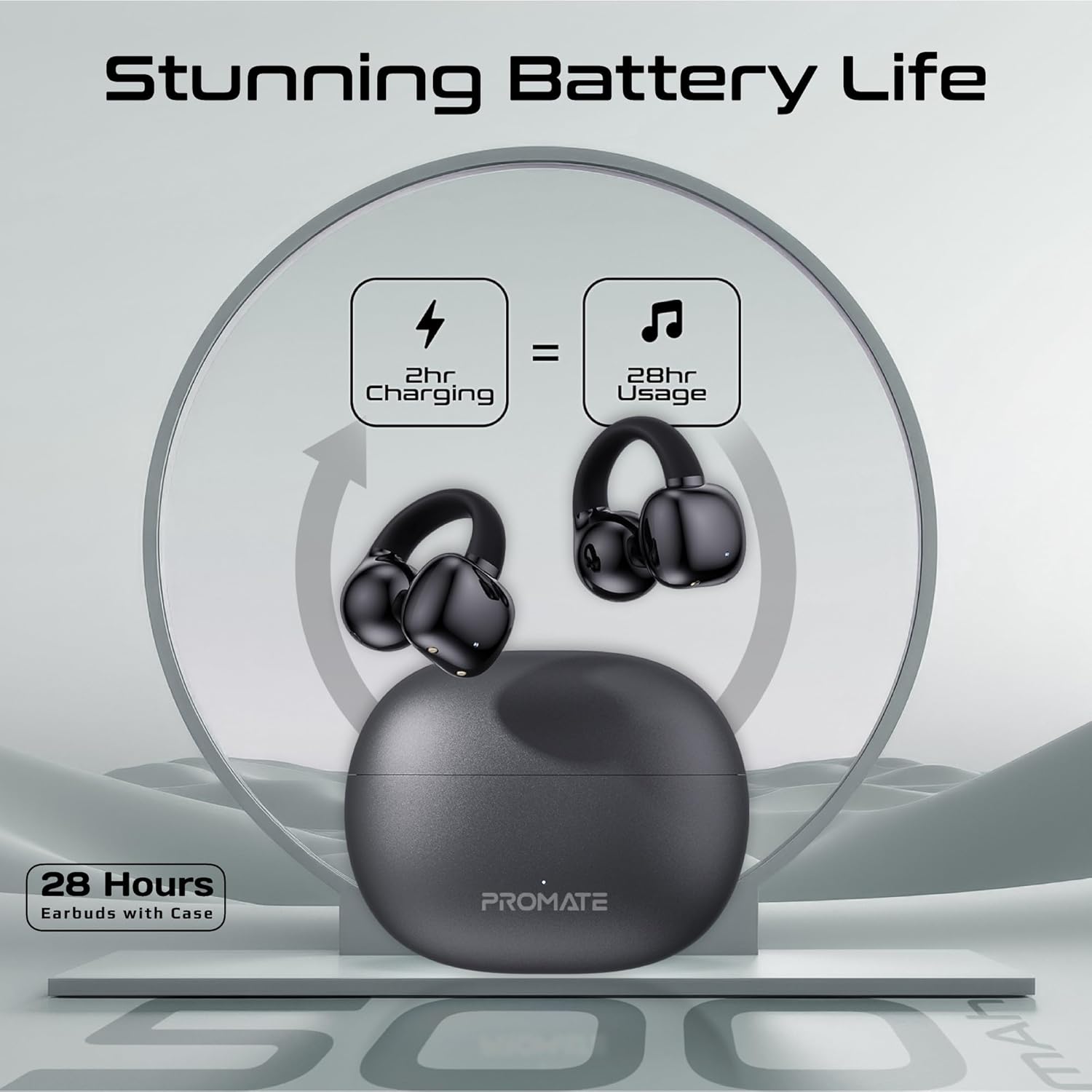
Image: Graphic illustrating the charging process and battery life, showing 2 hours of charging provides 28 hours of usage with the case.
2. Pairing with a Device
The AirClip earbuds use Bluetooth 5.3 for a stable wireless connection.
- Open the charging case. The earbuds will automatically enter pairing mode.
- On your device (smartphone, tablet, etc.), enable Bluetooth.
- Search for "Promate AirClip" in the list of available Bluetooth devices and select it to connect.
- Once paired, the earbuds will automatically connect to your device when removed from the case and Bluetooth is enabled.
Dual Pairing Mode: The AirClip supports dual pairing, allowing you to connect to two devices simultaneously. This enables seamless switching between work calls on one device and music on another.
Operating Instructions
The AirClip earbuds feature IntelliTouch controls for easy operation.

Image: A user demonstrating touch control on the Promate AirClip earbud.
1. Power On/Off
- Power On: Open the charging case, and the earbuds will power on automatically. Alternatively, long-press the touch area on both earbuds for 3 seconds.
- Power Off: Place the earbuds back into the charging case and close the lid. Alternatively, long-press the touch area on both earbuds for 5 seconds.
2. Music Playback
- Play/Pause: Single tap on either earbud.
- Next Track: Double tap on the right earbud.
- Previous Track: Double tap on the left earbud.
- Volume Up: Triple tap on the right earbud.
- Volume Down: Triple tap on the left earbud.
3. Call Management

Image: AirClip earbuds next to a phone showing an incoming call, highlighting crystal clear calls and high-definition microphone.
- Answer/End Call: Single tap on either earbud.
- Reject Call: Long-press on either earbud for 2 seconds.
4. Voice Assistant
- Activate Voice Assistant: Long-press on the left earbud for 2 seconds.
5. Game Mode
The AirClip features a low-latency game mode for an enhanced gaming experience.
- Toggle Game Mode: Long-press on the right earbud for 2 seconds.

Image: AirClip earbuds with a phone displaying a gaming scene, indicating low latency for gaming.
Maintenance
1. Cleaning
- Gently wipe the earbuds and charging case with a soft, dry, lint-free cloth.
- Do not use harsh chemicals, cleaning solvents, or strong detergents.
- Avoid getting moisture into any openings.
2. Storage
- When not in use, store the earbuds in their charging case to protect them and keep them charged.
- Store in a cool, dry place, away from extreme temperatures and direct sunlight.
The AirClip earbuds are IPX4 water-resistant, meaning they are protected against splashing water from any direction. This makes them suitable for outdoor activities and workouts, but they are not designed for submersion in water.

Image: AirClip earbuds and case with water droplets, illustrating IPX4 water resistance.
Troubleshooting
If you encounter any issues with your Promate AirClip earbuds, refer to the following common solutions:
| Problem | Solution |
|---|---|
| Earbuds not pairing with device. |
|
| No sound from earbuds. |
|
| Earbuds not charging. |
|
| Intermittent connection. |
|
Specifications
| Model Name | AirClip |
| Bluetooth Version | 5.3 |
| Bluetooth Frequency Range | 2.402GHz - 2.480GHz |
| Operating Distance | <10m |
| Earbuds Battery Capacity | 50mAh * 2 |
| Charging Case Battery Capacity | 500mAh |
| Charging Time | 2 Hours |
| Playback Time (Earbuds) | Up to 6 hours |
| Total Playback Time (with Case) | Up to 28 hours |
| Standby Time | 100 Hours |
| Audio Driver Size | 12mm |
| Impedance | 16 Ohms |
| Speaker Frequency | 50-5KHz |
| Mic Sensitivity | -38dB±1.5 |
| Water Resistance | IPX4 |
| Control Type | Touch |
| Material | Polycarbonate (PC) |
| Item Weight (Earbuds + Case) | 100g |
| Manufacturer | Promate Technologies |
| Country of Origin | China |
Warranty and Support
Promate products are designed with quality and reliability in mind. For information regarding warranty coverage and customer support, please refer to the warranty card included in your package or visit the official Promate website. Keep your purchase receipt as proof of purchase for warranty claims.
For further assistance, please contact Promate customer support through their official channels.
