
1. Introduction
This manual provides comprehensive instructions for the installation, use, and maintenance of your Bruni crystal clear screen protector, specifically designed for the Wiseasy P5L SSK device. Please read these instructions carefully before proceeding with the installation to ensure optimal performance and longevity of the product.

Image 1.1: Bruni screen protector product overview.
2. Package Contents
Verify that all items listed below are included in your package:
- Bruni Screen Protective Film (2X)
- Mounting Tool
- Microfiber Cleaning Cloth
- Installation Instructions (printed)

Image 2.1: Illustration of the items included in the Bruni screen protector package.
3. Setup: Installation Guide
Follow these steps for a bubble-free and precise application of the screen protector. It is recommended to perform the installation in a dust-free environment.
- Prepare the Device Screen: Using the provided microfiber cloth, thoroughly clean the Wiseasy P5L SSK screen. Ensure there are no dust particles, smudges, or fingerprints. A clean screen is crucial for a perfect application.
- Align the Screen Protector: Carefully peel off a small portion of the protective layer from the screen protector (refer to the printed instructions for specific guidance on which layer to remove first). Align the exposed edge of the screen protector with one edge of your device's screen. Ensure precise alignment with all cutouts (e.g., camera, sensors) before proceeding.
- Apply and Smooth: Slowly peel off the remaining protective layer while simultaneously applying the screen protector to the device screen. Use the provided mounting tool (squeegee) to gently push out any air bubbles towards the edges as you apply. If bubbles persist, gently lift the nearest edge of the protector and re-apply, smoothing it down.

Image 3.1: Visual guide for the screen protector installation process.
The Bruni screen protector is designed for easy, bubble-free application and can be removed or repositioned if necessary during installation without leaving residue.
4. Operating: Usage and Features
Once installed, the Bruni screen protector provides enhanced protection and maintains the original functionality of your Wiseasy P5L SSK device. Key features include:
- Sensitive Touch: Optimized for touch displays, ensuring unadulterated display content and no impairment of usability. It offers fast, highly sensitive, and precise touch response.
- Crystal Clarity: Made from highly transparent PET material, the film ensures crystal clear viewing with no color attenuation, preserving the true colors of your device's display.
- Scratch Resistance: The film is designed to be scratch-resistant, protecting your device screen from daily wear and tear from objects like keys.
- Easy Installation: Designed for simple, bubble-free application.
- Made in Germany: Manufactured with precision and quality standards.

Image 4.1: Demonstrating the sensitive touch functionality.

Image 4.2: Illustrating the crystal clear display and true color representation.

Image 4.3: Highlighting the scratch-resistant properties.
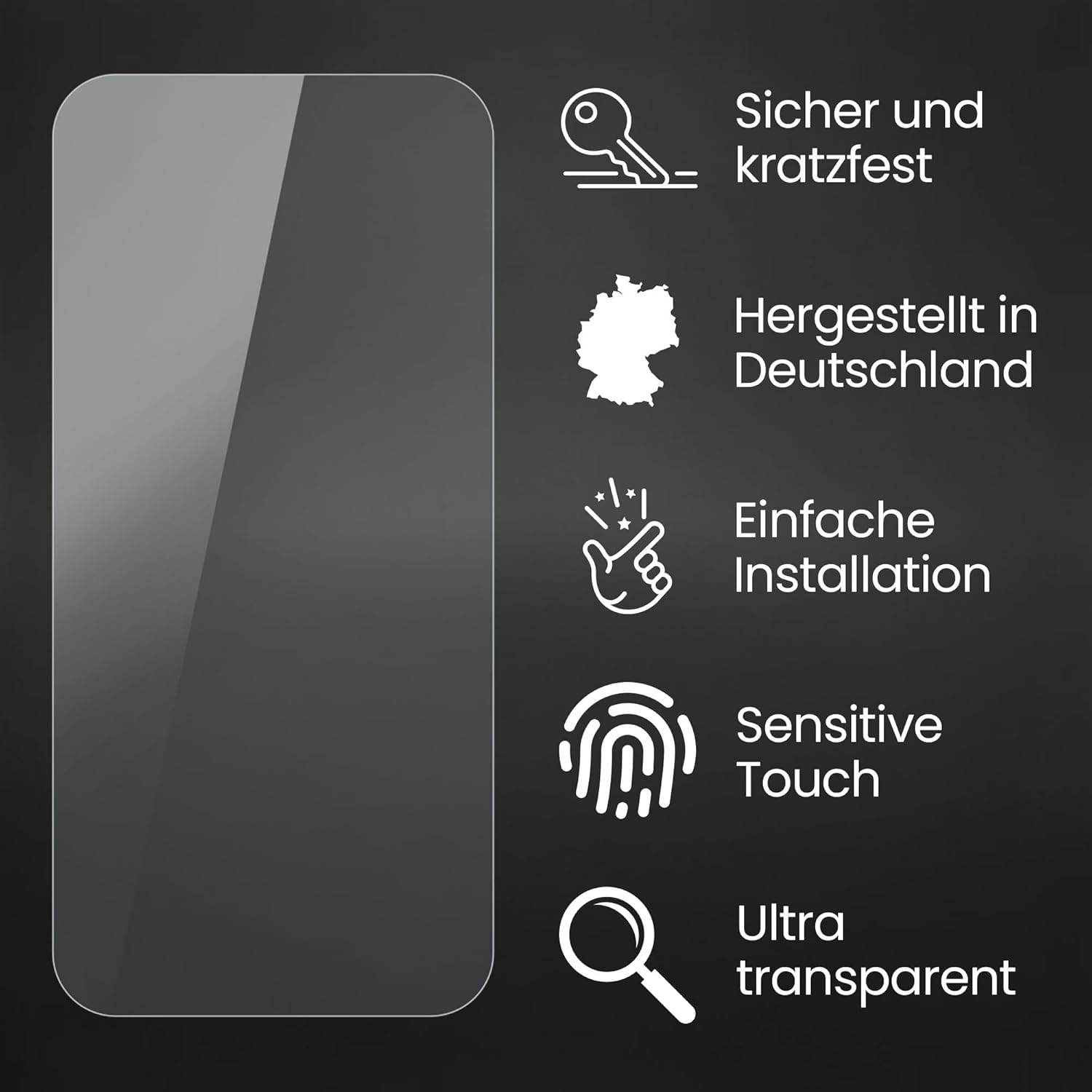
Image 4.4: Summary of key features.
5. Maintenance
To maintain the clarity and effectiveness of your Bruni screen protector, follow these simple cleaning guidelines:
- Use the provided microfiber cloth or a similar soft, lint-free cloth to gently wipe the screen protector.
- For stubborn smudges, lightly dampen the cloth with water or a screen-safe cleaning solution. Avoid harsh chemicals or abrasive materials, as these can damage the film.
- Do not apply excessive pressure when cleaning, as this could potentially dislodge the protector or damage the device screen.
6. Troubleshooting
If you encounter any issues during or after installation, refer to the following common solutions:
- Bubbles: Small bubbles often disappear within 24-48 hours. For larger bubbles, gently lift the nearest edge of the screen protector and re-apply, using the mounting tool to push the air out towards the edges.
- Dust Particles: If dust is trapped under the protector, carefully lift the nearest corner with a piece of tape. Use another piece of tape to dab and remove the dust particle from both the screen and the adhesive side of the protector. Re-apply carefully.
- Misalignment: If the protector is misaligned, gently peel it off completely and re-start the installation process from step 1 (cleaning the screen). The glue-free film allows for repositioning.
- Edge Adhesion: Ensure the screen edges are clean and free of dust. Press firmly along the edges with the mounting tool to secure optimal adhesion.
7. Specifications
| Feature | Detail |
|---|---|
| Brand | Bruni |
| Compatible Device | Wiseasy P5L SSK |
| Model Number | Bruni Basics-Clear 4053664320478 |
| Material | Polyethylenterephthalat (PET) |
| Item Hardness | 4H |
| Finish Type | Glossy |
| Screen Surface | Smooth |
| Special Features | Made in Germany, Residue-free removable, Very easy to apply, Crystal clear |
| Film Dimensions (L x W) | 6.3" x 3.9" |
| Package Weight | 0.388 ounces |
8. Warranty Information
Specific warranty details for Bruni products are typically provided with the product packaging or can be found on the official Bruni website. Please refer to these sources for the most accurate and up-to-date warranty information regarding your screen protector.
9. Support
For further assistance, technical support, or inquiries regarding your Bruni screen protector, please visit the manufacturer's official website or contact their customer service department. Contact information is usually available on the product packaging or the manufacturer's website.