
1. Introduction
The Novzix TikTok Scrolling Ring S29 is a versatile wireless Bluetooth remote control designed to enhance your mobile experience. It offers convenient control over various smartphone functions, including scrolling through social media, remote camera operation, e-book page turning, and music playback. This device is compatible with iOS 15 and Android 8 or later versions.
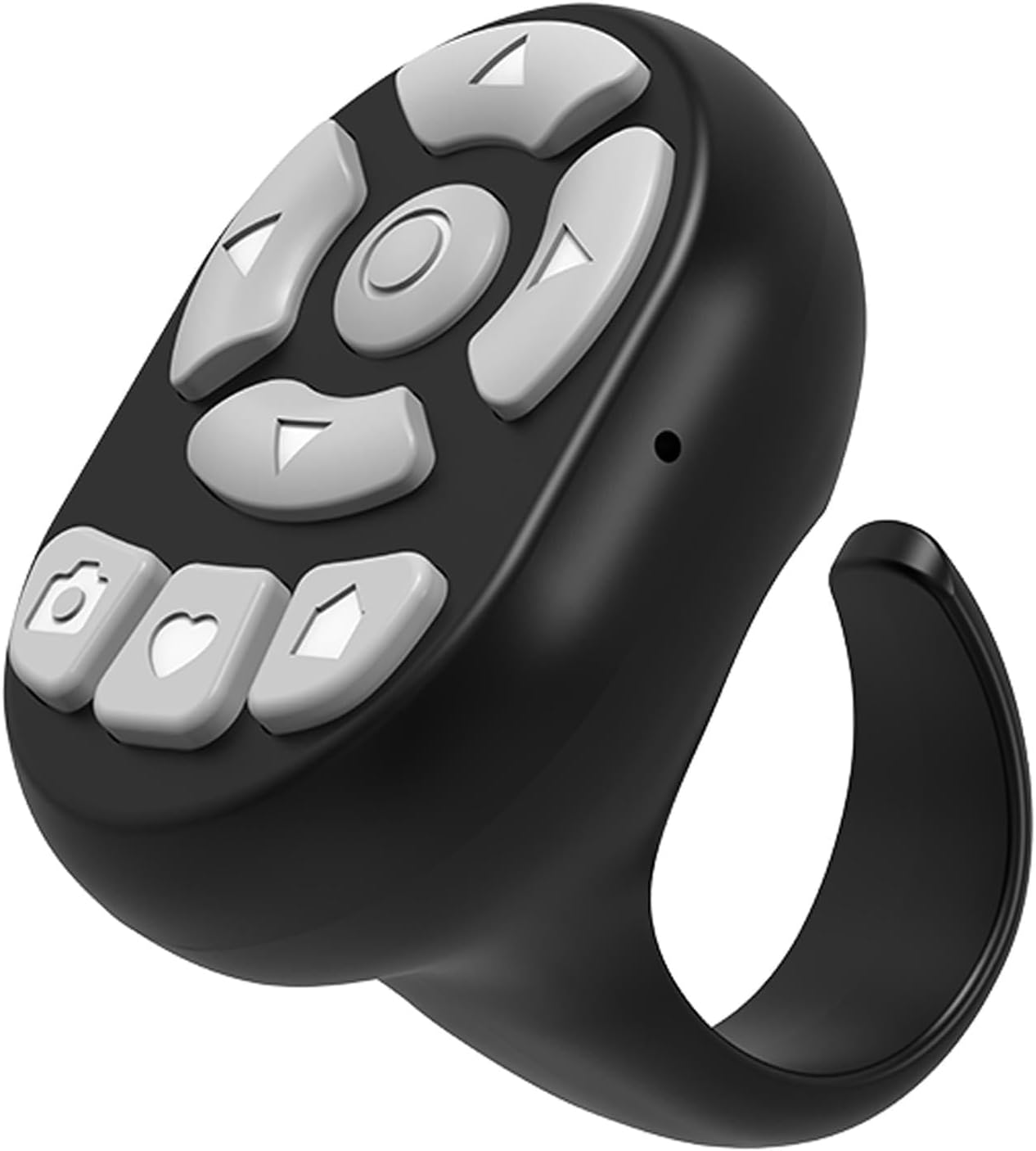
Figure 1: Novzix TikTok Scrolling Ring S29
Key Features:
- One-Click TikTok Scrolling: Effortlessly navigate TikTok content without touching your screen.
- Remote Camera Shutter: Capture photos and videos remotely, ideal for selfies and group shots.
- 8 Multi-Function Buttons: Intuitive controls for various social media and media functions.
- Broad Compatibility: Supports iOS 15+ and Android 8+ devices with fast Bluetooth pairing.
- All-Day Battery Life: Built-in high-efficiency battery for extended continuous use.
2. Setup and Pairing
2.1. Bluetooth Pairing
- Power On: Press and hold the power button on the device for 3 seconds. The indicator light will flash, indicating it has entered pairing mode.
- Connect via Bluetooth: On your phone, go to Settings > Bluetooth and select "S22" (or similar model name) to connect.

Figure 2: Quick Setup for Bluetooth Pairing
2.2. iOS Specific Settings (AssistiveTouch)
For iOS devices, it is essential to enable AssistiveTouch for full functionality of the scrolling ring. This allows the ring to simulate touch gestures on your screen.
- Go to Settings > Accessibility > Touch > AssistiveTouch.
- Toggle AssistiveTouch to the ON position.
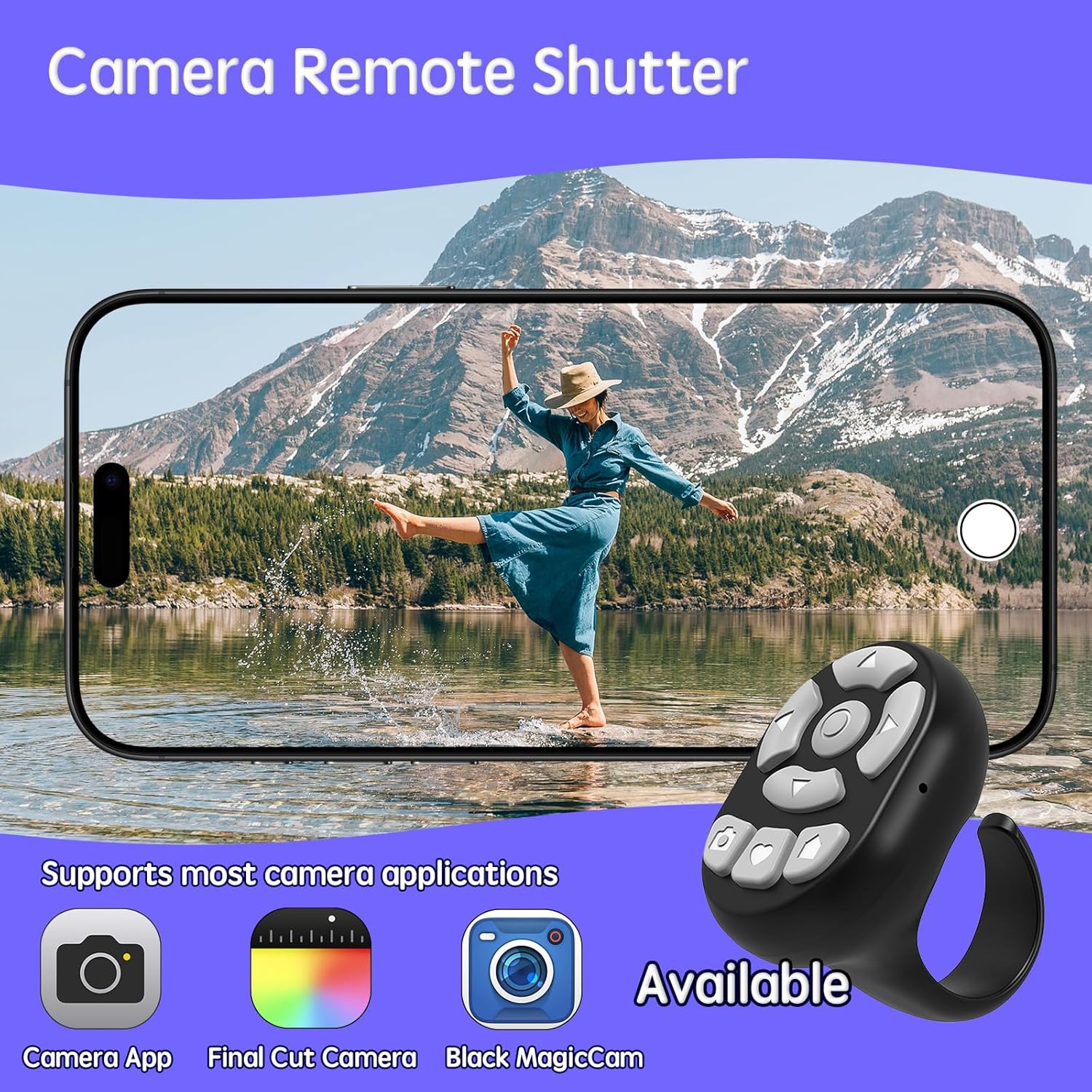
Figure 3: Important Note for iOS Users

Figure 4: Step-by-step guide to enable AssistiveTouch

Figure 5: Activating AssistiveTouch
2.3. Video Guides for Setup
Video 1: Quick Start Guide for Android devices, demonstrating the pairing process and initial setup.
Video 2: Quick Start Guide for iOS devices, showing Bluetooth pairing and essential iOS settings.
3. Operating Instructions
3.1. TikTok and Social Media Scrolling
Use the directional buttons to scroll up or down through your TikTok feed or other social media applications. Double-click the 'Like' button to quickly like content.
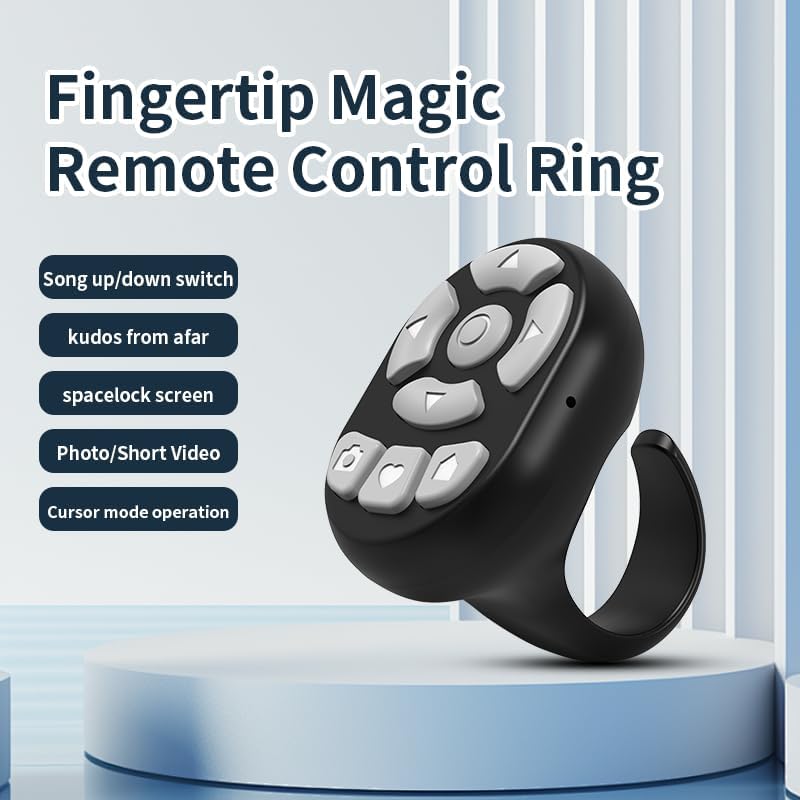
Figure 6: Multi-function buttons for TikTok scrolling, liking, play/pause, and volume control.
Video 3: Demonstration of TikTok scrolling and liking using the remote control ring.
3.2. Remote Camera Shutter
Activate your phone's camera app. Use the designated camera button on the ring to remotely trigger the shutter for photos or start/stop video recording. This is useful for capturing moments without needing to touch your phone.

Figure 7: Using the ring as a remote camera shutter.
3.3. E-book Page Turning
For compatible e-reading applications, use the directional buttons to turn pages forward or backward. Note that this feature may not be compatible with all e-reader apps, such as Kindle devices.
Figure 8: Page turning functionality for e-books.
3.4. Music Remote Control
Control your music playback by using the ring's buttons to play/pause, skip tracks (previous/next), and adjust the volume up or down. This function is compatible with most music streaming applications.
Figure 9: Controlling music playback with the ring.
4. Maintenance
4.1. Charging
The Novzix TikTok Scrolling Ring S29 features a built-in high-efficiency battery. Charge the device using the provided Type-C cable. A full charge provides a full day of continuous use.
Figure 10: Location of the charging port on the device.
5. Troubleshooting
5.1. Connectivity Issues
- Ensure the device is fully charged.
- Verify Bluetooth is enabled on your smartphone and the ring is in pairing mode.
- If the device does not appear in the Bluetooth list, try restarting your phone and the ring.
- If previously paired, try unpairing and re-pairing the device.
5.2. iOS Functionality Problems
- Confirm that AssistiveTouch is enabled in your iOS settings (Settings > Accessibility > Touch > AssistiveTouch).
- Ensure your iOS version is 15.4 or higher for optimal compatibility.
5.3. App Compatibility
- While compatible with most e-reading apps, the device is not compatible with Kindle devices.
- Some applications may require specific settings or may not fully support all remote functions.
6. Specifications
| Feature | Detail |
|---|---|
| Brand | Novzix |
| Model Number | TikTok Scrolling S29 |
| Item Weight | 0.88 ounces |
| Package Dimensions | 3.15 x 2.01 x 1.1 inches |
| Special Feature | Lightweight |
| Max Number of Supported Devices | 1 |
| Compatible Devices | iPhone iOS 15.4 Above, Android 8.0 Above |
7. Warranty and Support
For warranty information or technical support, please refer to the product packaging or contact Novzix customer service directly. Keep your purchase receipt for any warranty claims.