
Fila SW10-Black
Fila Smart Watch SW10-Black User Manual
Model: SW10-Black | Brand: Fila
1. Product Overview
The Fila Smart Watch SW10-Black is a versatile wearable device designed to enhance your daily life with smart connectivity and comprehensive health and fitness tracking. It features a 2.01-inch display, Bluetooth calling capabilities, and a wide array of sports modes, making it suitable for both active individuals and those seeking convenient smart features.

Image: Front view of the Fila Smart Watch SW10-Black, showcasing its rectangular display and black silicone strap.
2. Package Contents
Please verify that all items are present in your product package:
- Fila Smart Watch (SW10-Black)
- Charging Cable
- User Manual
- Watch Band

Image: The Fila Smart Watch, charging cable, user manual, and watch band laid out next to the product box.
3. Getting Started
3.1. Charging the Device
Before first use, fully charge your Fila Smart Watch. Connect the magnetic charging cable to the charging points on the back of the watch and plug the USB end into a power adapter (not included) or a computer's USB port. A full charge typically takes approximately 2 hours.

Image: The Fila Smart Watch with a charging icon and a green dashed circle indicating power, illustrating its long-lasting power capability.
3.2. Downloading the App
To unlock all features and synchronize data, download the "FILA S-WATCH" app from your smartphone's app store (Google Play Store for Android or Apple App Store for iOS).
3.3. Pairing the Smartwatch
- Ensure Bluetooth is enabled on your smartphone.
- Open the "FILA S-WATCH" app and follow the on-screen instructions to add a new device.
- Select "SW10-Black" from the list of available devices.
- Confirm the pairing request on both your smartphone and the smartwatch.
4. Operating Your Smartwatch
4.1. Navigating the Interface
The Fila Smart Watch features a full-touch capacitive screen for easy navigation. Swipe left/right, up/down, and tap to interact with menus and functions. The side button typically serves as a power button, back button, or to access the main menu.

Image: The Fila Smart Watch showcasing its vibrant and clear display, highlighting the visual quality of the screen.
4.2. Bluetooth Calling
Once paired, you can make and answer calls directly from your smartwatch. Access the call function from the main menu, dial numbers, or select contacts. The watch uses its built-in microphone and speaker for communication.

Image: A man exercising, wearing the Fila Smart Watch, with a speech bubble indicating the Bluetooth call function.
4.3. Smart Notifications
Receive notifications for calls, messages, and social media apps (e.g., Facebook, Twitter, WhatsApp) directly on your wrist. Configure notification settings within the "FILA S-WATCH" app to customize which alerts you receive.

Image: A smartphone and the Fila Smart Watch both displaying a Facebook message notification, demonstrating the smart notification feature.
4.4. Health Monitoring
The smartwatch provides continuous monitoring of key health metrics:
- Heart Rate: Real-time heart rate tracking throughout the day.
- Sleep Monitor: Analyzes sleep patterns, including deep sleep, light sleep, and awake times.
- Blood Oxygen (SpO2): Measures blood oxygen saturation levels.
View detailed data and trends in the "FILA S-WATCH" app.

Image: The Fila Smart Watch displaying a heart rate measurement of 128 BPM, alongside a smartphone showing activity data, illustrating health tracking capabilities.
4.5. Sports Modes
Choose from over 100 sports modes to accurately track your workouts. Select a mode before starting an activity to record specific metrics like duration, calories burned, and heart rate during exercise. You can manage and customize the available sports modes via the "FILA S-WATCH" app.

Image: The Fila Smart Watch showing a list of exercise modes, including walking and running, with icons representing various sports activities.
4.6. Music Control
Control music playback on your connected smartphone directly from your watch. Play, pause, skip tracks, and adjust volume without needing to take out your phone.

Image: The Fila Smart Watch screen showing a music player interface with play/pause and skip buttons, indicating BLE music control functionality.
4.7. Camera Control
Use your smartwatch as a remote shutter for your smartphone's camera. This feature is useful for taking group photos or selfies from a distance.

Image: The Fila Smart Watch screen displaying a camera icon and "Bluetooth Camera Control" text, indicating its remote camera control feature.
4.8. AI Voice Assistant
Utilize the integrated AI voice assistant for hands-free commands and easy operation. Activate the assistant and speak your commands for various functions.

Image: The Fila Smart Watch screen showing an AI voice assistant interface with a microphone icon and "Talk After Tap" prompt.
4.9. Weather Updates
Stay informed with real-time weather forecasts displayed directly on your watch. Ensure your watch is connected to your smartphone for updated weather information.

Image: The Fila Smart Watch screen displaying current weather conditions, including temperature and cloudiness, for a specific city.
4.10. Timers and Alarms
Set countdown timers, multiple alarms, and use the stopwatch function for precise time management during workouts or daily tasks.

Image: A man exercising, wearing the Fila Smart Watch, visually representing the utility of multiple timers and alarms for precise time management.
4.11. Find My Phone
If your paired smartphone is misplaced, use the "Find My Phone" feature on your smartwatch to make your phone ring, helping you locate it quickly.

Image: The Fila Smart Watch screen displaying a radar-like interface with "Find Phone" text, illustrating the phone location feature.
5. Maintenance
5.1. Cleaning Your Smartwatch
Regularly clean your smartwatch and strap to prevent skin irritation and maintain device hygiene. Use a soft, lint-free cloth. If necessary, slightly dampen the cloth with water. Avoid harsh chemicals or abrasive materials.
5.2. Water Resistance (IP67)
The Fila Smart Watch is IP67 water-resistant, meaning it can withstand immersion in up to 1 meter of water for 30 minutes. It is suitable for daily use and can resist splashes, rain, and brief immersion. However, it is not recommended for swimming, showering with hot water, or diving, as steam and high water pressure can compromise the seals.
5.3. Battery Care
To prolong battery life, avoid exposing the watch to extreme temperatures. Charge the device regularly, but avoid leaving it fully charged or completely depleted for extended periods. The watch is equipped with a 250mAh battery, providing up to 7 days of typical use on a single charge.
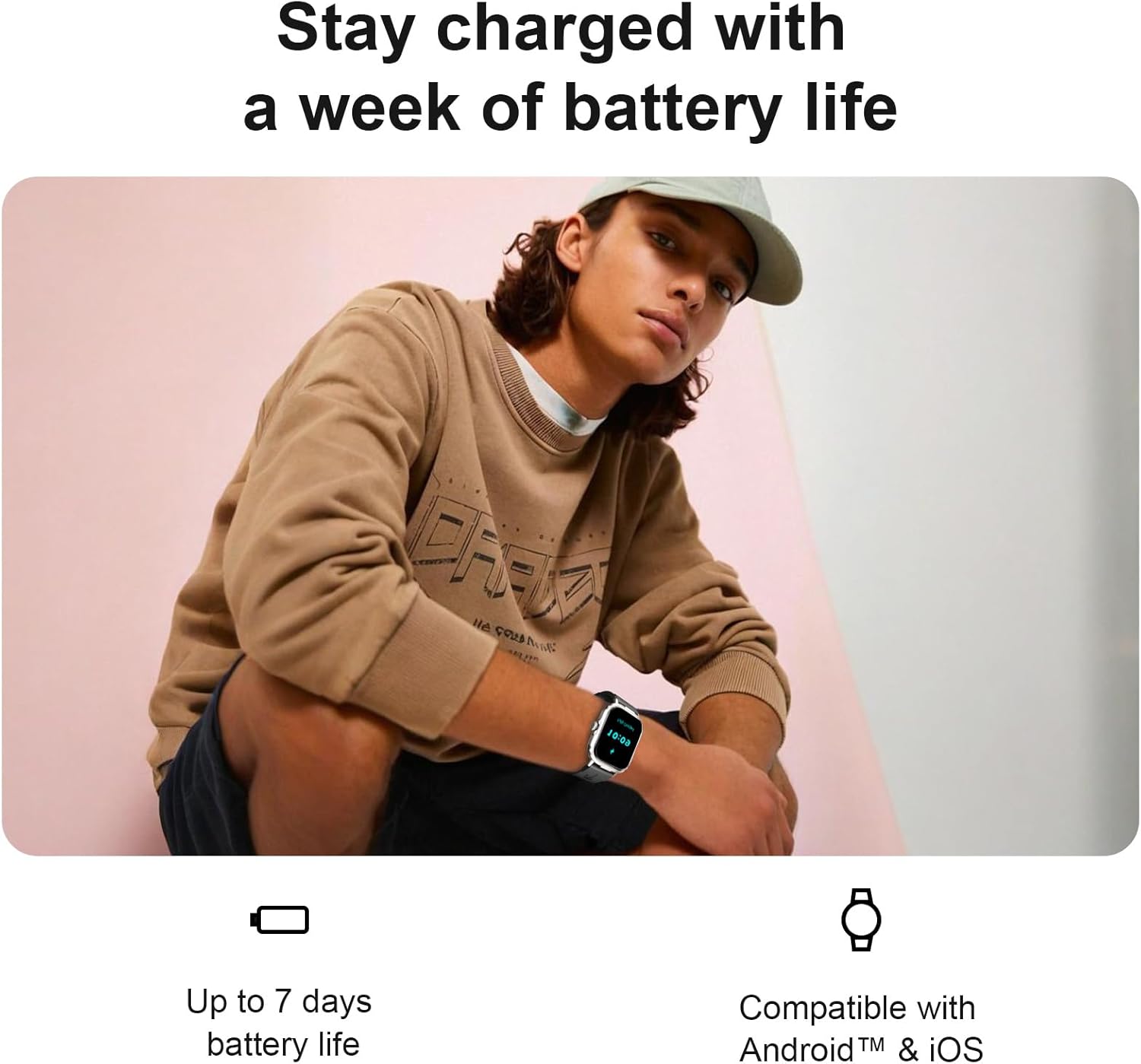
Image: A person wearing the Fila Smart Watch, with text indicating the device can stay charged for up to a week, emphasizing its battery efficiency.
6. Troubleshooting
6.1. Watch Not Turning On
- Ensure the watch is fully charged. Connect it to the charger for at least 30 minutes.
- Press and hold the side button for 10-15 seconds to perform a forced restart.
6.2. Connectivity Issues (Bluetooth)
- Make sure Bluetooth is enabled on your smartphone and the watch is within range.
- Restart both your smartphone and the smartwatch.
- Forget the device in your phone's Bluetooth settings and re-pair it through the "FILA S-WATCH" app.
6.3. Inaccurate Health Data
- Ensure the watch is worn snugly on your wrist, about one finger's width above the wrist bone.
- Keep the sensor on the back of the watch clean and free from debris.
- Environmental factors and movement can affect readings; ensure you are still during measurements.
6.4. Notifications Not Appearing
- Check notification permissions for the "FILA S-WATCH" app in your phone's settings.
- Ensure the app is running in the background and not being closed by battery optimization settings.
- Verify that notifications are enabled for specific apps within the "FILA S-WATCH" app.
7. Specifications
| Feature | Detail |
|---|---|
| Model Number | SW10-Black |
| Display Size | 2.01 Inches |
| Connectivity | Bluetooth |
| Battery Capacity | 250 Milliamp Hours |
| Battery Life | Up to 7 days (typical use) |
| Water Resistance | IP67 |
| Operating System | Wear OS 3.0 |
| Memory Storage Capacity | 64 MB |
| Item Weight | 7.8 ounces |
| Product Dimensions | 6.1 x 4.33 x 1.69 inches |
| Supported Languages | English, Italian, Spanish, French, German |
8. Warranty and Support
Your Fila Smart Watch SW10-Black comes with a standard manufacturer's warranty. Please refer to the warranty card included in your package for specific terms and conditions. For technical support, troubleshooting assistance, or warranty claims, please contact Fila customer service through the contact information provided on the official Fila website or within the "FILA S-WATCH" app.
Ask a question about this manual
Ask about setup, troubleshooting, compatibility, parts, safety, or missing instructions. Manuals+ will review the question and use this page’s manual context to help answer it.