Introduction
This manual provides essential instructions for the safe and effective use of your RDSJ 6800mAh replacement lithium-ion battery. This battery is designed to be compatible with various robot vacuum cleaner models, including HONITURE Q6, Q6 Pro, Q6 Se, AIRROBO T10+, T9, Philips FC8972, Haier TAB-T530S, and Zoozee Z50. Please read this manual thoroughly before installation and use.

Image: The RDSJ 6800mAh replacement battery shown with a small screwdriver and cleaning brush, indicating tools for installation.
Safety Instructions
- Do not disassemble, crush, puncture, or dispose of in fire.
- Do not use if the battery shows signs of swelling or damage.
- Keep the battery away from high temperatures and direct sunlight.
- Do not immerse the battery in water or other liquids.
- Use only with compatible robot vacuum cleaners as specified in this manual.
- Keep out of reach of children and pets.
- Dispose of used batteries according to local regulations.

Image: The replacement battery highlighting its built-in protection features: over-charge, over-discharge, over-current, over-temperature, short-circuit, and over-voltage protection.
Setup and Installation
- Unboxing: Carefully remove the replacement battery and any included tools from the packaging.
- Power Off Robot Vacuum: Ensure your robot vacuum cleaner is completely powered off and disconnected from its charging base before proceeding.
- Locate Battery Compartment: Refer to your robot vacuum's original manual to locate and open the battery compartment. This is typically on the underside of the device.
- Remove Old Battery: Disconnect the old battery's connector and carefully remove it from the compartment.
- Verify Connector Type: Before installing the new battery, confirm that its connector matches the one in your robot vacuum.

Image: Detailed view of the battery's white connector, emphasizing the need to match it with the vacuum's port.
- Install New Battery: Insert the new RDSJ battery into the compartment, ensuring it fits securely. Connect the battery's plug firmly into the vacuum's port.
- Close Compartment: Close the battery compartment cover and secure it if necessary.
- Initial Charge: Place the robot vacuum on its charging base to allow the new battery to fully charge before its first use. This may take several hours.
Operating and Charging
Once installed and fully charged, your robot vacuum can operate normally. The RDSJ battery is designed for efficient performance and fast charging.
- Regular Charging: For optimal battery life, allow the robot vacuum to return to its charging base after each cleaning cycle.
- Avoid Deep Discharge: While the battery has over-discharge protection, consistently running the battery to 0% before recharging can reduce its overall lifespan.
- Charging Time: The initial charge may take longer. Subsequent charges will vary based on the battery's depletion level.
Maintenance and Storage
- Long-Term Storage: If the battery will not be used for an extended period (e.g., several months), charge it to approximately 50-60% before storing. Store in a cool, dry place away from direct sunlight.
- Periodic Recharging: For stored batteries, recharge to 50-60% every 3-6 months to prevent deep discharge and maintain battery health.
- Cleaning: Keep the battery and its contacts clean and free of dust. Use a dry cloth for cleaning.

Image: A bar graph illustrating the battery's low self-discharge rate, retaining 80% capacity after one year of non-use.
Troubleshooting
- Battery Not Charging:
- Ensure the battery is correctly installed and the connector is firmly seated.
- Verify the robot vacuum's charging base is powered and functioning.
- Check for any debris on the charging contacts of both the vacuum and the base.
- Short Runtime:
- Ensure the battery has been fully charged.
- Confirm the battery is compatible with your specific robot vacuum model.
- Over time, all batteries experience some degradation. If the battery is old, replacement may be necessary.
- Vacuum Not Powering On:
- Check battery installation and charge level.
- Consult your robot vacuum's original manual for specific power-on troubleshooting steps.
Specifications
| Feature | Detail |
|---|---|
| Battery Type | Li-ion |
| Voltage | 14.4V / 14.8V |
| Capacity | 6800mAh / 97.92Wh |
| Cells | 8-Cell |
| Internal Battery Model | P2051-4S1P-ZM |
| Protection Features | Over-temperature, Overheating, Anti-overcharge, Over-discharge, Over-current, Short-circuit, Over-voltage |
| Item Weight | 14.1 ounces (400 grams) |
| Package Dimensions | 5.9 x 1.96 x 1.96 inches |

Image: Close-up of the battery's label, displaying key specifications like voltage (14.4V), capacity (6800mAh), and internal model number (P2051-4S1P-ZM).
Compatible Robot Vacuum Models
This RDSJ replacement battery is compatible with the following robot vacuum cleaner models:
- HONITURE Q6, Q6 Pro, Q6 Se
- AIRROBO T10+, T9
- Philips FC8972
- Haier TAB-T530S
- Zoozee Z50
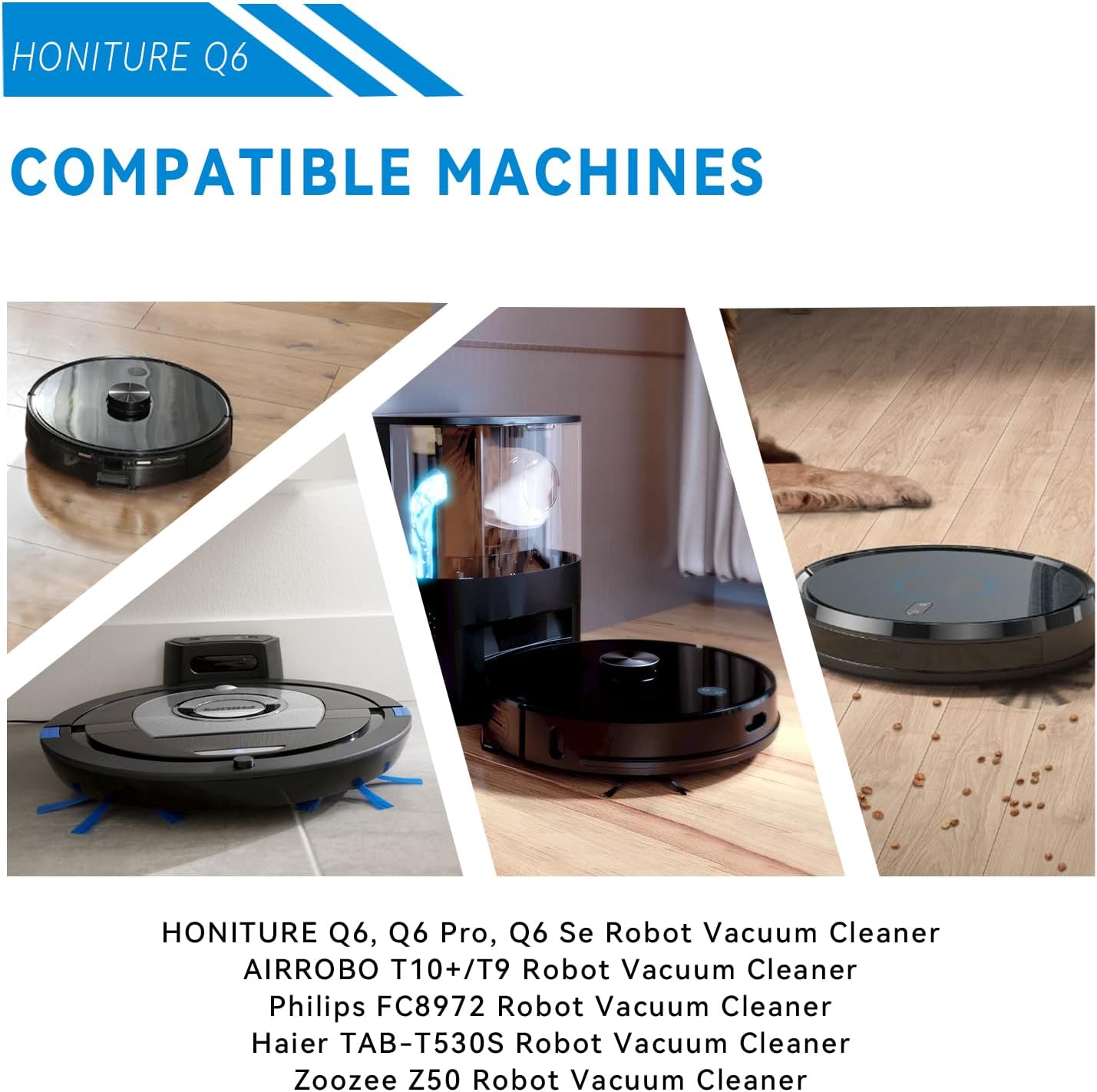
Image: A collage showing several robot vacuum cleaner models, including HONITURE Q6, AIRROBO T10+, and Philips FC8972, to illustrate compatibility.
Warranty and Support
For warranty information or technical support, please refer to the contact details provided with your purchase or visit the official RDSJ website. Keep your purchase receipt as proof of purchase.


