
1. Introduction
Thank you for choosing the ORICO C10 512GB External SSD. This portable solid-state drive is designed for high-speed data transfer and reliable storage across various devices. Please read this manual carefully to ensure proper setup and optimal performance.
What's in the Box
- ORICO C10 External SSD
- 2-in-1 USB C&A Cable

2. Product Features
- Compact Design: Small and lightweight (5.19 x 1.33 x 0.74 inches, 0.12lb) with a hanging hole for portability.
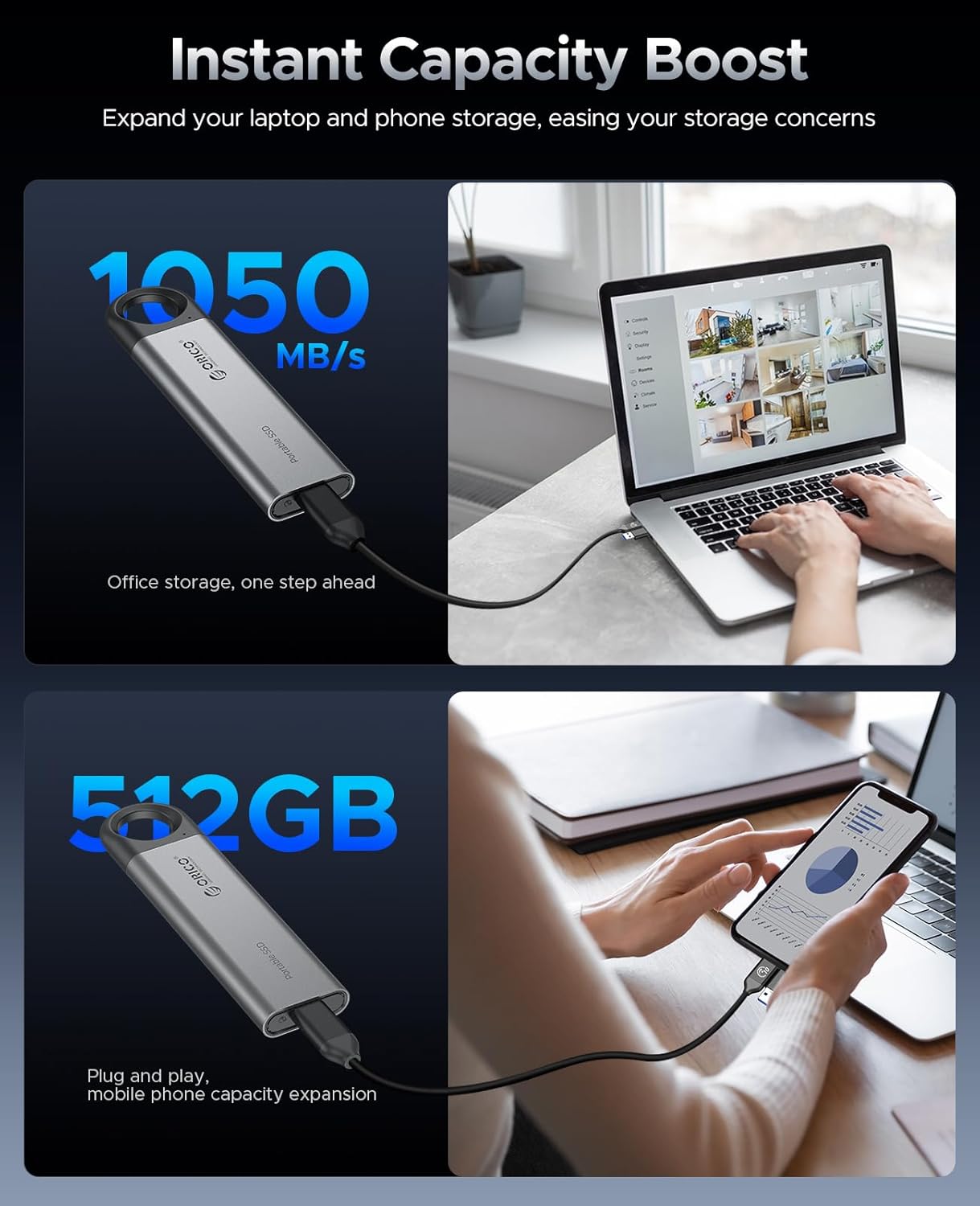
- High-Speed Transfer: Read and write speeds up to 1050 MB/s, capable of transferring 1GB of data in approximately one second. Achieves optimal speeds with USB 3.2 Gen2 interface.
- Rugged and Reliable: Constructed from aluminum alloy for efficient heat dissipation, dustproof, and drop-proof durability, ensuring data security.
- Versatile Connectivity: Includes a 2-in-1 USB C & A cable for compatibility with a wide range of devices.
- Broad Compatibility: Supports Android, iOS, macOS, and Windows operating systems.



3. Setup Guide
The ORICO C10 External SSD is designed for plug-and-play functionality, requiring no drivers for most operating systems.
Connecting to Your Device
- Identify the appropriate connector on the 2-in-1 USB C&A cable for your device (USB-C or USB-A).
- Connect the USB-C end of the cable to the ORICO C10 External SSD.
- Connect the other end of the cable (USB-C or USB-A) to your smartphone, tablet, laptop, or PC.
- The device should automatically recognize the SSD. You may need to confirm a file transfer or storage access prompt on some mobile devices.
4. Operating Instructions
Data Transfer
Once connected, the ORICO C10 External SSD will appear as an external drive on your device. You can drag and drop files, copy, or move data between your device's internal storage and the SSD.
- For optimal transfer speeds (up to 1050MB/s), ensure your device's USB port supports USB 3.2 Gen2 (10Gbps). Lower speed USB ports (e.g., USB 3.0/3.1 Gen1, USB 2.0) will result in slower transfer rates.
- When transferring large amounts of data continuously, the SSD's performance may temporarily decrease due to thermal management. This is normal and helps maintain device stability.
Capacity Display
Due to differences in storage calculation algorithms, the displayed capacity on your operating system may be slightly less than the advertised capacity. For example, a 512GB SSD typically displays around 476GB on Windows.
5. Maintenance and Care
- Physical Protection: The aluminum alloy casing provides durability and aids in heat dissipation. While designed to be drop-proof and dustproof, avoid excessive physical impact or exposure to harsh environments to prevent data loss.
- Temperature: Operate and store the SSD within recommended temperature ranges to ensure longevity. Avoid extreme heat or cold.
- Cleaning: Use a soft, dry cloth to clean the exterior of the SSD. Do not use liquid cleaners or solvents.

6. Troubleshooting
- SSD Not Recognized: Ensure the USB cable is securely connected to both the SSD and your device. Try a different USB port or device to rule out port-specific issues. Verify your device's operating system is up-to-date.
- Slow Transfer Speeds: Confirm your device's USB port supports USB 3.2 Gen2 (10Gbps) for maximum speeds. Older USB standards will operate at their respective lower speeds. Large file transfers may experience temporary speed reductions due to thermal management.
- Incorrect Capacity Display: This is normal due to differences in how operating systems calculate storage. The actual usable capacity will be slightly less than the advertised capacity.
7. Specifications
| Feature | Detail |
|---|---|
| Digital Storage Capacity | 512 GB |
| Hard Disk Interface | USB 3.0 (Note: Supports USB 3.2 Gen2 for 10Gbps) |
| Connectivity Technology | USB |
| Special Feature | Portable |
| Item Weight | 1.44 ounces (approx. 40.8 grams) |
| Product Dimensions | 5.19 x 0.74 x 1.33 inches (approx. 13.18 x 1.88 x 3.38 cm) |
| Compatible Devices | Desktop, Laptop, Smartphone, Tablet |
| Color | Gray |
| Model Number | C10-512GB |
8. Warranty and Support
Protection Plans
Optional data recovery protection plans are available for purchase:
- 2-Year Data Recovery Plan
- 3-Year Data Recovery Plan
For detailed warranty information, technical support, and product registration, please visit the official ORICO website or contact their customer service.


