Introduction
Thank you for choosing the T'nB CBTONESUPGN On-Ear Bluetooth Headphones. These headphones are designed to provide a comfortable and immersive audio experience with wireless convenience. Featuring Bluetooth 5.3 technology, a built-in microphone, and up to 24 hours of battery life, they are suitable for various activities and devices. This manual provides essential information for setting up, operating, and maintaining your headphones.

Package Contents
Please check the box for the following items:
- 1 x T'nB TONALITY On-Ear Bluetooth Headphones
- 1 x User Manual (this document)
- 1 x USB-C Charging Cable
- 1 x 3.5mm Audio Jack Cable
Product Overview
Familiarize yourself with the various parts and controls of your T'nB headphones.
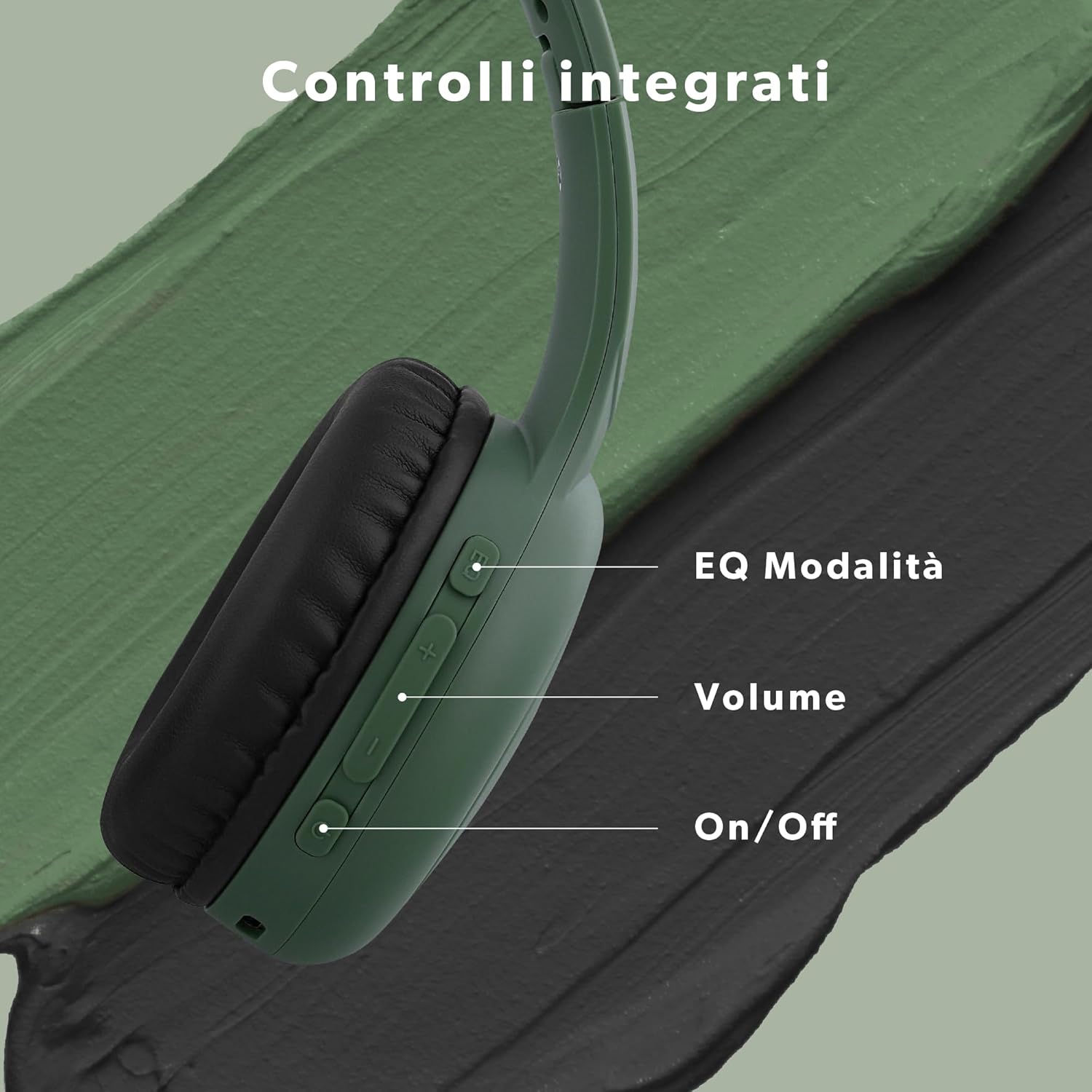
Controls:
- Power Button (On/Off): Press and hold to power on or off.
- Volume Up (+): Short press to increase volume.
- Volume Down (-): Short press to decrease volume.
- Multi-function Button (EQ Mode/Play/Pause/Call):
- Short press to Play/Pause music.
- Short press to Answer/End calls.
- Double press to switch between EQ modes (Bass Boost, Pop Mode, Voice Focus).
- USB-C Port: For charging the headphones.
- 3.5mm Audio Jack: For wired connection.
- Microphone: For hands-free calls.
Setup
1. Initial Charging
Before first use, fully charge your headphones. Connect the supplied USB-C cable to the charging port on the headphones and the other end to a USB power source (e.g., computer, wall adapter). The LED indicator will show charging status and turn off or change color when fully charged. A full charge provides up to 24 hours of playback.
2. Bluetooth Pairing
- Ensure the headphones are turned off.
- Press and hold the Power button until the LED indicator flashes blue and red alternately, indicating pairing mode.
- On your device (smartphone, tablet, computer), enable Bluetooth and search for available devices.
- Select "T'nB CBTONESUPGN" from the list of devices.
- Once connected, the LED indicator will typically show a solid blue light or flash blue slowly.
- The headphones will automatically reconnect to the last paired device when powered on, if Bluetooth is enabled on the device and it is within range (up to 15 meters).
Operating Instructions
Power On/Off
- To Power On: Press and hold the Power button for approximately 3 seconds.
- To Power Off: Press and hold the Power button for approximately 3 seconds.
Music Playback
- Play/Pause: Short press the Multi-function button.
- Volume Up: Short press the '+' button.
- Volume Down: Short press the '-' button.
Call Management
With the built-in microphone, you can manage calls directly from your headphones.
- Answer/End Call: Short press the Multi-function button.
- Reject Call: Press and hold the Multi-function button for 2 seconds.
EQ Modes
Customize your listening experience with three distinct EQ modes.

- Switch Modes: Double press the Multi-function button.
- Available Modes:
- Bass Boost: Enhances low-frequency sounds for a richer bass.
- Pop Mode: Optimized for popular music genres, providing balanced sound.
- Voice Focus: Emphasizes vocal clarity, ideal for podcasts or audiobooks.

Wired Connection (3.5mm Jack)
You can use your headphones with a wired connection, even if the battery is depleted. This is useful for devices without Bluetooth or to conserve battery life.

- Connect one end of the supplied 3.5mm audio jack cable to the headphone's 3.5mm port.
- Connect the other end to the audio output jack of your device.
- In wired mode, the headphone's internal volume controls and EQ modes may not function. Adjust volume directly from your connected device.
Maintenance
Cleaning
- Wipe the headphones with a soft, dry cloth.
- Do not use abrasive cleaners, alcohol, or chemical solvents.
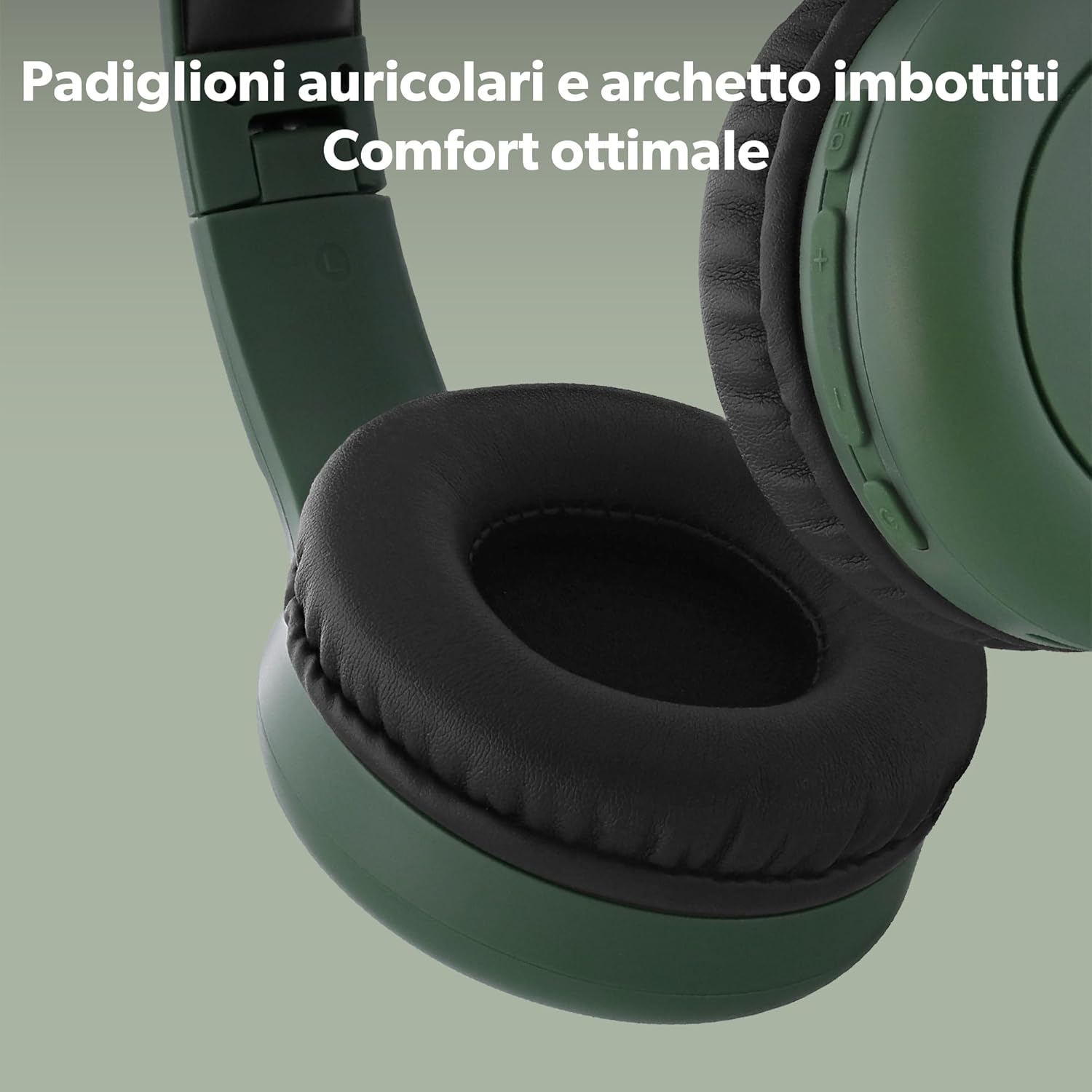
- Gently clean the ear cushions with a slightly damp cloth if necessary, and allow them to air dry completely before use.
Storage
- Store the headphones in a cool, dry place away from direct sunlight and extreme temperatures.
- The headphones are foldable for compact storage and transport.
Troubleshooting
| Problem | Possible Cause | Solution |
|---|---|---|
| Headphones do not power on. | Low battery. | Charge the headphones using the USB-C cable. |
| Cannot pair via Bluetooth. | Headphones not in pairing mode; device Bluetooth off; too far from device. | Ensure headphones are in pairing mode (flashing blue/red). Turn on device Bluetooth. Move headphones closer to device (within 15m). |
| No sound or low volume. | Volume too low on headphones or device; incorrect audio source; wired connection issues. | Increase volume on both headphones and device. Ensure correct audio output is selected on your device. If using wired mode, check cable connection and device volume. |
| Microphone not working. | Microphone muted on device; app permissions. | Check device settings to ensure microphone is not muted and app has permission to use it. |
Specifications
| Model Name | CBTONESUPGN |
| Brand | T'nB |
| Connectivity Technology | Wireless (Bluetooth), Wired (3.5mm Jack) |
| Wireless Communication | Bluetooth 5.3 |
| Ear Placement | On-Ear (Supra-aural) |
| Impedance | 32 Ohm |
| Noise Control | None |
| Microphone | Integrated |
| Battery Life | Up to 24 Hours |
| Charging Interface | USB-C |
| Control Method | Physical Buttons |
| Weight | 310 g |
| Water Resistance Level | Not water resistant |
| Compatible Devices | Phone, Computer, Laptop, Tablet |
Safety Information
- Do not expose the headphones to extreme temperatures, humidity, or liquids.
- Avoid dropping or subjecting the headphones to strong impacts.
- Do not attempt to disassemble or modify the headphones. This will void the warranty.
- Listen at moderate volume levels to prevent hearing damage. Prolonged exposure to loud sounds can cause irreversible hearing loss.
- Do not use headphones while driving, cycling, or in situations where you need to hear ambient sounds for safety.
- Keep out of reach of children.
Warranty and Support
T'nB products are designed and manufactured to the highest quality standards. For detailed warranty information, please refer to the warranty card included in your package or visit the official T'nB website. If you encounter any issues or require technical assistance, please contact T'nB customer support through their official channels.
For further assistance, please visit: www.tnb.com


