Introduction
Thank you for choosing the T'nB Tonality Bluetooth Supra-aural Headphones. These headphones are designed to provide a versatile audio experience, offering both wireless Bluetooth connectivity and a traditional wired option. With comfortable ear pads, an adjustable headband, and integrated controls, they are suitable for various audio needs.
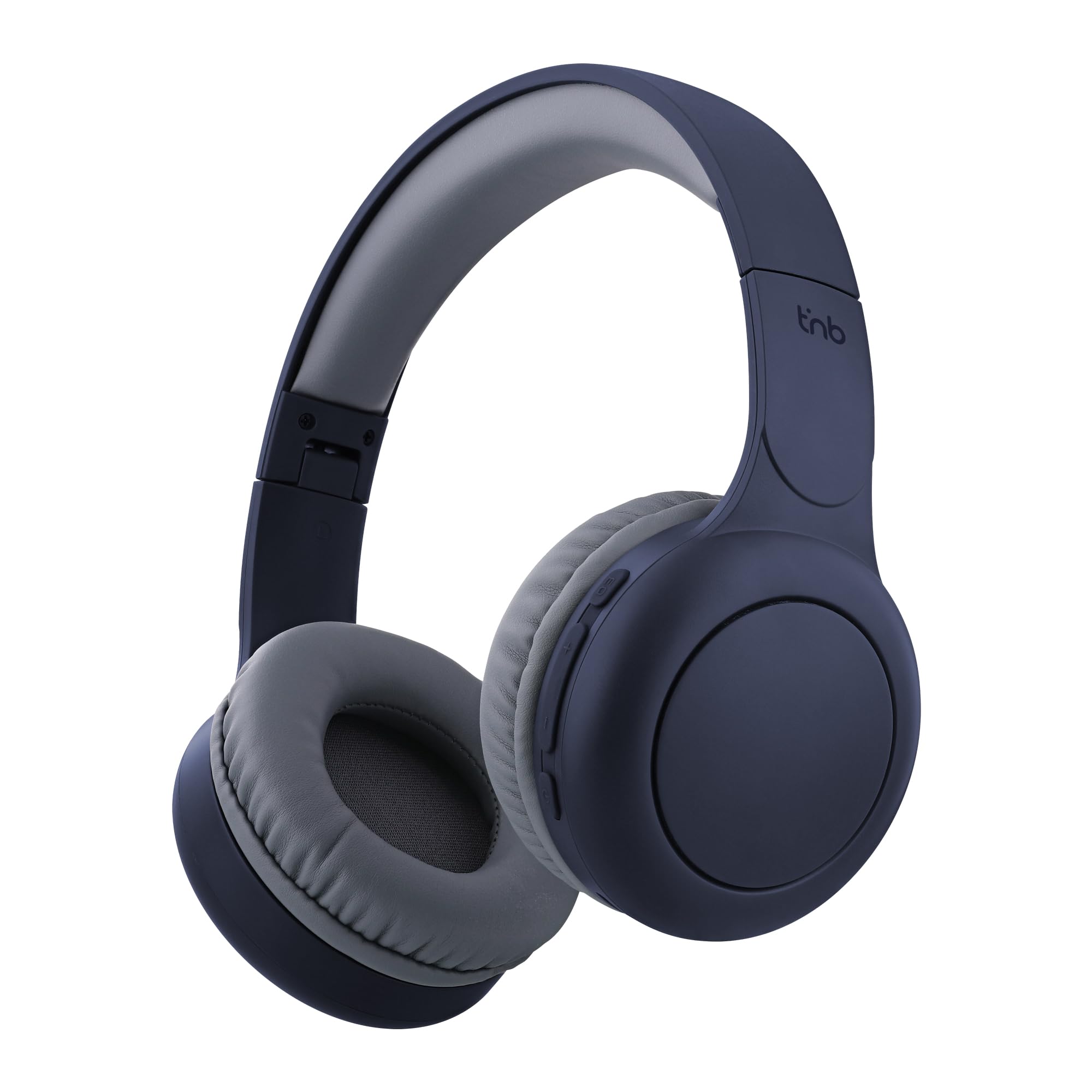
Image: T'nB Tonality Bluetooth Supra-aural Headphones, showcasing the overall design.
Package Contents
Ensure all items are present in the package:
- 1 x T'nB Tonality Headphones
- 1 x USB-C Charging Cable
- 1 x 3.5mm Jack Audio Cable
- 1 x User Manual
Product Overview
The T'nB Tonality headphones are equipped with several features for an enhanced listening experience:
- Comfortable Design: Foam ear pads and a padded headband provide optimal comfort for extended wear.
- Long Battery Life: Up to 24 hours of playback on a single charge.
- Equalizer Modes: Switch between BASS BOOST, POP MODE, and VOICE FOCUS for tailored audio.
- Integrated Controls: Manage music playback, volume, and calls directly from the headphones.
- Built-in Microphone: Enables hands-free calling.
- Foldable and Adjustable: The headphones feature a foldable design and an adjustable headband for portability and a secure fit.
- Wired Option: Use the included 3.5mm jack cable for a wired connection when wireless is not preferred or battery is low.
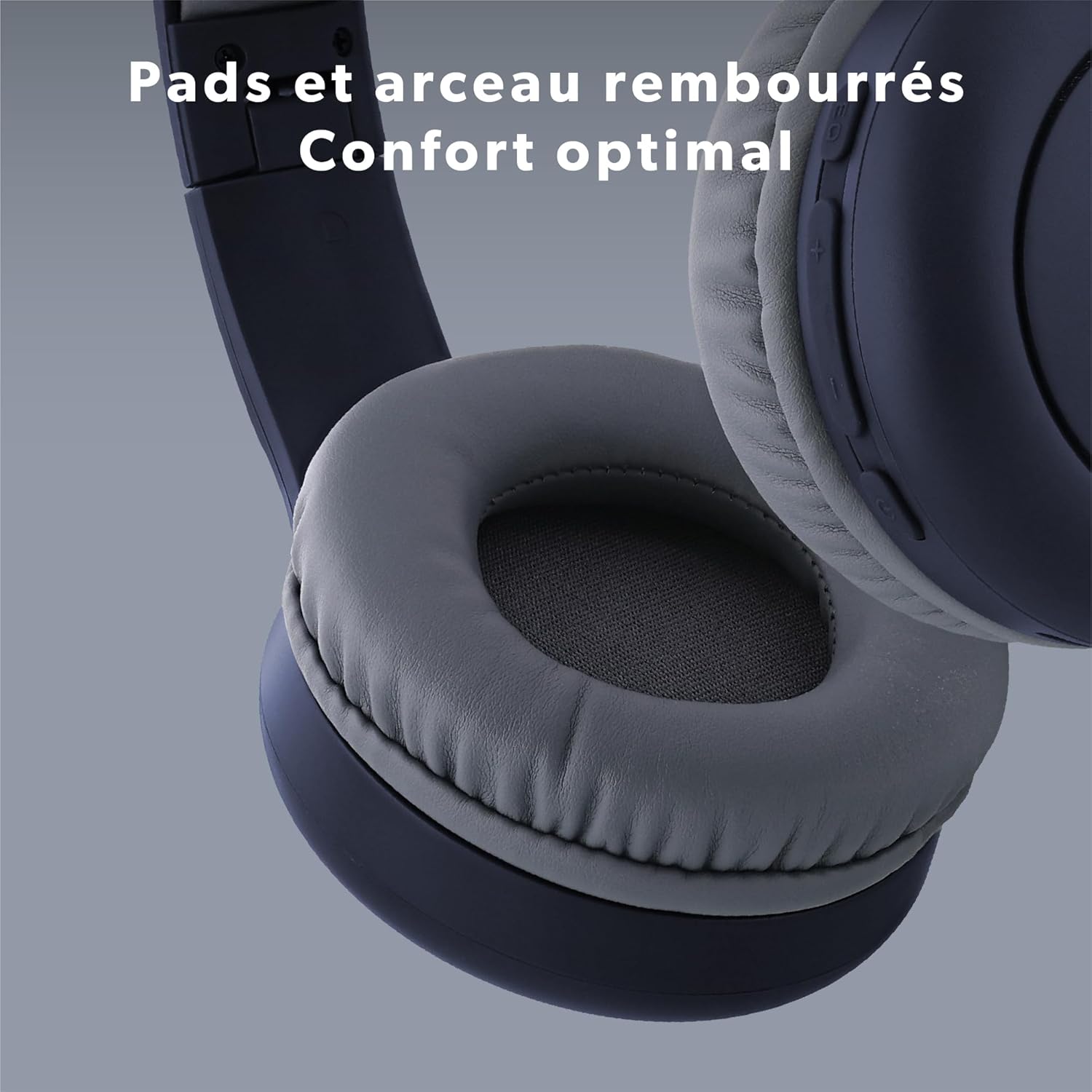
Image: Close-up view of the headphone's ear pads and headband, highlighting the comfortable padding.
Setup
1. Charging the Headphones
Before first use, fully charge the headphones.
- Connect the supplied USB-C cable to the charging port on the headphones.
- Connect the other end of the USB-C cable to a USB power source (e.g., computer USB port, USB wall adapter).
- The LED indicator will show the charging status. It typically turns off or changes color when fully charged.
2. Bluetooth Pairing
To connect your headphones wirelessly:
- Ensure the headphones are charged and turned off.
- Press and hold the Power button (On/Off) for approximately 3-5 seconds until the LED indicator flashes blue and red, indicating pairing mode.
- On your device (smartphone, tablet, computer), enable Bluetooth and search for available devices.
- Select "T'nB TONALITY" from the list of found devices.
- Once paired, the LED indicator will typically flash blue slowly or remain solid blue.
3. Wired Connection
To use the headphones with the 3.5mm jack cable:
- Plug one end of the included 3.5mm audio cable into the audio input port on the headphones.
- Plug the other end into the 3.5mm audio output jack of your device.
- The headphones will operate in passive mode, consuming no battery power.

Image: The included 3.5mm jack cable, used for wired audio connection.
Operating Instructions
1. Power On/Off
- Power On: Press and hold the Power button for approximately 3 seconds until the LED indicator lights up.
- Power Off: Press and hold the Power button for approximately 3 seconds until the LED indicator turns off.
2. Music Playback
- Play/Pause: Press the Power button once.
- Next Track: Press and hold the "+" button.
- Previous Track: Press and hold the "-" button.
3. Volume Adjustment
- Volume Up: Press the "+" button once.
- Volume Down: Press the "-" button once.
4. Call Management
- Answer/End Call: Press the Power button once during an incoming call or during an active call.
- Reject Call: Press and hold the Power button for approximately 2 seconds during an incoming call.
5. Equalizer Modes
The headphones feature three equalizer modes to optimize your listening experience:
- BASS BOOST: Enhances low frequencies for a richer bass sound.
- POP MODE: Optimized for pop music, providing balanced sound.
- VOICE FOCUS: Emphasizes vocal clarity, ideal for podcasts or audiobooks.
To switch between modes, press the EQ Mode button (usually located near the volume controls). Each press will cycle through the available modes.

Image: Detailed view of the integrated controls on the headphone, showing buttons for EQ Modes, Volume, and On/Off.

Image: A person listening to music with the headphones, demonstrating the application of EQ modes for different audio experiences.
Maintenance
To ensure the longevity and optimal performance of your headphones:
- Clean the headphones regularly with a soft, dry cloth.
- Avoid using abrasive cleaners or solvents.
- Do not expose the headphones to extreme temperatures, humidity, or direct sunlight.
- Store the headphones in a cool, dry place when not in use. The foldable design allows for compact storage.
- Avoid dropping or subjecting the headphones to strong impacts.
Troubleshooting
If you encounter issues with your headphones, refer to the following common solutions:
| Problem | Solution |
|---|---|
| Headphones do not power on. | Ensure the headphones are fully charged. Connect them to a power source using the USB-C cable. |
| Cannot pair via Bluetooth. | Make sure the headphones are in pairing mode (LED flashing blue and red). Turn off and on your device's Bluetooth. Ensure the headphones are not already connected to another device. Move closer to your device. |
| No sound when connected via Bluetooth. | Check the volume level on both the headphones and your connected device. Ensure the headphones are selected as the audio output device on your phone/computer. |
| No sound when connected via 3.5mm jack. | Ensure the 3.5mm cable is fully inserted into both the headphones and the audio source. Test with a different audio cable if available. Check the volume on your audio source. |
| Microphone not working. | Ensure the headphones are properly connected via Bluetooth. Check microphone settings on your device to ensure the headphone microphone is selected. |
Specifications
| Feature | Detail |
|---|---|
| Model Name | CBTONESUPBL |
| Brand | T'nB |
| Connectivity Technology | Wireless (Bluetooth), Wired (3.5mm Jack) |
| Wireless Communication Technology | Bluetooth |
| Form Factor | Supra-aural |
| Ear Placement | On-Ear |
| Impedance | 32 Ohms |
| Control Method | Tactile Buttons |
| Material | Plastic |
| Water Resistance Level | Waterproof (Note: This typically means splash-proof, not submersible) |
| Compatible Devices | Game Console, Smart Speaker, Laptop, Car Audio System, Tablet, Phone, Mobile Phone, Television, Music Production Equipment |
| Special Features | Wired Headphone Functionality |

Image: A person enjoying music with the headphones, symbolizing the 24-hour battery life for extended use.
Warranty Information
T'nB products are covered by a manufacturer's warranty against defects in materials and workmanship. The specific warranty period may vary by region and product. Please retain your proof of purchase for any warranty claims. For detailed warranty terms and conditions, refer to the documentation provided with your purchase or contact T'nB customer support.
Customer Support
For further assistance, technical support, or inquiries regarding your T'nB Tonality headphones, please visit the official T'nB website or contact their customer service department. Contact information can typically be found on the product packaging or the official brand website.